If you’ve ever bought a NAS case, filled it up, and then thought, “…so now what?” — yeah, you’re not alone. Capacity planning isn’t just “how many TB.” It’s drive bays, failure tolerance, rebuild window, and your growth plan. Pick the wrong bay count and you’ll be doing a full drive swap way earlier than you wanted.
I’ll keep this practical. Real workloads, real rack headaches, and the kind of “drive math” you can explain to your boss without sounding like a robot.
Here are a few IStoneCase pages you may want to peek while you read:
- IStoneCase
- NAS Case
- Rackmount Case
- GPU Server Case
- Server Case OEM/ODM
- Chassis Guide Rail
- ATX server case
- NAS case customization
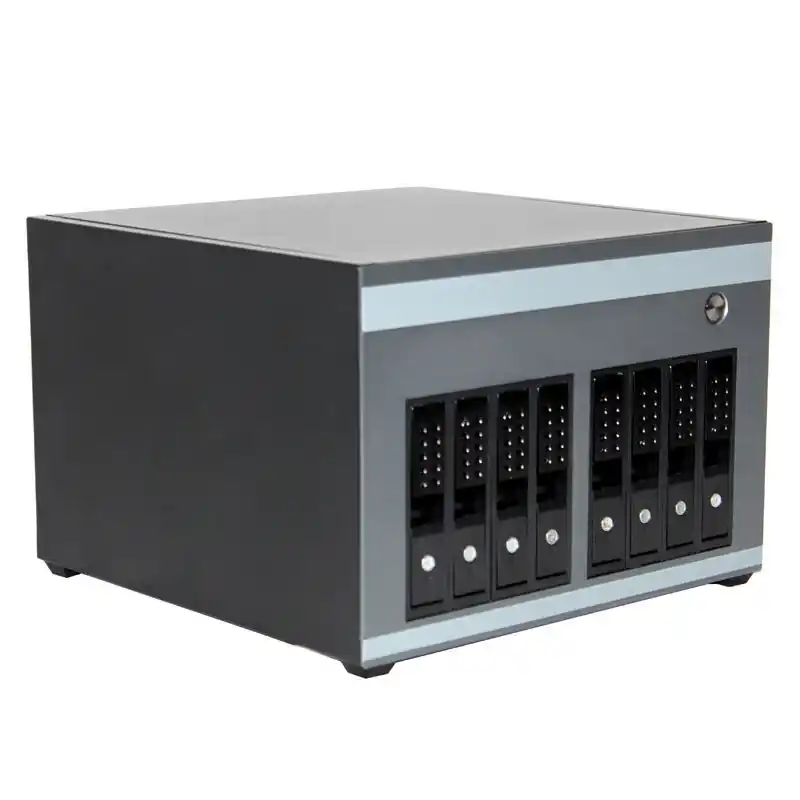
Capacity Planning Basics for NAS Drive Bays
Before we talk 4-bay vs 8-bay vs 12-bay, you need one mindset shift:
You’re not buying storage. You’re buying an upgrade path.
A NAS build has a few “hidden taxes”:
- Parity tax (RAID overhead)
- Safety tax (hot spare, extra redundancy)
- Ops tax (downtime, rebuild window, service time)
- Thermal tax (more disks = more heat = more airflow needs)
If you plan these up front, your NAS stays boring. And boring storage is good storage.
Drive Bays and Expansion Path: Add Drives vs Replace Drives
This is the big one.
- With extra empty bays, you can scale by adding disks.
- When you run out of bays, you scale by replacing disks (one-by-one rebuilds, longer risk window), or you bolt on an expansion shelf.
In a 4-bay box, “add drives later” works… until you’re full. After that, every upgrade feels like surgery.
In an 8-bay or 12-bay chassis, you can leave runway. That runway is basically peace of mind.
RAID 6 for Two-Disk Fault Tolerance
People love RAID 5 because it looks efficient on paper. Ops people love RAID 6 because they’ve seen what happens during rebuilds.
RAID 6 gives you two-disk fault tolerance. That matters more as:
- drives get larger
- arrays get busier
- rebuild time stretches out
If you run anything business-ish (VMs, shared files, surveillance retention), RAID 6 is often the “sleep at night” pick.
RAID Parity Overhead: RAID 5 vs RAID 6
Here’s the simple rule-of-thumb capacity math:
- RAID 5 ≈ lose the space of 1 drive
- RAID 6 ≈ lose the space of 2 drives
- RAID 10 ≈ lose about half
That’s why bay count matters so much. Losing 2 drives in a 4-bay box hurts. Losing 2 in a 12-bay? You barely feel it.
Usable Capacity Table (Example: 20TB per drive)
This is planning math, not a promise. Real usable space will be lower due to formatting, TB vs TiB, snapshots, and file system overhead. Still, it’s a clean starting point.
| Bay Count | Raw (20TB/drive) | RAID 5 Usable | RAID 6 Usable | RAID 10 Usable |
|---|---|---|---|---|
| 4-bay | 80TB | ~60TB | ~40TB | ~40TB |
| 8-bay | 160TB | ~140TB | ~120TB | ~80TB |
| 12-bay | 240TB | ~220TB | ~200TB | ~120TB |
Small Arrays Concentrate Risk: Big Drives in Few Bays
Here’s the part people don’t like hearing:
If you cram “huge disks” into a small bay count, you build a bigger fault domain per drive.
Translation: one disk going weird hurts more, because each disk carries a larger chunk of your total data. During rebuild, the whole array runs hot (not just temps — I mean stress).
So yeah, “just buy bigger drives” works. But it can also be the moment your risk balloons and you don’t notice.
Mixed Drive Strategy: SHR and Mismatched Disks
A lot of teams buy drives in waves. Budgets come in waves too, sadly.
Mixing drive sizes can be fine, but you should plan for:
- capacity getting “stranded” (unused space depending on layout)
- performance mismatch (slowest disk drags)
- messy future upgrades (“which disks do I replace first?”)
If you know you’ll mix, pick a chassis with more bays than you think you need. That way you can add drives instead of doing the painful swap dance.
SSD Cache and System Drives: Losing Bays to Performance
Some setups reserve bays (or M.2/2.5”) for:
- SSD cache
- metadata / hot tier
- separate system volume
That’s great for performance, but it means your “12-bay” might behave like “10 data bays” in practice.
So when you plan capacity, plan data bays, not just total bays.
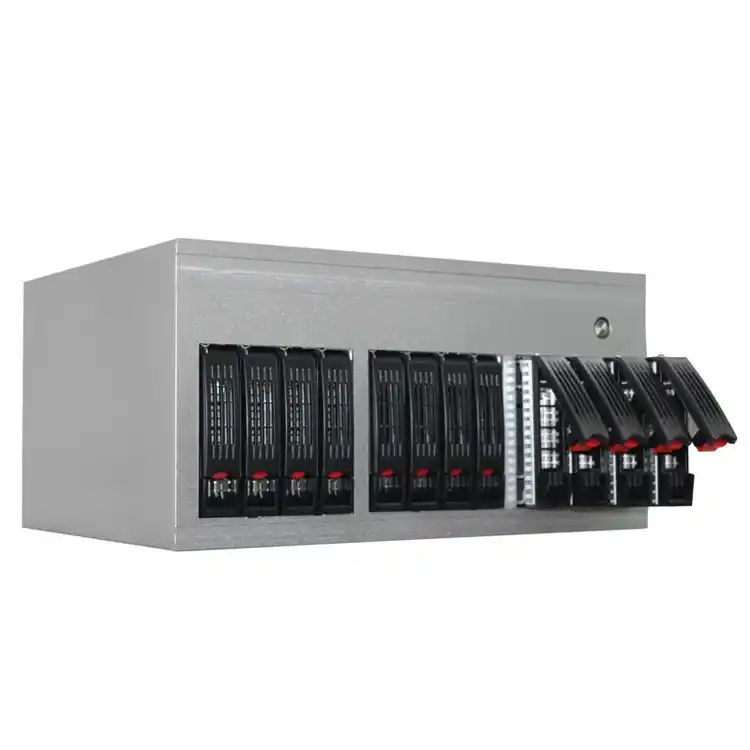
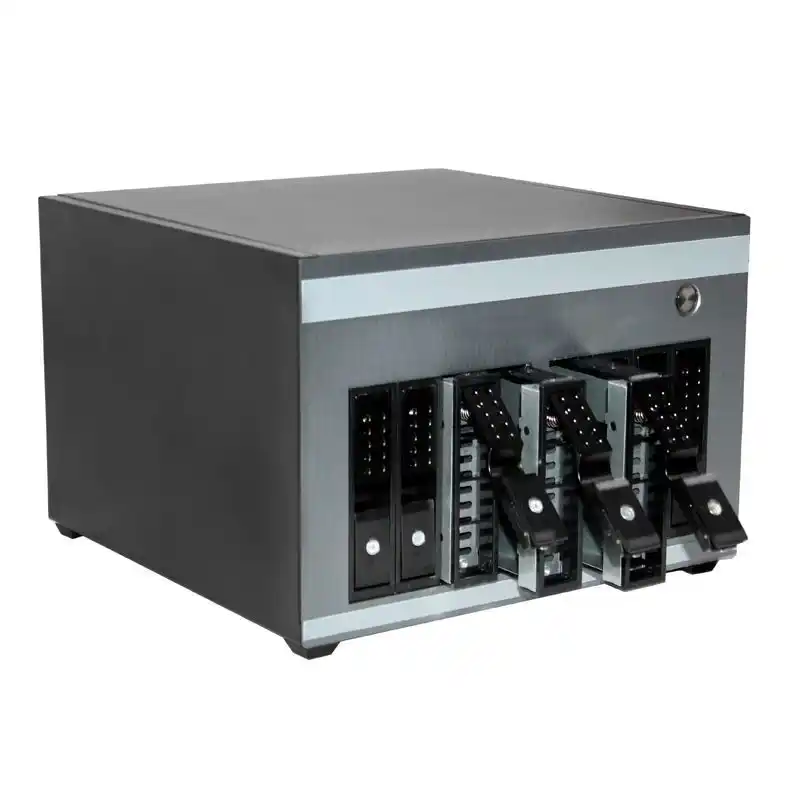
4-Bay NAS Case for Backup, Media, and Branch Office
A 4-bay NAS case shines when you want:
- small footprint
- simple builds
- light concurrency
- “set it and forget it” backups
Common uses:
- SMB file share (a few users)
- home lab storage
- photo/video archive
- a branch office box that just runs
But here’s the catch: if you want RAID 6 in 4 bays, your usable space drops fast. So most 4-bay builds end up RAID 5 or RAID 10, depending on risk tolerance and I/O needs.
If you’re shopping options, the NAS Case lineup from IStoneCase includes 4-bay designs that fit compact boards, which is handy when you don’t need a full deep rack chassis.
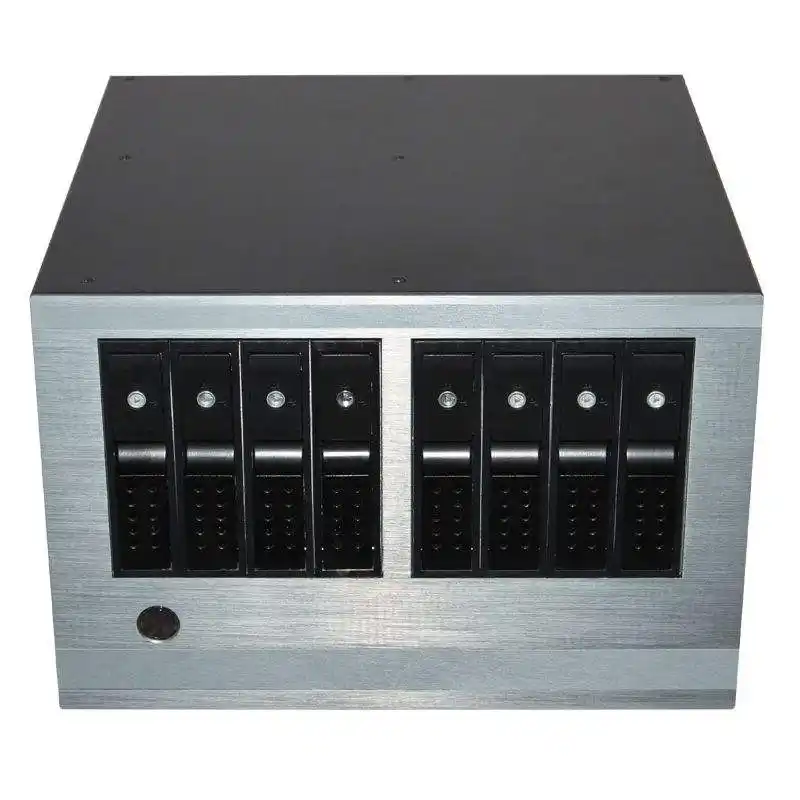
8-Bay NAS Case for RAID 6 and Real Growth
8 bays is where things get comfy.
You can:
- run RAID 6 without it feeling “too expensive” in capacity
- keep 1–2 bays empty for growth
- add a hot spare if uptime matters
This size hits a sweet spot for:
- IT service providers (multi-tenant file storage)
- small data rooms
- dev teams with CI artifacts, container images, VM templates
- surveillance with longer retention
Also, 8-bay maps nicely into a server rack pc case approach if you’re doing rack deployments instead of desktop boxes. When you rack it, don’t forget rails. Seriously. Chassis Guide Rail saves your knuckles and your uptime.
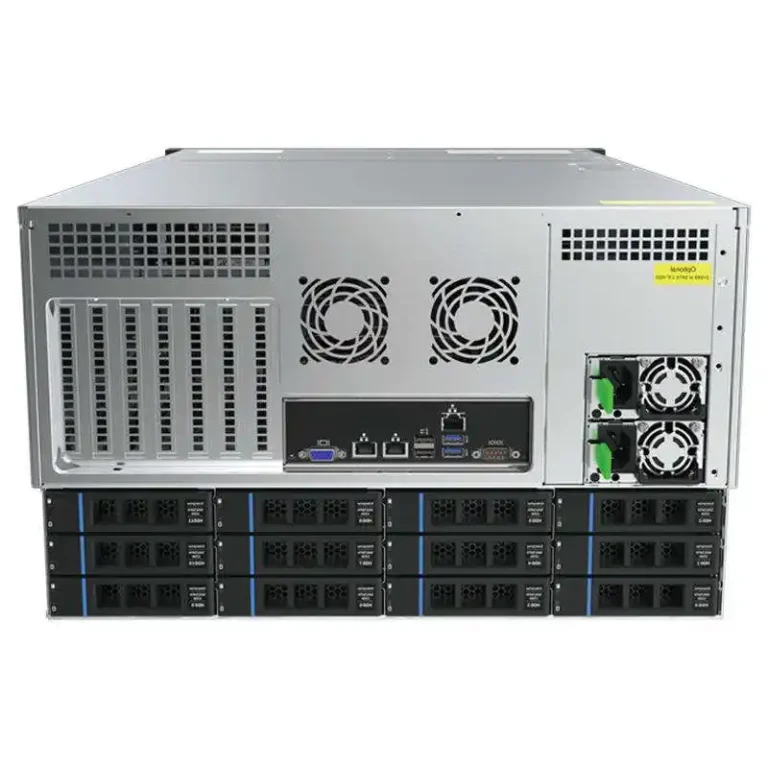
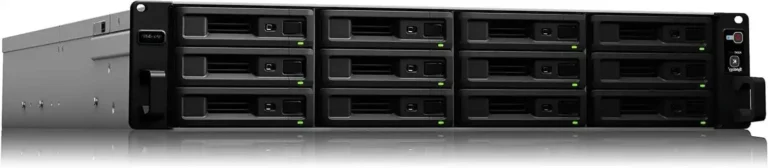
12-Bay NAS Case for High-Density Storage and Enterprise Ops
12 bays is for people who already know the pain:
- storage grows faster than anyone admits
- rebuild windows get scary
- you need predictable service time (MTTR)
This is where you start caring about:
- hot-swap backplane quality
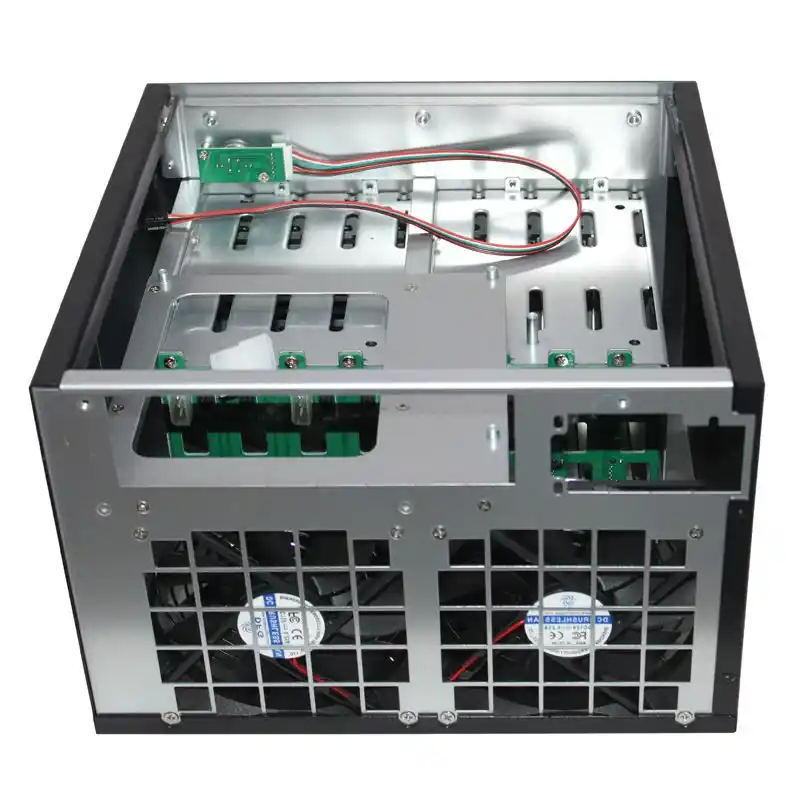
- front-to-back airflow
- cable management that doesn’t look like ramen
- standardized spare parts across many units
It’s also a natural fit when you pair storage with compute in the same rack row — especially if you’re running AI pipelines. Many teams keep compute in a GPU Server Case and storage in a separate rackmount NAS chassis so the heat zones stay sane. Hot aisle be hot, man.
Workload Scenarios: Backup, Surveillance, VM Storage, AI Data
Let’s map bay count to real “用途 / scenarios”:
- Backup + archive: 4-bay works, 8-bay feels nicer.
- Surveillance retention: 8-bay minimum if you hate constant pruning.
- VM storage / lots of small I/O: 8-bay or 12-bay, plus SSD tiering.
- AI datasets / large sequential reads: 12-bay if the data keeps growing and you want fewer “migration weekends.”
And yes, sometimes the right answer isn’t “NAS case,” it’s a computer case server build in a rack chassis — especially when you need more PCIe lanes, more NIC options, or redundancy.
That’s where terms like server pc case, server rack pc case, and atx server case actually matter. If you need the flexibility of an ATX board (more slots, more lanes, easier parts sourcing), a rackmount atx server case style build can save a lot of headaches later.
Decision Table: 4-Bay vs 8-Bay vs 12-Bay
| If you care most about… | Pick | Why it works | Evidence Type |
|---|---|---|---|
| Small footprint, simple backup | 4-bay | Easy to deploy, fewer parts | Build practice |
| RAID 6 without killing usable space | 8-bay | Better redundancy-to-capacity balance | RAID math |
| Fast growth + stable ops | 12-bay | More runway, easier standardization | Ops experience |
| Mixing drives over time | 8/12-bay | More room to add, less swapping | Upgrade path |
OEM/ODM and Bulk Purchasing for Repeatable Deployments
If you’re building one NAS, you can wing it.
If you’re building 20, 200, or a whole channel line, winging it gets expensive in time and support tickets.
This is where IStoneCase is a solid fit: they position as “IStoneCase – The World’s Leading GPU/Server Case and Storage Chassis OEM/ODM Solution Manufacturer”, and they already sell to data centers, algorithm centers, enterprises, IT providers, and builders who care about repeatability. If you need custom front I/O, drive layout tweaks, different backplanes, branding, or bulk supply, that OEM/ODM lane matters. Start here: Server Case OEM/ODM.
Also, if you’re doing racks, don’t cheap out on mounting. A good rail kit turns “maintenance” into a two-minute slide-out, not a full shutdown panic. See: Chassis Guide Rail.