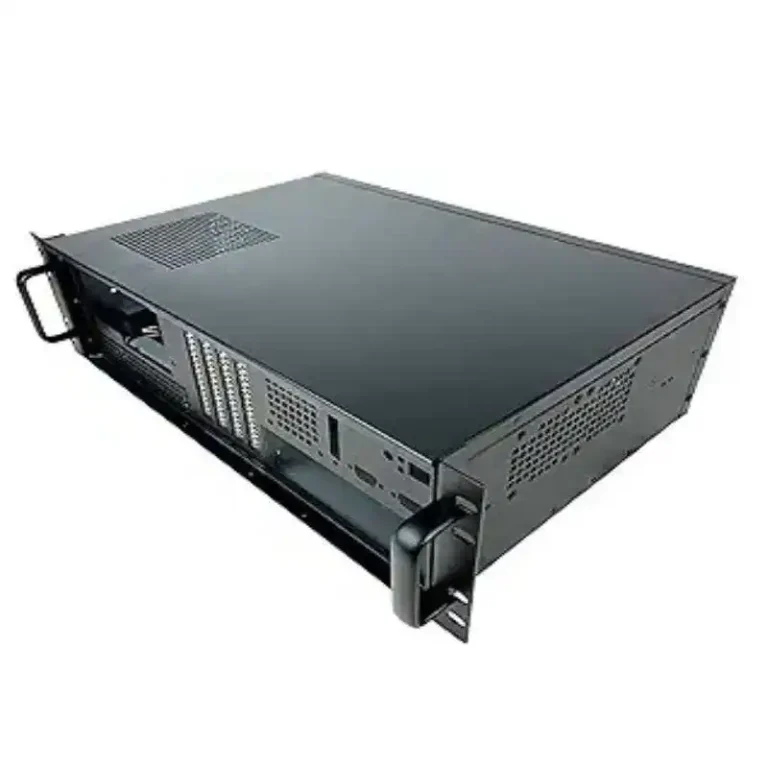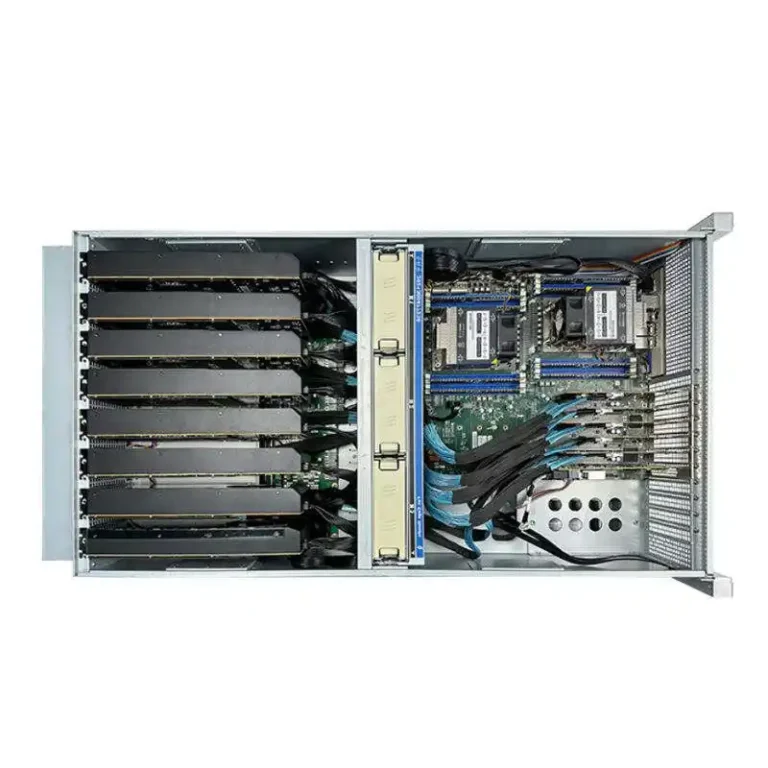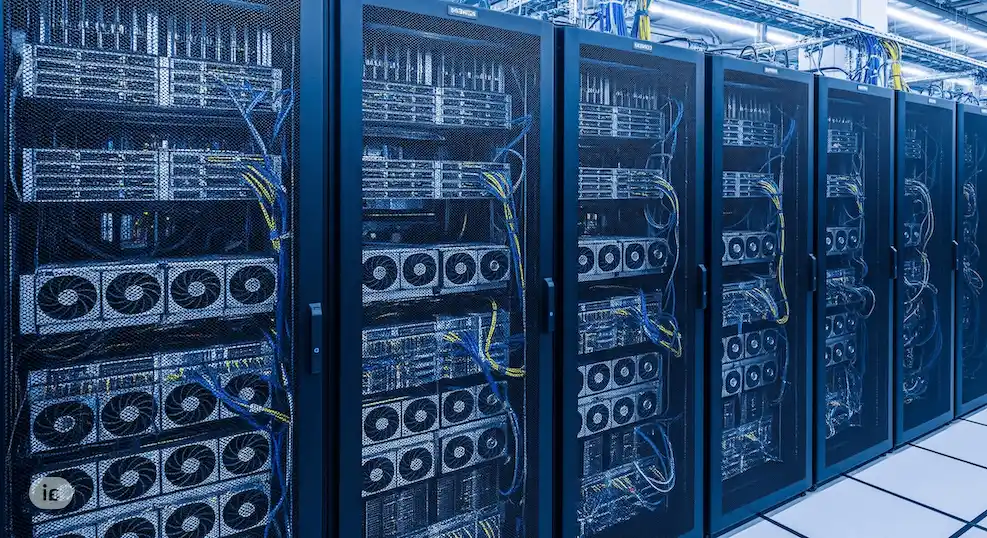
You want to run heavy AI, real-time infer, maybe a bunch of training jobs, and you don’t want the box to scream or throttle. The chassis is where that story start. Below is a practical way to judge a GPU server case, and I’ll plug in what IStoneCase can actually ship right now, like the GPU Server Case, the 4U/5U/6U lines, and the custom service.
1. Cooling and Airflow for GPU Server Case
High-power GPUs today sit at 350–600 W. If the air can’t pass straight through, the card will downclock. That’s why the case must push front-to-back airflow, high-static fans, and leave space around the cards.
Front-to-Back Airflow Design
- Straight duct from fans to GPU zone.
- Enough fan trays so you don’t run them at 100% all day.
- Clear cable path, or you block the air and temps go weird.
On IStoneCase you can see it in the rackmount lines like the 4U GPU Server Case and the deeper 5U GPU Server Case. 4U is already good for 4–8 dual-slot cards. 5U/6U gives you more air volume so you dont fight with fan noise.
Liquid or Hybrid Cooling Options
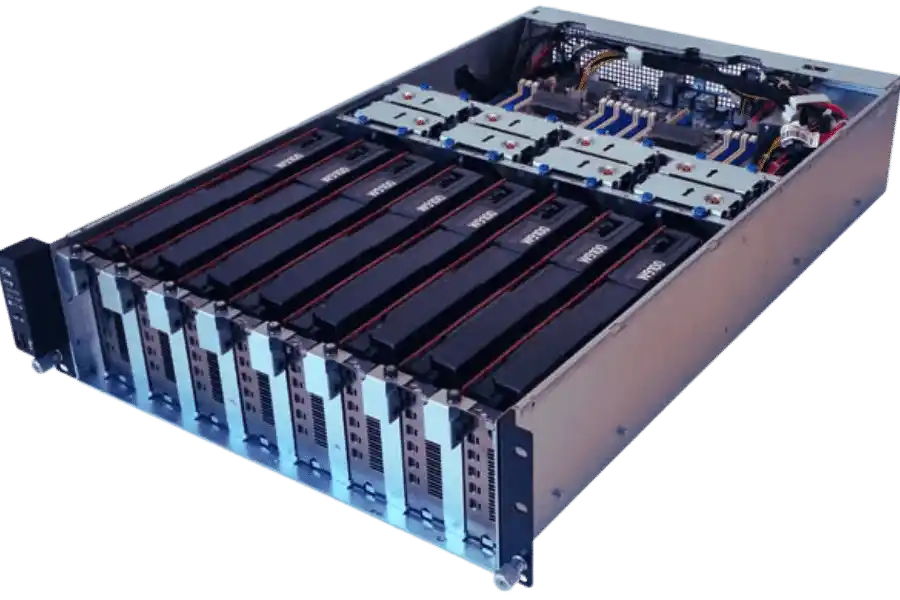
Not every site has liquid, but the chassis should at least leave room for cold-plate, extra radiator, or higher fan walls. 6U boxes like the 6U GPU Server Case give you that headroom. Bigger U = easier thermal budget.
2. Power and Redundancy in GPU Server Chassis
Cooling keeps the GPU alive, power keeps it honest. You stack 4 big cards + 2 CPUs + NVMe, you hit a big number fast. We don’t write the number here, but you know it’s not small.
What to check:
- PSU wattage and rails – enough connectors for every GPU, no DIY splitters.
- Redundant PSU – if one side fail, machine stay online. Data centers and service providers will ask this by default.
- Electrical enviroment – some rooms are 220V only, some are mixed. Chassis should match.
IStoneCase racks can be ordered with matched PSU in the GPU Server Case section. If the standard config doesn’t fit your draw, go to the Customization Server Chassis Service and tell them “I need higher PSU and still hot-swap”. That’s a common pain point.
3. GPU, PCIe and Form-Factor Compatibility
This part gets ignored and then someone buys the wrong server pc case.
You should map three things:
- Card size – dual-slot? full-height? passive data-center GPU? Cards like that need wider 4U or higher.
- PCIe generation and lanes – Gen4/Gen5 need clean traces and right risers. Chassis must have space for those risers.
- Topology – sometimes you want 8 GPUs on one root, sometimes 4+4 split. If the case can’t host the right backplane or riser layout, you can’t build the topology.
For example, the ISC GPU Server Case WS04A2 is aimed at high-density GPU placement in a 4U body, while the taller ISC GPU Server CaseWS06A gives extra space for long boards, more PCIe risers and even storage. That’s where you drop in atx board and still route air.
Also, drop in keywords your buyers search: this chassis can sit in a server rack pc case setup, it works as a computer case server for AI workloads, and for teams still on ATX layout, you can spec it as an atx server case so they don’t have to re-do the whole platform.
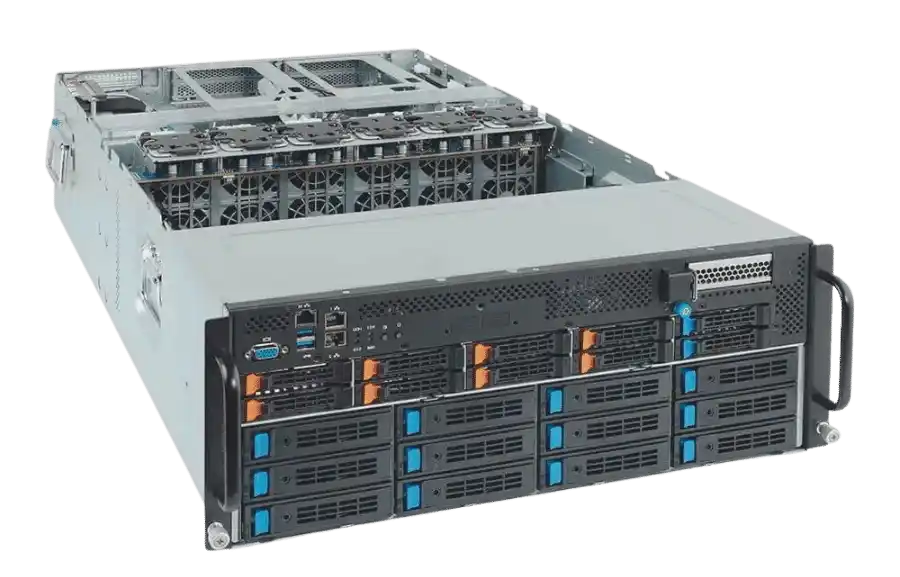
4. Rackmount Size and Deployment Scenarios (4U / 5U / 6U GPU Server Case)
Different room → different height. Don’t force a 2U dream into a shallow cabinet.
| Size | Typical Use | Why it helps GPU | IStoneCase ref |
|---|---|---|---|
| 4U | Standard DC racks, AI edge nodes, VDI | Enough for 4–8 dual-slot GPUs, good airflow, still compact | 4U GPU Server Case |
| 5U | Heavier training node, more storage in the same box | More fan wall, more PSU, easier cable management | 5U GPU Server Case |
| 6U | High-TDP cards, mixed GPU + DPU + NVMe, weird site layout | Huge air volume, space for liquid, better serviceability | 6U GPU Server Case |
A few real-world talks:
- Colocation / hosting: they charge per rack or per RU sometimes, but you also need a case that staff can pull out fast. 4U is nice here.
- Algo / AI center: they like 5U/6U because thermal is easier and you can do multi-tenant jobs on one box.
- On-prem SME: often they only have one cabinet and weird depth. They need a flexible server rack pc case with decent cooling, not a noise jet.
So, pick U-height based on where the chassis will live, not just on PDF spec.
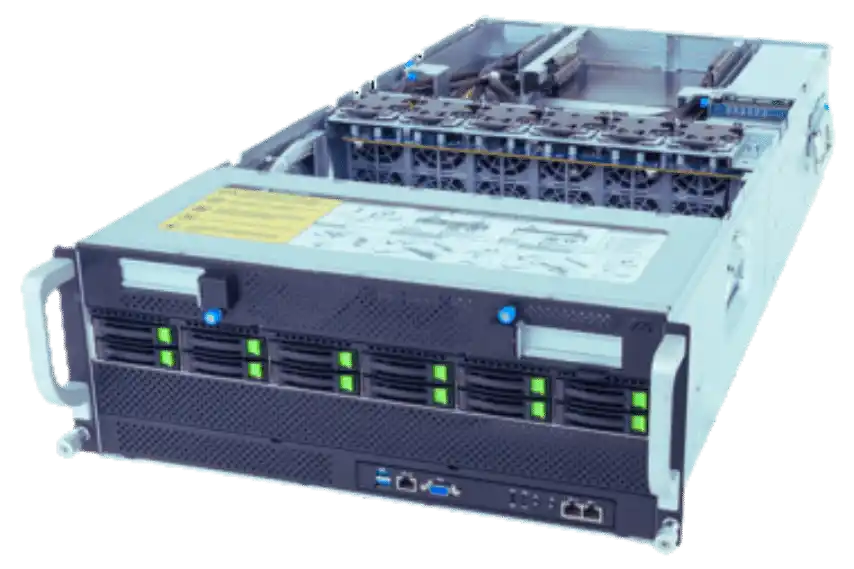
5. Serviceability and Customization Server Chassis Service
You don’t want to shut the whole node just to pull one fan. Good GPU chassis makes daily ops simple.
What to look for:
- Front hot-swap fan / PSU / drive – tech can fix it from the cold aisle.
- Clear cable lanes – if cabling block airflow, temps spike and you blame the GPU.
- BMC / IPMI space – so remote team can reboot or read sensors.
- Future upgrade slots – DPU, second NIC, extra NVMe.
This is where IStoneCase plays strong because they’re not only selling off-the-shelf. The Customization Server Chassis Service lets you say: “I need 6x GPU, front fan, and make it fit this depth.” That’s real for SI, IT service shops, even research labs that buy in batch.
Extra Notes for Buyers
- If your buyer calls it server pc case or computer case server, don’t correct them too hard. They just mean “rack chassis that can hold GPUs.”
- If you deploy in hot-aisle / cold-aisle DC, tell the vendor. Airflow direction must match.
- ATX boards in GPU chassis? yes, but keep in mind PCIe spacing and riser height.
- Document the GPU list you plan to run (A800, L40S, RTX 6000, etc.). Vendor can pre-check bracket and power leads. This make sense.