The ugly truth about “quiet” rackmount servers
Three hard truths.
Most rackmount servers are loud because the market still rewards density, tiny high-RPM fans, and brochure specs that look good in a data hall, while ignoring the fact that an office worker or audio engineer hears every bad bearing, every 40 mm fan spike, and every sheet-metal rattle that procurement never bothered to ask about. Want the blunt version?
I do not believe in the fantasy of the “silent” 1U box for real office or studio duty. I believe in controlled noise, lower fan pressure, smarter airflow, and fewer stupid compromises. And that starts by admitting the room matters as much as the motherboard.
The evidence is not subtle. The CDC’s NIOSH guidance says repeated workplace exposure at 85 dBA over eight hours is hazardous, and office-noise research has shown performance and fatigue effects even far below that level: one simulated open-plan study found worse outcomes at 51 LAeq than at 39 LAeq, while a Bond University summary of controlled testing reported negative mood up 25% and sweat response up 34% under open-plan office noise. If ordinary office noise already taxes people, why would you park a badly tuned rackmount server beside them and pretend it is fine? (美国疾病控制与预防中心)
Studios are less forgiving. The ANSI/ASA NC and RC framework exists because low-frequency rumble, hiss, and vibration are not abstract acoustics jargon; they are exactly what your microphones, nearfields, and tired ears will punish first. I have seen teams spend five figures on preamps and then sabotage the room with a cheap rack chassis. That is not engineering. That is self-harm with a purchase order. (Larson Davis)
Why 4U usually wins the quiet rackmount server argument
Bigger helps.
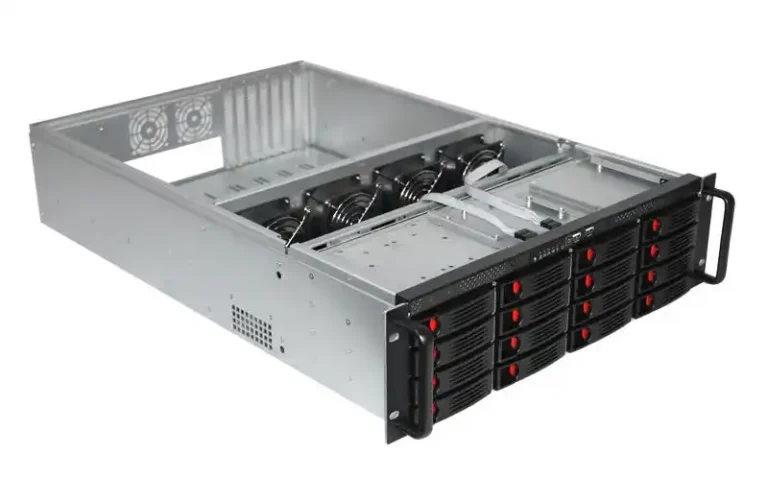
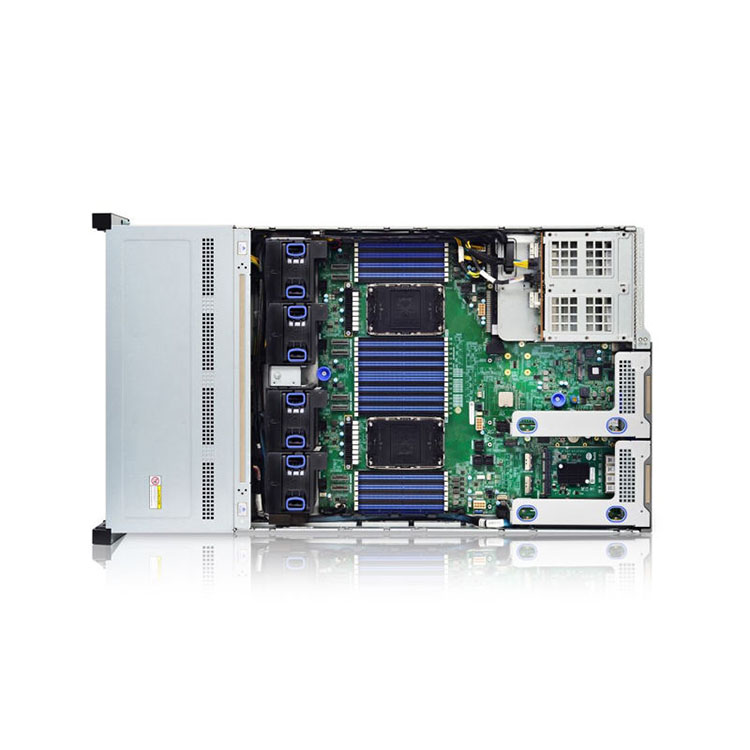
A 4U rackmount server gives you what offices and studios actually need: room for larger fans, better CPU cooler clearance, cleaner cable routing, fewer airflow choke points, and less dependence on brute-force RPM. On IStoneCase’s site, the internal product structure makes the same point without saying it out loud: the broad rackmount case category covers 1U through 4U, but the real quiet-friendly territory is the deeper 4U rackmount case lineup, backed by the more practical rackmount case applications page for deployment context. When a manufacturer clusters its serious flexibility around 4U, I pay attention. (IStoneCase)
Here is my field view, and yes, I will say it plainly: if your goal is a quiet rackmount server for office or studio environments, 4U is the default answer until proven otherwise.
| Chassis Height | Fan Reality | Noise Risk in Office/Studio | My Verdict |
|---|---|---|---|
| 1U | Small, fast fans, tight thermals | Very high | Avoid unless you enjoy regret |
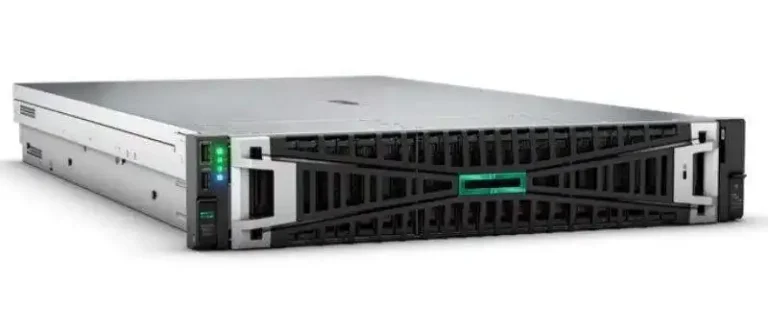
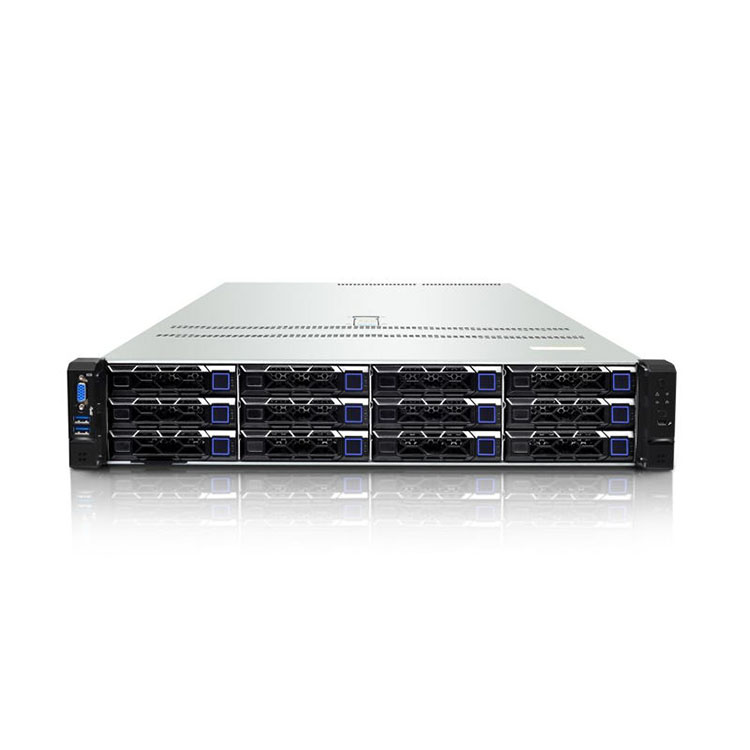
| 2U | Possible, but workload-sensitive | High | Only for lighter loads |
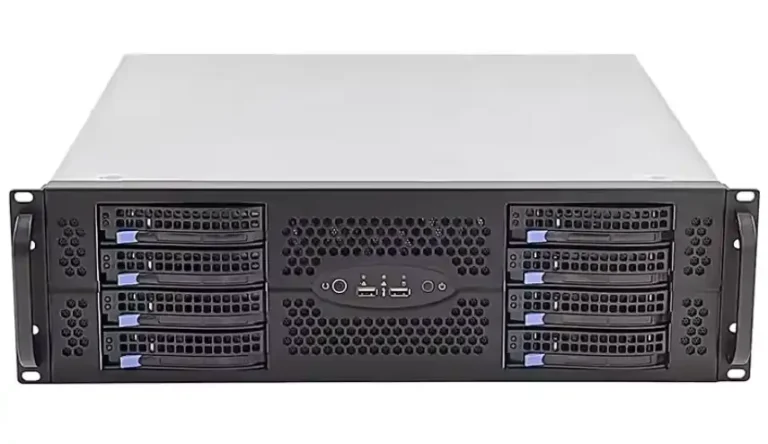
| 3U | Better airflow, still constrained | Medium | Acceptable compromise |
| 4U | Large fans, bigger coolers, cleaner airflow | Lowest practical | Best baseline for quiet builds |
The hard truth is that 1U and most 2U builds chase density first and comfort second. That is fine in a proper server room. It is a bad bet in a design office, edit suite, podcast room, or studio machine rack where fan ramping becomes part of the workday soundtrack.
The parts that actually decide whether a rackmount server stays quiet
The chassis comes first, not the CPU
Bad boxes stay loud.
I always start with the enclosure because airflow path, panel stiffness, drive mounting, and fan wall geometry decide whether the rest of the build has any chance at all. A case with clean front-to-back flow and room for 120 mm-class fans can idle politely; a cramped chassis with turbulence and dead zones will punish you no matter how premium your motherboard looks.
That is why I like reading a manufacturer’s less glamorous pages, not only the product hero shots. The internal post on NAS chassis noise control gets the basic truth right: quiet gains come from moving air more gently and killing vibration before it reaches the panels. Their QC post on rackmount server case quality control standards also calls out fit-first issues like EIA-310 / IEC 60297 rack dimensions, 19-inch width, 1U at 44.45 mm, and real rail tests instead of wishful thinking. That matters because poor fit becomes noise, service pain, and eventually heat trouble. (IStoneCase)
Fan size and fan curve beat brand hype
Less screaming. More air.
In office and studio builds, I want 120 mm fans whenever the chassis allows it, conservative PWM curves, and enough thermal headroom that the server can take a render, a backup job, or a 12-hour transcode without jumping from “barely audible” to “angry leaf blower” in 20 seconds. And yes, I would rather run more slow fans than fewer frantic ones. Why are we still arguing about this in 2026?
Thermals prove the point. ENERGY STAR’s guidance notes that higher server inlet temperatures can make internal server fans speed up automatically, increasing energy use, and it points to case studies where airflow management and temperature tuning paid back fast. Translation: bad airflow is not only loud; it is expensive and sloppy. (ENERGY STAR)
Storage noise is where many “quiet” builds collapse
Spinning rust talks.
A so-called silent rackmount server loaded with six or eight 7200 RPM hard drives is often not silent at all; it is just quieter than a badly built 1U. I usually tell teams to separate duties: use SSDs or U.2/U.3 flash for the latency-sensitive work, then isolate capacity drives behind better damping, slower fan profiles, or a separate storage chassis if the room is truly noise-sensitive.
That is also where internal linking makes sense for this topic. If you are building a mixed file-server or content-cache box, the 4U server case range and the quieter storage-focused logic in the NAS chassis noise control guide are the most relevant paths on the site, not the flashy GPU pages. In my experience, the quiet rackmount server that survives office life is usually the one with boring storage decisions. (IStoneCase)
Rails, mounting, and vibration are not side issues
They are the issue.
I have seen builders obsess over fan SKUs and then mount a heavy chassis on bargain hardware that flexes, rattles, and turns every drive seek into cabinet resonance. The chassis guide rails page is actually useful here because it spells out the unsexy details: compatibility from 1U to 4U, load ratings from 38 kg to 100 kg per pair, and cabinet depth ranges of 800 mm to 1200 mm. That is the sort of detail that keeps a rackmount server from becoming a mechanical instrument nobody wanted to hear. (IStoneCase)
My preferred build formula for office and studio rackmount servers
Keep it sane.
If I were speccing a quiet rackmount server today for a creative office, edit bay, or control room machine closet, I would build around a 4U chassis, one moderate-TDP CPU, no vanity overclocking, SSD-first storage, and a fan profile tuned for sustained load rather than benchmark theatrics. Why? Because predictable acoustics beat peak bragging rights every single time.
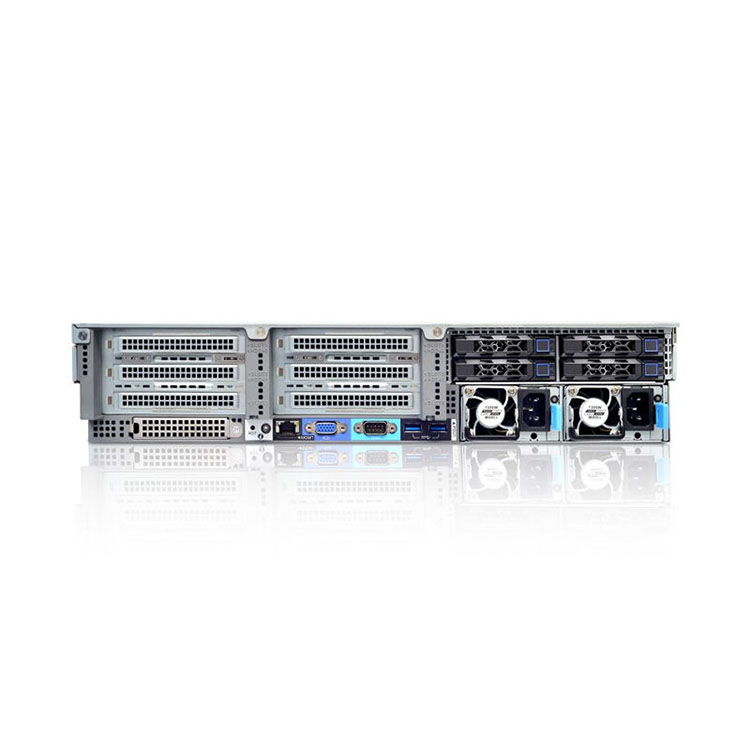
My baseline recipe looks like this: 4U chassis, 120 mm PWM intake wall, tower-style or low-turbulence 4U CPU cooling, 64 GB to 192 GB ECC RAM depending on workload, one 80 PLUS Platinum PSU sized for 40% to 60% real load, M.2 or U.2 for OS and active project data, HDDs only when the storage target forces them, and a rack placement that keeps the front intake breathing. Nothing exotic. That is the point.
And I would inspect fit and serviceability before I ever called it done. IStoneCase’s rackmount server use-case guide keeps circling back to airflow, PCIe clearance, bay density, power delivery, and maintenance access. Good. Those are the variables adults worry about. Not RGB, not marketing adjectives, not “AI-ready” stickers slapped on a sheet-metal box. (IStoneCase)
The mistakes that make a quiet rackmount server impossible
Mistake one: buying for rack density in a human room
This is the oldest trap in the book. Teams copy data center logic into an office, pick 1U or 2U because it looks “pro,” and then act surprised when the acoustic penalty arrives. Dense is not elegant. Dense is often just loud.
Mistake two: treating fan noise like the only noise
That is amateur hour. Broadband fan noise is obvious, but low-frequency structure-borne vibration, drive chatter, thin panels, rail slop, and turbulent intake restrictions are what make a server feel nasty in a room even when the SPL number looks passable.
Mistake three: placing the rack where the people are
I say this with love: if you can put the rack in a closet, adjacent machine room, treated side room, or even behind isolated furniture airflow, do it. A quiet rackmount server is a worthwhile goal. A physically separated quiet rackmount server is better.
FAQs
What is a quiet rackmount server?
A quiet rackmount server is a 19-inch server build designed to keep fan noise, low-frequency vibration, and thermal spikes low enough that people can work, edit, or monitor audio nearby without the chassis dominating the room or forcing the hardware to throttle under normal sustained loads. In practice, that usually means a 3U or 4U enclosure, larger fans, cleaner airflow, SSD-heavy storage, and sane power targets rather than maximum rack density. (Larson Davis)
Is a 1U rackmount server a bad choice for an office or studio?
A 1U rackmount server is a compact 44.45 mm-high chassis format built for density and standardized rack deployment, and that physical limit usually forces smaller, faster fans and tighter thermal clearances that are much harder to tame in shared human spaces. I would not call every 1U build impossible, but I would call most of them the wrong answer for quiet office or studio environments unless the workload is light and the rack is isolated from people. (IStoneCase)
Why is 4U usually the best quiet rackmount server case?
A 4U rackmount case is a taller enclosure that gives builders more room for larger fan diameters, lower-restriction airflow, bigger CPU coolers, cleaner cable paths, and better component spacing, all of which reduce the need for aggressive RPM ramps under real-world sustained load. That extra room is why I keep coming back to 4U for quiet builds: it gives you acoustic margin, service margin, and fewer thermal surprises when the room is not a data hall. (IStoneCase)
Can you run a rackmount server in a recording studio?
A rackmount server in a recording studio is workable only when its acoustic profile, vibration behavior, and physical placement are engineered for the room, because studio spaces are judged by background-noise character, not just raw loudness, and hiss or rumble will get exposed fast. My advice is simple: pick 4U, keep drives to a minimum, isolate the rack, measure the room when HVAC is on, and never trust “quiet” as a vendor adjective unless you have the fan curve and the load case. (Larson Davis)
Your next move
Build with discipline.
Start with the broad rackmount case category if you need range, jump straight to the 4U rackmount case lineup if quiet operation is the real goal, check the rackmount case applications page to match the chassis to the workload, then finish with the chassis guide rails and the rackmount server case quality-control checklist. That is the shortest path I see from “quiet rackmount server” as a keyword to “quiet rackmount server” as a system you can actually live with. (IStoneCase)
My final opinion? Stop chasing “silent.” Build for stable thermals, slow fans, rigid mounting, and honest room placement. That is how professionals win.