You’re not picking a NAS case just because it looks nice in the rack.
You’re trying to keep backups safe, keep RTO under control, and not blow the storage budget every quarter.
Let’s walk through how NAS boxes and cases fit into three real-world directions:
- Daily backup and fast restore
- Long-term archive
- Object-storage–centric designs
I’ll also plug in where IStoneCase hardware and custom OEM/ODM work make life easier for data centers, MSPs and even homelab folks.
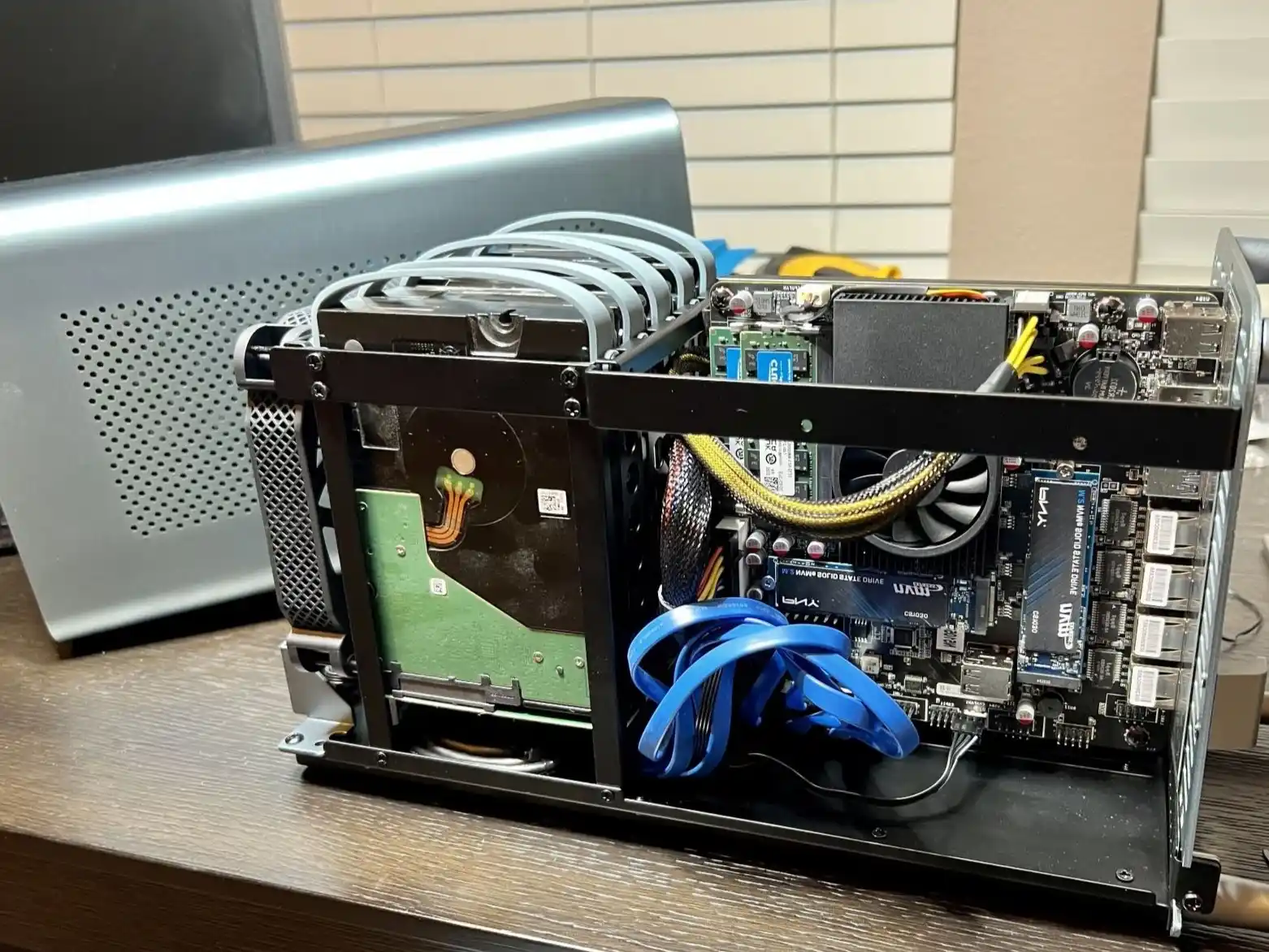
NAS Backup Use Cases and NAS Case Selection
For many teams, NAS is still the backup landing zone. It’s the place where last night’s jobs land and where you go when somebody yells:
“Hey, I deleted the wrong folder, can you get it back now?”
Small Business and Branch Office Backup Scenario
Think of a 20–50 user company:
- A couple of hypervisors
- File share, maybe a small database
- Backup software that only talks SMB or NFS
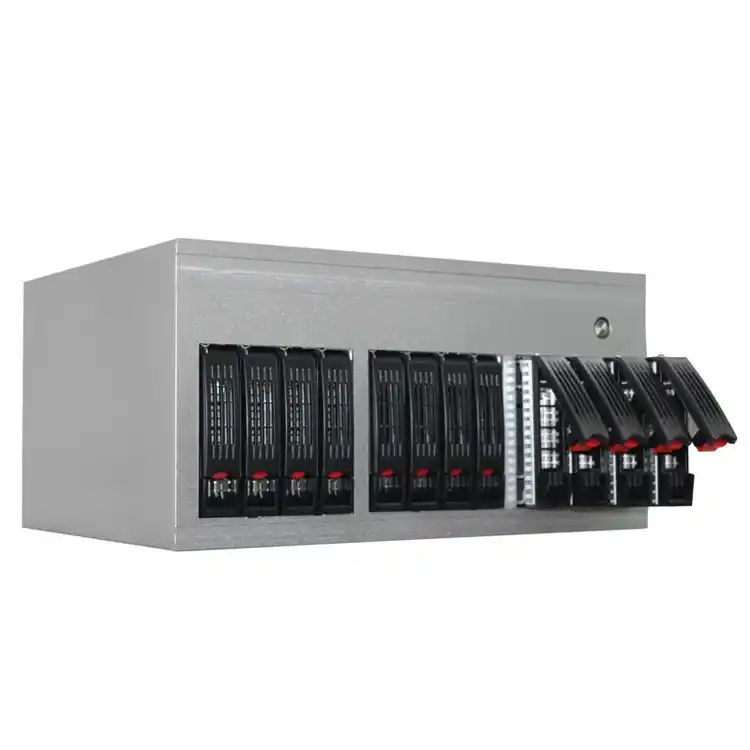
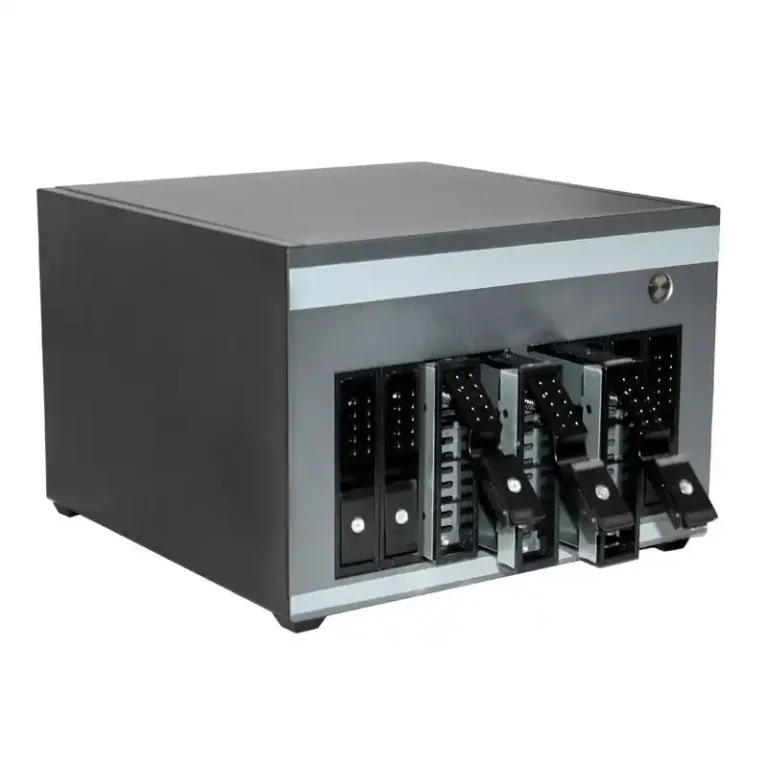
Here a compact NAS built in a solid server pc case or dedicated NAS devices makes a lot of sense:
- Backups write to local NAS first for fast restore
- Another copy syncs to cloud or offsite later (3-2-1 pattern)
- IT staff just swap failed drives and watch the dashboard, nothing too crazy
You don’t need petabyte object clusters here. You just need a box that runs 24/7, stays cool, and survives “oops” moments.
NAS Case Hardware Checklist for Backup
When you pick a NAS chassis, think like an ops guy, not like a catalog:
- Drive bays & layout – 4–12 bays give room for RAID 6 or similar plus growth. IStoneCase NAS devices target exactly that range.
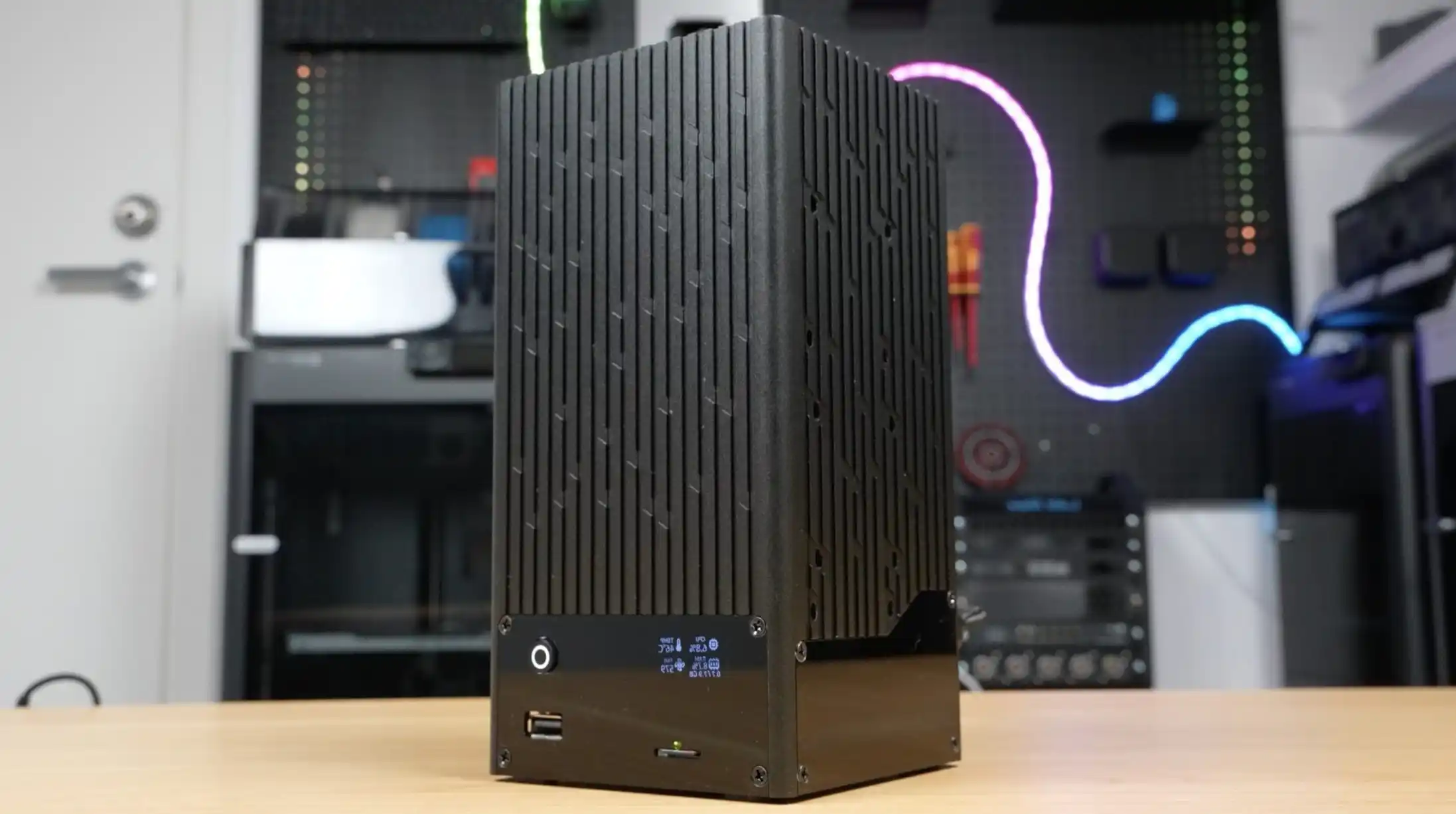
- Form factor – in a rack, a short-depth server rack pc case slides into existing cabinets; in a micro office, a small ITX case build works fine as a tiny NAS or edge backup node.
- Cooling path – front-to-back airflow, straight tunnel, no dead corners. A lot of IStoneCase computer case server layouts are basically wind tunnels for drives and CPUs.
- Rails & servicing – if it lives in a proper rack, use chassis guide rail so you can slide it out, swap disks, and push it back without unplugging half the rack.
This all sounds basic, but many outages start with “cheap case, bad cooling, hard to service”, not with fancy storage theory.
Archive Storage with NAS, Object Storage, and Deep Cold Layers
Most NAS boxes slowly become cold-data museums:
- Old projects
- Video from cameras
- Log dumps from years ago
That stuff eats expensive disk but almost nobody opens it. So you normally split your world into hot tier and archive tier.
Active Archive Scenario with NAS and Object Storage
A very common pattern:
- Hot data and recent backups live on NAS.
- Policy engine pushes older or inactive files to object storage.
- Users still browse the same share; stubs or gateway bring files back when needed.
What this means for hardware:
- The NAS case doesn’t need to hold 10 years of data. It just needs enough bays to keep “recently used” files and short-term backups.
- Archive gateways or index servers can sit in higher-density rackmount case units, optimized for capacity and network, not just pretty bezels.
You keep the NAS fast and lean, and you let object storage handle the boring cold stuff.
Deep Archive and Offline Copy Scenario
When regulation or risk people say “we need this for 7-10 years”, you usually add an offline layer:
- Tape library
- Or removable disk sets stored offsite
Your NAS and object storage feed that deep archive. The box that drives it can be a robust atx server case build:
- Enough PCIe for HBA, 10/25G NIC, maybe FC
- Redundant fans and power
- Easy access for the poor soul who has to load tapes at 2 a.m.
This is not shiny tech, but it’s the layer that ransomware can’t reach if something goes really bad.
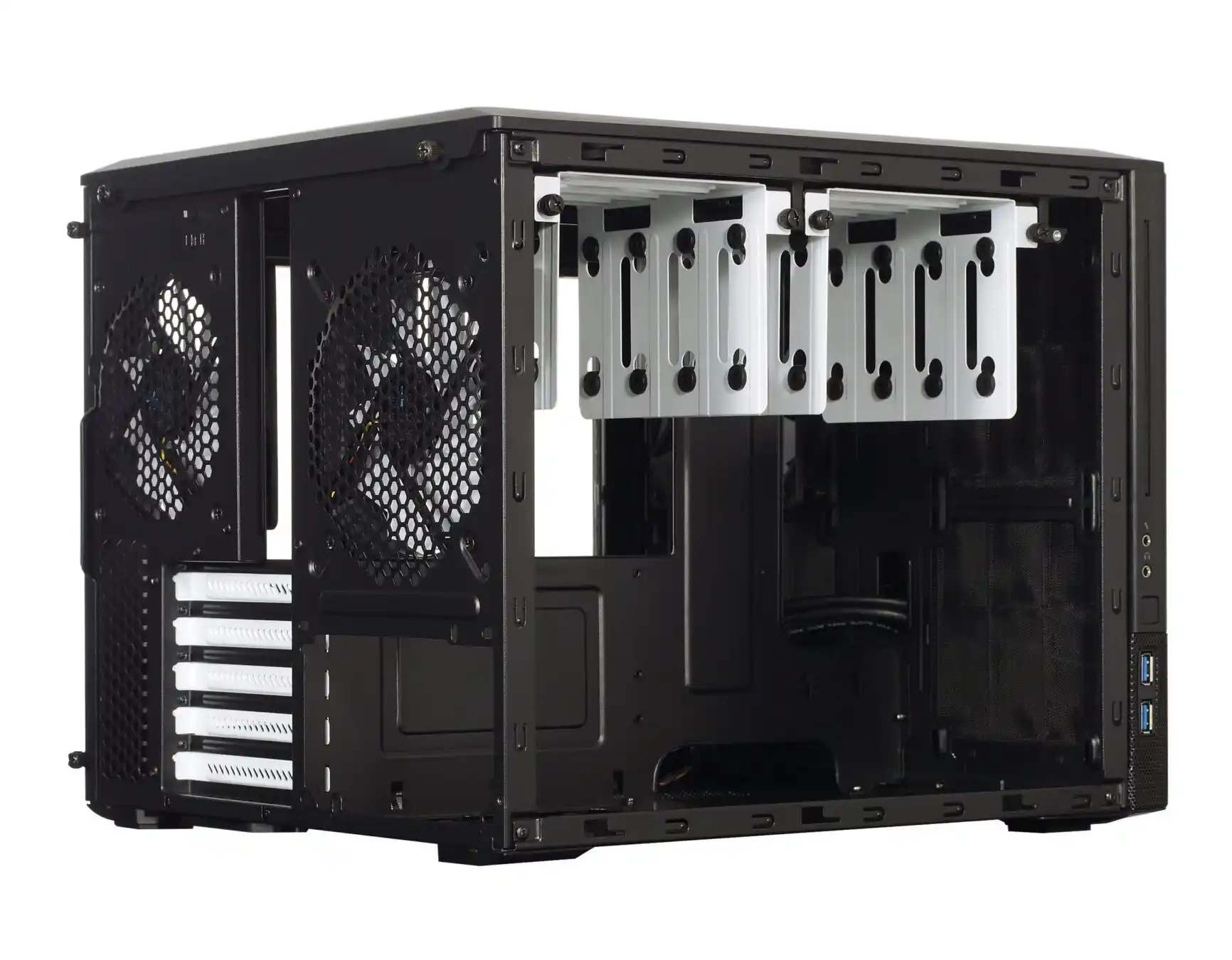
Object Storage Backup and NAS Front-End Use Cases
Once you hit hundreds of terabytes or multi-site setups, object storage usually becomes the main backup and archive platform. NAS doesn’t disappear; it just changes job.
AI / Analytics Backup Scenario
Imagine an AI or big-data cluster:
- Many GPU nodes in dense GPU server case units
- Tons of checkpoints, logs, and model snapshots
- Dev teams pushing builds all day, every day
The usual pattern:
- Object storage cluster is the capacity monster. It scales out, handles erasure coding, and gives you geo-replication if you need it.
- One or more NAS heads or gateways expose SMB/NFS to older tools which don’t speak S3.
- Backup software writes straight to object storage, while NAS holds only the last few days of “I need this back now” data.
Here you mix several chassis types from something like IStoneCase:
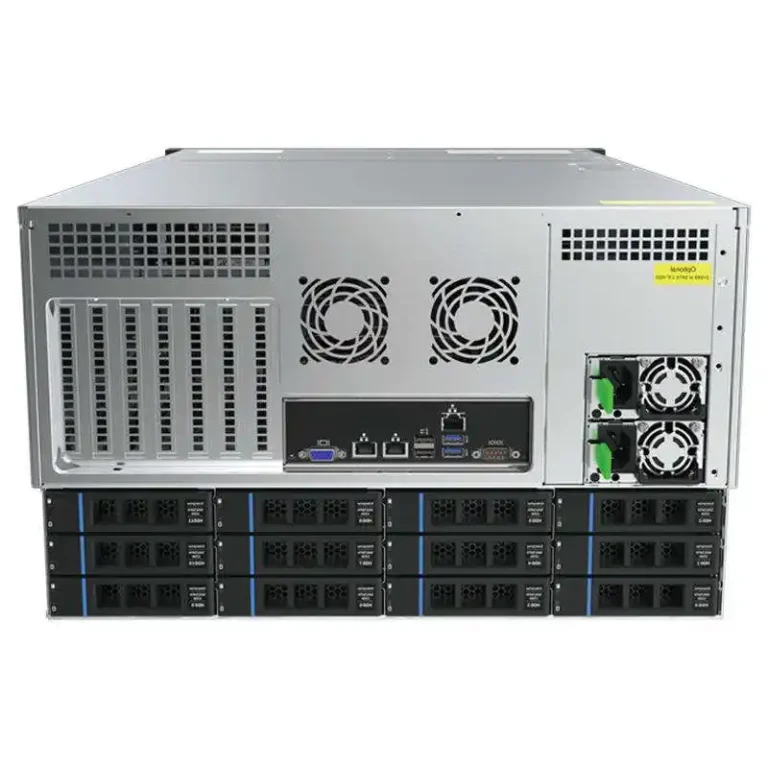
- Object nodes in 2U/4U server rack pc case designs
- Gateway or metadata nodes in flexible server pc case builds with room for NICs and NVMe cache
- GPU training nodes in custom GPU server case layouts tuned for heavy cards and strong airflow
It’s one ecosystem instead of a random zoo of cases.
Where Rails and Rack Details Matter
A simple truth: if your ops team hates working on the hardware, your backup strategy will rot.
That’s why seemingly boring parts matter:
- Solid chassis guide rail for heavy 4U boxes
- Front-access hot-swap drives
- Consistent layout across all server case families
Less time fighting the rack, more time actually checking RPO/RTO and test restores. Some grammar here maybe not perfect, but you get the point.
NAS vs Object Storage: Quick Decision Table
Use this table as a simple decision helper when you choose where to land a new workload.
| Workload / Scenario | Main Storage Layer | NAS Case Role | Data Pattern | Why This Combo Works | Typical Hardware Direction |
|---|---|---|---|---|---|
| Fast restore backup (last 7–30 days) | NAS / file level | Primary landing zone | Hot backups, frequent restores | Low latency, easy file-level recovery | 4–8 bay NAS devices in 2U computer case server |
| Mid-term archive (months–years) | Object storage | Cache / gateway | Mostly cold, some re-access | Object layer handles capacity, NAS keeps “recently used” warm | Archive services in 2U–4U rackmount case plus slim NAS |
| Deep compliance archive | Tape / offline disk | Feed jobs | Very rare access | Offline copy resists ransomware and human error | Backup server in atx server case with HBA and extra NICs |
| AI / analytics backup to object store | Object storage | High-speed front end | Large objects, many nodes | Object store scales out, NAS bridges old tools | GPU cluster in GPU server case plus gateway in server rack pc case |
| Edge / branch office backup | NAS | All-in-one box | Mixed docs, VMs, light DB | Simple to deploy and fix, no local object cluster needed | Compact NAS in ITX case or small server pc case |
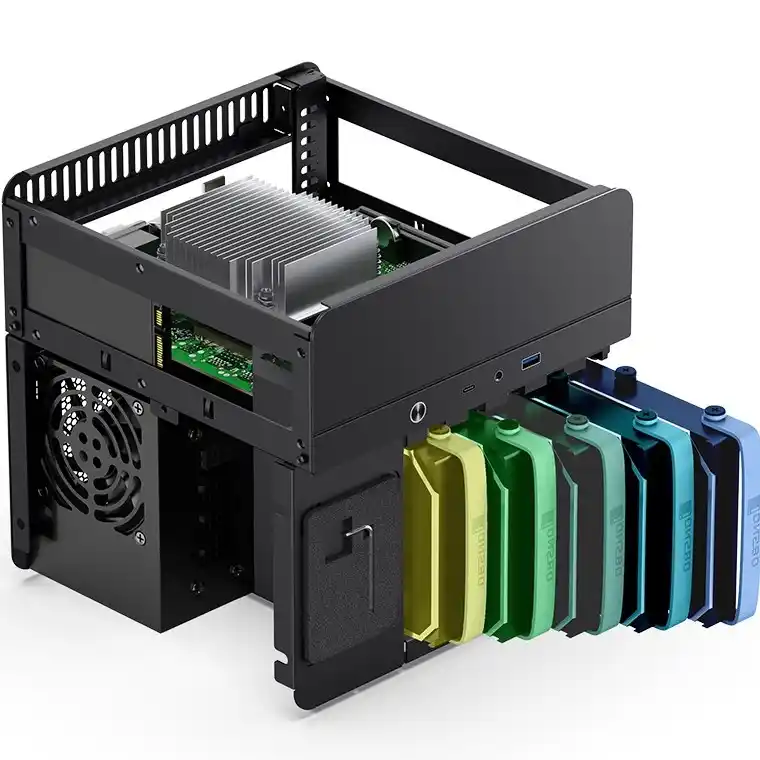
How IStoneCase Fits Into Your Backup, Archive, and Object Storage Plans
IStoneCase positions itself as “The World’s Leading GPU/Server Case and Storage Chassis OEM/ODM Solution Manufacturer”, and that’s not just marketing tag. The product map matches exactly the three layers we talked about:
- Compute and AI – GPU-optimized chassis for training nodes and inference servers
- NAS and backup boxes – flexible NAS devices and server case families to build your own appliances
- Rack-scale storage – rackmount case and chassis guide rail lines for data centers and hosting providers
Because they do OEM/ODM and bulk, you can standardize:
- One design for NAS backup nodes
- One for archive/object gateways
- One for GPU clusters and heavy compute
So when you think about Choosing NAS Cases for Backup, Archive, and Object Storage Use Cases, don’t start with “which box looks coolest”.
Start with:
- How fast must I restore?
- How long must I keep it?
- Who is gonna maintain it in year three?
Then match those answers to the right NAS chassis, object storage layer, and the right style of server rack pc case or atx server case from a vendor like IStoneCase.
If those three pieces line up, your backup plan stop being a slide deck promise and actually works in real life.