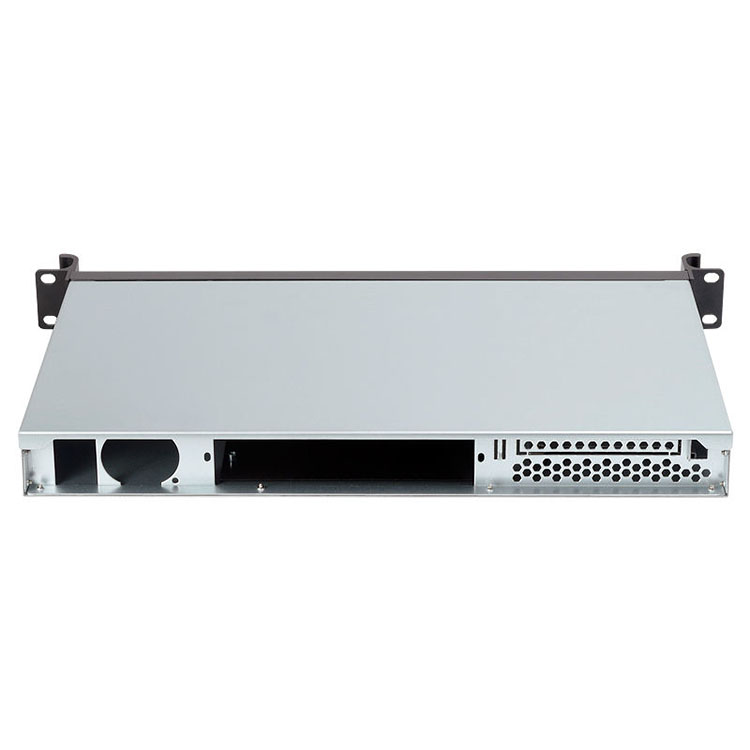
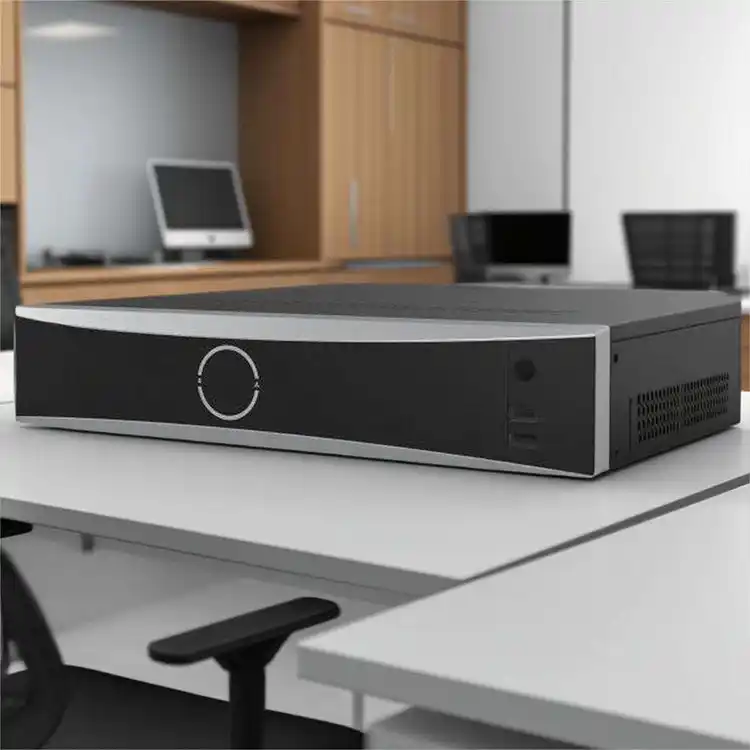
When your small or mid-size business starts hitting storage limits, the server case suddenly becomes a real thing—not just some metal box sitting in a corner. Pick the right case and you get smooth airflow, quieter days, and easier upgrades. Pick the wrong one and you’ll spend way too much time troubleshooting heat, cables, and “why-is-this-drive-light-red-again” moments.
This guide walks you through what actually matters, using real SMB scenarios and the same principles behind the storage chassis we build at IStoneCase. We design and manufacture GPU server case, server pc case, server rack pc case, NAS devices, ITX case, rackmount case, and wallmount server options for teams who need stable gear without drama.
Understanding Your Storage Needs First
Before you think about metal thickness or rack height, ask: what data are you storing and how fast is it growing?
A creative studio might fill drives with big video files.
A tech service firm may need lots of smaller, fast-access SSDs.
A research team could be pushing models that eat NVMe space in no time.
Break it down like this:
- Cold storage → big HDD bays
- Hot data & fast response → SSD / NVMe support
- Mixed workloads → hybrid drive mounting + proper airflow
- Future expansion → empty bays + extra PCIe room
Many SMBs forget growth. You don’t need to overbuild, but you want space to breath. That’s why drive bay count matters just as much as mainboard size.

Tower vs Rackmount: Choosing the Right Frame
These two forms sound simple, but the impact hits your workflow hard.
Tower (ATX Server Case)
A tower-style atx server case works best when:
- You place servers inside an office, not a datacenter
- You need lower noise
- You want easy hand-on-desk upgrades
- You don’t wanna mess with a full rack
This shape is common for small creative teams and dev groups.
Example internal link:
Rackmount (1U–4U Server Rack PC Case)
A server rack pc case becomes the better pick when:
- You have a rack or plan to buy one
- You want dense storage, more drive bays, better airflow path
- You want cable management that doesn’t fight you
- You need hot-swap trays and redundancy
Rackmount cases handle heat better because they move air straight through from front to back. Also, they fit naturally into modern data rooms.
Internal link examples:
Drive Bays, Hot-Swap, and Expansion
Hard drives fail. That’s just life. A case with hot-swap trays keeps you from shutting down everything when one drive cries. SMBs often skip this at first and regret it when downtime hits a client deadline.
You want to check:
- 3.5″ bays for HDD
- 2.5″ bays for SSD/NVMe
- Hot-swap modules
- Backplanes that don’t limit speed
- Room for RAID / HBA cards
Some teams push many storage pools, so they need bays in double-digits. Others only need four or six, but want clean cable routing and lower noise.
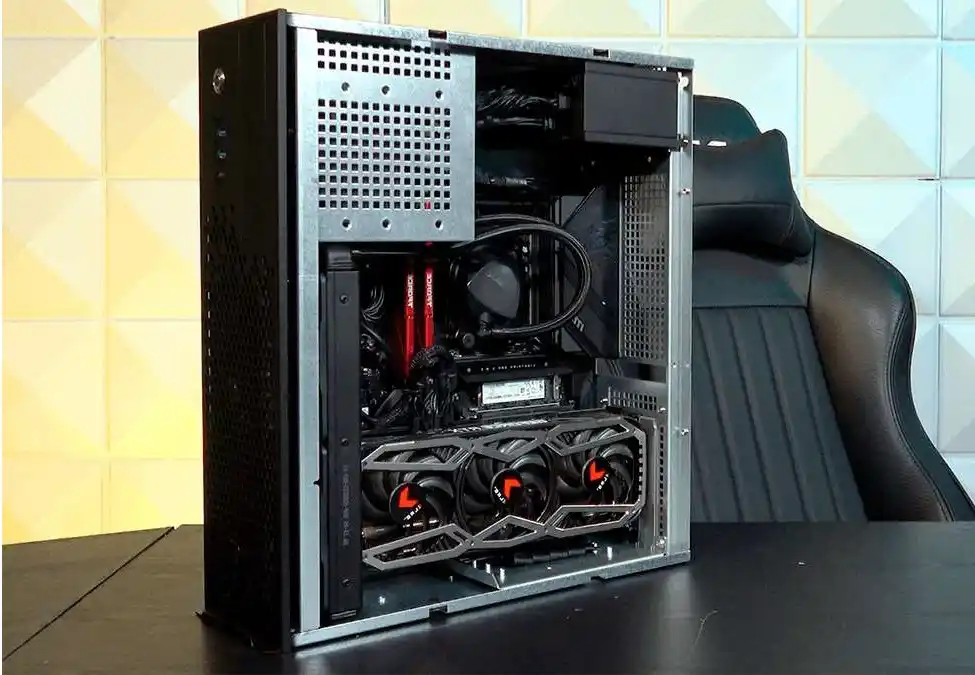
Airflow and Cooling: Don’t Ignore It
Storage generates heat. A lot more than people expect.
If your airflow chokes, drives slow down or fail early. That’s why the cooling layout inside your computer case server matters.
Look for:
- Clear front-to-back airflow
- High-static-pressure fans
- Dust filters you can remove fast
- Space for extra fans if workloads get heavier
- Room for bigger coolers if you run compute + storage
A common SMB mistake: buying a good case but placing it in a corner with no ventilation. The best chassis can’t fight bad placement.
Power Design and Redundancy
You don’t need oversized power supplies, but you need stable ones. If your storage is critical, consider dual PSU support so you can swap power without shutting down. This is standard in mid-tier rackmount systems and saves a lot of stress in maintenance windows.
Internal link example:
Compatibility Check: Mainboard, PCIe Cards, Cable Space
This is where a lot of SMB buyers hit surprises.
You get a case, unpack everything, and then—oops—your RAID card doesn’t fit. Or the CPU cooler hits the drive cage. Or the GPU for AI workloads touches a fan shroud.
Check these before you hit buy:
- ATX? E-ATX? Mini-ITX?
- GPU length (for mixed compute + storage builds)
- PCIe slots for RAID, network cards
- Cable routing room behind the tray
- Rail kit compatibility for rackmount cases
Internal link:
Noise, Location, and Daily Use
If you plan to place your server near people, noise suddenly becomes a real risk.
Tower cases do better here. Rackmount cases can scream when fans ramp up.
Think about:
- Open office vs machine room
- Noise during backups
- Whether you need front-panel locks
- Who will maintain the machine
- How often you’ll swap drives
This is why many SMB teams use a tower server pc case early on, then switch to a rackmount once they scale.
Cost vs Value (Without Doing Math)
You don’t need spreadsheets. What you need is a balance:
- If storage is critical, you want hot-swap + strong airflow
- If your business is growing fast, choose extra bays
- If you run AI or high compute, choose strong power and GPU-friendly space
- If you just need safe data, a simple tower with quiet fans might be fine
SMBs often discover that a slightly better chassis prevents a lot of service calls later. That’s why many choose OEM/ODM builds from IStoneCase — you get exactly what fits your workloads and you don’t waste time modding parts later.
Internal link example:
Quick Comparison Table
| Feature | Tower Case (ATX Server Case) | Rackmount Case (Server Rack PC Case) | Notes |
|---|---|---|---|
| Noise | Low-mid | Mid-high | Depends on fans and room temp |
| Drive Bays | Moderate | High density | Good for big HDD arrays |
| Hot-Swap | Optional | Standard | Saves downtime |
| Airflow | Mixed patterns | Front-to-back | Rackmount has cleaner flow |
| Expansion | Good | Very good | More PCIe room in 2U–4U |
| Placement | Office | Rack / datacenter | Depends on environment |
| Maintenance | Very easy | Easy with rails | Rails help a lot |
Real SMB Situations Where Choice Matters
Scenario 1: Growing Creative Team
A content studio saves huge video files every day. Their tower case fills up fast, and airflow struggles. Switching to a 4U rackmount computer case server with hot-swap trays cuts downtime and keeps drives cooler.
Scenario 2: IT Service Provider
An MSP needs a box they can swap disks from quickly for client backups. They choose a 2U chassis with 8–12 bays so they can move storage pools fast without rebooting.
Scenario 3: AI Startup
They need GPU power + storage for datasets. A GPU server case with high CFM airflow and reinforced structure helps them avoid heat creep and drive throttling.
Scenario 4: Small Office
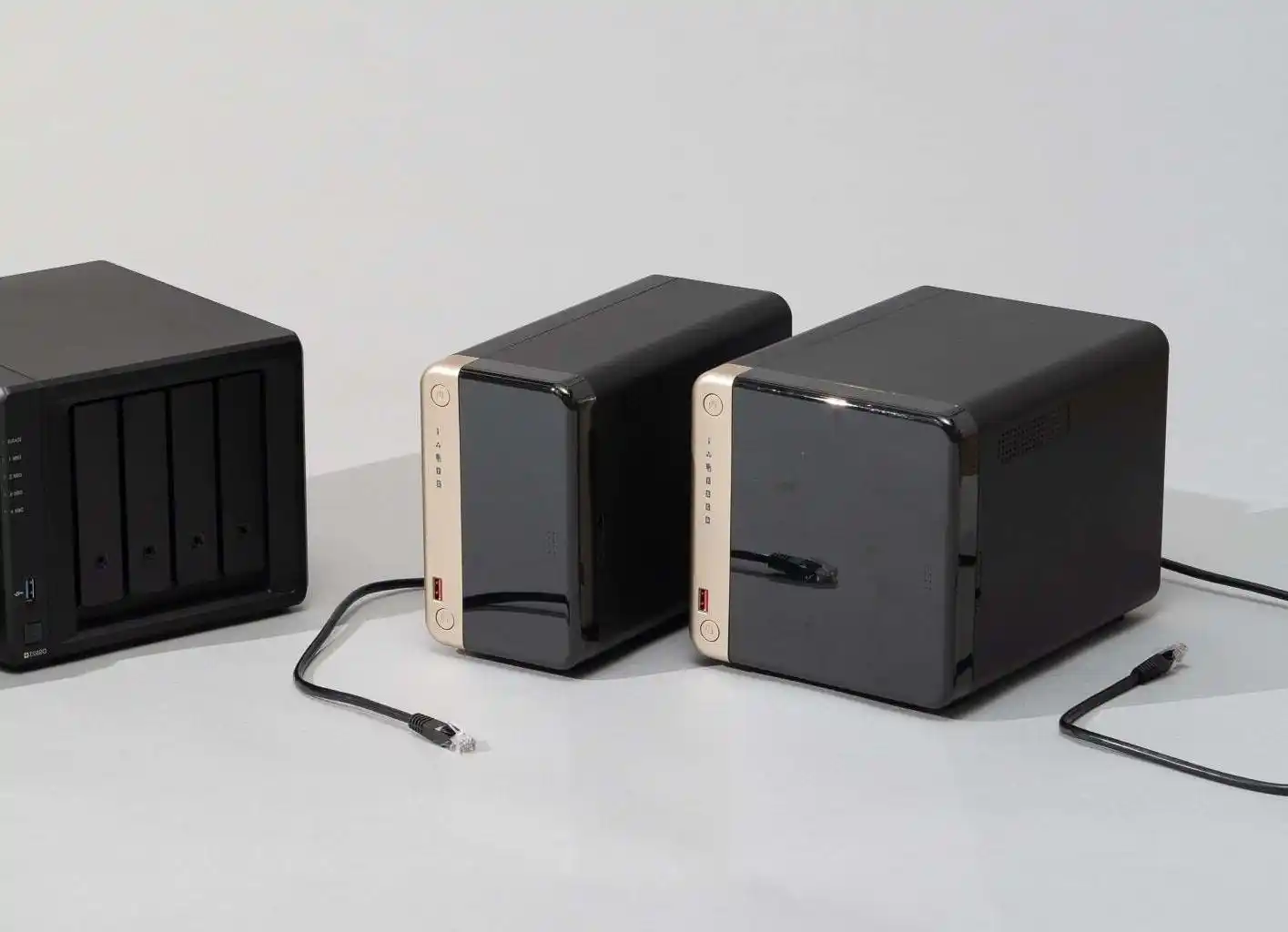
They don’t want fan noise. A quiet ATX server case fits under a desk, and a small NAS handles shared work.
IStoneCase builds hardware that fits all four of these groups because we cover GPU server case, rackmount case, NAS devices, ITX case, wallmount case, and full OEM/ODM customization.