If you’ve ever racked a fresh GPU box, hit power, and got… weird throttling, random link drops, or a “works on my bench” disaster, you already know the truth: integration is where good builds go to die. The GPU is rarely the problem. The system is.
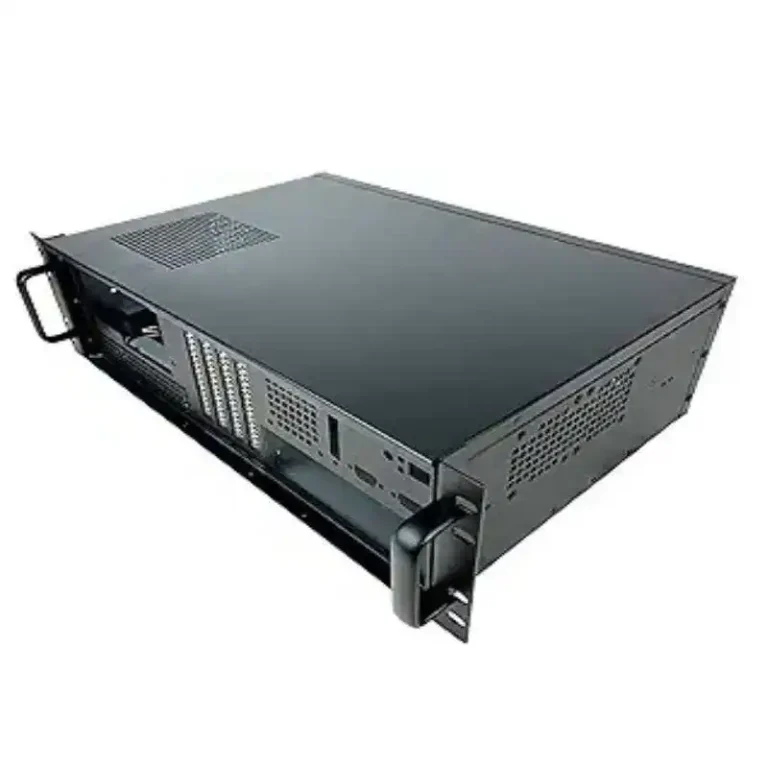
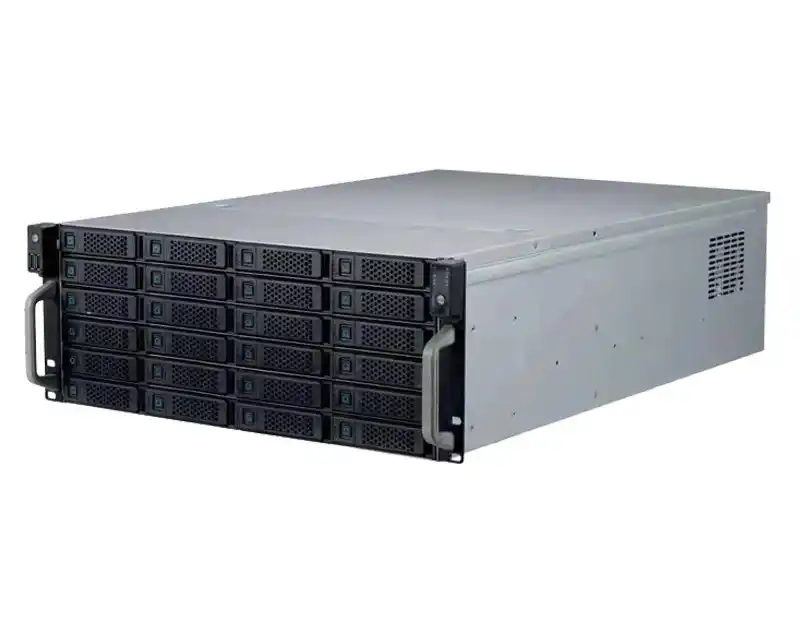
And yeah, your server pc case choice matters more than people admit. A cramped computer case server layout can turn cable spaghetti into an airflow tax. A shaky rail kit can make maintenance a pain in the neck. Even your “simple” atx server case build can get spicy once you add multi-GPU heat and thick power cables.
I’ll walk you through the most common pitfalls, what they look like in real deployments, and how you avoid them—without turning your rack into a science experiment. Along the way, I’ll call out where IStoneCase fits naturally when you need a chassis that’s meant for AI/HPC life, not just “it kinda fits”.
Useful IStoneCase pages (for later, not pushy):
- IStoneCase Home
- GPU Server Case
- Server Case
- Rackmount Case
- Wallmount Case
- NAS Case
- Chassis Guide Rail
- Server Case OEM/ODM

Pitfall scorecard (what breaks most often)
| Pitfall keyword | What you’ll notice fast | What fixes it (most of the time) | “Source type” |
|---|---|---|---|
| Power redundancy / PSU energization | “Redundant PSU” but still single-point failures | Design upstream power paths + verify minimum active PSUs | Deployment playbooks |
| Airflow per kW / inlet temp | Hot GPUs, clocks drop, fans scream | Treat airflow like a spec, not vibes | Data center ops |
| Hot aisle / cold aisle | Cold aisle feels warm, temps bounce | Containment + block recirculation | DC best practice |
| Airflow direction (front-to-back) | One row runs hotter than another | Match chassis airflow to room layout | Facility + rack design |
| Cable blockage | “Why is this node hotter?” | Cable routing + shorter paths + better bay layout | Field lessons |
| Fiber bend radius | Flaky links, CRC errors | Respect bend radius, add slack mgmt | Cabling best practice |
| PCIe riser compatibility | Random crashes, GPUs vanish | Avoid risers when possible; qualify parts | Lab validation |
| EMI / signal integrity | Ghost errors, hard to reproduce | Better grounding, shorter interconnect, shielding | EE guidance |
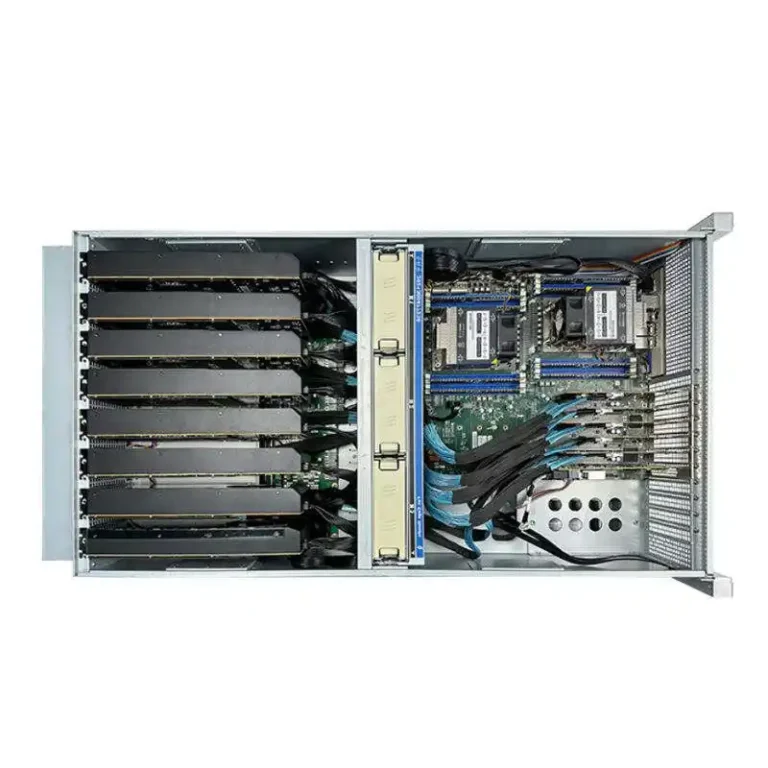
| Multi-GPU cooling | Middle GPUs cook first | Proper GPU spacing, ducting, or liquid options | Thermal engineering |
| Mechanical fit (1U/2U/4U/6U) | “It fits… kinda” then can’t close lid | Pre-check GPU thickness, power plug clearance | Build checklist |
| Weight + serviceability | Rails bind, unsafe pulls | Correct rails, load rating, tool-free access | DC safety |
| Noise | People avoid the row | Plan PPE and placement | Ops reality |
Power redundancy and PSU energization
A classic trap: someone says “we have redundant PSUs,” then they feed the server from one PDU anyway. Congrats, you built a redundancy cosplay.
What it looks like in the wild
- Maintenance on a single power feed drops the whole node.
- A PSU failure causes brownout-style weirdness, not a clean shutdown.
- You keep “fixing software” that isn’t broken.
How you avoid it
- Treat redundancy as end-to-end: feed A and feed B, separate PDUs, clean labeling.
- Validate the system behavior when one PSU or one feed goes away. Don’t assume.
- Pick a chassis that supports clean power cable routing and proper PSU access. When your hands can’t reach stuff, people do dumb shortcuts. (Happens all the time.)
This is where a purpose-built server rack pc case with sane PSU bays, airflow, and service access saves you from future you yelling at past you.
Airflow per kW and inlet temperature
People love to talk about cooling capacity, then ignore airflow. But GPUs don’t eat “tons of cooling.” They eat cold air volume.
Real scenario
You deploy ten nodes. Two of them throttle. Same BIOS, same image, same GPUs. The only difference? One rack position has worse inlet air because cables and blanking are messy. It’s not magic, it’s physics.
How you avoid it
- Measure inlet temperature at the chassis intake, not “somewhere in the room.”
- Use blanking panels, seal gaps, keep fan walls unobstructed.
- Choose a chassis with strong, predictable airflow design—especially for multi-GPU. If you’re doing AI training, don’t roll dice on a random case.
If you’re shopping chassis options, start at GPU Server Case and compare layouts like an operator, not like a desktop builder.
Hot aisle / cold aisle containment
If hot air sneaks back into the cold side, you’re literally feeding your GPUs their own exhaust. It’s like trying to run while breathing into a paper bag.
How you avoid it
- Contain hot/cold aisles (even partial containment helps).
- Stop air leaks: open U-spaces, side gaps, under-floor leaks.
- Keep rear cable bundles from blocking exhaust. If the rack looks like ramen, airflow suffers.
Airflow direction: front-to-back vs rear-to-front
This one’s sneaky. Some chassis designs assume front-to-back. Your room might not.
What it looks like
- One aisle runs “fine,” the other is a toaster.
- You keep increasing fan speed and still lose thermal headroom.
How you avoid it
- Match chassis airflow direction to your rack and room airflow plan.
- Standardize by row when possible. Mixed airflow is a painnn.
A consistent rack strategy pairs nicely with standard chassis families like Rackmount Case or broader Server Case lines, especially when you deploy at scale.
Cable management and airflow blockage
Cables don’t just look ugly. They create pressure drop and block fan walls. Thick copper is the usual suspect.
What it looks like
- Middle GPUs run hotter.
- “One node is always louder.”
- Temps improve when you open the lid (that’s your clue).
How you avoid it
- Route cables along designed channels. Don’t cross fan intakes.
- Use the shortest safe cable lengths.
- Prefer chassis layouts that separate power paths, data paths, and airflow paths.
This is a big OEM/ODM topic too. If you’re building for a customer’s rack standard, a custom cable plan baked into the chassis saves weeks later. That’s literally what Server Case OEM/ODM is for.
Fiber bend radius
Fiber hates tight corners. You can’t “just make it fit”.
What it looks like
- Random link drops, CRC errors, “it’s fine after reseat” nonsense.
- Issues spike after someone tidies the rack (lol).
How you avoid it
- Keep bend radius gentle, add slack loops, use proper guides.
- Don’t zip-tie fiber like you’re mad at it.
PCIe riser compatibility
Risers can be… riser roulette. They work, until they don’t. And when they fail, they fail in ways that waste your whole weekend.
What it looks like
- GPUs disappear.
- Random crashes under load.
- “Only fails with Gen X speed” behavior.
How you avoid it
- Avoid risers when you can.
- If you must use them, qualify the exact combo: board + riser + GPU + BIOS.
- Don’t cheap out. You’ll pay later, promise.
EMI and signal integrity for multi-board interconnects
When you push high-speed links through connectors, long traces, and questionable grounding, you invite ghost bugs.
What it looks like
- Rare errors you can’t reproduce.
- “It passed burn-in, then died in production.”
- Your logs look haunted.
How you avoid it
- Keep interconnects short and clean.
- Design grounding and shielding intentionally.
- Don’t mix random add-on parts without validation.
Multi-GPU cooling: open-air vs blower vs liquid
Open-air GPUs dump heat into the chassis. In a dense server, that’s… not great.
Real scenario
You pack multiple GPUs. The edge cards run okay. The center cards bake. Fans ramp. Clocks drop. Everyone asks “why is training slower today?”
How you avoid it
- Pick a chassis that supports the cooling strategy you actually need (ducting, high static pressure fan walls, or liquid options).
- Give GPUs breathing room and plan airflow like a tunnel, not a hurricane.
Some IStoneCase GPU chassis even call out multi-GPU support and cooling focus in the product lineup, which is what you want if you’re not into thermal drama.
Mechanical fit: GPU thickness and chassis height
A GPU that “fits” can still fail integration because the power plugs hit the lid, or the riser angle is off, or the cable can’t bend.
How you avoid it
- Check GPU thickness, length, and power connector clearance early.
- Choose the correct height class (4U/6U often makes life easier for big GPUs).
- Don’t force it. Forced fits become service nightmares.
Weight, rails, and serviceability
Heavy chassis plus bad rails equals unsafe pulls and bent hardware. Also: you will need to service it at 2am, so design for that reality.
How you avoid it
- Use proper guide rails with correct load ratings.
- Prefer tool-free where possible. Time matters.
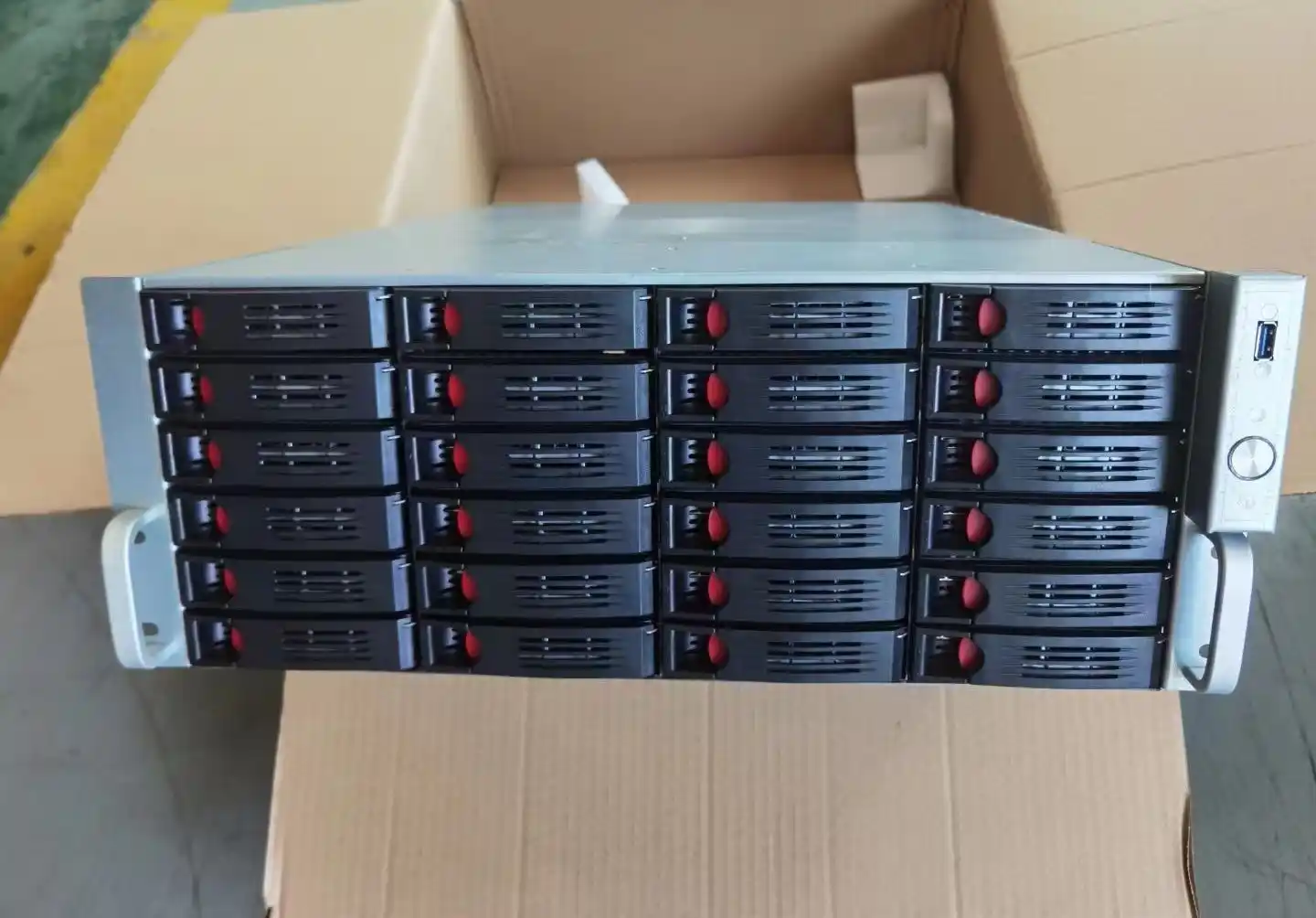
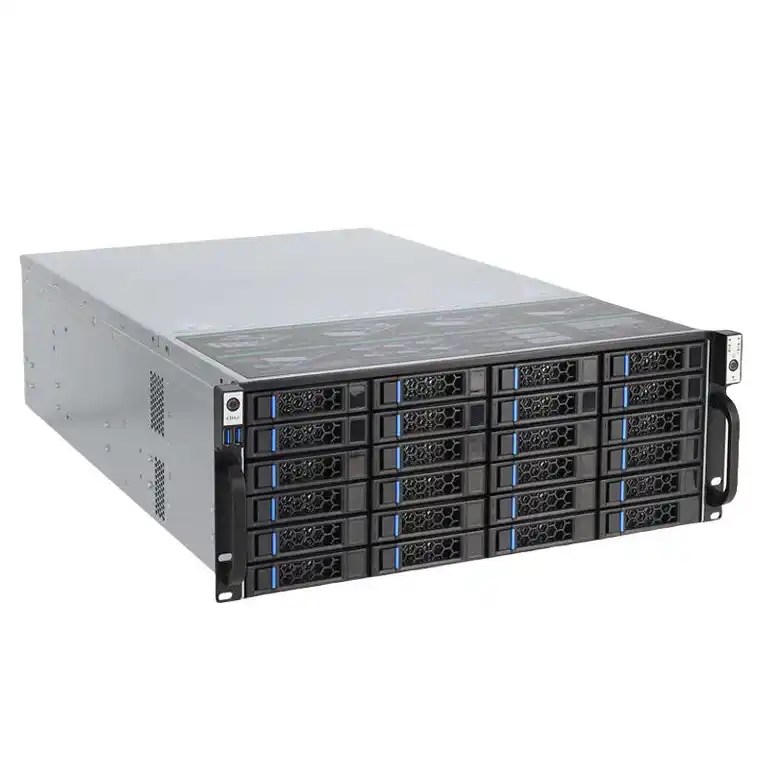
- Build with “front service” thinking: swap drives, fans, PSUs without ripping the rack apart.
If rails are part of your plan (they should be), look at Chassis Guide Rail so your ops team doesn’t hate you.
Noise and on-site safety
High-density GPU nodes are loud. That’s not a moral failing, it’s a fact.
How you avoid it
- Put the loud gear where it belongs (not next to desks).
- Make PPE normal in hot rows.
- Set expectations with customers and internal teams. No surprises.
Why this matters (and where IStoneCase fits)
Here’s the argument: integration problems don’t scale linearly. One “small” chassis mistake becomes ten outages when you deploy 10 racks. That’s why you don’t treat the enclosure like an afterthought.
If you’re building for AI/HPC, or you’re a reseller/installer doing bulk rollouts, it helps to work with a manufacturer that speaks your language: OEM/ODM, batch purchasing, stable supply, and chassis options across GPU boxes, rackmount, wallmount, NAS, even compact ITX builds. That’s basically the IStoneCase lane: GPU server cases, server cases, rackmount cases, wallmount cases, NAS devices, ITX case, and rails—plus customization when your rack standard is picky.
And yeah, sometimes your grammar won’t be perfect in the field. Your uptime still gotta be.
If you want, paste your target GPU count, rack depth, and cooling style (air vs liquid). I’ll map it to a clean chassis shortlist and a “don’t mess this up” checklist that your techs can actually use.