Heat kills uptime.
I keep seeing teams spend six figures on GPUs and then “save money” on the box that decides whether those GPUs run at spec, throttle for months, or die early—because airflow paths, impedance, cable routing, and service ergonomics weren’t treated like engineering, they were treated like sheet metal.
Why do we keep pretending the chassis is “just packaging”?
Here’s the uncomfortable truth: “AI-ready” is a sticker, not a spec. And the sticker usually hides the same tired compromises—fan walls that can’t hold static pressure under filters, PSU bays that starve intake, and layouts that turn every maintenance task into a downtime event.
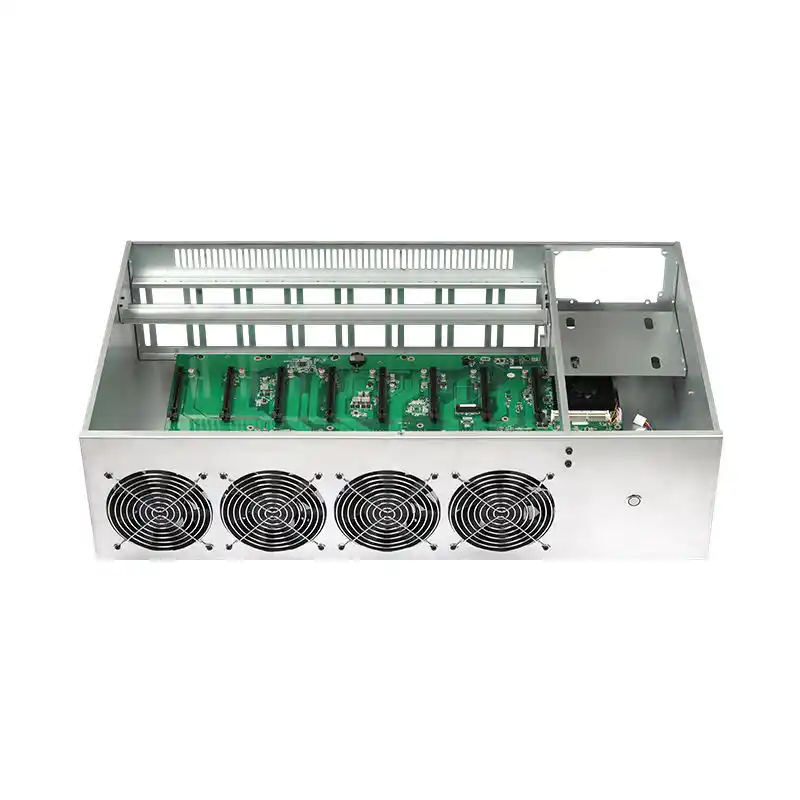
The real constraint isn’t GPU compute. It’s power density + thermals + access.
Three numbers matter more than your marketing deck: watts, pascals, minutes.
Watts, because GPUs don’t negotiate. NVIDIA’s L4 is a tidy 72W part; it’s forgiving and edge-friendly on paper. But your “serious” inference cards jump hard: L40S lists 350W max power. And H100-class systems can push up to 700W (SXM) or 350–400W (PCIe, configurable).
Pascals, because airflow isn’t “more fans.” It’s pressure budget. Filters, grills, tight bends, poorly placed cable bundles—each one eats static pressure and quietly turns your “high-airflow GPU server chassis cooling” into warm turbulence.
Minutes, because edge and on-prem inference aren’t hobbies. If your tech needs 45 minutes and three tools to pull a node, you don’t have “operations.” You have wishful thinking.
If you’re sourcing, start with a vendor who actually treats chassis as a product, not a commodity line item—something like iStoneCase’s positioning on custom builds at least acknowledges that GPU layouts are not one-size-fits-all (see their own framing on a custom GPU server chassis manufacturer approach).
Edge vs on-prem: same silicon, different failure modes
Dust ruins fans.
Edge AI deployments choke on particulate, splash, vibration, and lazy cable routing, while on-prem racks punish you with sustained heat load and service frequency; the design goals overlap, but the ways you fail are totally different.
So why do buyers accept “rack chassis, but smaller” as the edge plan?
If you’re doing edge, stop shipping open frames to dirty rooms and hoping for the best. Use an enclosure strategy that assumes real-world grime and human hands—iStoneCase bluntly makes this point in their industrial wallmount server case guidance for factory/OT networks.
If you’re doing on-prem, treat the rack like a production line: swap, slide, replace, log. Rails matter more than people admit, because nobody services a 30–50 kg node gracefully without them (see rackmount chassis guide rails).
A hard reason this is getting worse in 2024
Power is tightening.
The U.S. government is now publicly modeling data centers as a national electricity problem: DOE summarized that U.S. data centers used ~4.4% of total U.S. electricity in 2023, and are projected to reach ~6.7% to 12% by 2028—with usage estimated at 176 TWh (2023) and 325–580 TWh (2028).
If the grid is stressed, what do you think happens to your thermal headroom and facility constraints?
That DOE release is not a blog post; it’s an institutional warning shot tied to an LBNL report created in response to the Energy Act of 2020.
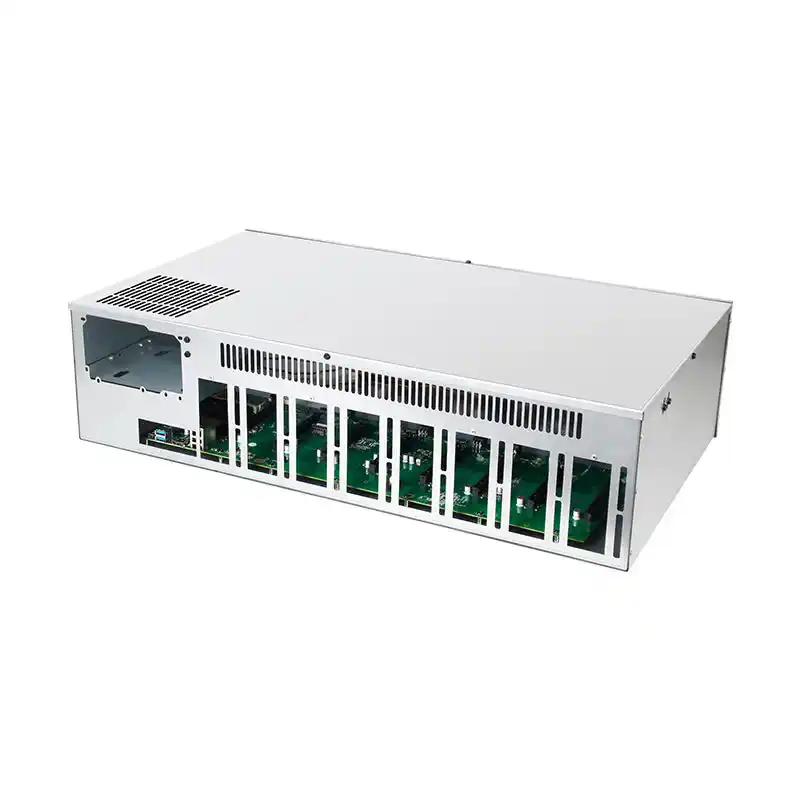
Designing the GPU server chassis: the checklist vendors hate
You want the “how to design” answer? Fine. Here’s what I look for when I’m trying to separate serious chassis engineering from catalog filler.
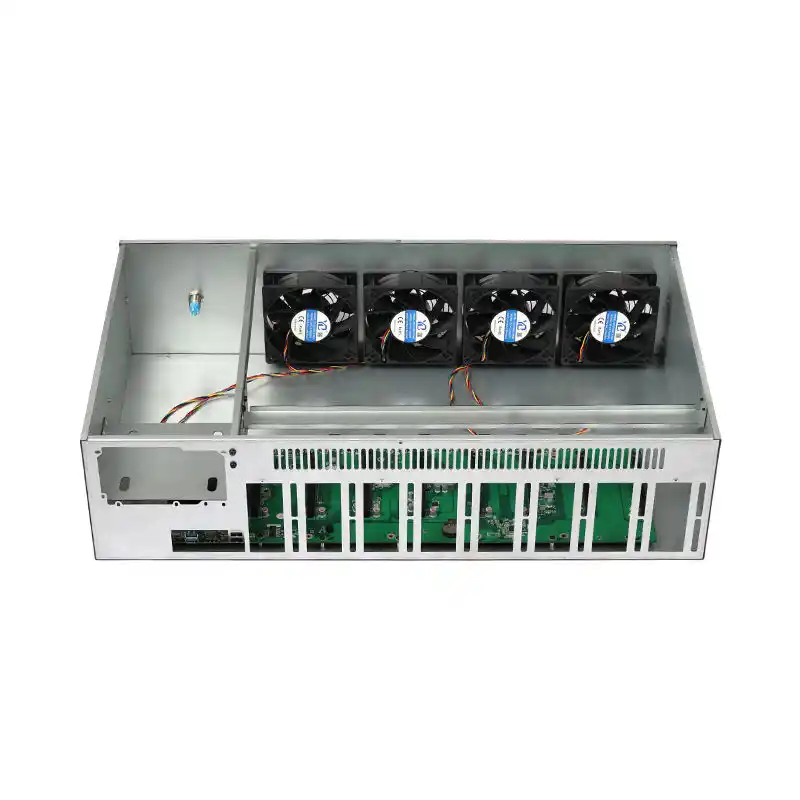
1) Airflow architecture, not fan count
- Straight-through flow beats cleverness. Front-to-back is boring because it works.
- Partition hot zones: GPUs, CPUs, PSU(s), NVMe—each should have a defined path.
- If you need filters (edge), design the pressure budget around them, not afterthought clips.
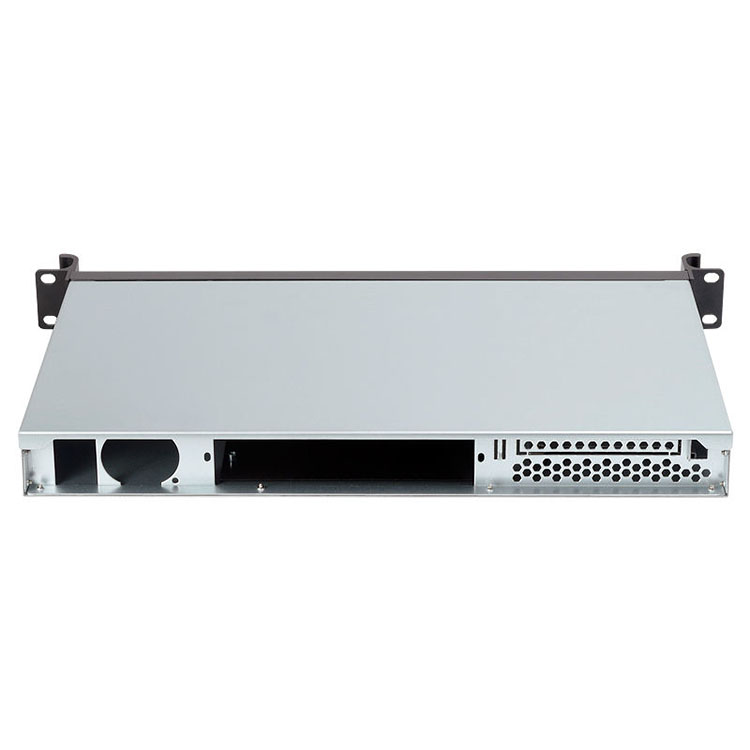
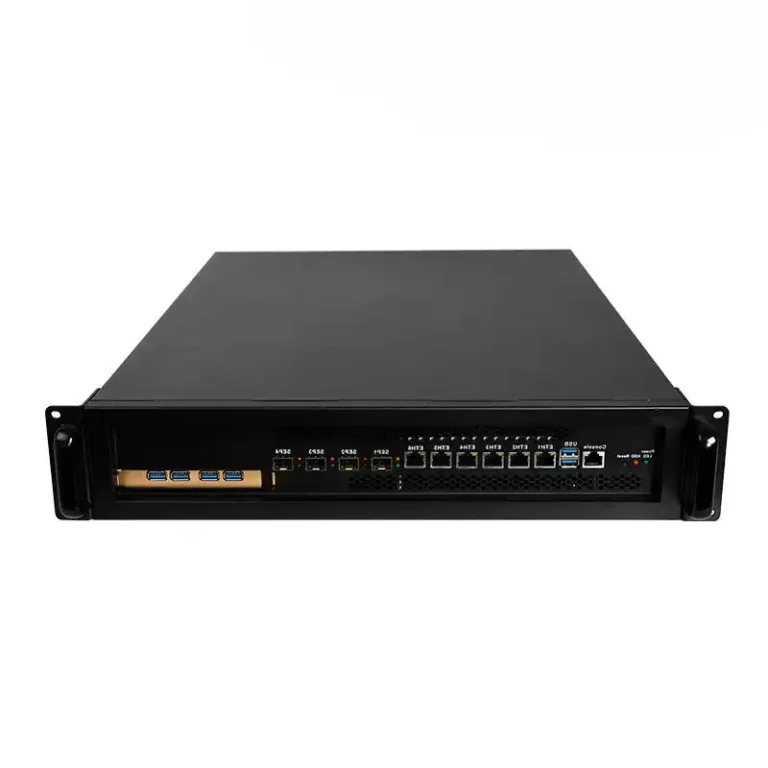
2) Height is a thermal decision (2U/4U/6U isn’t aesthetics)
- 2U can work for inference if you’re disciplined (lower TDP cards, fewer double-width GPUs, higher RPM fans, more noise).
- 4U is the sane default for mixed GPU + storage + serviceability—this is why so many buyers start browsing 4U rackmount case options.
- 6U is where you go when density + airflow + cabling reality collide—more volume, better ducting, fewer “access gymnastics” (see 6U GPU server case listings).
3) Materials and stiffness: vibration is a silent killer at the edge
Rugged edge GPU server enclosure design isn’t just “thicker metal.” It’s stiffness in the right places, fewer resonance points, proper mounting, and not pretending a GPU bracket is a structural beam.
I’m blunt here: I trust vendors more when they publish real material callouts (thickness, steel grade, aluminum parts) instead of adjectives. Even on product pages, specifics beat fluff.
4) Power delivery and cable geometry
- Dual PSU support isn’t “enterprise”—it’s risk control.
- Cable routing must not intrude on intake paths.
- Plan for GPU power connectors (8-pin/16-pin) so they don’t become airflow baffles.
5) Service design: access is a performance feature
If your tech can’t replace a fan tray quickly, you’ll run degraded cooling “temporarily” until it becomes permanent.
This is where rails and tool-less patterns stop being “nice to have.” Again: chassis guide rails are a small part with outsized operational impact.
Edge AI vs on-prem inference chassis requirements
| Design attribute | Edge AI server chassis | On-prem rackmount GPU server case | What breaks if you ignore it |
|---|---|---|---|
| Air filtration | Filtered intake, easy-access filter swaps, pressure-aware fan plan | Often unfiltered, optimize for bulk airflow | Fans clog (edge) or hot spots form (rack) |
| Shock/vibration | Stiff mounting, minimized cantilever load, secure card retention | Mostly stable environment | GPU/PCIe seating issues, micro-cracks over time |
| Acoustic budget | Usually constrained (near people) | Often less constrained (server room) | Teams “cap” fans → thermal throttling |
| Service access | Front access, wallmount/short-depth options | Slide rails, hot-swap where possible | Long downtime per incident |
| Thermal headroom | Spiky loads + dirty air + higher ambient | Sustained loads + facility limits | Throttle, then failure |
| Compliance pressure | Data locality, OT safety practices | Auditability, documentation, governance | You get blocked by risk/compliance |
Compliance is quietly driving on-prem inference
Regulation bites.
The push toward on-premise AI inference server hardware isn’t only latency and cost—it’s governance, documentation, and who gets blamed when models misbehave in regulated workflows.
Want a concrete reason?
Start with NIST’s AI Risk Management Framework 1.0 (published as NIST AI 100-1 in 2023), which is basically a signal flare to enterprises: manage context, impacts, and accountability like adults.
Then add Europe’s legal hammer: Regulation (EU) 2024/1689 (the EU AI Act) adopted 13 June 2024—a real law with real penalties and documentation expectations.
When compliance teams get nervous, they ask a predictable question: “Can we keep sensitive data inside our controlled boundary?” That question pulls inference closer to the edge or onto-prem, and suddenly your chassis choices stop being “IT hardware” and become “risk infrastructure.”
FAQs
What is a GPU server chassis?
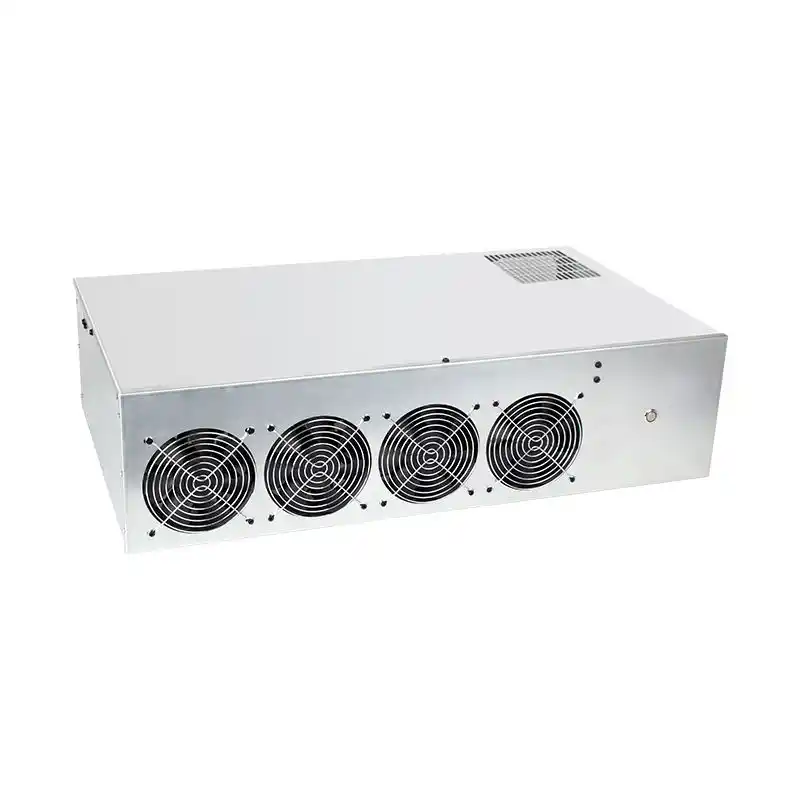
A GPU server chassis is the mechanical and thermal platform (sheet metal, rails, airflow path, power distribution, and I/O apertures) that lets one or more accelerator cards run at rated power—often 72W to 700W per GPU—inside a rack or edge enclosure without throttling or failing.
In practice, it’s also your maintenance system: how fast you can swap fans, reseat cards, and keep airflow clean.
What makes an edge AI server chassis different from a rackmount GPU server case?
An edge AI server chassis is a GPU-capable enclosure engineered for dirty air, higher ambient temperatures, vibration, and constrained service access, while a rackmount GPU server case assumes a controlled environment and optimizes for density, standardized rails, and predictable front-to-back airflow in 19-inch racks.
If you deploy edge like it’s a data center, you’ll learn the “filter and pressure” lesson the expensive way.
How do you size cooling for 350W–700W GPUs in 2U/4U designs?
Cooling sizing is the process of matching total heat load (GPU+CPU+PSU losses), allowable temperature rise, and fan static-pressure capability to a defined airflow path so accelerators can sustain boost clocks without crossing throttling thresholds under real impedance (filters, grills, cable bundles) and worst-case inlet temperatures.
Rule of thumb: design for the nasty day, not the lab day.
When is liquid cooling worth it in a GPU server case?
Liquid cooling is a heat-removal approach where coolant loops move thermal energy away from GPUs/CPUs to radiators or facility water, allowing higher sustained power density than air cooling in the same volume, especially when airflow is constrained by noise limits, dust filtration, or extreme GPU TDP requirements.
If you’re stacking high-power cards and your airflow path is compromised, liquid stops being exotic and starts being math.
How do regulations influence on-premise inference hardware decisions?
Regulation influence is the way governance requirements—documentation, accountability, risk controls, and data handling rules—push organizations to run inference inside controlled boundaries, because audit trails and data locality are easier to prove when infrastructure is owned and physically accessible rather than distributed across third-party cloud services.
NIST’s AI RMF and the EU AI Act are two big signals that this pressure is not fading.
Conclusion
If you’re serious about edge AI or on-prem inference, stop picking a chassis last. Start there.
Browse reference layouts like iStoneCase’s 4U rackmount case options and 6U GPU server case line, then pressure-test your requirements against real deployment constraints—dust, service time, noise, and watts.
And if your deployment is factory/OT-adjacent, read this before you mount anything: industrial-grade wallmount server cases for factory networks.