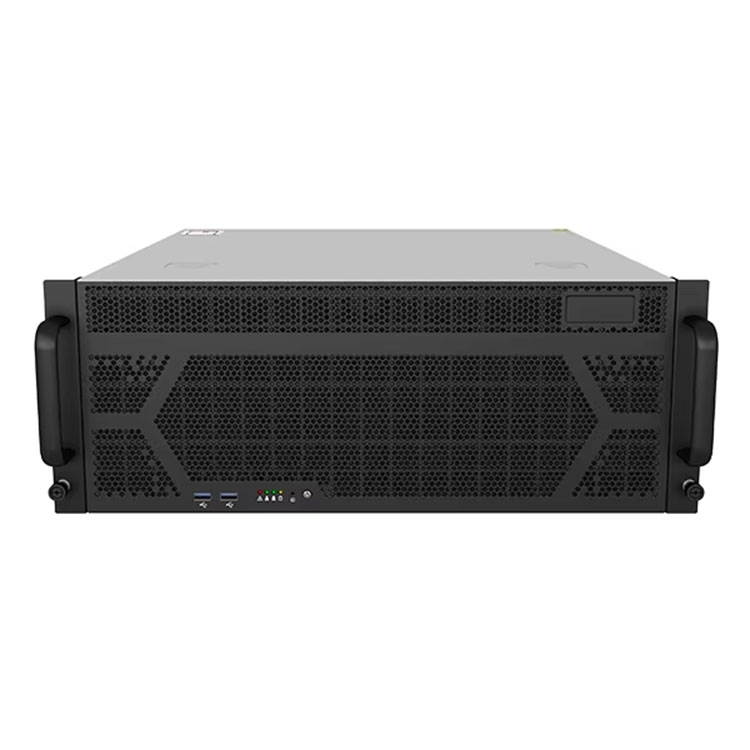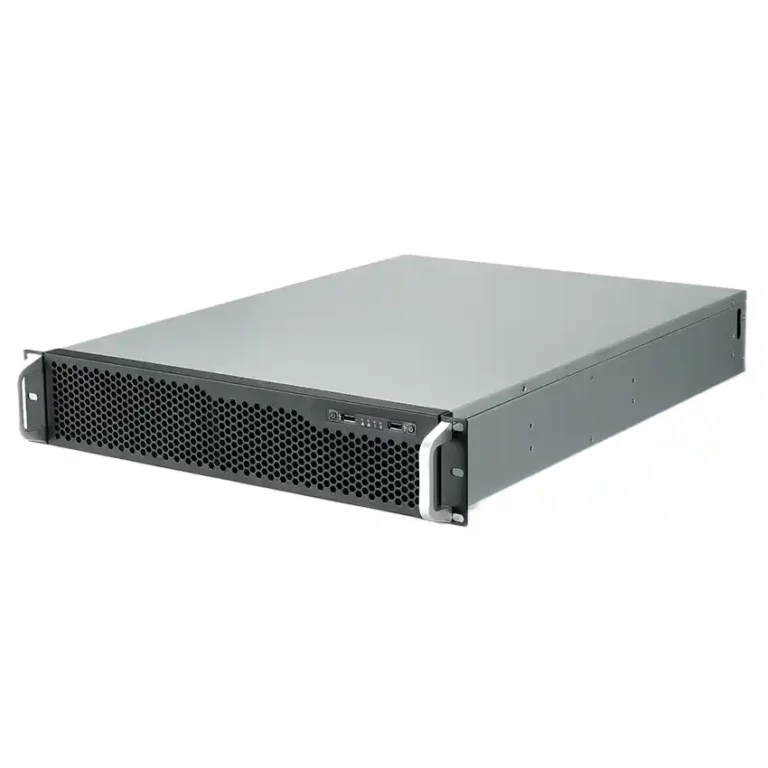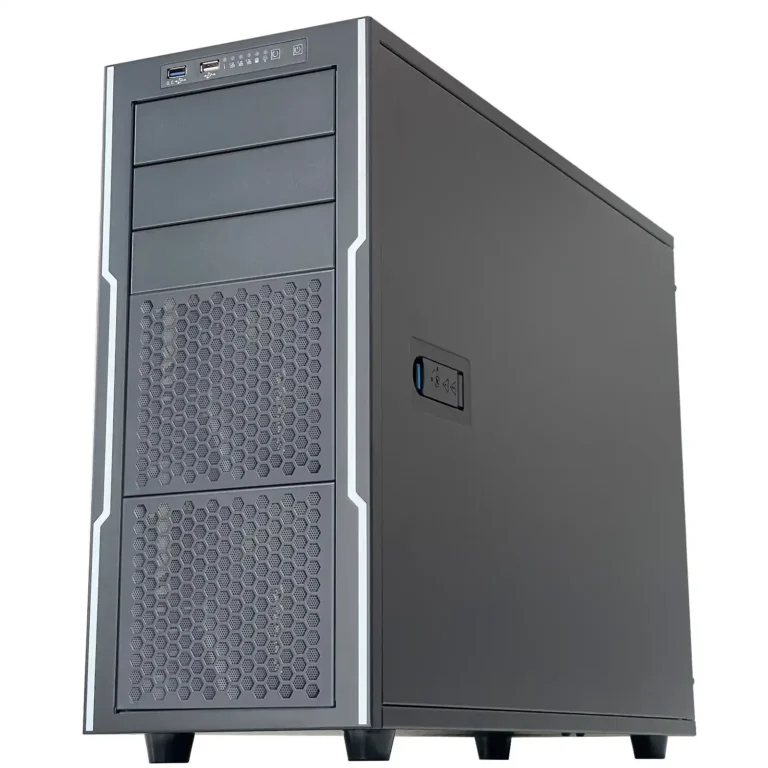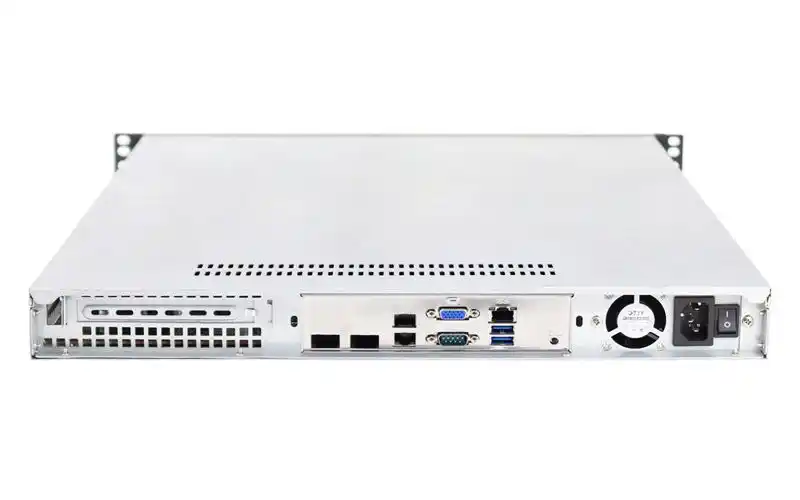
You want a tiny box that behaves like a serious server pc case, not like a toy desktop.
No screaming fans. No dust hurricane. Just a quiet brick that runs 24/7 in a rack, on a wall, or under a desk.
That’s basically the job of a fanless or semi-fanless ITX case. And it’s harder than it looks.
Below I’ll walk through the design logic, some real use scenes, and where a manufacturer like IStoneCase fits in with OEM / ODM and bulk orders for data centers, MSPs, research labs and hardware builders.
ITX fanless case design basics and key principles
When you remove most of the fans, the chassis stop being a “shell”.
It becomes part of the cooling loop.
ITX case as heatsink in server pc case environments
In a fanless ITX build, the case body should act like a big heatsink. That means:
- thick aluminum or steel walls, sometimes copper blocks;
- big external surface, fins or ribs on at least one side;
- tight contact between hot parts and the metal shell.
If the thermal path is bad, heat just sit inside and your CPU start throttling.
So a good fanless ITX layout usually has:
- CPU → block → heatpipe → side panel;
- sometimes VRM or M.2 also touching the panel;
- short, clean path with no gaps.
This kind of design works even better when the ITX node sits next to a bigger computer case server or a 1U / 2U node in the same rack, because the behavior is predictable and easy to model for your thermal guys.
IStoneCase leans on that idea in its ITX case line and in compact server case designs that reuse similar metalwork and brackets across different volumes.
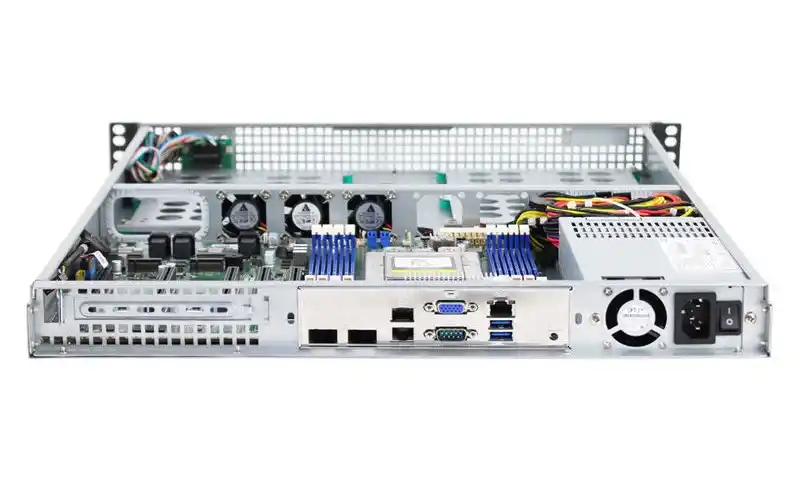
Natural convection in fanless ITX computer case server builds
In a pure fanless chassis, hot air is your only “blower”. It goes up, always.
If you block that path with drive cages or cables, you kill the whole design.
This sound obvious, but honestly many pretty cases get this wrong.
Typical rules that work well:
- bottom area or low side panel has intake holes;
- top or high rear panel has exhaust vents;
- CPU fins and case ribs run vertical so air can rise;
- power cables and SATA harness go around the air tunnel, not across.
Here’s a simple summary to keep in mind:
| Design point | Good approach | Bad approach |
|---|---|---|
| Intake area | Feet high enough, clear holes on bottom or low side | Case pressed flat to shelf, tiny vents only at back |
| CPU position | Close to big finned side / top panel | Buried behind PSU and drive cage |
| Cable routing | Tie cables along edges, leave middle open | Bundle sits right in the airflow |
| Drive mounting | Offset from main air chimney | HDD stack directly in front of heatsink |
This is why many OEM customers ask IStoneCase for custom vent patterns or tweaked drive cages. One small change in hole layout can save a lot of headache when the box sits inside a crowded cabinet next to other rackmount case units.
Volume, material and TDP in ITX case and atx server case planning
You can’t throw a very hot CPU into a 3-liter box and pretend everything is fine.
Volume and material set the ceiling.
Rough idea, without calculator mode:
- Very small ITX case (tiny footprint, thin shell) → good for low-power gateway, sensor hub, small NAS.
- Medium box with thicker aluminum → ok for mid TDP CPU, maybe light GPU, often enough for edge AI or office server.
- Heavier chassis with big fins → can handle stronger processors, still quieter than classic tower.
A quick comparative view:
| Chassis type | Rough size | Thermal budget feel | Typical usage |
|---|---|---|---|
| Compact ITX shell | very small, light metal | only low-power CPU safe long-term | sensor node, controller, little firewall |
| Heavier ITX with fins | mid volume, thick aluminum | mid-range CPU with burst headroom | edge AI box, office file node, light database |
| Short-depth atx server case | bigger box, more airflow options | can host hotter CPUs and GPUs with slow fans | lab server, training environment, mixed workloads |
As soon as your workload becomes heavier — maybe you start adding GPUs or extra NICs — the ITX node often sits in a rack with an atx server case or a full GPU server case. That’s where having one vendor across sizes really helps. You don’t fight with random brackets or strange rail systems.
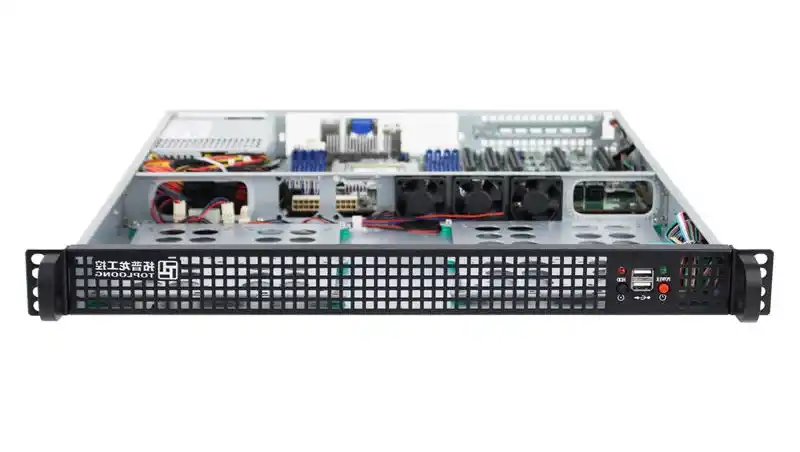
Semi-fanless ITX case inside a server rack pc case stack
Pure fanless is nice for marketing, but most real-life deployments end up semi-fanless:
- minimal number of fans;
- big diameter, low RPM;
- fans stop or run super slow at normal load;
- they ramp up only under stress test or weird spikes.
From a design view, this means:
- keep the natural convection path clean so even 0-RPM mode is safe at idle;
- use fans as “assist mode”, not as the only cooling;
- put fans where they help the whole box, not only one little corner.
In a server rack pc case stack, those semi-fanless ITX nodes often live in the same cabinet as loud GPU or storage monsters. The quiet boxes go near the top or in side rails, running as DHCP, Kubernetes control plane, monitoring, or small NAS. The heavy nodes sit below in classic server rack pc case or NAS devices chassis.
Because IStoneCase also supplies chassis guide rail and wallmount hardware, you can spread these roles across racks and wall cabinets without inventing your own metal each time.
Real-world use scenes for fanless and semi-fanless ITX case
Let’s make this a bit more concrete.
Edge ITX case in industrial and SMB scenes
- Factory or warehouse gateway
- ITX case fixed to wall or DIN-rail.
- Low-power CPU, sometimes dual NIC and serial ports.
- Completely fanless or one slow exhaust fan.
- Pain point: dust and vibration. Fans die fast; passive shell survives longer.
- Retail or office edge box
- Semi-fanless build behind TV or in small cab.
- Runs signage, light AI, maybe some caching.
- Needs to be quiet, almost no noise allowed.
ITX NAS and mixed storage scenes
When you pack drives into a small chassis, you don’t want a vacuum cleaner sound.
A typical design:
- ITX board + 2–4 HDD in a compact NAS devices or ITX case;
- CPU cooled passively or with one big slow fan;
- separate airflow just for drives, so they stay under safe temp even with low RPM.
Here, small grammar warning: many teams underestimate how “hot and noisy” drives can be if air path is bad. Once the disk bay become hot corner, your whole small server feel unstable.
Lab, developer and research spaces
In a lab, you might have:
- a couple of semi-fanless ITX nodes for CI, logging, or dev sandbox;
- several heavy GPU server case units for AI training;
- maybe some classic tower-style computer case server on the side.
Engineers sit two meters from the rack. Tiny high-speed fans drive them crazy.
So they ask for big boxes with gentle airflow, and fanless ITX where possible.
For this kind of mix, an OEM like IStoneCase helps by giving you one family of metal for:
- rackmount gear,
- wallmount or short-depth deployments,
- ITX edge nodes,
- and storage boxes.
You get one contact point for customization, silk-screen logo, special front panel layouts, or bulk buying for different branches. Little bit grammar off here, but you see the idea.
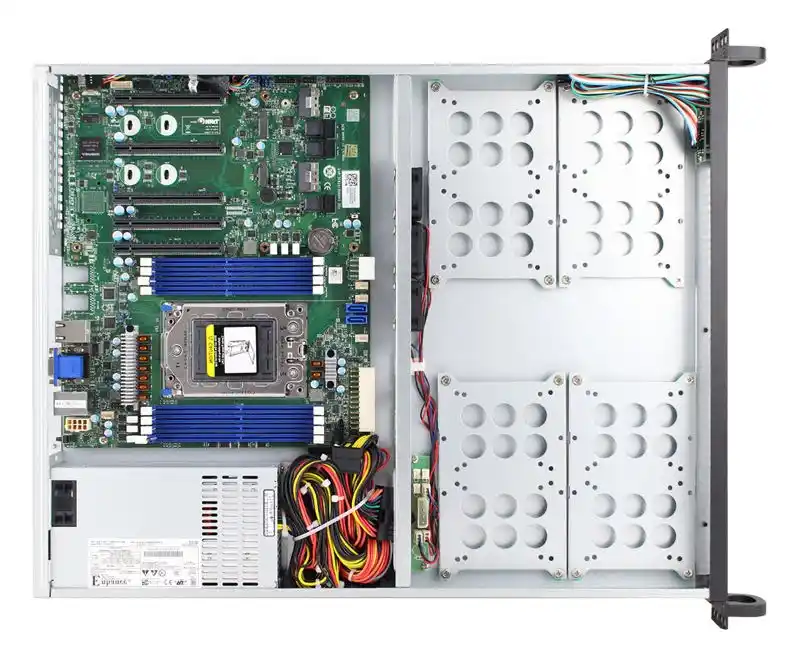
Why IStoneCase matters in fanless ITX planning
Designing a good fanless or semi-fanless ITX case is not only a thermal puzzle. It’s a business and operations question:
- Can you get the same look and feel across your racks and walls?
- Can you order 50, 500, or more units without redesigning?
- Who handles OEM/ODM tweaks when your next AI or storage project need different ports?
IStoneCase sits right in that gap, with:
- ITX case designs that understand passive / semi-passive cooling;
- full server case and rackmount case lines for the rest of the fleet;
- GPU-ready chassis for high-performance or AI workloads;
- rails, wallmount and other metal bits so the boxes live well in real cabinets.
So when you plan your next edge or data-center rollout, don’t think “one small ITX box”.
Think about a family: quiet nodes, big nodes, NAS, GPU, all sharing the same design language and same supplier.
That’s how a tiny fanless ITX case stops being just a cute gadget and becomes a serious part of your server story.