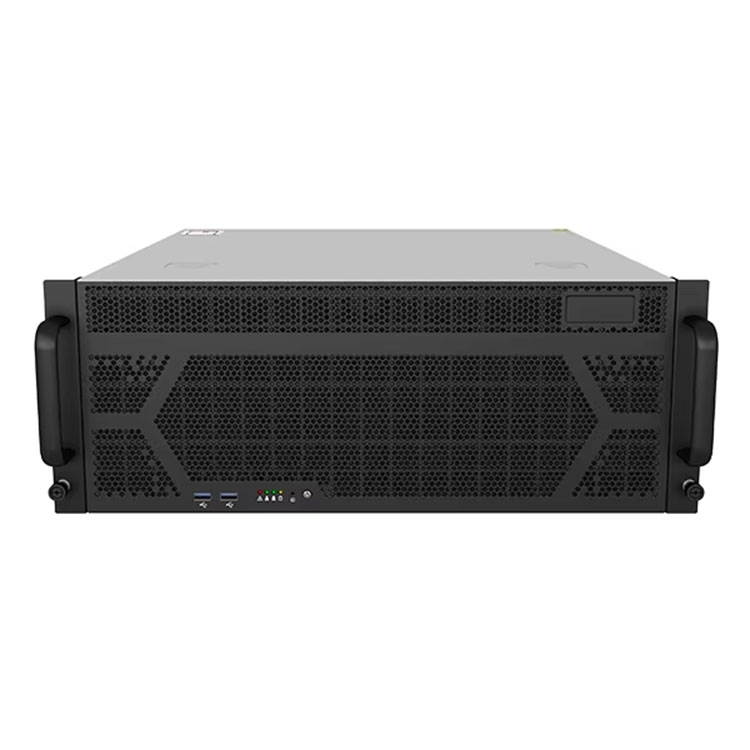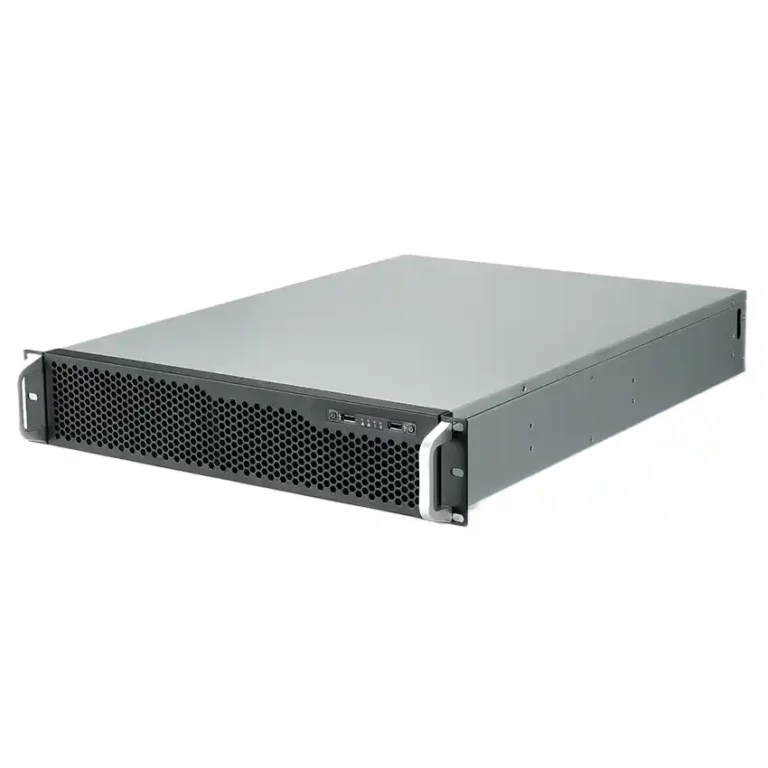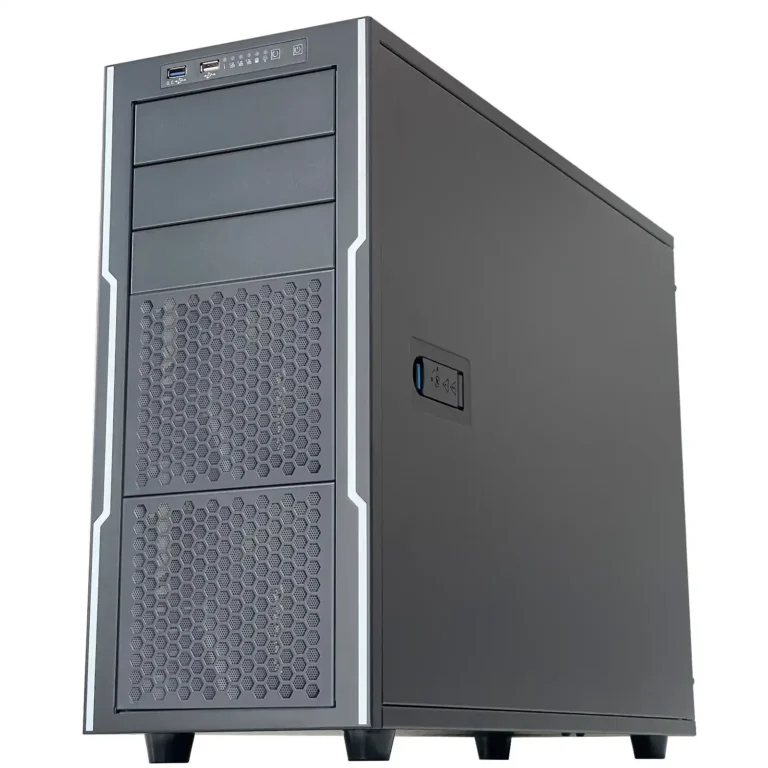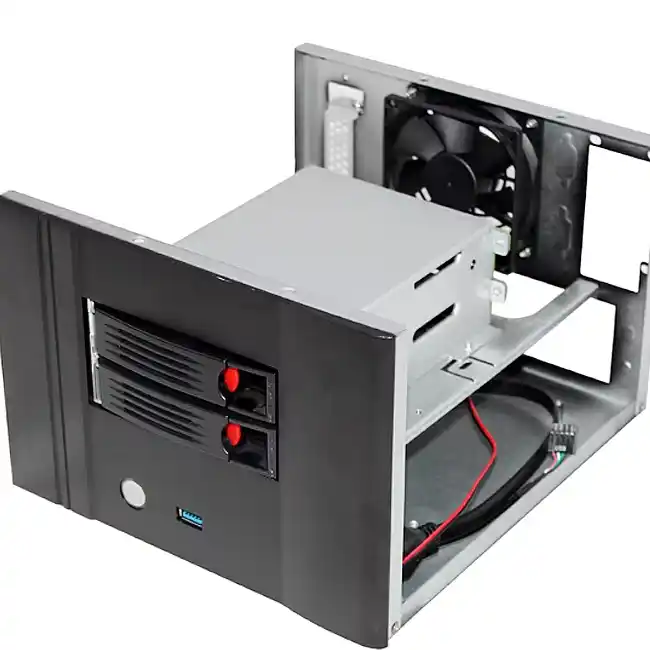
You want a tiny box that still behaves like a real computer case server.
Two drives, decent temps, low noise, easy service.
Not a screaming brick hiding under a desk.
That mix is basically what a dual-drive Mini ITX case lives or dies on. And because IStoneCase does OEM/ODM for data centers, AI teams, research labs and MSPs, we see the same problems again and again: bad thermal budget, messy cabling, and drive layouts that fight the airflow instead of using it.
Dual-Drive ITX Case Design and Thermal Budget
In a small enclosure there’s no “extra” air.
Every watt matters.
Add two drives and you:
- Raise the base temperature inside the shell.
- Steal breathing room from CPU and chipset.
- Push the fan curve up, so idle noise gets annoying fast.
So the first question isn’t “where do I bolt the drive cage.”
It’s: what’s the thermal budget of this node?
A lot of IStoneCase builds for SMB and branch offices use:
- One clear 80 mm or 92 mm intake.
- Short airflow path from front or side over the drives, then across the board.
- Either a FLEX PSU tucked out of the main wind, or an external brick to free even more volume.
You dont have a hot aisle and cold aisle in a meeting room. The chassis itself has to manage heat and noise, or the 24/7 node becomes the loudest thing in the office.
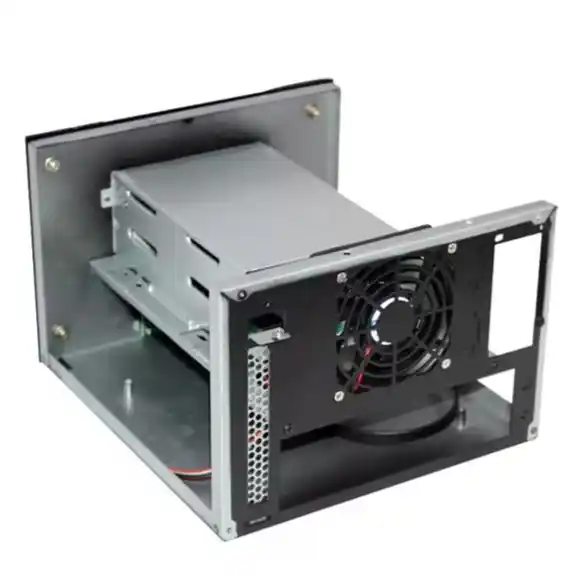
Drive Choices: 2.5″ vs 3.5″ in an ITX Case
Before you argue about vents, decide the drive combo.
That choice sets the starting point for capacity, heat and vibration.
Dual-Drive Mix in a Mini ITX Case
| Drive combo | Heat & noise | Typical usage | Notes from the field |
|---|---|---|---|
| 2× 2.5″ SSD | Coolest, almost silent | Dev lab node, silent desktop NAS, signage controller | Great if you care more about noise than raw terabytes |
| 1× 3.5″ HDD + 1× 2.5″ SSD | Medium heat, some seek noise | Branch backup box, edge cache, light file server | HDD holds cold data, SSD runs OS or hot data |
| 2× 3.5″ HDD | Warmest, always audible | CCTV NVR, heavier NAS, log collector | Needs honest airflow and good vibration control |
If you want quiet and simple, dual SSDs in a compact ITX case work very well.
If you need more cold storage, the “1× big HDD + 1× SSD” mix is the usual sweet spot.
For many OEM clients, IStoneCase ships barebones with that middle option in mind. The enclosure behaves like a small server pc case, but stays small enough to sit under a monitor or on a shelf.
Drive Cage, Airflow Path and Noise Floor in a Computer Case Server
Now the painful part: drive cage + airflow.
A bad layout does things like:
- Hanging a 3.5″ cage right in front of the only fan.
- Running SATA and power cables through the intake path.
- Letting the PSU eat the same cold air that should go to the drives.
Once that happens, temps climb and fans spin up.
Your “quiet edge node” turns into a mini leaf blower.
A better dual-drive ITX design:
- Puts drives along the airflow, not across it.
- Keeps the fan view as open as possible.
- Uses short cables and tie-down points so cabel spaghetti doesnt block the fan.
Layout Choices vs Capacity / Heat / Noise
| Layout choice | Capacity effect | Heat effect | Noise effect |
|---|---|---|---|
| Cage in front of intake fan | Can add 1 more drive, but tight | Airflow blocked, hot spot near drives | Fan must spin faster, more whoosh |
| Drives along side wall in airflow | Still allows 2 drives | Air flows over drive faces | Lower fan RPM, softer sound |
| PSU above motherboard, not drives | No change to drive count | Heat goes up and out, not through drive bay | Less PSU fan noise near ears |
| Clean cable routing with tie points | No extra capacity | Reduces recirculation and micro hot-spots | Less turbulence, smoother noise profile |
This is the kind of detail IStoneCase bakes into compact chassis for integrators.
When you deploy fifty edge nodes, you dont want every installer re-inventing the airflow path with zip ties.
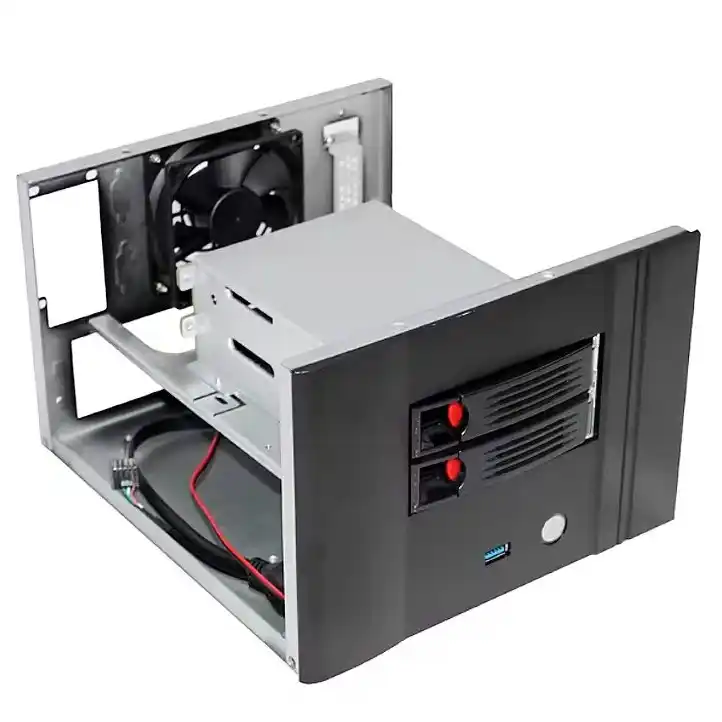
Real-World Dual-Drive ITX Use Cases with IStoneCase
Let’s talk actual usage, not just theory.
Here are three very common dual-drive patterns built on small IStoneCase shells.
Branch Office Backup Node
Scenario:
- One 3.5″ disk for nightly backups.
- One 2.5″ SSD for OS and logs.
- Box lives in a low, dusty cupboard next to a router.
Pain points:
- Limited space, no dedicated rack.
- Non-IT staff sometimes move the box or unplug it.
- You need it to run cool with minimal fan noise.
A compact computer case server from IStoneCase with a FLEX PSU and clear 80 mm intake fits this scenario well. The drives sit in the airflow, temps stay under control, and the chassis still looks “office friendly.”
Silent Desktop NAS or Dev Sandbox
Here the priority flips.
Capacity is nice, but silence matters more.
- Two 2.5″ SSDs in a fan-assisted ITX case or external-brick design.
- Low-TDP CPU, maybe fanless or with a slow tower cooler.
- Box sits on a designer’s desk or next to a developer’s monitor.
Because there’s no spinning rust and no internal ATX PSU block, the noise floor drops. Many labs simply forget those boxes are powered on. For dev and test clusters that’s perfect: low friction, no complaints.
Edge Node for AI or Analytics
Last one: small node, heavy job.
- Two drives: SSD for hot models and data, HDD or second SSD for logs or cold data.
- Extra NIC or low-profile accelerator.
- Mounts on a shelf in a small “edge closet,” often without proper room cooling.
This is where a toughened ITX enclosure tied into a wider GPU server case or NAS devices strategy makes sense. IStoneCase can keep the same design language and airflow logic across lines, so your field teams instantly understand where the air comes in and where it exits.
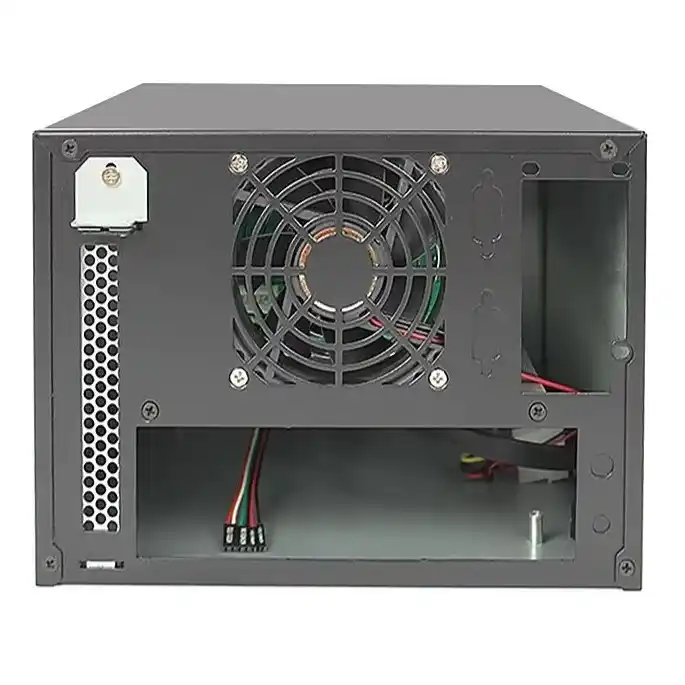
From Mini ITX Case to Server Rack PC Case and ATX Server Case
Most fleets don’t stop at one small box.
You start with some ITX builds, then the project grows:
- Central site gets a proper server rack pc case stack.
- Regional offices add a 2U or 3U rackmount case.
- Some customers need a wall cabinet with a wallmount case because there’s literally no floor space.
- Analytics or training clusters move into full atx server case systems with more fans and hot-swap bays.
Good news: the same three-way balance still works.
- Capacity
- Decide how many drives you really need per node.
- Leave space for future density instead of maxing bays on day one.
- Heat
- Map clear intake and exhaust routes on every chassis.
- Watch the shared thermal budget between CPU, GPU, PSU and drives.
- Noise
- For offices, design for a low idle noise floor.
- For racks, think more about predictable fan curves and easy replacement.
Because IStoneCase designs everything from server pc case lines down to compact ITX case shells, you can keep one airflow philosophy from edge nodes to full racks. That makes it easier for IT service partners, database providers and research teams to roll out mixed fleets without weird one-off behavior.
Wrapping Up Dual-Drive ITX Case Design for Real-World Use
So, dual-drive ITX is not magic. It’s just a careful balance.
- Pick the right mix of 2.5″ and 3.5″ drives.
- Protect the airflow path instead of blocking it with drive cages and cables.
- Keep an eye on thermal budget and idle noise, not only peak load.
- Design the small node so it fits into the same logic as your larger server rack pc case and atx server case deployments.
If you want a chassis partner that already lives in this balance, IStoneCase is built for that: high-quality server pc case, rackmount case, NAS devices and compact ITX case lines with OEM/ODM options for volume buyers.