Buying a chassis overseas looks simple. Pick a photo, compare specs, place order. Then the pallet arrives and… your GPU doesn’t clear the fan wall, the rails don’t match your cabinet depth, and your ops guy is mad because the lid needs ten screws.
So here’s my argument: you should choose a case the same way you choose a server design—by workload + maintenance, not by looks or “close enough” dimensions. If you do that, your rollout stays boring (boring is good).
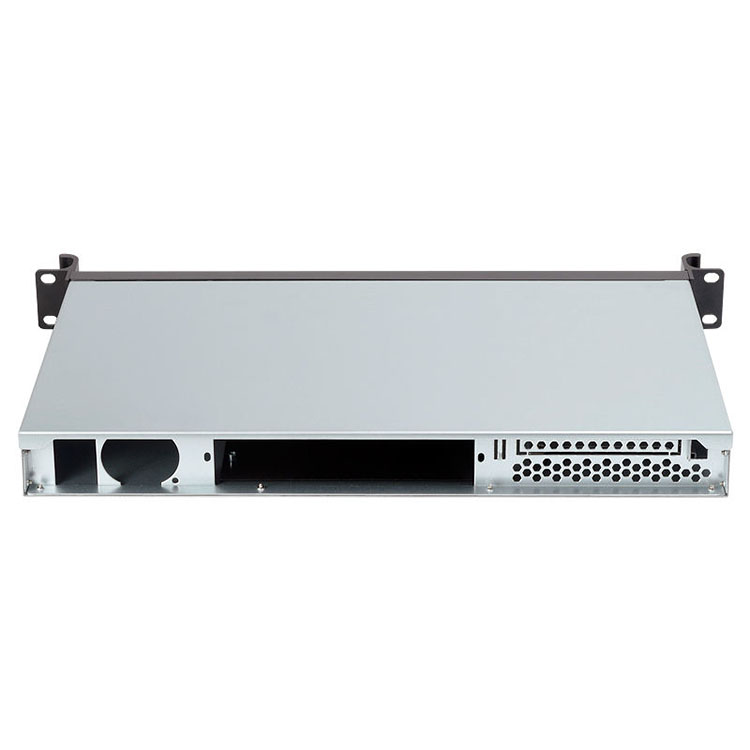
I’ll use real buyer language like server rack pc case, server pc case, computer case server, and atx server case. I’ll also reference IStoneCase pages because they sell and build these categories at scale: IStoneCase, Server Case, GPU Server Case, Rackmount Case, Wallmount Case, NAS Case, ITX Case, and Chassis Guide Rail.
25 Most Common Questions (with practical “why” and a source page)
| # | Question buyers ask | Why you should care (real ops pain) | Reference (no outside links) |
|---|---|---|---|
| 1 | What workload is this for (AI, storage, VM, DB)? | Workload decides airflow, bays, and slot map | IStoneCase Server Case / GPU Server Case |
| 2 | Is it a server rack pc case or a tower? | Rack installs need rail fit and front-to-back air | Rackmount Case / Chassis Guide Rail |
| 3 | What U height (1U/2U/4U/6U)? | Wrong U = GPU won’t fit or fans scream | Rackmount Case / GPU Server Case |
| 4 | What chassis depth? | “Fits the rack” is where orders die | Chassis Guide Rail |
| 5 | Do rails come included? Tool-free? | Fast deploy + easier swaps = lower MTTR | Chassis Guide Rail |
| 6 | What’s the full-load weight? | Rails fail when you load drives + GPUs | Chassis Guide Rail |
| 7 | Motherboard form factor (ATX/E-ATX/MATX)? | Hole pattern mismatch = rework | Server Case / Rackmount Case |
| 8 | Need an atx server case specifically? | ATX gives you common parts + flexible upgrades | Server Case / Rackmount Case |
| 9 | How many PCIe slots are usable? | “Slots exist” ≠ “slots usable with risers” | GPU Server Case / Rackmount Case |
| 10 | Any riser / PCIe topology options? | Riser math can block NIC or GPU | GPU Server Case |
| 11 | How many GPUs and what size? | Triple-slot cards change everything | GPU Server Case |
| 12 | Max GPU length and height? | Cards can hit fan wall or drive cage | GPU Server Case |
| 13 | PSU type: ATX vs redundant (CRPS etc.)? | Power + cable routing + uptime | Server Case / GPU Server Case |
| 14 | Drive bays now and later? | Buyers under-spec bays… then expand | NAS Case / Server Case |
| 15 | Hot-swap or fixed trays? | Hot-swap reduces downtime, period | NAS Case / Server Case |
| 16 | Backplane: SATA/SAS/NVMe? | Backplane decides cabling and HBA choice | NAS Case / Server Case |
| 17 | Cooling layout: front-to-back airflow? | Bad airflow = throttling + alarms | Rackmount Case / GPU Server Case |
| 18 | Fan wall specs (size/count)? | Fans are your thermal budget | Rackmount Case / Server Case |
| 19 | Dust filter / dustproof panels? | Edge closets are dust farms, no joke | Wallmount Case / Server Case |
| 20 | Front I/O needed (USB/COM)? | Don’t crawl behind racks for a USB stick | Rackmount Case / Wallmount Case |
| 21 | Cable routing features? | “Spaghetti” kills airflow and audits | Server Case / Custom blog posts |
| 22 | OEM/ODM customization scope? | Custom ports/bays can simplify fleet ops | IStoneCase OEM/ODM positioning |
| 23 | Bulk wholesale / MOQ / batch consistency? | BOM lock keeps every unit identical | IStoneCase product pages |
| 24 | QC checkpoints / testing? | One bad batch ruins trust | IStoneCase “reliability” claims across categories |
| 25 | Spare parts plan (trays/fans/rails)? | Spares save you when things go sideways | Chassis Guide Rail / NAS Case |
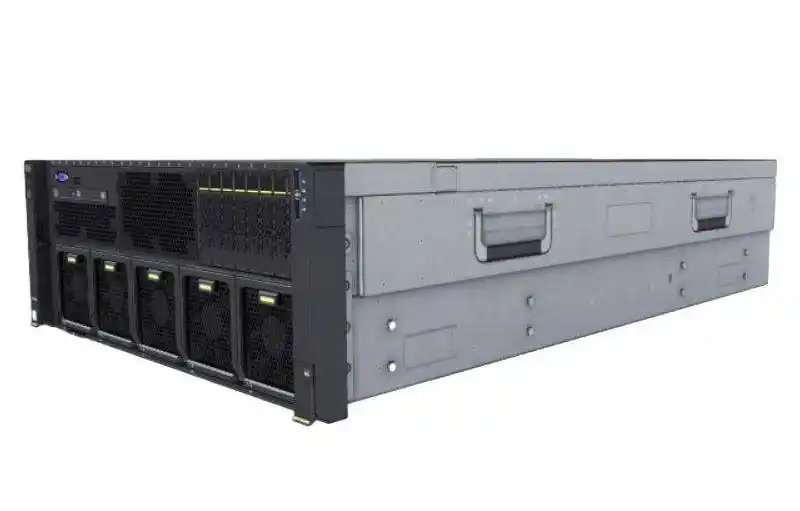
server rack pc case
If you’re buying a server rack pc case, your enemy is not “price.” Your enemy is “it almost fits.”
rack depth and chassis depth
Ask for chassis depth, then compare it to your cabinet depth. Don’t eyeball it.
If you run mixed racks, make sure the rails cover common ranges. On IStoneCase rail pages you’ll see typical cabinet depth coverage like 800–1200 mm, plus load classes for heavier builds. That’s the boring detail that prevents a very non-boring install day.
front-to-back airflow and hot aisle
Racks want front-to-back airflow. Period. If your chassis pulls air from weird side vents, you’ll fight the room’s cold aisle / hot aisle layout. Then your GPUs start doing thermal throttle and your team starts doing blame game.
server pc case
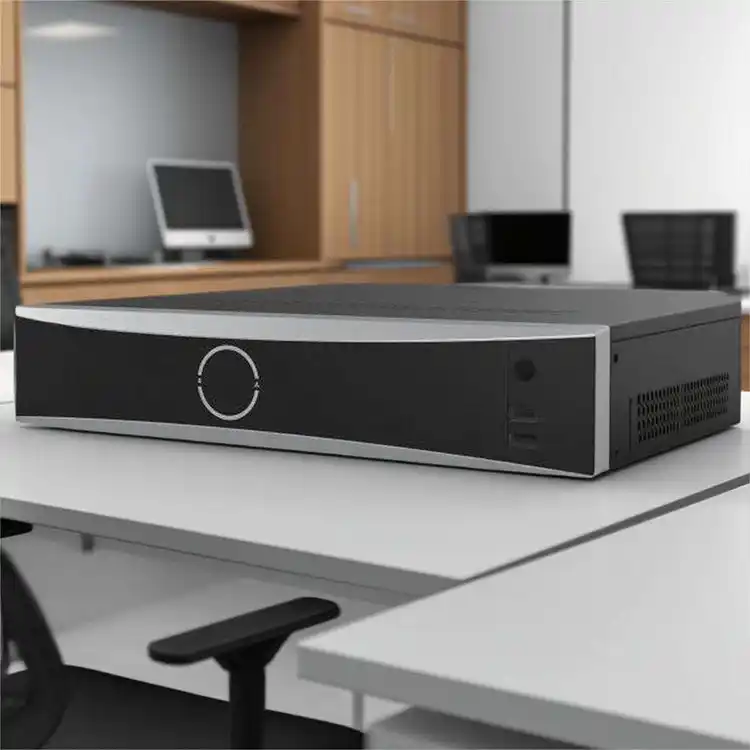
A server pc case can mean a tower in a small office, or a lab box under a desk. Totally valid. Just don’t pretend it behaves like a rack node.
noise and “office-friendly” cooling
Big fans at lower RPM usually sound nicer. Small fans at high RPM sound like a hair dryer. If your server lives near humans, you care. Even if the finance guy says he doesn’t.
service access and MTTR
If you have to unplug everything to open the lid, your MTTR goes up. MTTR is just “how fast you recover.” Faster recovery = fewer angry messages.
computer case server
When people say computer case server, they often mean “I need storage, and I need it to be stable.”
hot-swap bays and backplane choices
Hot-swap isn’t a luxury when uptime matters. It’s a workflow.
Backplane type (SATA/SAS/NVMe) decides your cabling and your HBA/RAID plan. If you don’t lock that early, your build turns into cable salad.
NAS devices and storage growth
Storage always grows. Always. If you’re building for SMB file share today, plan for backup, snapshots, and maybe a second box tomorrow. That’s why buyers move from simple towers to NAS-style chassis and rackmount storage.
atx server case
An atx server case is popular for a reason: parts are easy to source, layouts feel familiar, and upgrade paths are clean.
motherboard compatibility and hole patterns
“Supports ATX” should mean more than “it kinda fits.” Ask the supplier to confirm form factor support clearly (ATX / MicroATX / E-ATX). This is the classic overseas mistake, and it’s avoidable.
PCIe slots, risers, and “usable lanes”
Ask for a slot map. Not a marketing image. A real slot map.
If you’re doing GPU + NIC + HBA, riser topology matters alot. A “7-slot chassis” can still block you if the riser or bracket layout is weird.
GPU Server Case
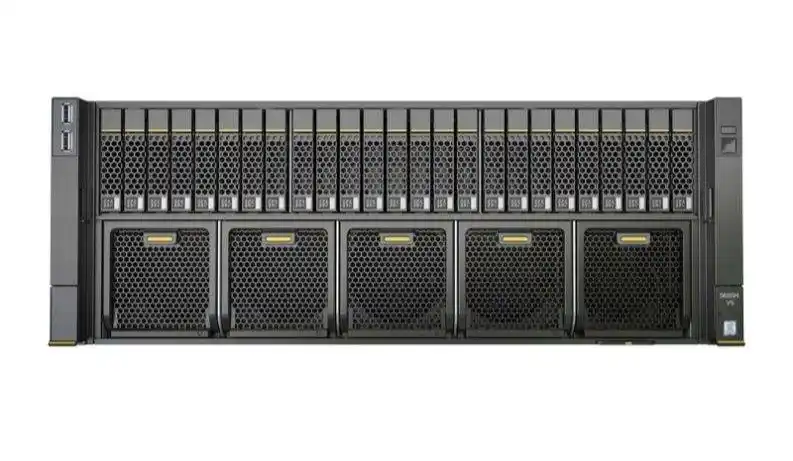
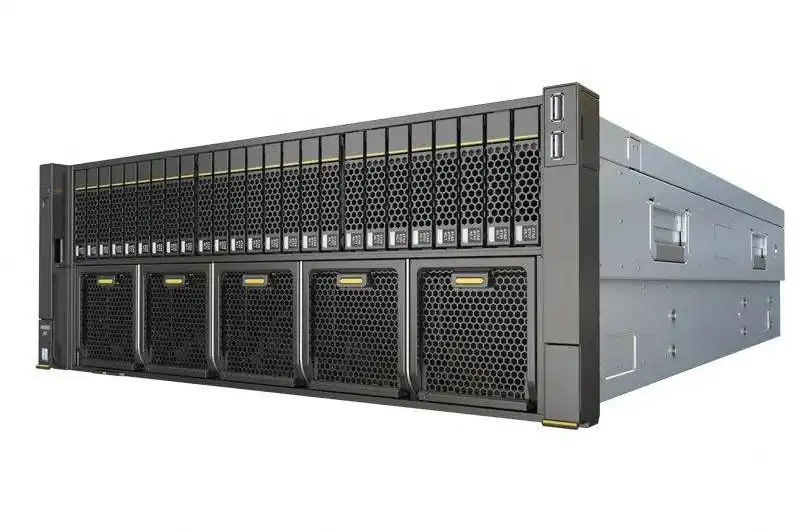
If you’re buying for AI training, inference, rendering, or anything GPU-heavy, treat the chassis like part of the cooling system. Because it is.
GPU clearance and airflow path
GPU length, height, and slot width must match the chassis spec. Triple-slot cards are common now. They change spacing, airflow, and power cable routing.
PSU redundancy and power routing
For serious compute, redundant PSU support helps reduce downtime. Even if you don’t enable redundancy on day one, keeping the option is smart.
Rackmount Case
Rackmount is where standardization pays off. Same rails, same RU spacing, same service routine. Your techs get faster every week.
1U vs 2U vs 4U selection
- 1U: density, but tight thermals
- 2U: the “sweet spot” for many mixed workloads
- 4U: better airflow and room for GPUs / big fans
If you’re not sure, 2U and 4U are safer than 1U. Less drama.
Wallmount Case
Wallmount shines in tight enviroment: branch offices, network closets, retail back rooms, small labs.
dustproof panels and quick access
Closets are dusty. People open doors, boxes, and ceilings. Filters and dustproof panels help keep heatsinks from turning into felt blankets. That means fewer “why is it overheating?” tickets.
NAS Case
NAS buys are usually about reliability and easy disk swaps.
hot-swap drive bays and simple maintenance
If your team can swap a drive in minutes, you avoid outages and you avoid weekend work. That’s a real business win, not theory.
ITX Case
ITX is great for compact builds: dev rigs, edge caches, small monitoring boxes, and “I need this to fit” installs.
small footprint, still legit performance
Small doesn’t mean toy. It just means you plan your thermals and expansion earlier.
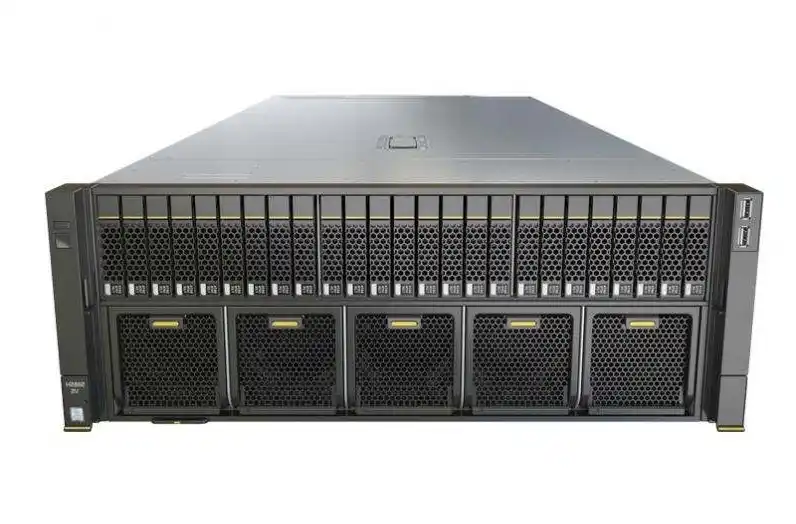
Chassis Guide Rail
Rails are not optional for racks. They’re the difference between “smooth slide-out service” and “two people lifting a heavy box at 1 a.m.”
tool-free installation and cabinet depth ranges
When you’re doing fleet rollout, tool-free rails save time and reduce install mistakes. And yes, rail depth range matters more than people think.
OEM/ODM and bulk wholesale
If you’re ordering overseas, you’re probably thinking scale. Here’s the move: lock your BOM (Bill of Materials). That means every batch uses the same tray, same fan spec, same front panel, same rails. Consistency beats chaos.
IStoneCase leans into this with OEM/ODM + bulk programs across GPU chassis, rackmount, wallmount, NAS, ITX, and rails. If you’re a distributor, an IT service provider, or you’re building for a data center / algorithm center, that’s the kind of supplier setup you want—less one-off, more repeatable.