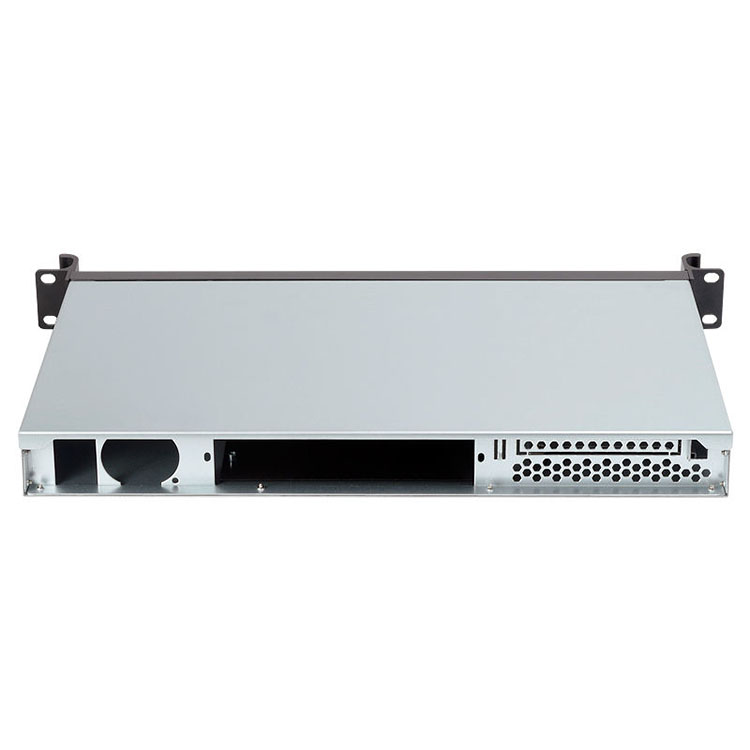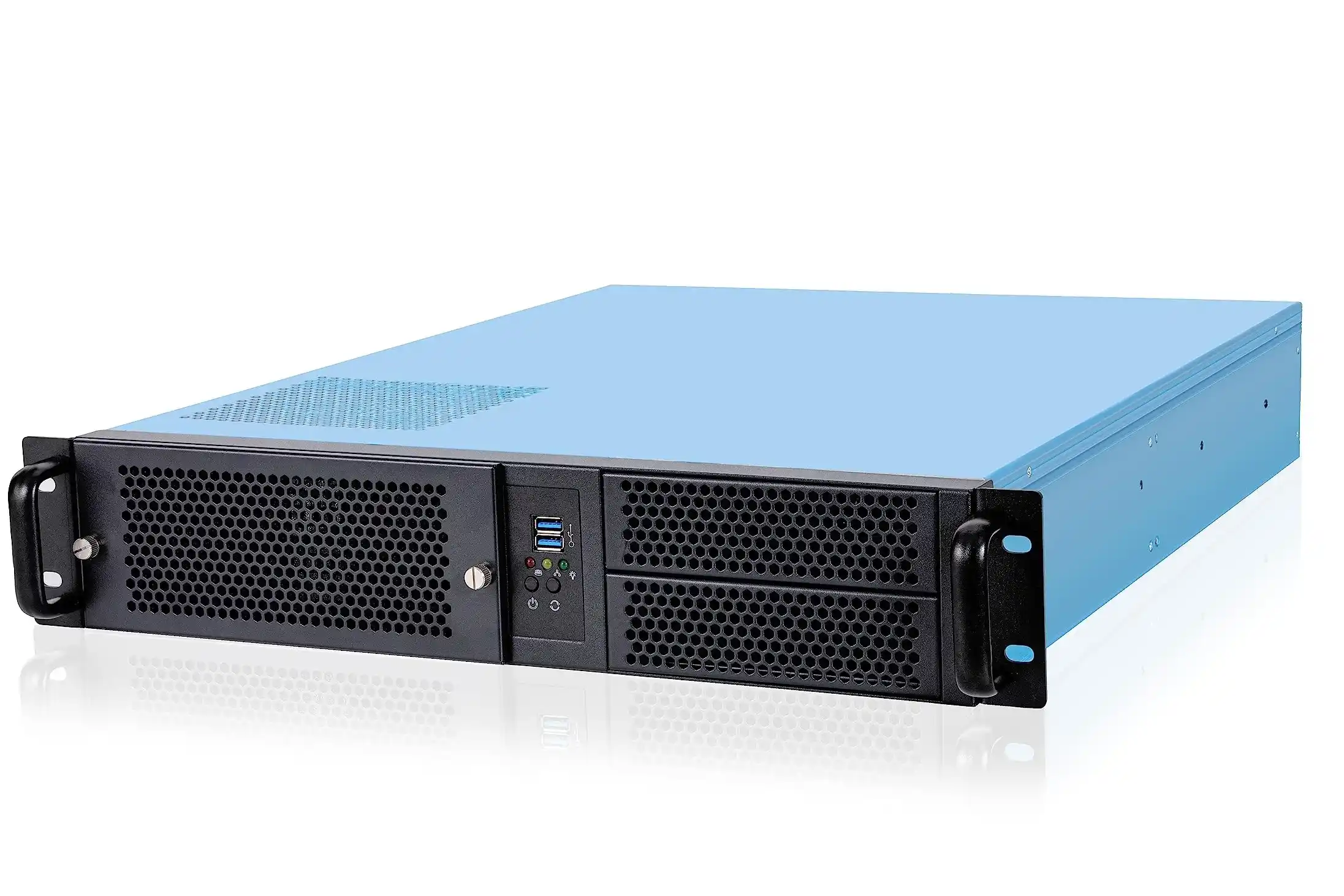
You build one nice box in the lab.
It runs your AI model, the fans scream a little, but it works. Everyone happy.
Then the boss says:
“Cool, can we deploy 300 of these next quarter?”
Now it’s not only an engineering toy. It’s a server rack pc case problem, a logistics problem, even a business problem.
This is where smart server case design really starts. And where an OEM/ODM partner like IStoneCase makes your life a lot less painful.
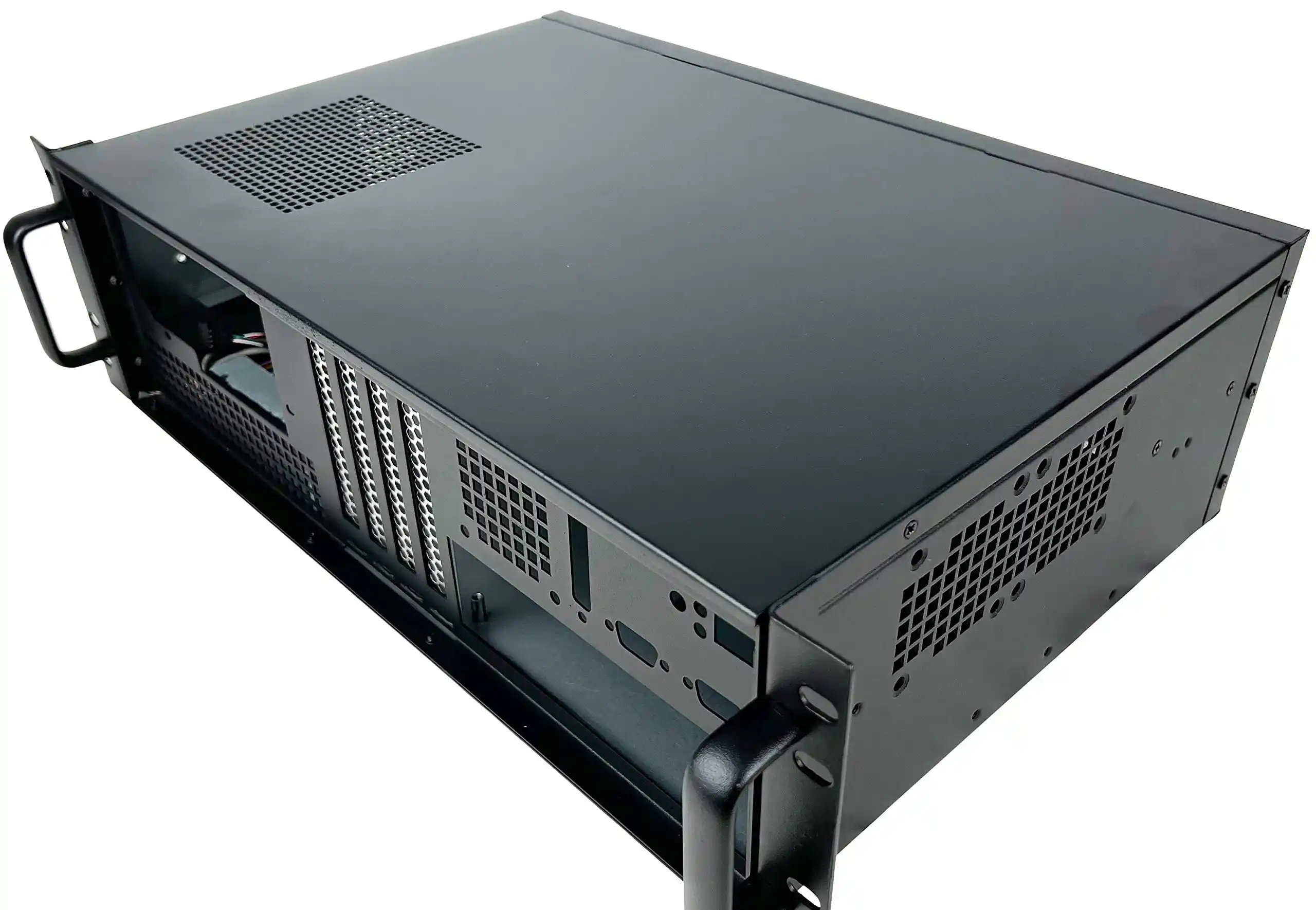
Server Case DFM for Lab Prototype and Mass Deployment
DFM Basics for Server PC Case OEM
In the lab you care about speed. On the line you care about repetition.
So even for the first server pc case prototype, you should already think like a factory a little bit.
Simple DFM habits:
- Stick to common sheet thickness and standard hardware.
- Limit bend radii and hole types. Don’t create an art project.
- Reuse parts between models when you can.
- Follow standard mounting patterns so you can still move to a custom server case later.
IStoneCase does this all day with GPU server case and rackmount case projects. When you send a drawing that’s too crazy for mass production, a good vendor will tell you gently before it hurts.
Design Stages for a Scalable Computer Case Server
Here’s a quick way to think about the journey from “bench build” to “serious deployment”.
| Stage | Goal | Typical Problems | What You Should Do |
|---|---|---|---|
| Lab prototype | Prove hardware + software | Messy cables, random fans, hand-drilled holes | Keep basic form factor clean, use standard PSU and board sizes |
| Engineering sample | Make the metal repeatable | Too many screws, special tools needed | Cut fasteners, unify parts, think about assembly steps |
| Pilot batch (50–100) | Test build + logistics | Slow line, weird rework, annoying packaging | Time the build, add small jigs, tweak layout not full redesign |
| Volume build | Stable output every week | Service pain, noisy failures after shipping | Lock main design, fine-tune service flow, document clearly |
If you skip that middle stage, you just move chaos from the lab into the warehouse.
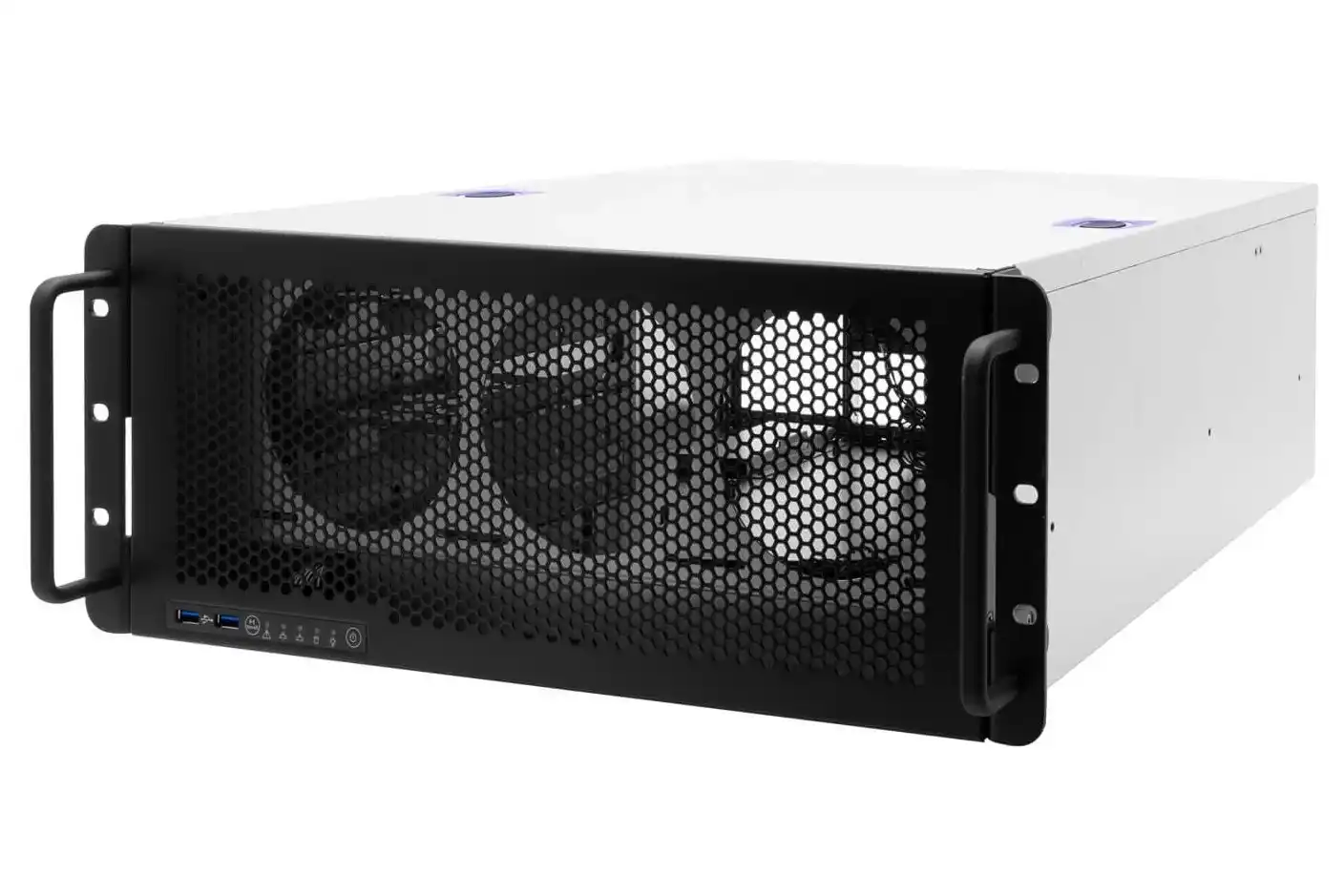
Cooling and Airflow in GPU Server Rack PC Case
Thermal Design in Computer Case Server for AI and HPC
A lab box lives under a desk. A computer case server lives in a hot rack, squeezed with other boxes and dust. Very different life.
For GPU and AI workloads you should:
- Decide airflow direction early: front-to-back, side-to-side, or even front-to-top.
- Keep a clean corridor for cold air. Don’t let cables and brackets block it.
- Add fan walls or modules that are easy to swap when they die at 2 a.m.
- Plan for N+1 fans or extra margin, not just “it barely works if room is cold”.
IStoneCase’s GPU server case lines are basically built around this. The metal, vents and ducts are not random. They’re there because some ops team once called and said: “hey, this node is throttling again”.
Noise, by the way, is not just a comfort thing. If your chassis needs crazy RPM to keep cool, fans fail faster. That means more truck rolls, more downtime, more annoyed clients.
From Pilot Run to Bulk Order: Scaling Your Server Rack PC Case
Assembly and Serviceability in Rackmount Case Production
Once you move to real racks, the server rack pc case has to respect one rule:
Every minute you save in assembly or repair is money.
So, in design:
- Make hot-swap bays truly hot-swap. No hidden screws behind the backplane.
- Use thumbscrews or tool-less latches where techs touch often.
- Keep left/right symmetry so people don’t rotate the chassis like a pizza just to reach one clip.
- Use consistent rail systems; pair them with proper chassis guide rail sets.
Service pain is a silent cost. You don’t see it on a BOM sheet, but your team feels it in every change window.
OEM/ODM Partnership With IStoneCase
When you start doing dozens or hundreds of units, a normal off-the-shelf box stops being enough.
You need someone who can:
- Customize front panels for your I/O, logo, and branding.
- Adjust the internal layout for your board, PSU, GPU mix.
- Support long-term runs and refreshes, not just one lucky batch.
That’s basically what IStoneCase sells: OEM/ODM for server case, GPU chassis, NAS devices, and more. You bring the use case, they bring the metal logic.
Choosing the Right ATX Server Case and Rackmount Chassis
ATX Server Case, Rackmount Case, Wallmount and ITX
Different deployments want different shells. If you treat them all same, something will break later.
- ATX server case: good when you want standard ATX boards, but still need strong airflow and front bays. Often 3U or 4U format.
- Rackmount case: classic data center gear, perfect for big clusters, storage nodes, algorithm centers.
- Wallmount case: nice for edge, retail, or CCTV rooms where you don’t have full racks.
- ITX case: tiny hosts for labs, small offices, or special projects; still can be robust with the right build.
IStoneCase covers all of these: rackmount case, wallmount case, ITX case. So you can keep same supplier while you grow from a few edge boxes to a real cluster.
Different Use Cases: Data Center, SMB, Dev Lab
- Data centers & algorithm centers want density and airflow. They push GPU, storage, and CPU nodes hard. For them, rackmount GPU chassis are the star.
- Large enterprises & SMBs like mixed fleets: some rack servers, some NAS, some branch boxes. They need predictable hardware more than exotic stuff.
- IT service providers, database vendors, dev teams care a lot about maintenance. If it takes three people to swap a drive, they suffer every week.
Good news here: you don’t need a totally different design for each group. You can start with a strong base chassis, then spin variants: change front, adjust bay count, tweak airflow a bit. That’s exactly what a solid OEM partner offers.
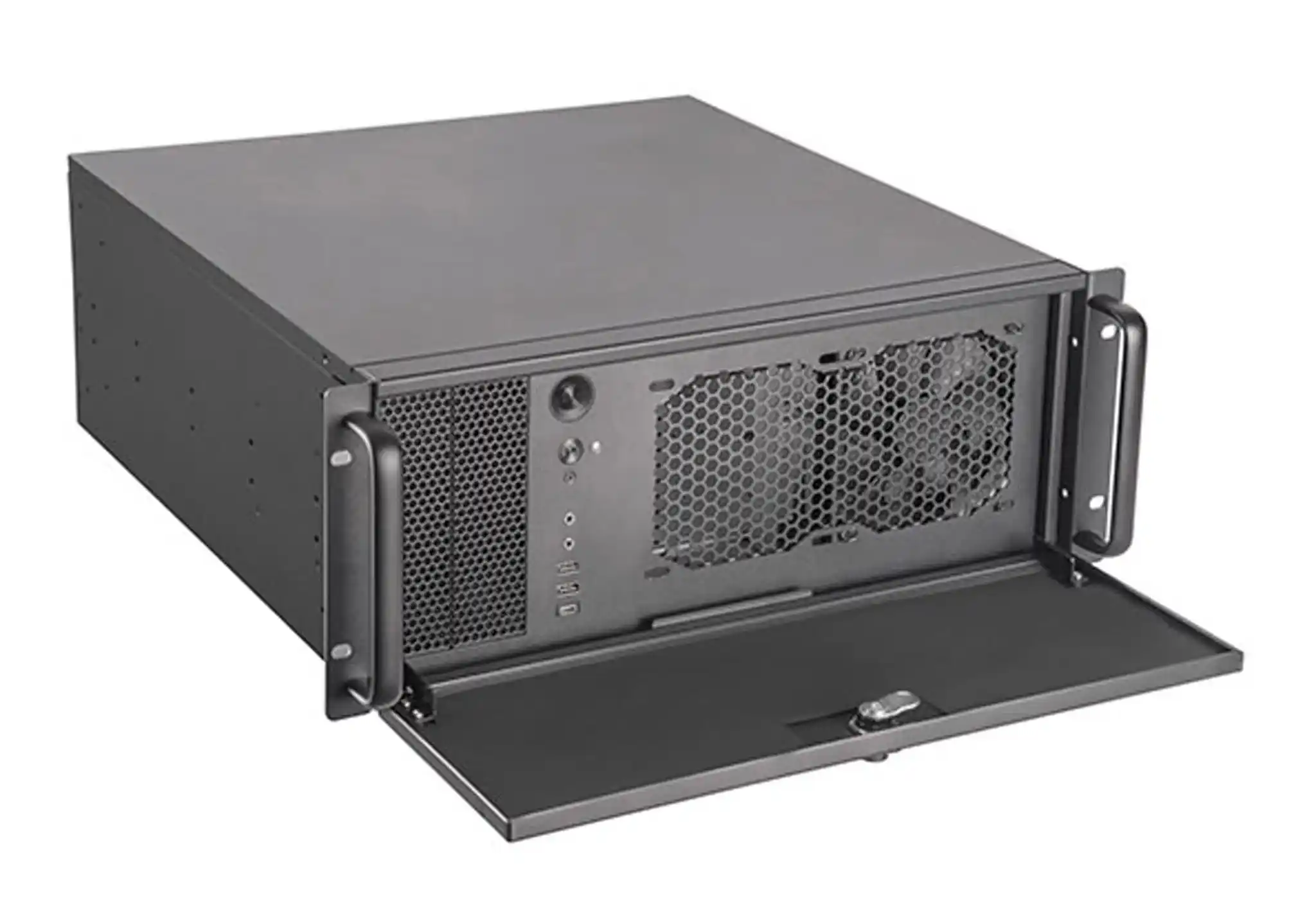
Why Scalable Server Case Design Matters for Your Business
At first, your one-off build feels cheap and flexible. You grab any old server pc case, cut a little, maybe drill a bit. It works.
But when you try to ship tens or hundreds of systems, the hidden costs show up fast:
- Assembly is slow and boring, people make mistakes.
- Field service is painful; techs hate opening the box.
- Shipping damage and thermal issues start to eat your margin.
If you design the chassis with scale in mind, the story flips.
Your computer case server looks simple from outside, but the inside is very intentional. Airflow is clean. Parts come together fast. Ops team can swap a fan without thinking too much.
That’s the kind of design IStoneCase aims for with its role as “The World’s Leading GPU/Server Case and Storage Chassis OEM/ODM Solution Manufacturer”. From GPU server case to NAS and rackmount, they help you move from lab prototype to mass deployment without starting over every time.
And maybe your first prototype still looks a bit ugly. That’s fine.
Just make sure the next revision is something a factory — and your future self — can live with.