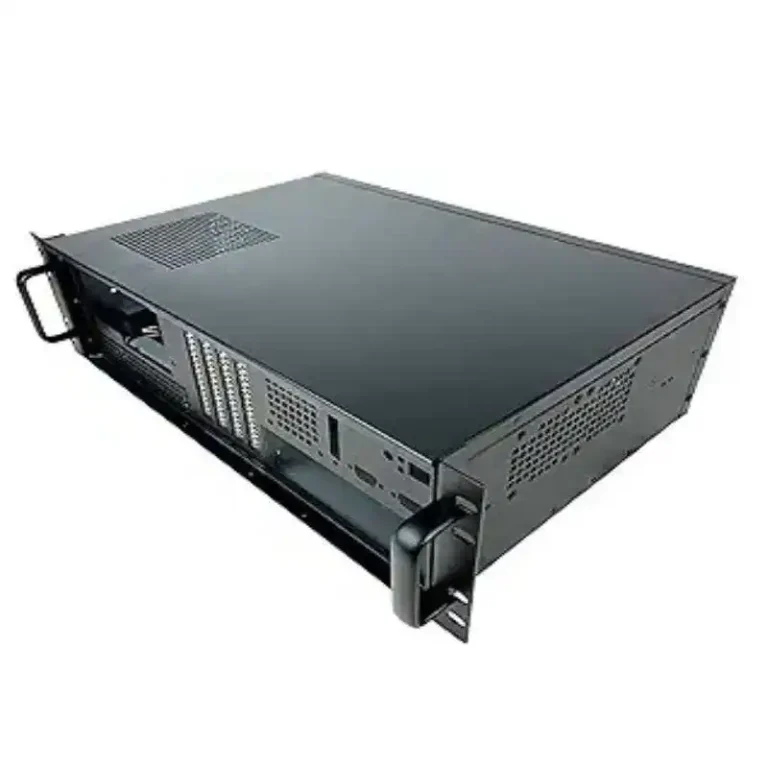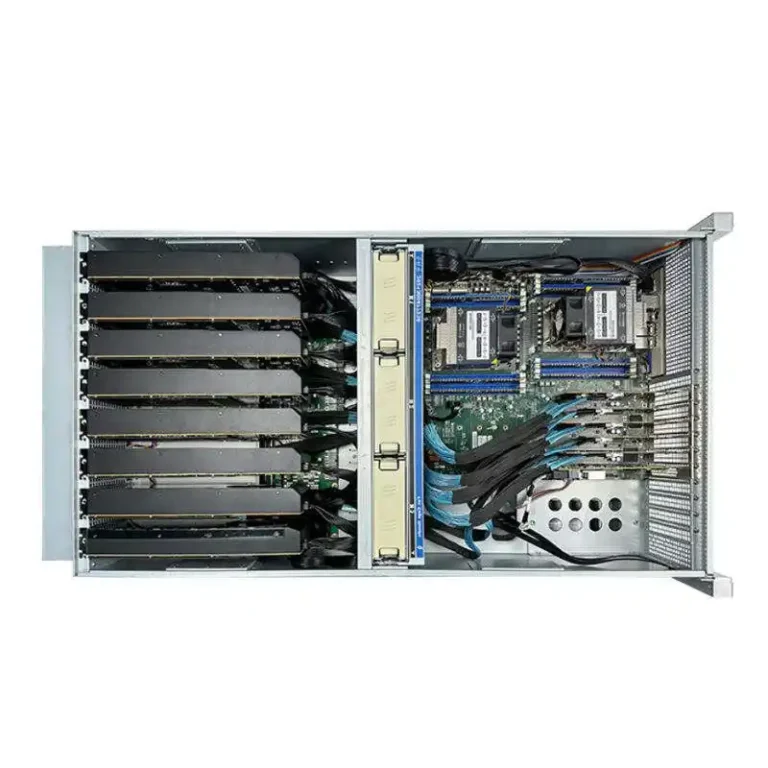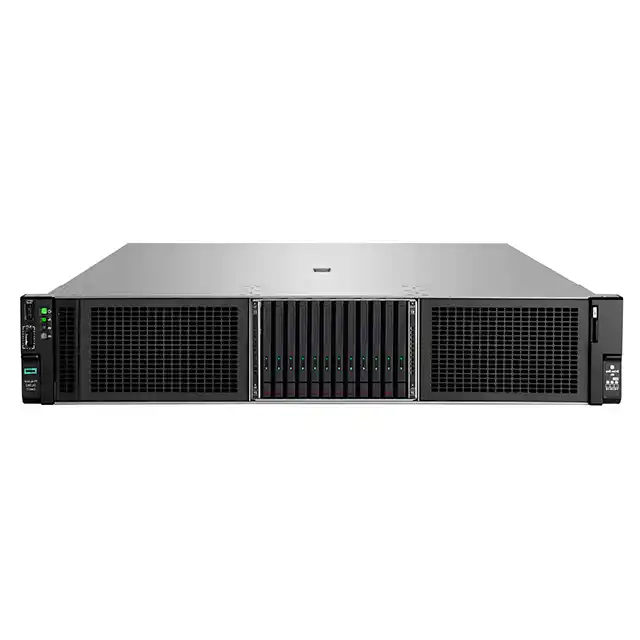
If you’ve ever chased a flaky link at 2 a.m., you already know this: I/O placement isn’t “design detail.” It decides whether your ops team fixes a node in five minutes… or files a remote-hands ticket and waits while the hot aisle cooks everyone.
So, is Front I/O better, or Rear I/O?
My take: it depends on where your people stand, where your cables live, and how often you touch the box. Let’s break it down in operator language, not marketing speak.
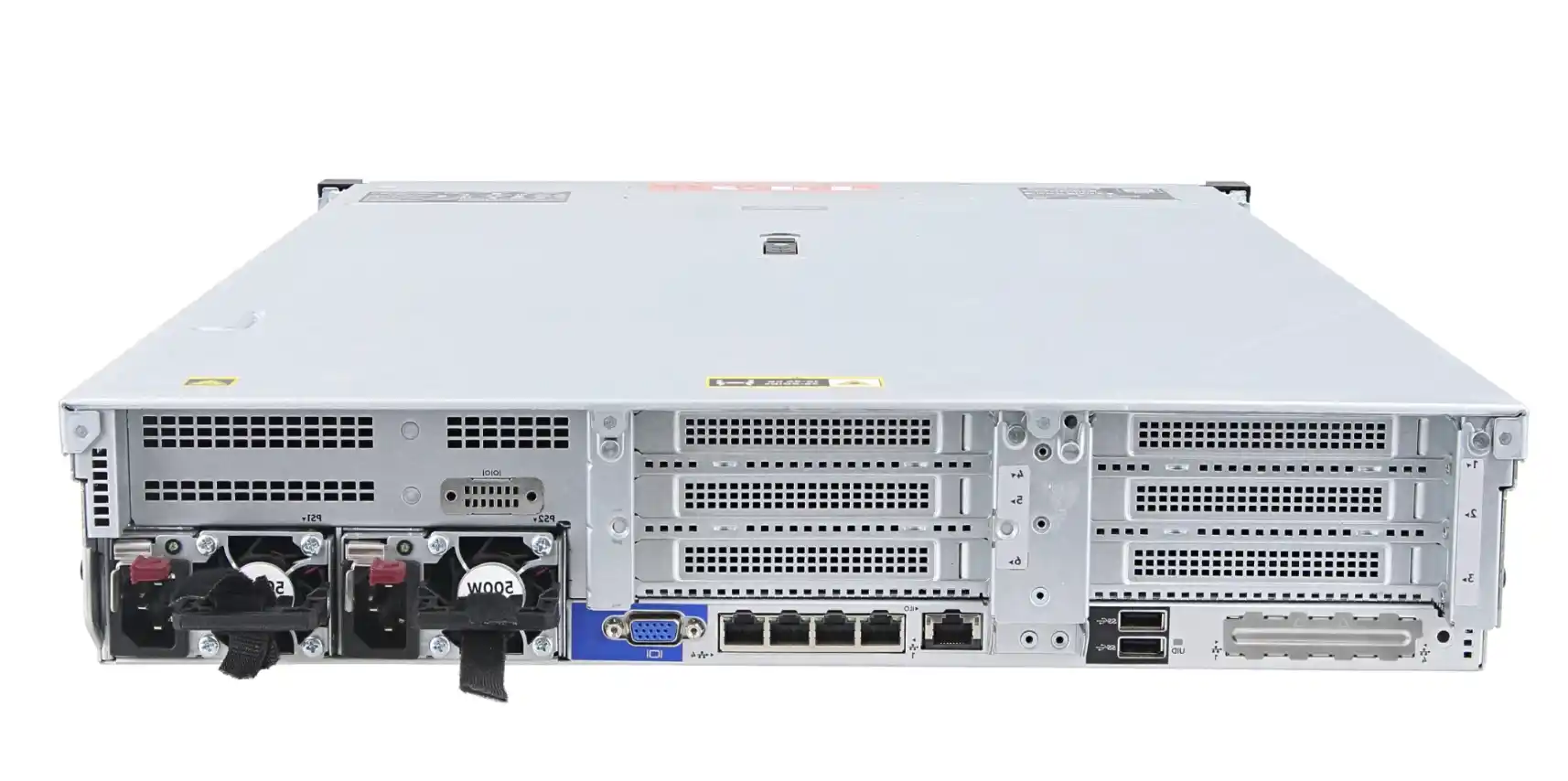
Operator decision matrix: Front I/O vs. Rear I/O
Here’s the quick comparison. Use it like a pre-flight checklist before you buy (or before you spec your next OEM build).
| Decision factor (operator pain) | If you choose Front I/O | If you choose Rear I/O | What to watch for |
|---|---|---|---|
| Cold aisle vs hot aisle work | Do more work from the cold aisle. Less hot-aisle yoga. | Stays aligned with “back of rack is the work zone” habits. | Your DC rules: some sites restrict hot-aisle time. |
| Cable management + tray alignment | Better when you want front-facing patching or fast swap-outs. | Cleaner front view, easy to route into rear trays/ladder racks. | Service loop + bend radius. Don’t kink expensive cables. |
| Rack depth + reachability | Saves you when the rack sits close to a wall or tight row spacing. | Works great in deep racks with proper rear clearance. | Hands clearance for fat connectors and strain relief. |
| PCIe / NIC service access | Some designs let you service add-in cards from the front. Nice for break/fix. | Traditional layout. Familiar for many techs. | Labeling. “Wrong port” is a real outage pattern. |
| Airflow + GPU exhaust behavior | Can be great, but you must protect intake area from cable clutter. | Plays nicely with classic front-to-back airflow layouts. | Keep the intake clean. Cables can become a fuzzy filter. |
| “Industry default” + habits | Slight retraining for techs and cable plans. | Lowest change risk in many data centers. | SOPs, rack diagrams, port maps. |
Maintenance location: cold aisle vs hot aisle operations
Most operators don’t argue about aesthetics. They argue about where the work happens.
- Front I/O helps when you want techs to stay in the cold aisle. That’s a big deal in high-density GPU rows where the hot aisle feels like a hair dryer on max.
- Rear I/O fits the classic model: cold aisle is “look and swap drives,” hot aisle is “touch cables, BMC, power, uplinks.”
Real-world use:
- If you run an AI cluster where you do frequent hands-on (new nodes, re-cabling, quick KVM access, debugging weird boot issues), front access make life easier.
- If your DC policy says “no lingering in hot aisle,” front I/O can reduce the number of “walk around the rack” moments.
Cable management and tray alignment
Cable design is where “good chassis” becomes “good day.”
Rear I/O usually wins when your facility already has:
- overhead ladder racks,
- rear cable managers,
- ToR switches at the back,
- and a neat patch-panel routine.
It keeps the front clean. It keeps the intake clear. It makes auditors happy too.
Front I/O shines when:
- your ops team wants to plug in fast without reaching behind,
- you keep racks against walls (edge closets, small labs),
- you need a quick “human hands” port for triage (USB, console, temp KVM).
Operator tip (no fluff):
Build a service loop either way. Leave slack so a tech can slide the chassis on rails and still keep links alive. If the bend radius is tight, cables will fail at the worst time. It happens.
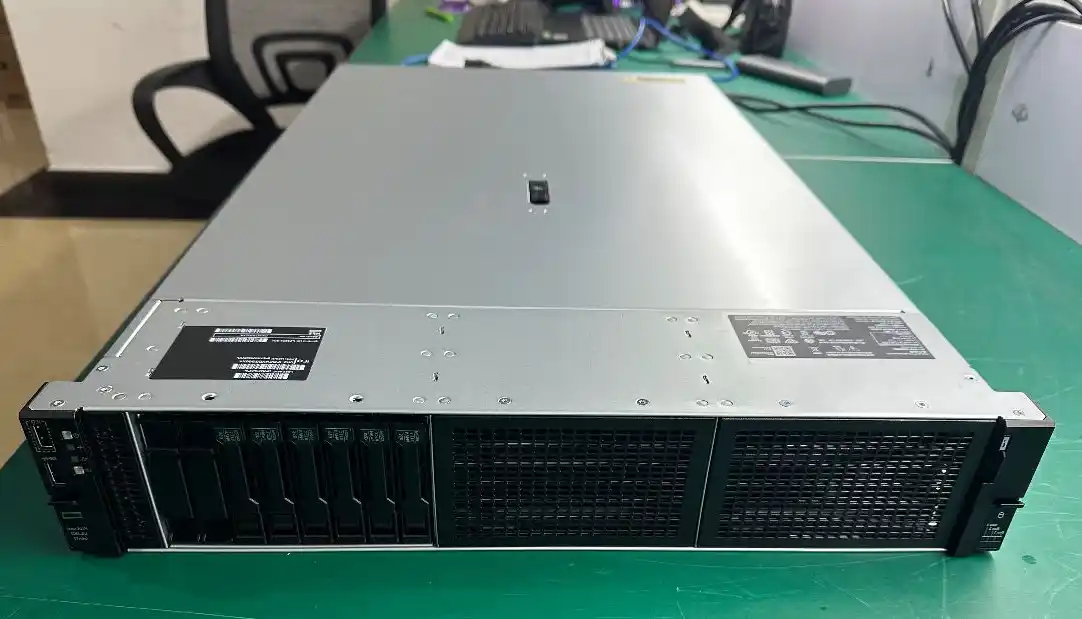
Rack depth and reachability in real server rooms
This is the quiet killer: you can’t manage what you can’t reach.
Front I/O helps in these setups:
- shallow racks,
- racks pushed near walls,
- tight aisles (the “we’ll fix it later” closet build),
- edge cabinets stuffed with mixed gear.
Rear I/O is totally fine when:
- you’ve got proper rear clearance,
- you’ve standardized on deep cabinets,
- your team already works “back of rack first.”
If you’ve ever watched someone try to plug a thick connector into a crowded rear space while balancing a flashlight in their teeth… yeah, that’s the problem we’re solving.
PCIe, OCP NIC, and service access for break/fix
GPU servers aren’t just “GPUs.” They’re NICs, risers, BMC, and a pile of FRUs that fail one at a time.
- With some Front I/O layouts, operators can reach things like certain NIC/service areas without pulling the whole node or crawling behind it. That can reduce MTTR (and your stress).
- With Rear I/O, teams get the familiar flow: uplinks and most I/O stay on the back plane. Less confusion during rack-and-stack.
Common ops pattern:
If your environment does lots of “move/add/change” (new uplinks, VLAN shifts, swapping cards for testing), put the touch-points where techs can work fast and safely. Convenience is not lazy. It’s uptime.
Airflow, GPU exhaust, and keeping the intake clean
GPU chassis live and die by airflow. Operators feel it in alarms and throttling.
- Rear I/O tends to match classic front-to-back airflow layouts. The front stays “air in,” the back stays “air out + cables.”
- Front I/O can still work great, but don’t let the front turn into a cable curtain. Cables in front can mess with intake and create hot spots. It’s not always dramatic, but it’s real.
Practical rule:
If you go front I/O, plan cable routing so the front still breathes. If you go rear I/O, plan access so techs don’t dread the back.
“Industry default” and habits that cause outages
A lot of ops pain comes from people doing what they always do.
Rear I/O often matches:
- existing rack drawings,
- port labeling conventions,
- tech muscle memory,
- and “everything routes out the back” SOPs.
Front I/O can be awesome, but:
- you must update labels and diagrams,
- you should train remote hands,
- and you need a clean port map to avoid “wrong port, wrong switch, wrong night.”
Yes, humans make mistakes. Your chassis layout should make the right thing the easy thing.
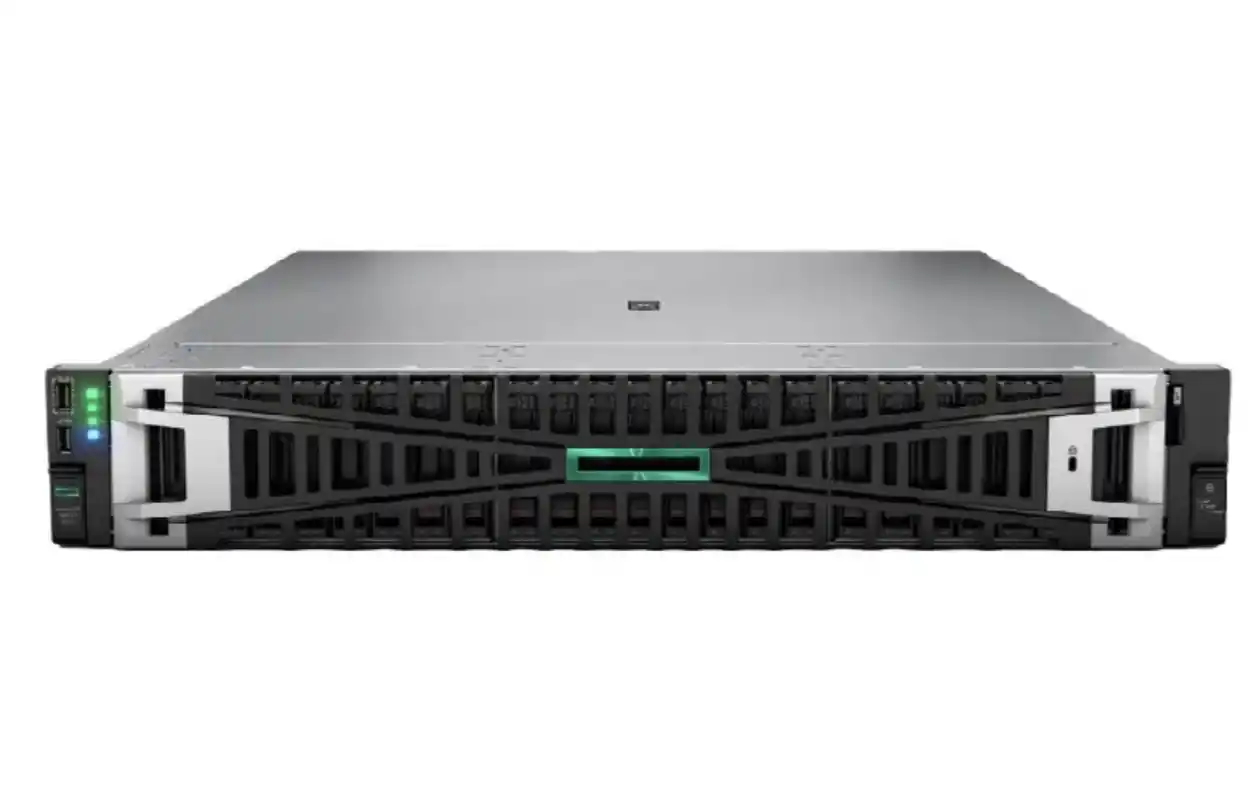
Deployment scenarios: what operators actually pick
High-density AI rows (data center / algorithm center)
If you’ve got proper hot/cold aisle containment and rear cable infrastructure, Rear I/O usually stays smooth. It’s consistent, and it scales.
Lab + research racks (frequent tinkering)
If people touch boxes a lot (debug, swap, test), Front I/O saves time and reduces the “reach behind, unplug something by accident” chaos.
Edge racks (tight rooms, wall-adjacent cabinets)
If you can’t easily get behind the rack, Front I/O often feels like the only sane choice.
Where IStoneCase fits: OEM/ODM choices operators can live with
This is where a supplier matters. You don’t just need “a chassis.” You need a chassis that fits your cable plan, your rack depth, and your service workflow.
If you’re speccing builds for bulk rollout, check out IStoneCase’s catalog and OEM/ODM options:
- GPU server case for AI/HPC layouts and multi-GPU builds
- server pc case options when you need general-purpose server chassis choices
- Rackmount Case when you’re standardizing 1U–4U rack deployments
- Chassis Guide Rail so your techs can slide nodes out without fighting gravity
- NAS Case when storage density and hot-swap bays are the main story
- server rack pc case guidance if you’re scaling from “one box” to real racks
- computer case server picks when you’re choosing between tower vs rack realities
- atx server case when you want ATX-friendly chassis planning
IStoneCase positions itself as “IStoneCase – The World’s Leading GPU/Server Case and Storage Chassis OEM/ODM Solution Manufacturer”, and the practical value is simple: you can align chassis I/O layout with how your ops team really works (and you can do it at scale, not one-off). Also, if you’re doing wholesale or batch builds, having one vendor that can cover GPU chassis, rackmount, wallmount, NAS, ITX, and rails keeps your BOM less messy. Less vendors, less drama.