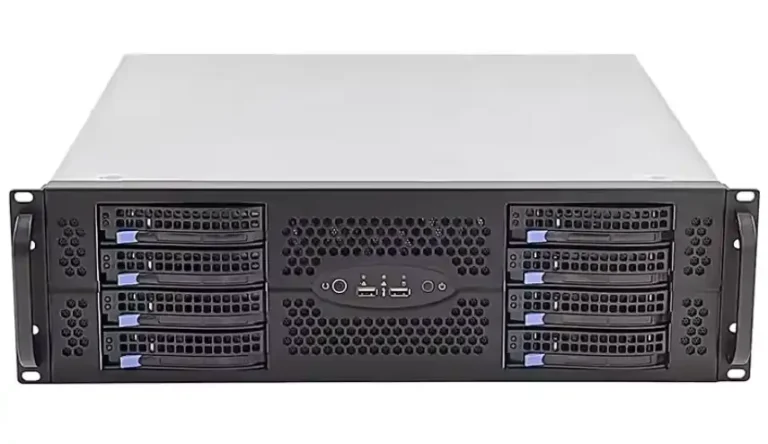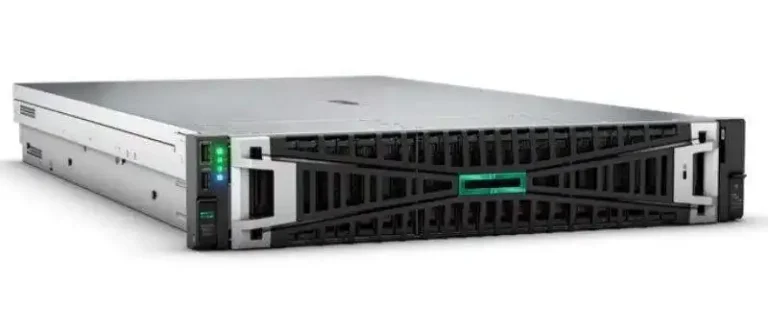
Hot-swap bays look like a small detail on the front of a chassis, but they decide if your midnight disk failure is a quick coffee break or a full outage. In a rack full of machines, you want to walk up, pull one tray, push a new one, and the server pc case just keeps running.
Below we’ll talk about how to design and pick hot-swap drive bays for rackmount gear, and where IStoneCase fits when you need custom or bulk chassis. The tone is relaxed, but the ideas are real-world: MTTR, airflow, rack density, and all that daily pain from data centers to small labs.
Hot-Swap Drive Bay Basics in Rackmount Server Chassis
A hot-swap bay lets you change a disk while the system stays online. No power cycle, no reboot. For storage clusters, AI nodes or NAS boxes, this is huge for SLA and uptime.
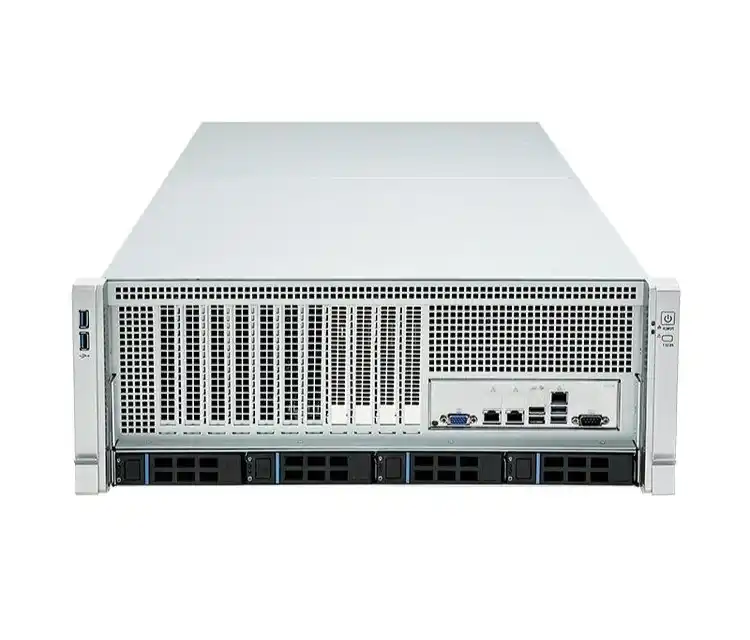
In a modern server rack pc case, a good hot-swap zone normally has:
- Front-facing disk cage with labeled trays or tray-less slots
- A solid backplane behind the drives (SAS / SATA / sometimes NVMe)
- LEDs for power, activity and fail state
- Air straight from front to back, not blocked by messy cables
IStoneCase builds this into many rackmount case and server case products, from 1U to high-density 4U, so you don’t have to reinvent it every project.
Serviceability and Uptime in Server Rack PC Case Design
Front Access and MTTR in Server Rack PC Case
From ops view, hot-swap design is really about MTTR. You want techs to:
- Stand in front of the rack.
- See which LED is amber.
- Pull that tray only.
- Insert new disk.
No guessing, no “which disk is bay 5 in this random chassis”.
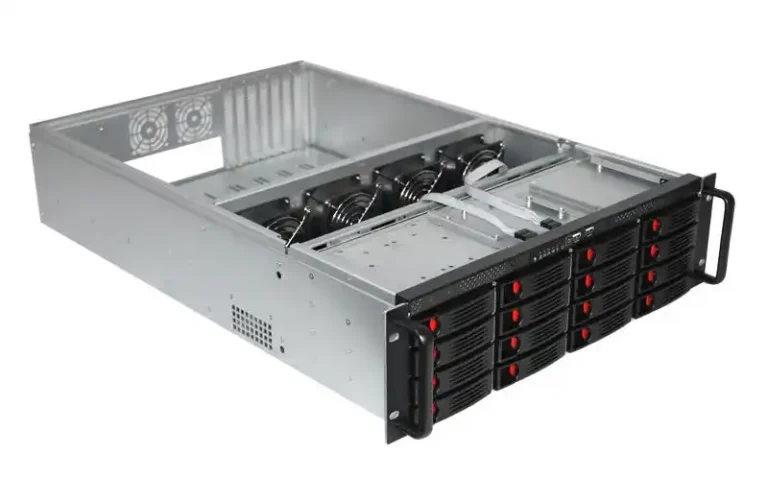
For example, a 3U server rack pc case with 16 front hot-swap HDDs, Mini-SAS backplane and hot-swap fans gives you:
- Clear bay numbering
- Only a few fat cables to the HBA, not 16 tiny ones
- No need to slide the server out just to change a drive
That’s the kind of layout IStoneCase uses in storage-oriented models for cloud storage and log clusters. It cuts human error and makes the “walk up, swap, walk away” flow real.
Use Case Table for Hot-Swap Serviceability
Here’s a simple table you can reuse inside your own docs or internal wiki:
| Best Practice | What It Solves | Typical IStoneCase-Style Setup | Main Use |
|---|---|---|---|
| Front hot-swap bays with big labels and LEDs | Wrong-disk pulls, long downtime | 3U chassis with 16 front bays, Mini-SAS backplane, hot-swap fans | Cloud storage, log farm |
| Mixed 3.5″ + 2.5″ hot-swap cage | Need both capacity and fast cache | 4U case with 24 x 3.5″ plus front 2.5″ SSD bays | DB, analytics |
| Simple path from door to handle | Techs bumping into rails and PDUs | Tool-free rails and clear front space | Data center racks |
| Backplane linked to RAID/HBA for “Locate” LED | Confusion in big arrays | OS lights up the exact bay to touch | Large HA storage pool |
Names and counts can change, but the ideas stay same: clear mapping from logical disk to physical tray, and fast hands-on access.
Cooling and Airflow for Hot-Swap Bays in Server PC Case
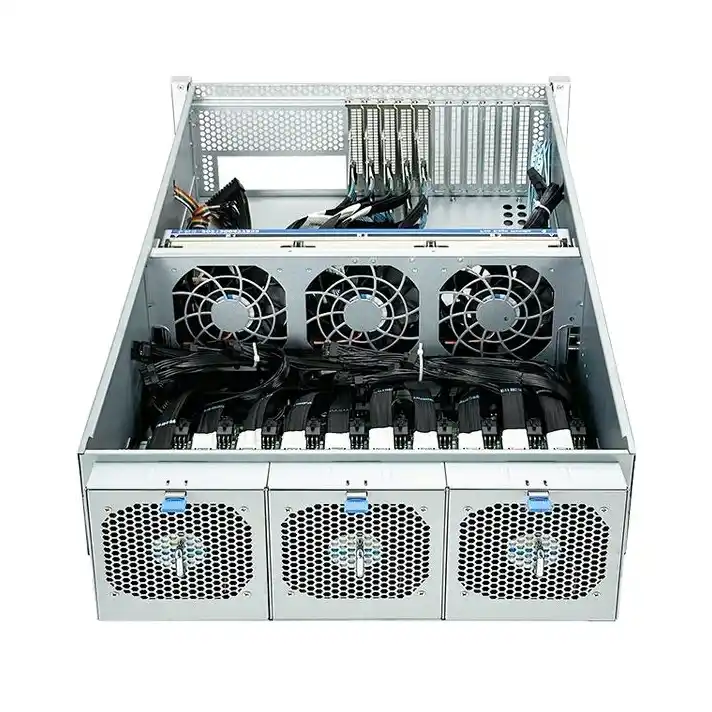
Disks don’t like being cooked. In a dense server pc case with 16–36 drives, the front disk area is a hot spot if you ignore airflow.
Good practice in a rackmount chassis:
- Straight front-to-rear airflow
- A fan wall right behind the drive cage
- Enough perforation on the cage door
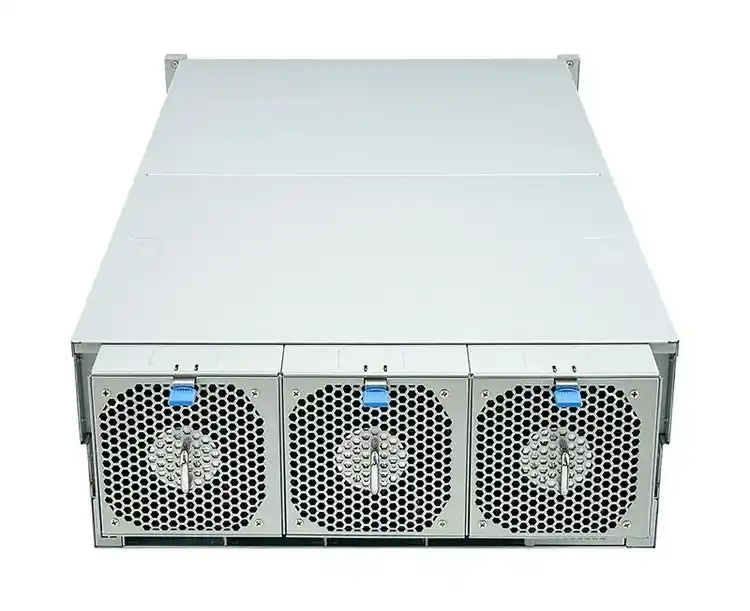
- Optional hot-swap fans with speed control
Many IStoneCase rackmount case models use a mid-fan wall: cold air hits the disks first, then fans push it past CPU, RAM and GPUs. This keeps both front and rear drives in a safe temp band even when IOPS spike.
If you pick a case only by “how many bays” and forget cooling, you’ll later watch rear drives quietly running 8–10°C hotter than the front row. Thats not good for life time.
Backplane and Cabling Layout in ATX Server Case
A messy cable jungle kills the whole point of hot-swap. A clean atx server case for storage should lean on:
- SAS/SATA backplanes, not one-by-one cables
- High-density connectors (like Mini-SAS) to HBAs or RAID cards
- Side-band signals for LEDs and locate functions
- Enough clearance so power cables don’t crush the backplane
IStoneCase uses this style layout in many mid-tower and ATX server case style designs. When you open the top cover, you see neat backplanes, not a spaghetti incident.
This also matters for OEM/ODM. When you ship hundreds of systems, every extra cable is more assembly time, more fail points, more RMA risk. Clean backplane == happier assembly line.
Mechanical Design of Computer Case Server Chassis
Trays, Vibration and Chassis Rigidity in Computer Case Server
In a dense computer case server chassis, vibration is the silent killer. Many small shocks and shake can slowly push drives out of spec.
Key design points:
- Use rigid trays, usually metal or reinforced plastic
- Make sure trays lock with a firm click, not “maybe it’s in”
- Secure the cage solidly into the chassis frame
- Support chassis guide rail sets that don’t wobble when you slide the unit out
IStoneCase focuses on strong SGCC steel and tool-free disassembly in many models, so you can slide the box out, swap a rail or fan, and slide back in without turning the whole rack into a tuning fork.
The goal is simple: disks feel boring, even in a rack that gets moved, bumped, or re-wired often.
Hot-Swap Bays in GPU Server Case and NAS Devices
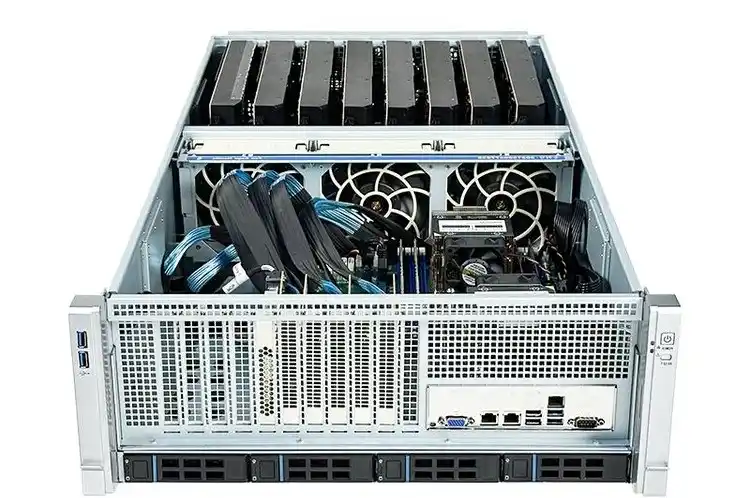
Hot-swap isn’t only for big storage pods. In a GPU server case, you usually have:
- Several big GPUs pulling a lot of power
- Local NVMe or SATA SSD for datasets and scratch
- Maybe extra 3.5″ drives for cold data
If you can swap those front SSDs without powering off, your AI training or rendering jobs recover way faster after a drive issue. No need to cut the whole node out of the cluster just to fix one cache disk.
On the lighter side, a compact NAS devices or ITX case with 4–8 hot-swap bays is also very handy for small business or homelab. You dont hot-swap every day, but when a disk fails, you realy want that change to be “two minutes at the rack” instead of “tear down the whole box on a desk”.
OEM/ODM Server Case Solutions for Data Centers and Developers
IStoneCase is not only selling off-the-shelf cases. A lot of clients come in with needs like:
- “We run AI + database mixed workloads, we need special airflow and bay mix.”
- “We are an IT service provider, want our own branded server rack pc case line.”
- “We deploy thousands of units, we need stable design and easy assembly.”
For that, OEM/ODM lets them tune:
- Drive bay count and location
- Mix of 3.5″ and 2.5″ hot-swap regions
- Placement of PSUs, fan walls, and cable channels
- Front panel I/O and branding
You can start from an existing server case OEM/ODM base design and tweak it for data centers, algorithm centers, large enterprises, SMBs, research labs, or even serious enthusiasts and developers. No need to suffer with generic white-box chassis that almost fit but not quite.
Conclusion: Best Practices for Hot-Swap Drive Bay Design
To wrap it up, good hot-swap design in a rackmount chassis is not magic, but it does need some thought:
- Serviceability first – front access, clear labels, proper LEDs and short MTTR.
- Cooling under control – mid-fan walls, direct airflow, balanced temps across all bays.
- Clean backplanes and cabling – fewer cables, easier assembly, lower fail rate.
- Strong mechanics – rigid trays, solid rails, low vibration.
- Right fit for the workload – GPU nodes, NAS boxes, edge servers all need a slightly different mix.
If you build on those points and pick or customize chassis from a vendor like IStoneCase, your server rack pc case, server pc case, computer case server, or atx server case won’t just look tidy on a spec sheet. It will be much easier to live with in a real rack, on a real noisy day, when a real disk finally dies.