You’ve probly heard this one a hundred times:
“So… how many GPUs can we cram into a rack?”
If you start with “GPU count,” you’ll end up arguing with physics. The rack doesn’t care how excited you are about AI. It cares about two boring limits:
- Power envelope (kW per rack)
- Cooling removal (kW of heat you can actually move away)
My take is simple: rack density is a facility problem first, and a chassis problem second. But the chassis still matters, because it decides whether your airflow behaves… or turns into chaos.
Let’s walk through it the way an ops team would: breaker → PDU → server draw → heat → airflow/liquid → stability.
Average rack density below 8 kW
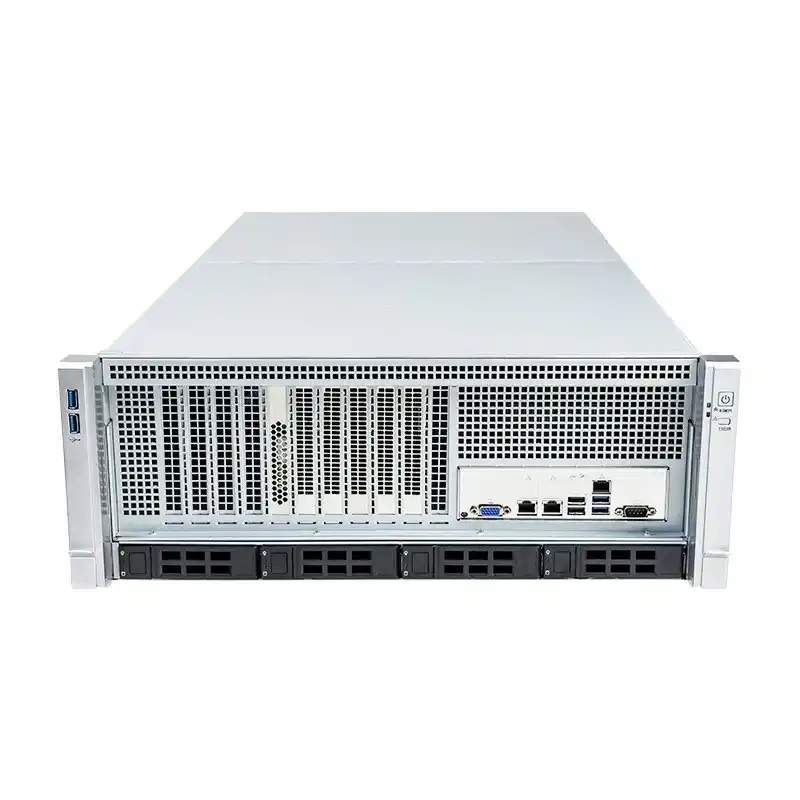
Here’s the uncomfortable part: a lot of server rooms still run “legacy density.” Industry surveys show average rack density stays under 8 kW, and >30 kW racks aren’t common in most sites.
That gap is why AI rollouts get messy. You bring in modern GPU nodes, and suddenly your room is playing catch-up with:
- undersized electrical distribution
- weak airflow paths
- no containment
- hot spots that weren’t a problem before
So yeah, you can buy GPUs. The real question is: can you feed and cool them without throttling?
Rack power budget (kW per rack)
Watts in equals heat out
In steady state, the rack is basically a space heater with fans. If your cabinet pulls 40 kW, you must remove roughly 40 kW of heat. Not “kinda.” It’s that direct.
That’s why power and cooling planning should be tied at the hip:
- Start with rack IT power budget (what you can safely deliver)
- Confirm cooling capacity at that location
- Only then translate to GPU count
Derating, headroom, and redundancy (N+1, 2N)
If you size right to the edge, you’ll regret it. Real deployments deal with:
- breaker derating
- peak draw spikes (boot storms are real)
- fan ramps under thermal stress
- redundancy design (N+1 or 2N feeds)
In other words: don’t plan like a spreadsheet. Plan like an on-call rotation.
GPU TDP up to 700 W and whole-server power
A lot of modern accelerator cards show up to ~700W TDP depending on model and config. Cool. But here’s the trap:
GPU watts ≠ server watts.
Your platform also includes:
- CPU(s)
- memory
- NICs (200/400/800G)
- retimers / switches
- storage
- fans and PSUs
So if someone says “we’ll do 8 GPUs, that’s 8 × 700W,” they’re missing the rest of the box. This is where projects go sideways.
8-GPU server power around 10 kW
A good reality check: common 8-GPU systems in the field can list around ~10 kW max at the server level. That’s why many teams use a rough planning multiplier:
Whole-server power ≈ 1.6–2.0× (GPU TDP total)
Is it perfect? Nope. Is it useful in early design? Yep.
Rack power budget to GPU count (planning table)
Below is what this looks like in practice. Left column is the “optimistic GPU-only” math. Right column applies a more realistic whole-server factor (using 1.8× as a planning guide).
| Rack IT power budget (kW) | GPU-only estimate (700W per GPU) | Whole-server estimate (≈1.8× GPU-only) |
|---|---|---|
| 10 | 14 | 7 |
| 15 | 21 | 11 |
| 20 | 28 | 15 |
| 30 | 42 | 23 |
| 40 | 57 | 31 |
| 50 | 71 | 39 |
| 60 | 85 | 47 |
| 80 | 114 | 62 |
This table isn’t trying to flex math. It’s trying to save you from a common failure mode:
- you order “GPU capacity”
- then you discover you actually ordered “heat and amps”
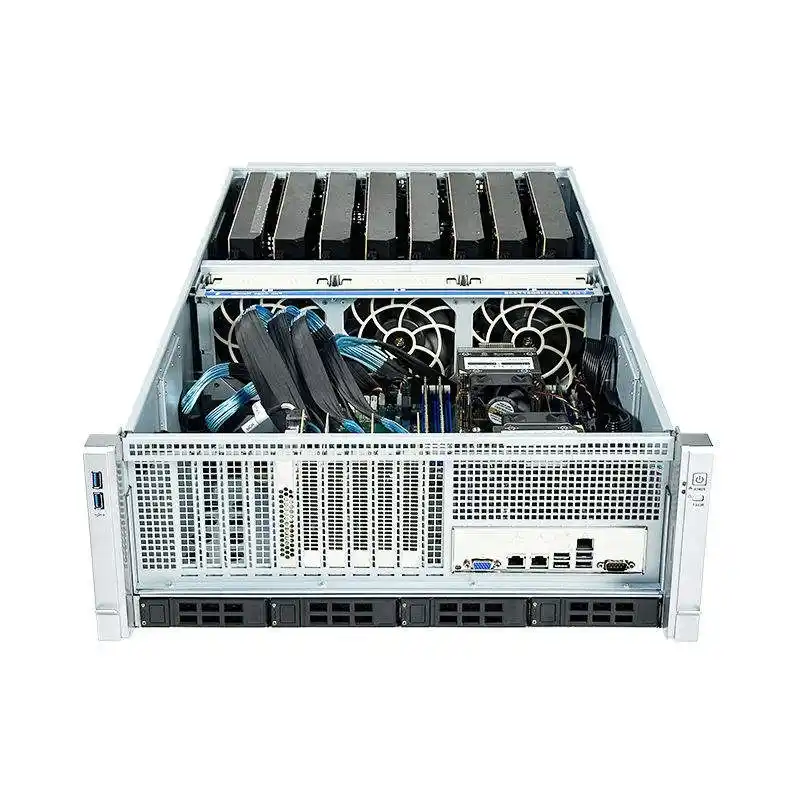
Air cooling limits near 20–30 kW per rack
Air cooling can go further than people think, but it gets fragile fast.
Many operators historically treated 20–30 kW per rack as the point where air cooling stops being “easy.” You can push higher with better airflow engineering, but you’re now in a world where small mistakes hurt big.
Hot aisle containment and recirculation control
Once you climb in density, your biggest enemy becomes recirculation.
Hot exhaust sneaks back into GPU intakes, and suddenly your “700W GPU” behaves like a toaster that can’t breathe. You’ll see:
- GPU clock drops (throttle city)
- fan speeds screaming
- hotspots inside the chassis
- uneven temps across servers in the same cabinet
Containment helps. So does clean cabling. So does not blocking the front of the chassis with “temporary” stuff that becomes permanent.
When to use liquid cooling (RDHx, CDU, direct-to-chip)
At a certain point, air becomes an expensive fight. That’s where you’ll hear facility folks throw around terms like:
- RDHx (rear door heat exchanger)
- CDU (coolant distribution unit)
- direct-to-chip
- hybrid cooling
You don’t have to go full liquid on day one. But you should plan the path. Retrofitting later is always more painful than you think, and it never happens on a calm weekend.
Practical rack density scenarios (15 kW, 30 kW, 40 kW, 80 kW)
15 kW racks: enterprise retrofit and mixed workloads
This is the “we have a server room already” situation.
What usually works:
- distribute GPUs across more cabinets
- pick chassis with stable airflow, not max density at all costs
- prioritize serviceability, because you’ll touch the hardware often
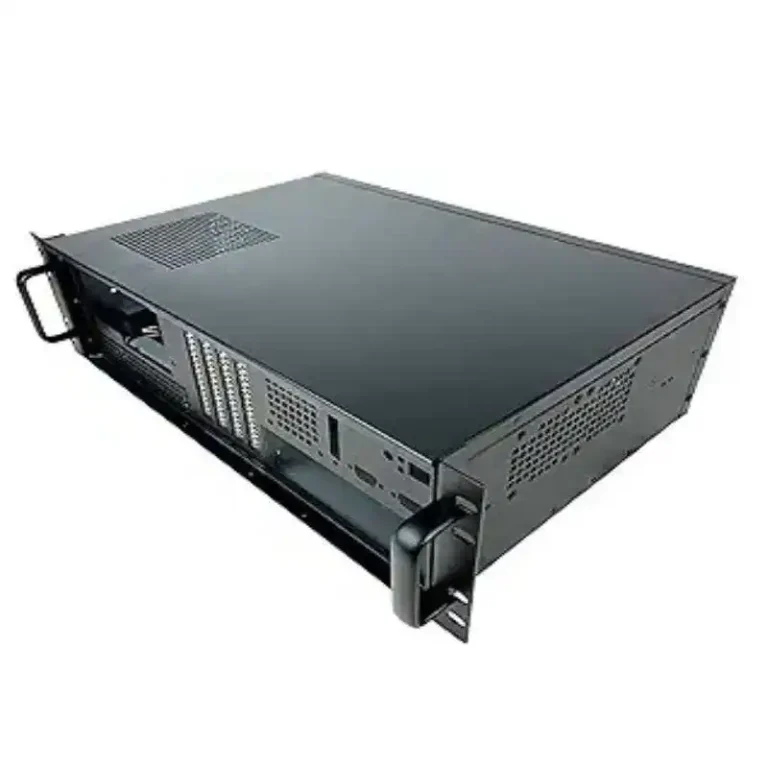
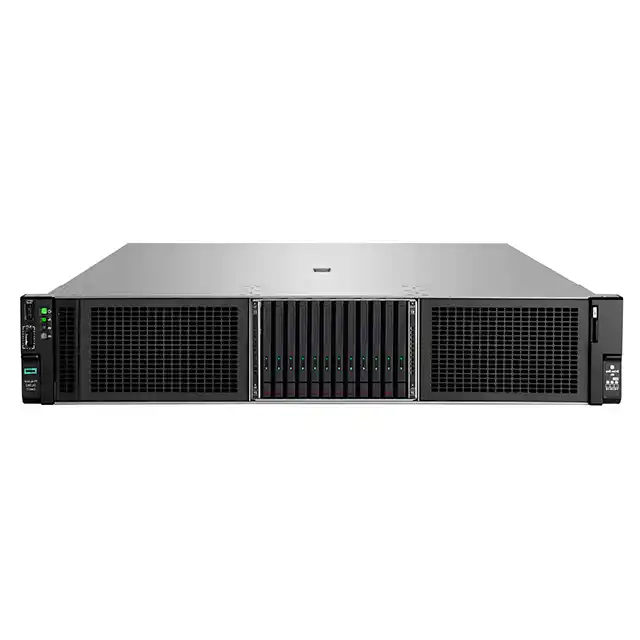
This is where choosing a solid rack chassis matters. If you’re sourcing at scale, a consistent Server Case family makes your builds repeatable, and repeatable is what keeps ops sane.
30–40 kW racks: new AI pods and algorithm centers
Now you’re in “real density.”
Your checklist should include:
- containment from day one
- PDUs sized with headroom and redundancy
- cable routing that doesn’t block airflow
- chassis designed for GPU thermals (fan wall + baffles)
If your team is shopping phrases like server rack pc case or computer case server, what you actually need is a purpose-built GPU chassis, not a hobby box in a rack costume.
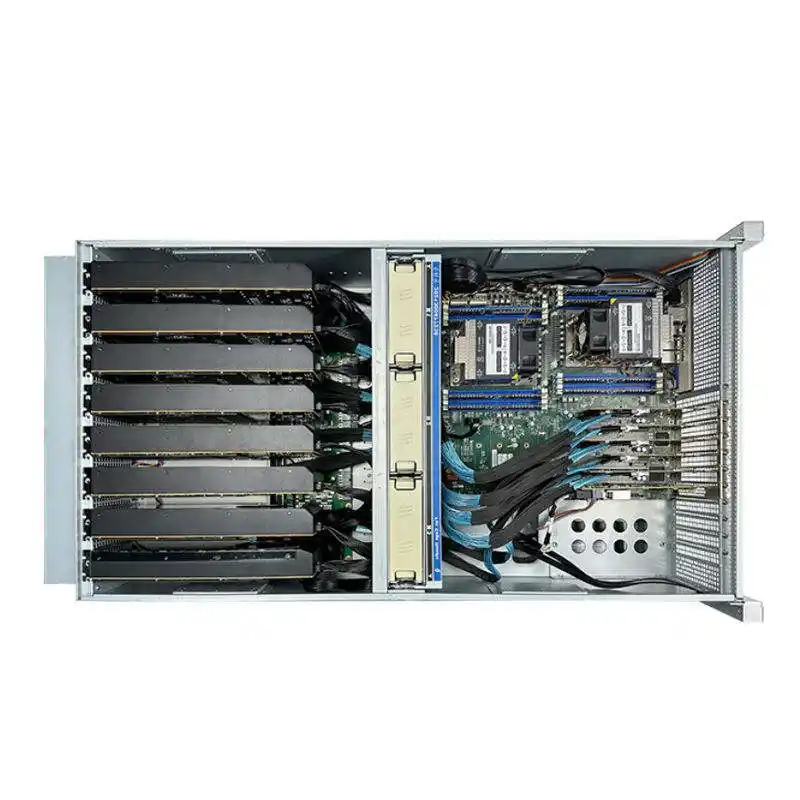
A dedicated GPU Server Case can give you the airflow pressure, spacing, and service access that dense accelerators demand.
80 kW racks: liquid-ready and high-density clusters
This is where you stop “deploying servers” and start “running infrastructure.”
You’ll care about:
- fast MTTR (minutes matter)
- clean maintenance clearance
- reliable rail systems
- predictable layout for tubing/cabling
Rails sound boring, but they affect uptime. A good Chassis Guide Rail setup prevents sloppy installs and makes swaps safer (and quicker, too).
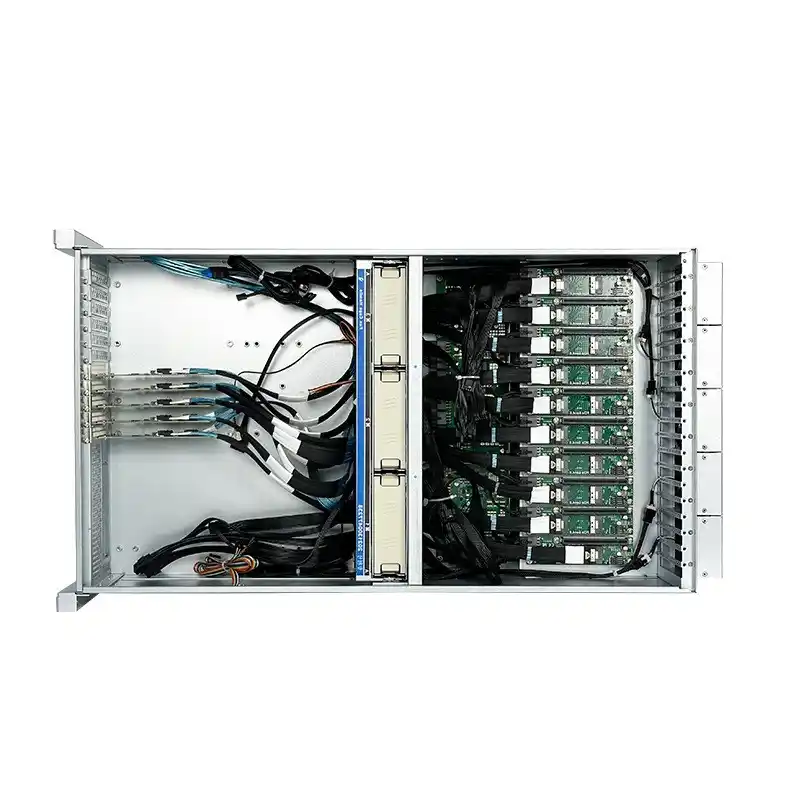
GPU server chassis airflow: fan wall, baffles, and serviceability
Here’s the part buyers skip and operators hate them for it:
the chassis is an airflow machine.
For dense GPU nodes, look for:
- strong fan wall options (high static pressure)
- baffles/ducting that force air through hot zones
- layouts that isolate PSU heat from GPU intake
- easy top access for quick swaps
If you’re building around workstation-like parts, you’ll see searches like server pc case and atx server case. That’s usually a signal: “I want flexibility, but I can’t accept workstation-grade thermals.” Totally fair. Just make sure the chassis was built for server airflow patterns, not just ATX screw holes.
For edge rooms or labs, you might also want compact formats: ITX Case and Wallmount Case can be practical when you don’t have full-row airflow design, or you’re running smaller “pods” near workloads.
OEM/ODM GPU server case for bulk deployment
If you’re deploying dozens (or hundreds) of nodes, your pain isn’t “one server.” It’s repeatability:
- stable thermals across batches
- consistent parts availability
- a chassis spec that doesn’t drift mid-project
- customization for your exact GPU, NIC, and storage layout
That’s where IStoneCase fits naturally. They focus on GPU/server enclosures and storage chassis with OEM/ODM support, built for bulk orders and custom runs. If your plan involves scaling, it’s worth talking to a supplier who does this every day, not just reselling random cases.
A few IStoneCase pages you can use as internal references in your content: