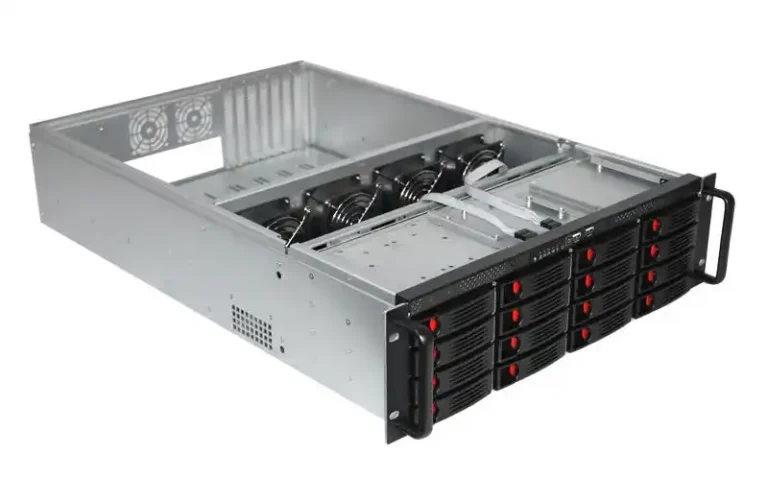
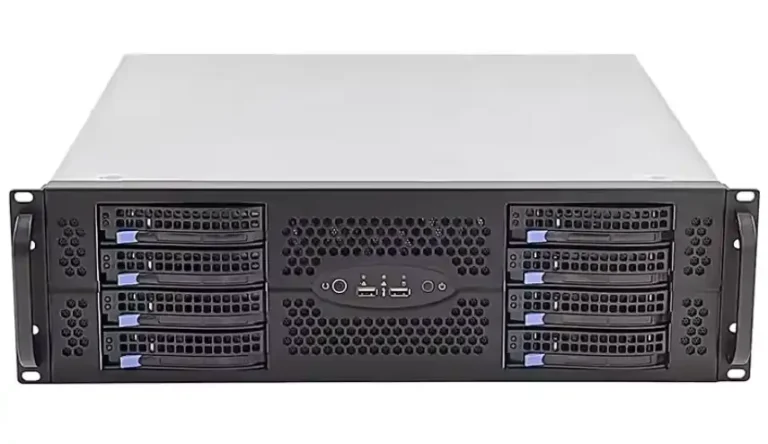
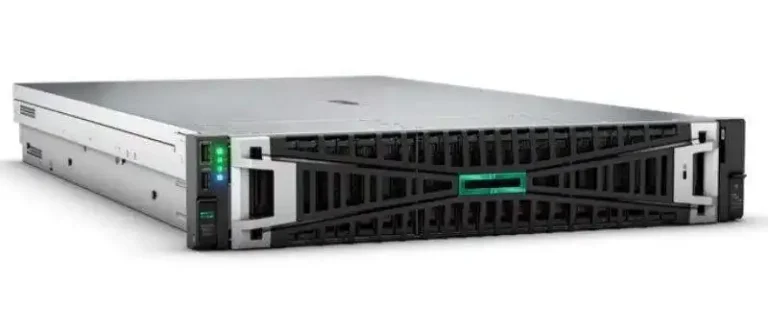
If you ever tried to fix a “dead” node in the back of a messy rack, you know the pain.
Cables everywhere, nothing labeled, you tug one wire and suddenly two other servers drop.
A big part of that chaos comes from design.
The way a rackmount server case is built decides if your cables are neat and service is easy, or if every change feels like surgery in the dark.
That’s why people who run data centers, algorithm centers, MSPs and labs care so much about the chassis, not only CPUs and RAM.
IStoneCase focuses on this world: GPU server case, classic server case, NAS, ITX case, even chassis guide rail.
So let’s talk in a more down-to-earth way about how design affects cable management and real service windows.
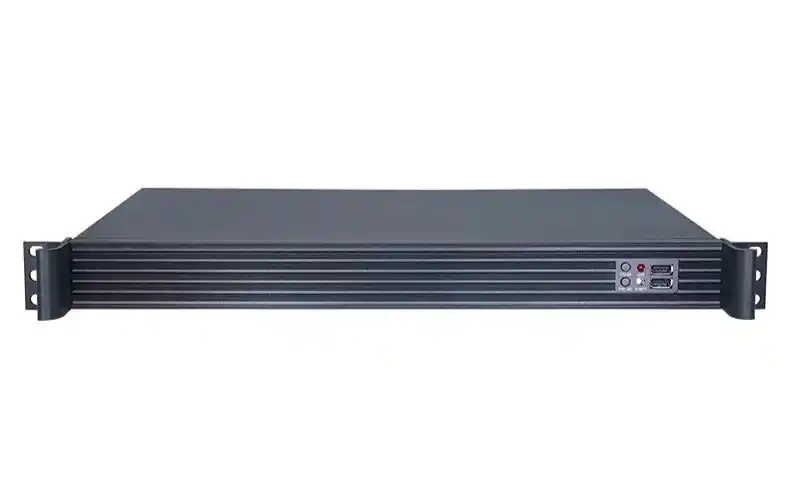
Rackmount server case basics: U height, depth and cable space
First, quick reminder: 1U = 1.75 inches (44.45 mm) of vertical rack space.
That tiny number drives fan size, cable slack, even how your hands fit behind the box.
IStoneCase offers 1U–4U formats in lines like
so you can match the box to your stack instead of just guessing.
U height vs cable management & serviceability
| Height (U) | Typical use | Cable management reality | Serviceability notes |
|---|---|---|---|
| 1U server rack pc case | Edge nodes, light web, firewall, small appliances | Rear area is tiny, cables bend harder, service loop almost zero | Great for density, but techs kinda hate touching it once it’s live |
| 2U rackmount case | Virtualization, mixed workloads, small DBs | Enough room for cleaner routing and proper bundling | Nice balance: decent airflow, cables still reachable |
| 3U computer case server | Storage-heavy boxes, hybrid compute + NAS | Better bend radius for SAS/NVMe and power harnesses | Easier to trace a single cable without digging through a pile |
| 4U atx server case | GPU / AI workloads, big NAS, lab monsters | Most room for clean, separated power and signal cables | Fast drive swaps, easy PSU changes, lowest “I pulled the wrong cable” risk |
You see the trade-off.
More height and depth don’t just mean more drives, they mean space to put cables where they belong and room for human hands.
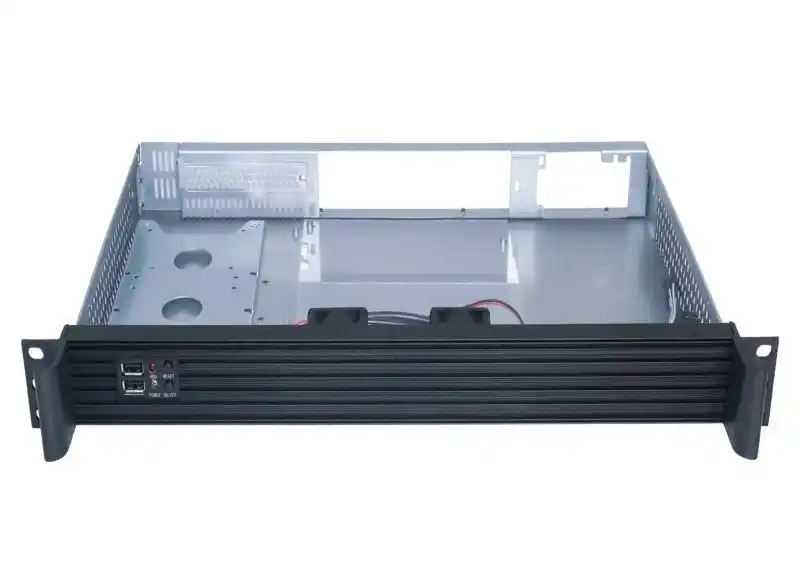
Internal layout of a server pc case and cable behavior
Two rack cases with the same U height can feel totally different inside.
Why? Layout.
Where you place:
- Front drive bays
- Fan wall
- Mainboard and PCIe slots
- PSUs
…changes how cables have to move.
IStoneCase designs its GPU Server Case and Server Case with airflow zones and cable paths in mind, not as an afterthought.
Front hot-swap bays in a computer case server
Hot-swap front bays look like “just storage capacity”, but they are also a wiring tool:
- Short, straight data links to HBA or RAID cards
- Power bundled in tidy harnesses along chassis edges
- Easy to color-code and label drive groups
When the front of a computer case server is mapped cleanly — say 8, 12 or 24 bays in clear groups — your ops team can swap a failed disk without even seeing the inside cables.
Door open, tray out, new tray in, job done.
If the case forces you to plug separate cables to each bare drive, you get twisty runs and somebody eventually says “I think this is disk 4? maybe?”.
You really dont want that sentence during a rebuild.
GPU zones and atx server case layouts
Once GPUs enter the chat, everything gets heavier: more power leads, fatter cards, higher heat.
A well-planned 3U or 4U atx server case will:
- Keep GPU power leads on one side of the chassis, signal cables on the other
- Leave direct airflow from front fans to the hot GPU area
- Offer full-height PCIe slots so you don’t need weird riser gymnastics
IStoneCase GPU models do this by carving a clear GPU zone, a fan wall, and tidy PSU routes.
The result: less cable crossing, cleaner airflow, and a lot less “why is this card throttling at 100% fan?”.
Rails, server rack pc case placement and real service windows
Even if the case inside is perfect, bad mounting can still mess up cables.
This is where rails come in.
With a decent rail kit, like the Chassis Guide Rail, a server rack pc case can slide out smoothly while cables stay connected and chill.
What good rails do for you:
- Keep chassis level so CMAs don’t pinch power cords
- Make it easy to keep service loops (that small extra slack) on network and power lines
- Let one person slide the box out a bit, check something, slide it back — no wrestling
You know that moment when someone yanks a server forward and one PDU feed pops out?
That’s the moment rails and sane cable routing are supposed to prevent.
Real use cases: from data centers to labs
Let’s plug this into some actual day-to-day envs.
Data center and algorithm center racks
Big data centers and AI / algorithm centers usually run:
- High-density 1U / 2U for stateless or light services
- Fatter 2U / 4U GPU rigs and storage arrays
Here, a good server pc case design gives you:
- Predictable cable maps: every node wired the same way
- Easy hot-swap for disks and PSUs, so MTTR stays low
- Clean front-to-back airflow even with fat GPU harnesses
Ops teams want boring change windows.
If they know every IStoneCase 4U GPU node has the same cable exit pattern and rail placement, they can roll changes faster and with less stress.
SMBs, IT service providers and labs
For MSPs, research labs, or medium companies, the stack is more mixed:
- A couple of NAS Case units for backup or cold data
- A few 2U Rackmount Case for core services
- Maybe an ITX Case for edge or dev boxes
They dont always have full-time data center staff, so simple things really matter:
- Clear labels and consistent cable routing
- Enough space in the chassis to avoid sharp bends on SATA and power
- Tool-less access where possible, so even a non-guru admin can handle basic swaps
A tidy layout can be the difference between “anybody in the team can swap a drive” and “wait for that one guy who understands the wiring”.
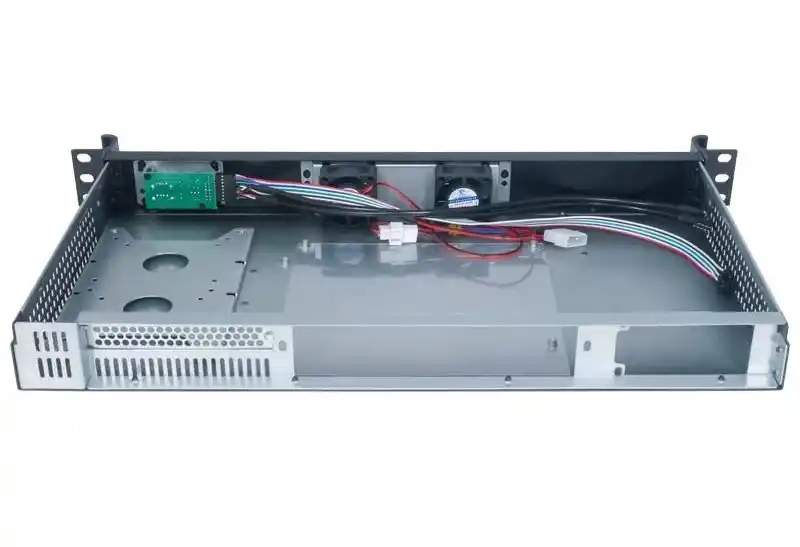
Why IStoneCase design helps cable management and serviceability
IStoneCase brands itself as “The World’s Leading GPU/Server Case and Storage Chassis OEM/ODM Solution Manufacturer” for a reason, but the interesting part is how that shows up in design.
Across the catalog you’ll find:
- GPU-optimized rack cases that leave room for heavy cabling, not just cool spec numbers
- Rackmount chassis with real airflow planning and cable anchor points
- NAS and mini-tower options that still think about future maintenance, not only first boot
- Rail kits that match the cases, so rails, cables and handles all line up
And for OEM/ODM clients — data centers, AI platforms, database service providers, hardware brands — IStoneCase can tweak the whole thing:
- Custom backplanes and bay counts
- Specific fan layouts and PSU positions
- Pre-defined cable routing paths, even harness bundles and labeling rules
So you’re not only buying “metal box with U number”.
You’re basically locking in a standard wiring pattern you can roll out in batch orders, racks, even full rooms.
Picking the right rackmount server pc case for your next build
When you choose a server rack pc case, server pc case, computer case server, or atx server case, don’t stop at CPU sockets and bay count.
Ask three simple questions:
- Where will my cables actually run?
- Can a tired engineer reach what they need without unplugging half the rack?
- Will every new box in this line be wired the same way?
If the answers look good, you’ve found hardware that respects both cable management and serviceability.
If not, it might be time to look at a chassis line like IStoneCase that builds those things into the metal from day one.