When a client asks for “a powerful server”, they rarely mean only more cores.
They want less downtime, easy maintenance, and a box that does not fry itself in summer.
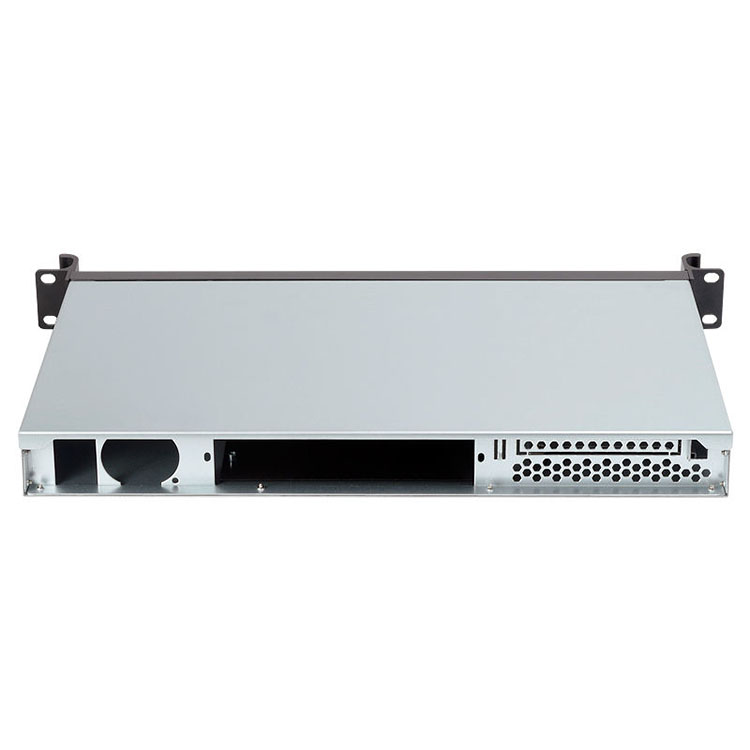
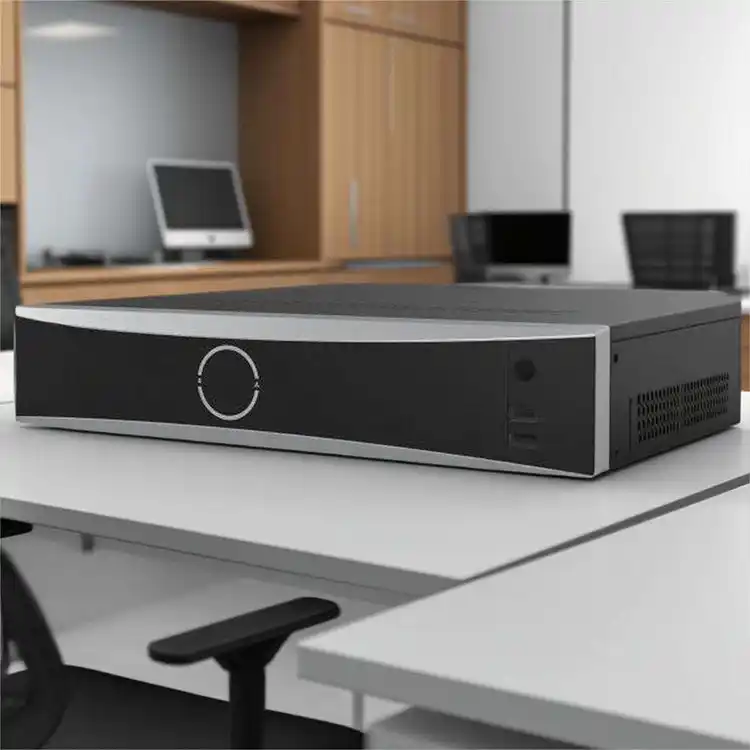
That’s where a good server rack pc case or server pc case really matters.
The enclosure is not just metal. It decides airflow, expansion, noise, cable mess, even how fast you swap a dead drive.
Below we’ll walk through a practical way to design high-performance systems for real clients, with examples that fit what IStoneCase builds: GPU server cases, rackmount, wallmount, NAS, ITX and custom OEM/ODM chassis.
Start With Workloads, Not With the Server PC Case
Before you touch an ATX server case, you ask one simple thing:
“What jobs will this machine run every day?”
Some common client workloads:
- File and backup server for a small or mid business
- Database + API server for an online service
- AI/ML training with multiple GPUs
- Media storage and transcoding
- Virtualization cluster for many small VMs
Each job stresses a different part of the system:
- File / backup → disks, network, hot-swap bays
- Database / API → IOPS, RAM, latency
- AI / GPU → PCIe lanes, power delivery, cooling
- Virtualization → RAM size, CPU cores, network
If you skip this step, you maybe overbuild the CPU and still get complaints because disks are slow or network is choked.
So the first deliverable to your client isn’t hardware.
It’s a short list: “You need X performance, Y capacity, Z uptime”.
Then you map that to the right computer case server.
Choosing the Right Server Rack PC Case for Real-World Use
Once you know the workload, you pick the right form factor.
Different clients, different enviroment.
Typical choices you’ll see in IStoneCase projects:
- Rackmount case for data centers and algorithm centers
- Wallmount case for edge sites, network rooms, wiring closets
- NAS devices for storage-heavy uses
- ITX case for compact labs or PoE, firewall, small branch offices
You can think like this:
- Tight rack space, hot aisle / cold aisle → go server rack pc case
- Many local disks, GPU, big coolers → deeper GPU server case
- No rack, just a small room wall → Wallmount Case
- Dev lab or home lab → compact ITX Case
Also check:
- How many U (rack units) you can use
- Depth of the rack
- Cable path and PDU location
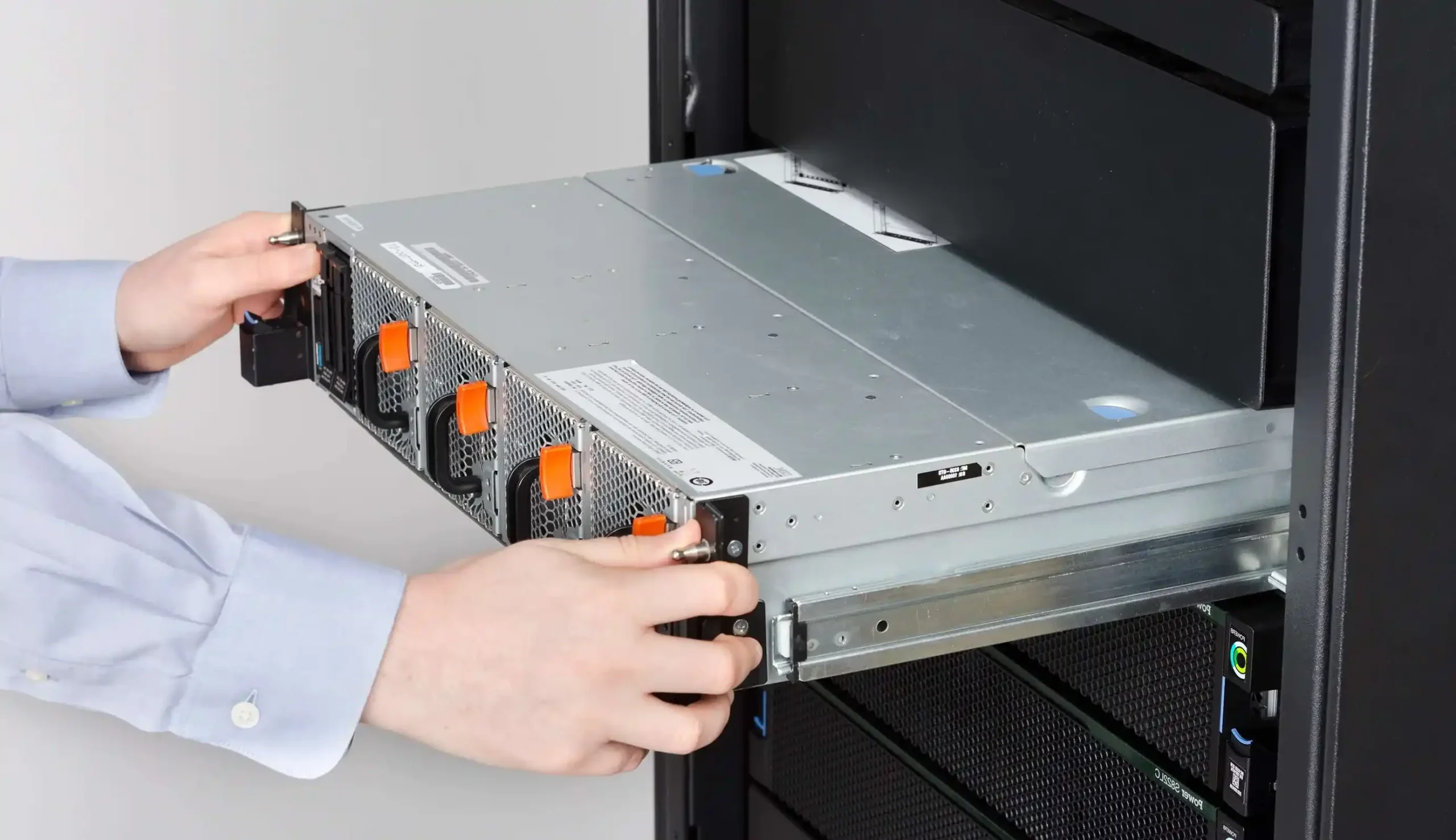
- Whether they need slide rails / chassis guide rail for fast service
If you choose the wrong chassis here, all later “tuning” is just damage control.
Cooling and Airflow in a Computer Case Server
High performance means high heat.
If the box can’t breathe, everything throttles and fans scream.
In a proper server pc case:
- Air goes front to back, clean and simple
- Fans line up with CPU, memory, GPU and drive cages
- Cables don’t block the airflow
- Dust filter strategy exists (even just simple mesh)
For GPU-heavy builds in a rackmount case:
- Use high-pressure front fans and clear air channels
- Separate GPU and CPU airflow if possible
- Leave a little buffer U space above or below for better intake / exhaust
Some clients only say “it must be quiet”.
In that situation you need to:
- Use more, larger fans at lower RPM
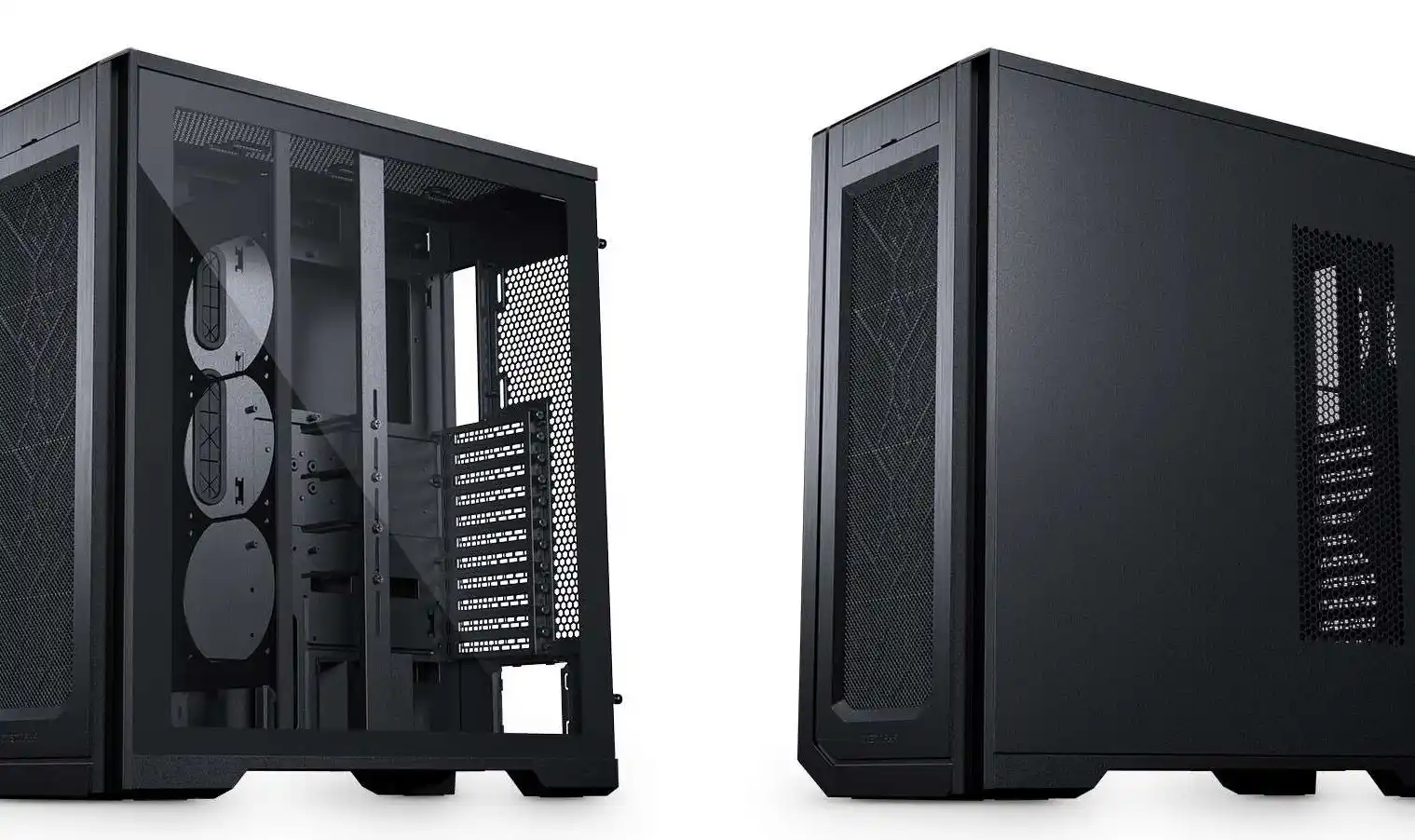
- Pick a deeper rackmount case or ATX server case so you have room for proper coolers
- Explain that a 1U rocket engine in an office is not a nice idea
Don’t underestimate this. Bad cooling kills uptime and your SLA.
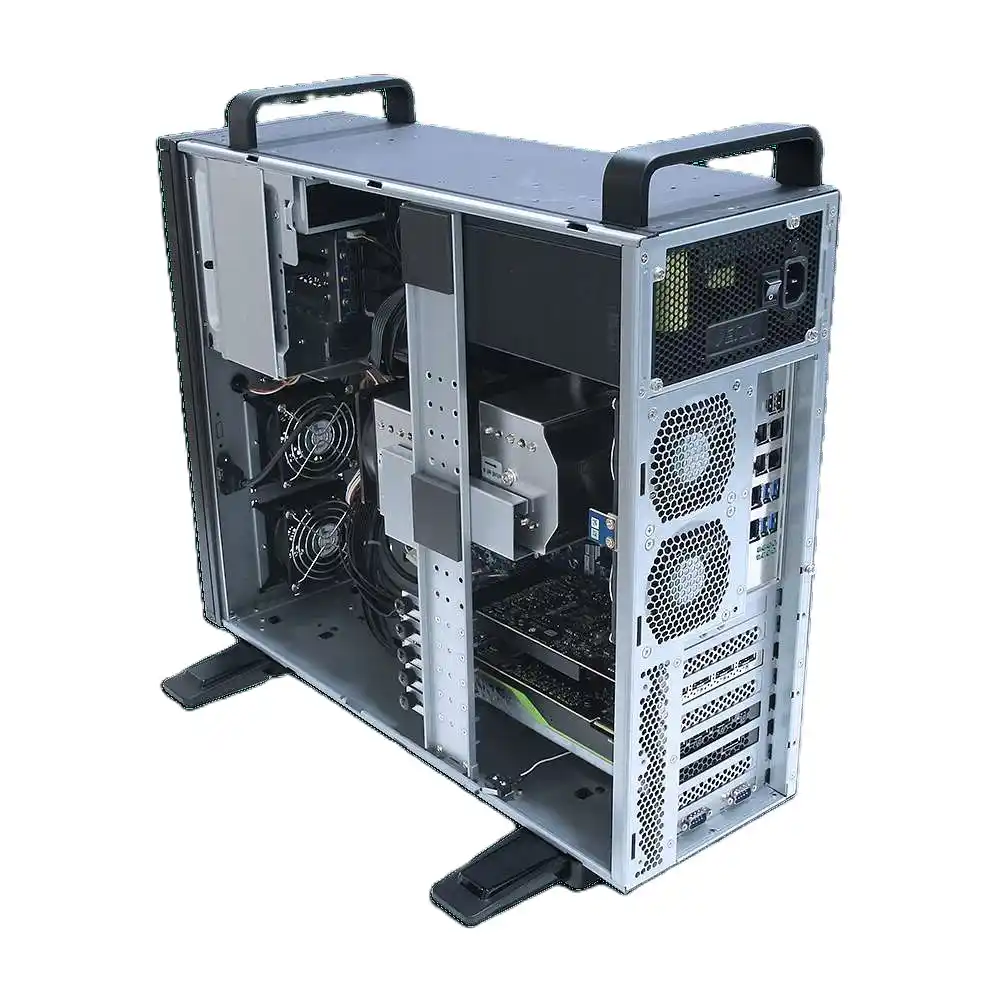
Core Hardware Inside an ATX Server Case
Now we talk guts. The enclosure is fixed, you know the airflow.
Time to choose parts that match the workload.
In a typical ATX server case from IStoneCase:
- CPU
- Many small VMs / microservices → more cores
- Low latency trading or API → higher clock
- Memory
- Always push for enough RAM so the system doesn’t swap
- For real servers, go ECC whenever the platform supports it
- Storage
- OS + hot data: NVMe or SSD
- Bulk archive / media: HDD with RAID
- Use hot-swap bays so you don’t open the lid for every failure
- Network
- Database and NAS → at least 2.5G or 10G
- Redundant NICs for failover or LACP if client needs higher uptime
For AI or GPU use, a GPU server case matters even more:
- Enough PCIe slots
- Correct GPU length and height
- Strong power delivery and good airflow over cards
If you miss any of these, you end up bodging things with adapters and ugly cables. That’s bad for service and MTTR.
Reliability, Redundancy and Serviceability in a Server PC Case
For business clients, raw speed is nice.
But actual pain point is: “Will this thing go down in the middle of the night?”
So you design for:
- N+1 power: two PSUs, one can fail and box still runs
- RAID for disks: RAID1/10/5/6 depending on workload
- Hot-swap everything: disks, sometimes fans, PSU modules
- Clear front indicators: disk LEDs, status lights, so techs see fault fast
In many server rack pc case designs from IStoneCase, you’ll see:
- Dual redundant PSU options
- Multiple hot-swap bays for HDD/SSD
- Fan walls that you can swap without pulling out the whole chassis
You also want clean internal layout:
- Cables are tied
- Labels for ports
- Slide rails so you can pull the whole system out of the rack without unplug stuff
These small details reduce downtime and service cost more than clients expect.
Remote Management and Day-2 Operations for Computer Case Server Builds
Day-1 install is always shiny.
Day-2 operations is where projects die or stay healthy.
For any serious computer case server project, plan for:
- Out-of-band management (IPMI, iKVM, BMC)
- Remote power on / off
- Temperature, fan and PSU status from the web UI
- Basic alerting or at least logs you can scrape
This means:
- When a system hangs at 3 a.m., nobody needs to drive to the site
- You can update BIOS / firmware without touching the box
- You can see thermals and fix airflow before hardware burns
A good chassis plus the right board makes this standard.
For OEM / ODM jobs, you can even pre-wire a standard “management port” on every server pc case, and document that for the client’s IT team.
If you’re building fleets, look at OEM/ODM server case solutions so remote management is consistent across models.
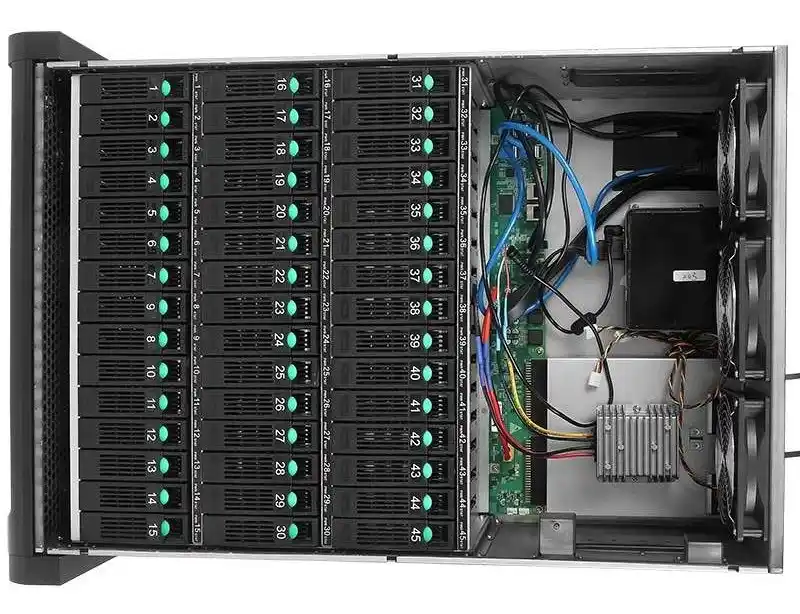
Table: Typical Server Rack PC Case Setups for Clients
Below is a simple table you can reuse with customers.
It links workload to chassis style and focus area.
| Client use case | Recommended chassis type | Key focus inside the build |
|---|---|---|
| Small / mid business file and backup server | 3U–4U server rack pc case or NAS-style NAS devices | Many hot-swap HDD bays, simple RAID, ECC RAM, quiet fans, at least dual NIC |
| AI / ML training, algorithm center node | Deep 4U GPU server case | Multi-GPU support, strong PSU, straight airflow over GPUs, NVMe scratch space, 10G+ network |
| Web + database for SaaS | 1U–2U rackmount case | Balanced CPU and RAM, SSD / NVMe for DB, redundant PSU, dual NIC or more, good cable management |
| Edge compute / branch office appliance | Compact wallmount case or ITX case | Short depth, lower noise, enough NICs, maybe one small SSD + one HDD, still try for ECC if platform allows |
| Lab / dev cluster for developers | Mix of ATX server case and smaller rackmount chassis | Flexibility, easy access, slide rails, multiple boot options, not too loud but still ok cooling |
You don’t need exact cost here.
Just show trade-offs: space, airflow, noise, resilience.
Where IStoneCase Fits in High-Performance System Design
When you design systems like this, you’re not buying “a random metal box”.
You’re choosing a partner that understands:
- OEM/ODM requirements
- Batch orders and long-term supply
- Custom front panels, logo, color, even special rails
- Different use cases from data center to small offices
That’s basically where IStoneCase lives:
- Server Case and rack chassis for data centers and research
- GPU server case for AI and high-performance computing
- Rackmount case and Wallmount Case for IT service providers and system integrators
- NAS devices and ITX Case for storage vendors, dev teams and tech hobbyists
If you start from the workloads, pick the right form factor, nail airflow, choose sane hardware, and bake in redundancy plus remote management, you don’t just ship a “fast box”.
You give your client a system in a solid computer case server that stays online, scales with them, and doesnt make you regret the install six months later.