If you’re building video surveillance storage, don’t treat the NAS case like “just a metal box.” In a real NVR setup, the case decides how many drives you can run, how cool they stay, how fast you can swap a dead disk, and how painless upgrades feel at 2 a.m. (Yep, that phone call happens.)
Below is the way I’d pick a NAS case for surveillance jobs. I’ll keep it practical, a bit blunt, and focused on uptime.
Also, if you’re sourcing in bulk or you need OEM/ODM tweaks (front I/O, backplane, lock, logo, fan layout, whatever), IStoneCase is worth a look. They build server cases, NAS devices, and storage chassis for everyone from MSPs to data centers, and they’re used to wholesale workflows.
Quick internal links you can browse while you read: NAS Case, Rackmount Case, Server Case, Wallmount Case, ITX Case, Chassis Guide Rail, 12 Bay NAS Cas.
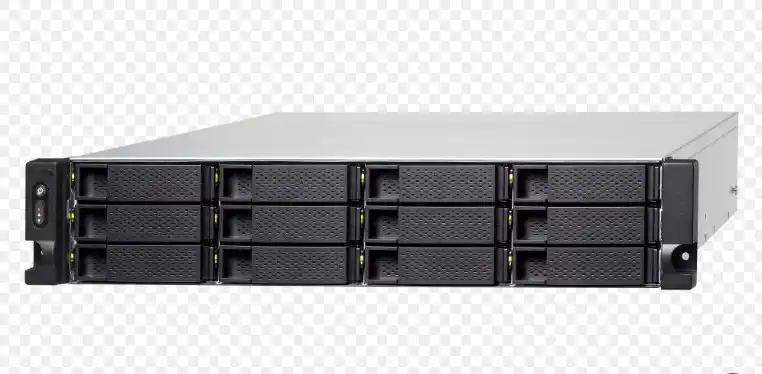
Storage capacity and bandwidth planning
Start here, not with “how many bays looks good.”
In surveillance, you’re dealing with a write-heavy workload. Cameras push steady streams all day. If you guess wrong on capacity or throughput, your retention window shrinks, or playback gets choppy, or both. Not fun.
A simple way to think about it:
- Camera count + bitrate drives your write load.
- Retention days drives raw capacity.
- Motion-heavy scenes (warehouse aisles, parking lots) “feel” heavier than quiet hallways, even with the same resolution.
So don’t buy the smallest box that barely fits today. That’s how you end up doing an early rip-and-replace.
Practical scenarios you’ll actually see
- Retail store (8–16 cams): small footprint, quiet-ish, often placed in a back office. You’ll care about noise and dust.
- Warehouse (30+ cams): high bitrates, long retention, hot environment. You’ll care about airflow, fan size, and serviceability.
- Multi-site MSP: you’ll care about repeatable builds, predictable parts, and reducing truck rolls (aka the “please don’t send a tech again” problem).
Drive bays and RAID 6 growth headroom
Here’s the blunt truth: drive bays are strategy.
If you pick a 4-bay chassis because it “should be enough,” you’re betting against camera upgrades and policy changes. Someone will ask for 30 more days of footage. Someone will add two more entrances. It always happens.
My rule of thumb: plan for RAID + growth from day one.
- If you want stronger fault tolerance, RAID 6 matters because it can survive two drive failures.
- More bays gives you more options: more parity choices, more spare capacity, and easier expansion planning.
This is where the case category matters:
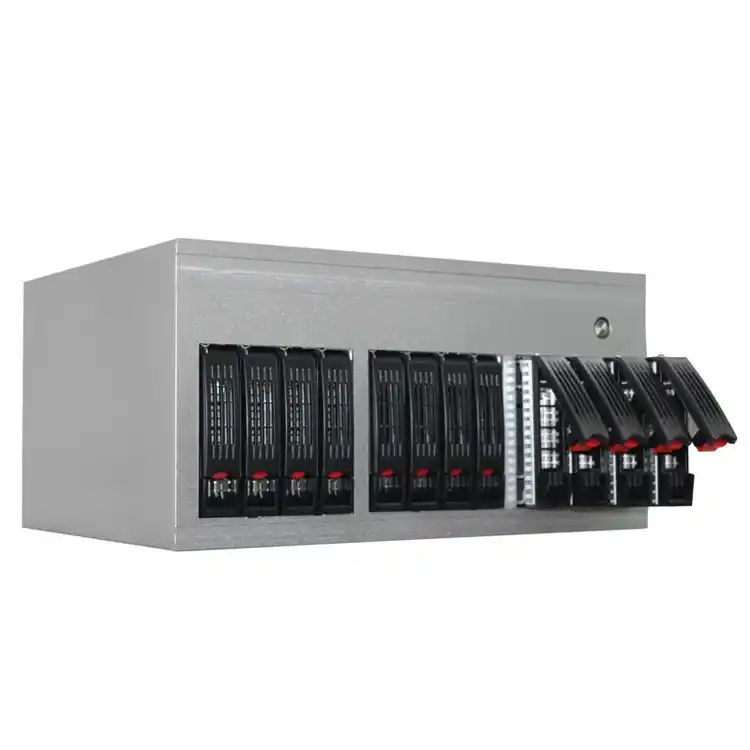
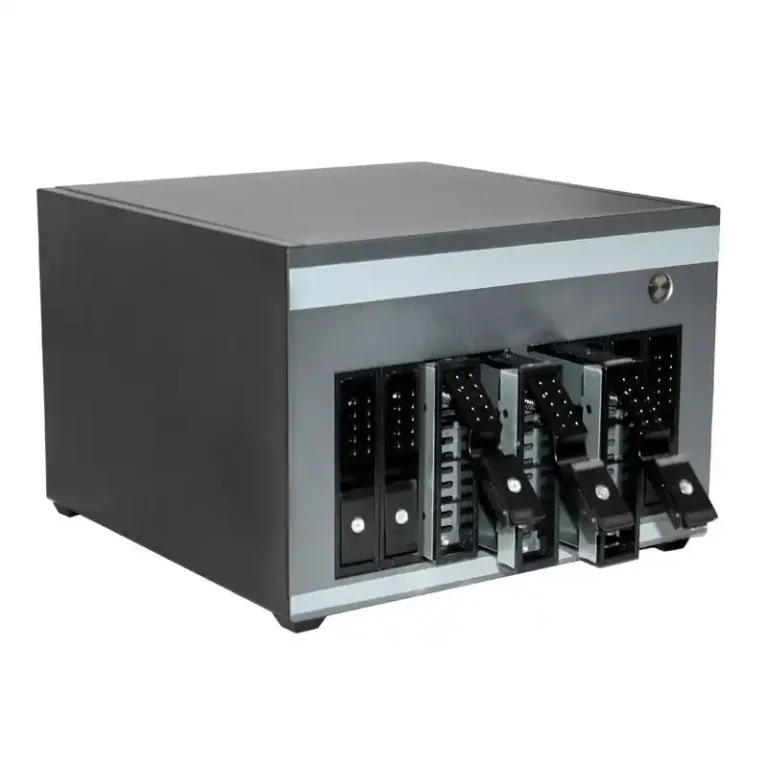
- For small installs, a compact NAS Case can be perfect.
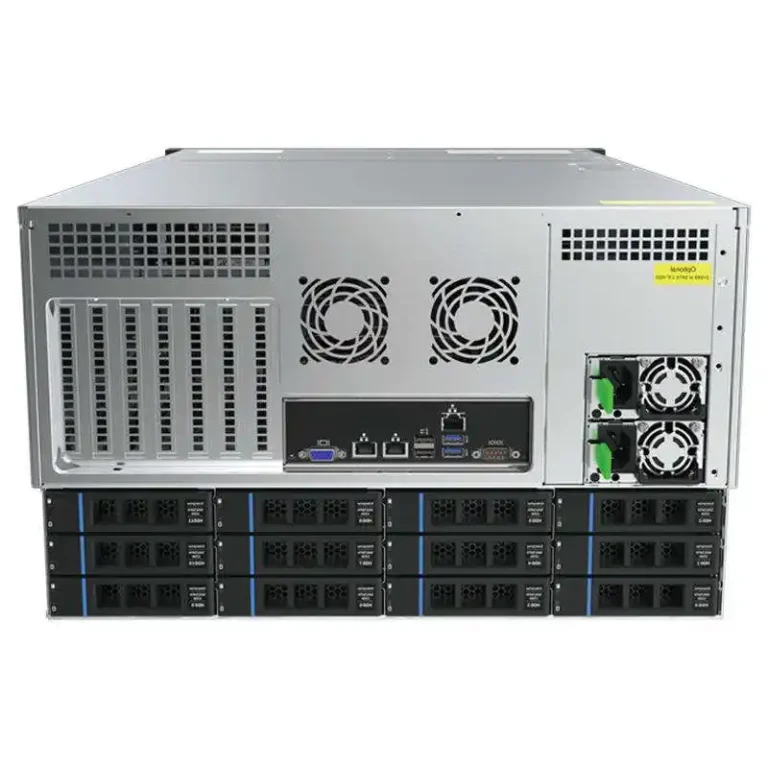
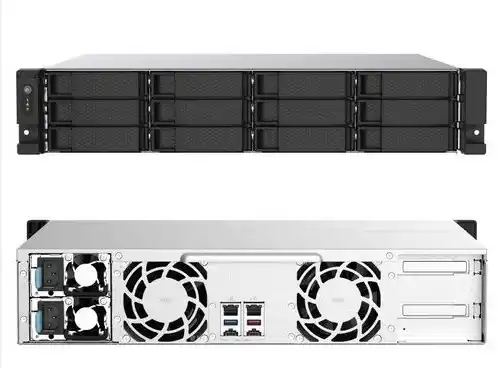
- For larger installs, a rack unit in a Rackmount Case or bigger Server Case is usually the cleanest.
Hot-swap drive bays and tool-free drive trays
Surveillance doesn’t politely pause. Drives fail mid-weekend, mid-holiday, mid-anything.
That’s why hot-swap bays and easy drive trays are a real requirement, not a “nice to have.”
What you want:
- Front-access trays (drive sleds) that don’t make you remove half the chassis
- Tool-free or minimal-tool caddies
- A layout that keeps cabling tidy so you don’t yank the wrong connector (yes, people do this)
Hot-swap bays also reduce MTTR (mean time to repair). Less downtime. Less panic. Less “why is playback missing between 2:10–2:40?”
If you’re building a serious rack NVR, pair the chassis with Chassis Guide Rail so you can slide it out cleanly for service. It sounds small, but it saves your knuckles and your time.
Cooling airflow and dust filters
Drives hate heat. Surveillance systems create steady heat. So cooling isn’t “one fan in the back,” it’s a whole airflow plan.
You want:
- Front-to-back airflow
- Enough fan mounts to avoid tiny fans screaming at max RPM
- Drive area that actually gets airflow (not a dead zone)
- Dust filters you can remove and clean, because edge sites get dusty fast
If your unit lives in an IDF closet, a ceiling corner cabinet, or a backroom shelf, dust and heat build up quick. The box needs to handle it.
This is also where chassis form factor matters:
- A rack server rack pc case can do very clean front-to-back airflow in a standard cabinet.
- A compact edge box might be better as a Wallmount Case or ITX Case if space is tight. Just don’t pretend a tiny case has the same thermals as a 2U/4U build. It don’t.
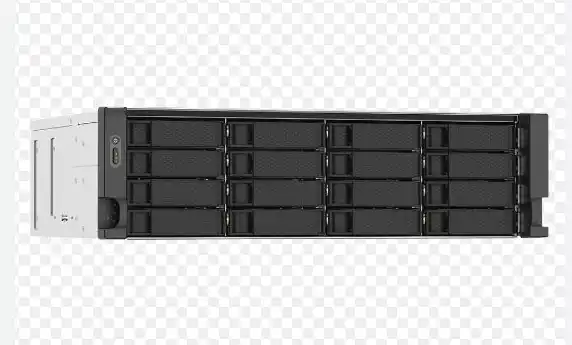
Lockable drive trays and physical security
People talk about cyber security all day, then leave the NVR in a place where anyone can pop a drive.
For surveillance, physical access is part of the threat model:
- Lockable drive bays reduce “oops I pulled the wrong disk” accidents
- They also reduce casual theft of evidence drives (yeah… that happens too)
If your NVR sits in a public-ish spot (retail back office, school closet, small clinic), a lock is cheap peace of mind. Even better if the chassis feels sturdy and not flimsy.
PCIe expansion slots for 10GbE and HBA
Video adds up. Once you scale, you’ll want more than basic gigabit, and you might need a proper HBA for drive connectivity.
So check for:
- PCIe slots for a 10GbE NIC (or dual NICs)
- Space for an HBA if you’re doing SAS backplanes or lots of disks
- Clean internal layout so airflow doesn’t get blocked by a rat’s nest of cables
This is where a proper server pc case (or a larger computer case server) tends to feel less cramped. You get room to grow without turning the inside into spaghetti.
Motherboard compatibility and ATX power supply checks
This is where builders get burned, even experienced ones.
Before you buy:
- Confirm Mini-ITX / Micro-ATX / ATX support
- Confirm PSU support (ATX PSU, redundant PSU options, etc.)
- Confirm your cooler height and PCIe clearance
If your project expects standard parts, an atx server case style build can make life easier. You get broader component choice, better expansion, and simpler servicing. It’s not always smaller, but it’s often smarter.
Noise and vibration control
Hard drives vibrate. Multi-drive cages amplify it. Fans add their own noise too.
Look for:
- Drive trays with damping (or at least not razor-thin metal)
- Larger fans where possible
- A chassis that doesn’t rattle when all drives spin up
For a back-office NVR, noise is a real “people complain” issue. For a rack room, it matters less, but it still affects fan wear. And if the fans wear out, you’re back to downtime again. Kinda a loop.
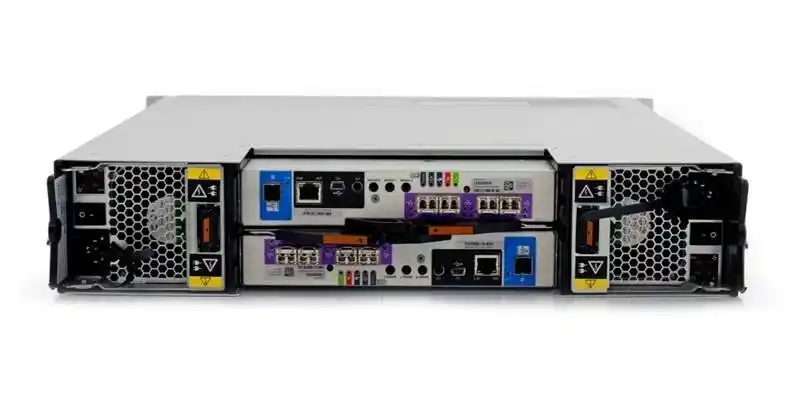
Decision table for NAS case selection
Use this as a quick “pick the right box for the job” helper.
| Decision point | What “good” looks like | What goes wrong if you ignore it | Evidence basis (non-link) |
|---|---|---|---|
| Storage capacity and bandwidth planning | Bays and airflow sized for your retention + camera growth | Short retention, dropped frames, painful rebuild | NVR sizing math + field installs |
| Drive bays and RAID 6 headroom | Enough bays for RAID 6 + future expansion | No room for parity + growth, risky rebuilds | Storage reliability practice |
| Hot-swap drive bays | Front hot-swap trays, easy access | Long downtime, slow repairs, more truck rolls | Ops maintenance reality |
| Cooling airflow and dust filters | Front-to-back airflow, cleanable filters | Thermal throttling, drive stress, noisy fans | HDD thermal best practice |
| Lockable drive trays | Lock option where needed | Physical tampering, accidental pulls | Site security practice |
| PCIe expansion slots for 10GbE and HBA | PCIe space + clean internal layout | Network bottlenecks, messy upgrades | Scale-out surveillance patterns |
| Motherboard and PSU compatibility | Clear ITX/mATX/ATX + PSU fit | Returns, rework, delays | Hardware fit standards |
| Noise and vibration control | Damping, stable cages, sane fan setup | Rattles, complaints, early wear | Real-world deployment feedback |
Where IStoneCase fits in a surveillance build
If you’re building one-off at home, any decent chassis can work. But if you’re building for clients, rolling out multiple sites, or planning a bigger retention window, you’ll want a supplier that understands storage chassis and repeatable builds.
That’s where IStoneCase usually shows up:
- Need a compact build? Start at NAS Case or ITX Case.
- Need rack deployments? Look at Rackmount Case and add Chassis Guide Rail so service is fast.
- Need larger storage or hybrid compute + storage? Browse Server Case or even GPU chassis if the site runs analytics too.
- Need OEM/ODM or bulk wholesale? That’s basically their lane. You can align the chassis to your install style (front I/O, locks, fan walls, backplane choices), and keep SKUs consistent across customers.