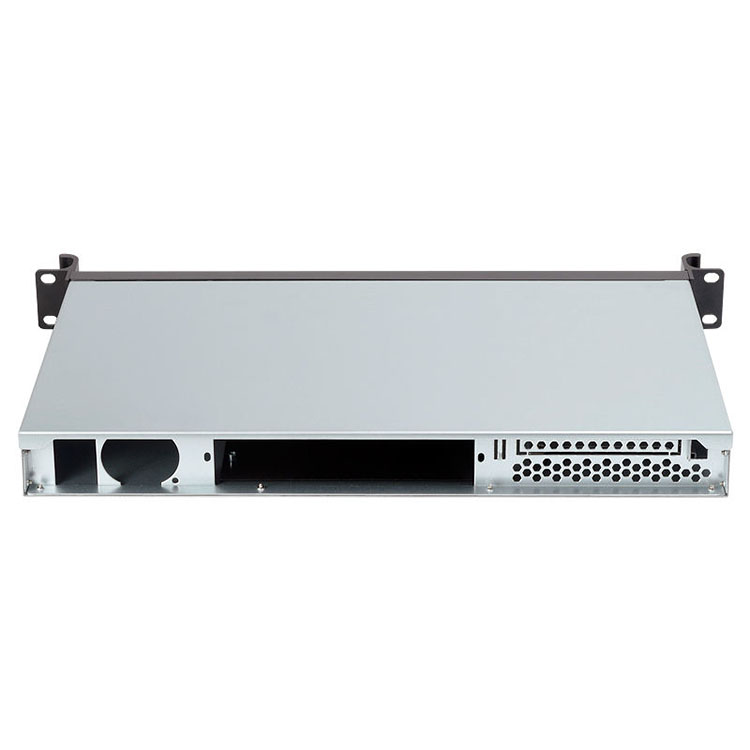
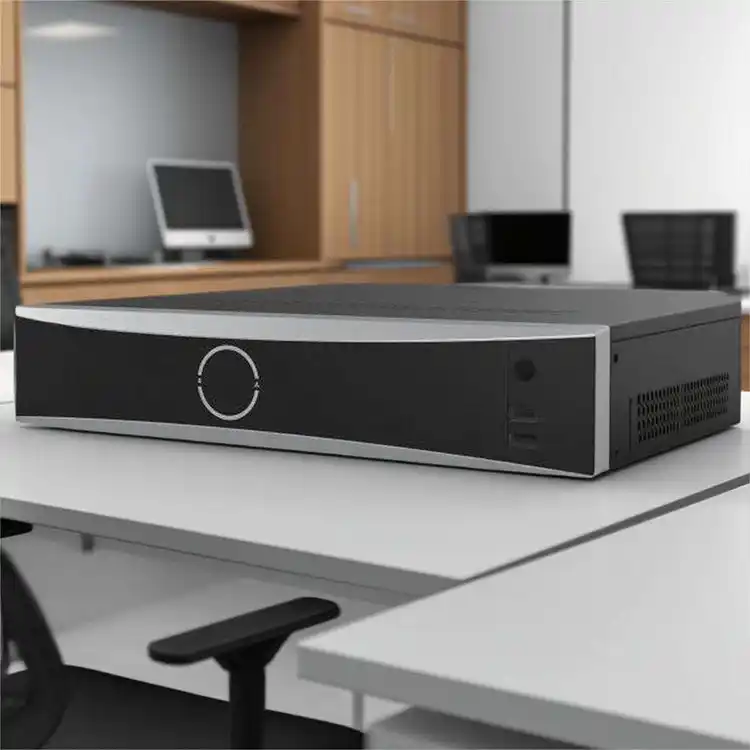
Growing a small or mid-size business is messy. One year you’ve got one dusty tower under the receptionist desk. Next year you’re rolling out an AI model, a small cluster, maybe a NAS for backups, all on a very not-infinite budget.
The good news: if you pick the right server case early, you dont need to rip everything out again in 12 months.
Below is a simple, real-world guide to picking affordable server cases that still scale with you, with real use cases and a bit of “data-center speak” so you can talk to your vendor or SI with confidence.
Understand Your Workloads Before You Pick a server pc case
Before you look at any metal box, ask one thing:
“What will actually run on this thing over the next 2–3 years?”
Typical SMB workloads:
- File & print, small ERP / CRM
- Virtualization (a few VMs), office apps
- Database, log server, backup NAS
- AI / GPU jobs, small inference service
- Edge / branch node in a shop or plant
Once you know the workloads, you can map them to the right server pc case type: tower, rackmount, wallmount, NAS, ITX, or GPU chassis from IStoneCase.
Match the Server Case Type to Real-World Use
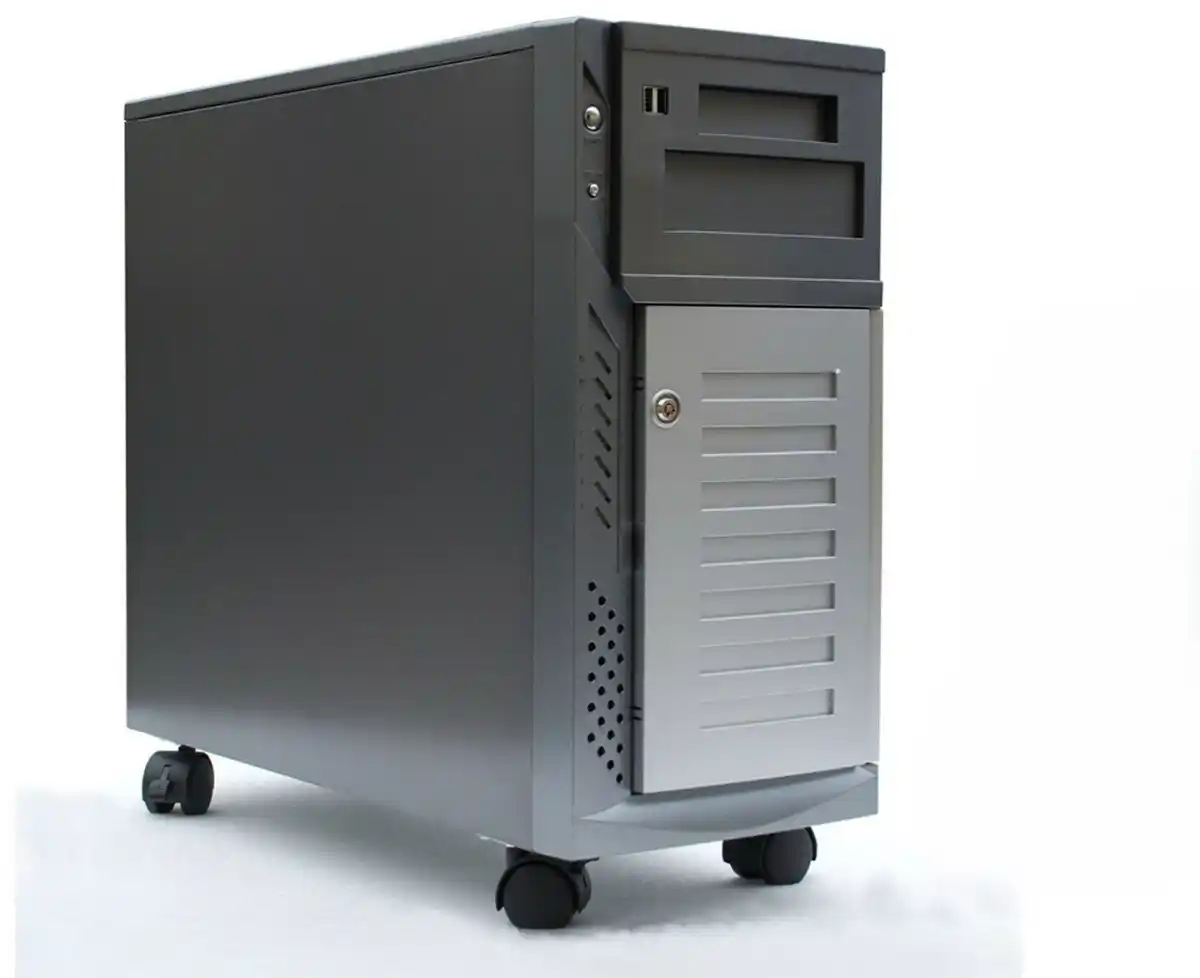
Tower-style computer case server for quiet offices
If you’re just moving off a single desktop-“server”, a tower-style computer case server can still make sense:
- Lives in a corner of the office
- Easier for non-IT staff to walk up and hit power, swap a drive
- Good for file server, AD, light database
But: once you start stacking more than two or three towers, cable mess and cooling become a nightmare. That’s when you look at rackmount.
server rack pc case for dense, growing deployments
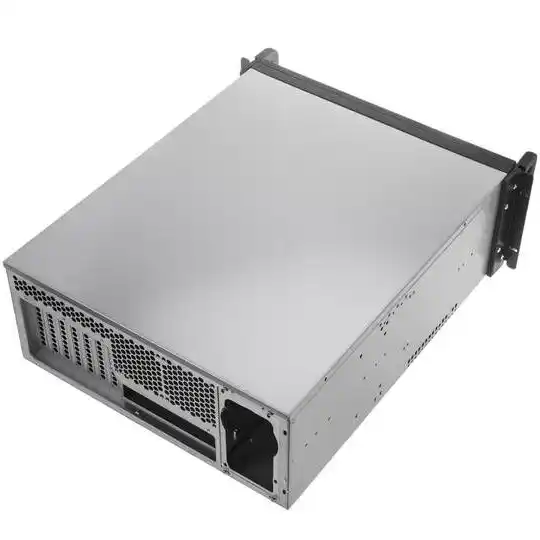
If you already have (or plan to have) a rack, go straight to a server rack pc case:
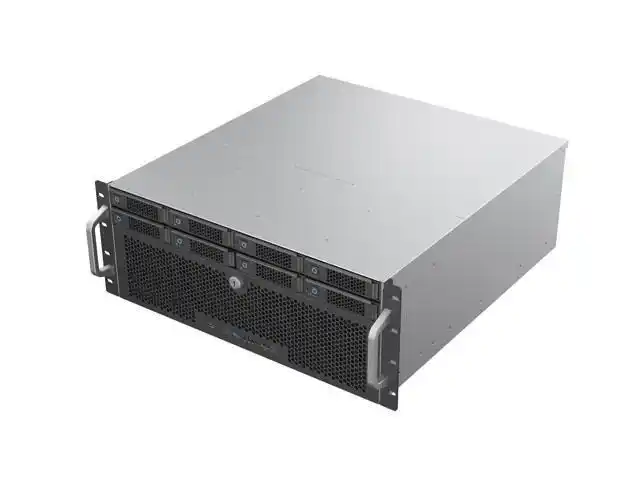
- Standard 1U / 2U / 3U / 4U heights
- Clean cable management, front-to-back airflow
- Easy to add more nodes as business grows
Real SMB scenario:
- Year 1: one 2U general-purpose box for VMs
- Year 2: add a 2U database node + a 4U backup box
- Year 3: add a GPU server for AI
If all of them sit in proper rackmount cases, you don’t fight the rack layout every time you upgade something. IStoneCase offers 1U–4U rackmount chassis and chassis guide rail options to make install and maintenance days much less painful.
Wallmount and short-depth cases for tight spaces
Not every SMB has a proper server room. Maybe you’ve got:
- A network closet with shallow depth
- A retail store backroom
- A small branch office with zero free floor space
In those enviroments, a wallmount case can keep gear off the floor, out of reach, and still semi-tidy. Combine a wallmount unit plus a small NAS case and you already cover local file, backup and small services.
ITX case and NAS devices for edge and lab use
For dev labs, edge nodes, or PoC boxes, a compact ITX case or NAS devices can be enough:
- Small footprint on a desk or shelf
- Lower power, still neat drive layout
- Great for test clusters, Git runners, small backup nodes
Think “branch office cache” or “local dev sandbox”, not main production core.
Cooling, Airflow, and Noise: The Hidden Cost of a Cheap Case
You don’t see airflow on a quote sheet. But you’ll feel it when:
- CPUs keep throttling
- Disks run hot and die early
- Office gets loud like a jet engine
When you choose an affordable server case, still check:
- Front-to-back airflow: fans should pull from front, push out rear, especially in any server rack pc case.
- Fan layout: enough fan slots in the middle “fan wall” area for dense drives or GPUs.
- Straight airflow path: no weird metal blocking half the fan.
- Noise profile: for office deployments, look for cases that support larger, slower-spinning fans.
Vendors like IStoneCase design GPU and standard server chassis with proper fan walls and airflow for high-density and AI jobs, so you don’t have to redesign cooling from scratch every time you add disks or a GPU.
Plan for Growth: Bays, Slots, and atx server case Layout
Here’s where alot of SMB teams under-spec things. They think “we only need 4 drives now” and then 18 months later they’re out of bays.
Key points for a future-proof atx server case:
- Drive bays
- Start with more bays than you need today (for backup, logs, new services).
- Hot-swap trays make drive failures a 5-minute job instead of a 2-hour outage window.
- PCIe slots
- Room for NIC upgrades, HBA / RAID cards, maybe a GPU later.
- Mainboard support
- Check ATX / Micro-ATX / Mini-ITX support so you can swap to a stronger board later without changing the whole computer case server.
- Power supply options
- Redundant PSU support is nice once uptime starts to matter more than pure cost.
Many server pc case models from IStoneCase are designed around standard ATX and Micro-ATX boards, with multiple hot-swap bays and 7+ PCIe slots, which fits well for growing virtualization or database nodes.
Quick Reference Table: SMB Stage vs Server Case Choice
Below is a simple view you can drop straight into your planning doc:
| SMB Stage | Typical Workloads | Recommended Case Types | Example IStoneCase category |
|---|---|---|---|
| Early (1–2 servers) | File share, AD, light DB, small app | Tower computer case server, small NAS | server pc case, NAS devices |
| Growing (rack in office) | Virtualization cluster, DB, backup, monitoring | 2U / 4U server rack pc case, separate backup chassis | Rackmount Case |
| Data-heavy | File server, backup, media, analytics | High-bay atx server case with hot-swap drives, dedicated NAS chassis | server pc case, NAS Case |
| AI / HPC pilot | GPU training, inference, algorithm tests | GPU-optimized rackmount chassis, strong airflow and PCIe density | GPU Server Case IStoneCase |
| Multi-site / edge | Branch nodes, POS, local cache | Compact ITX case, wallmount, short-depth rack | ITX Case, Wallmount Case |
Use this table as a starting point, then tune based on your own apps and growth speed.
Don’t Forget Operations: Rails, Maintenance, and “Hands in the Rack”
Ops pain is real pain. When you pick a server rack pc case, think like the person who has to pull it at 2am:
- Rails and slide kits
- Use proper chassis guide rail so you can slide the unit out for service without fully removing it from the rack.
- Front I/O vs rear I/O
- For wallmount or shallow racks, front USB and power buttons save a lot of crawling behind cabinets.
- Labeling and access
- Choose cases with clear front panels and drive numbering to reduce human error during a “swap this disk now” moment.
This is classic “hidden cost” stuff — the metal case seems cheap today, but the operational pain stacks up fast if you ignore it.
When OEM/ODM Customization Makes Sense for SMBs
You might think OEM/ODM is “only for giant clouds”. Not really.
Custom or semi-custom makes sense when:
- You’re rolling out the same config to many branches or customers
- You’re an IT service provider or ISV bundling hardware + software
- You need small tweaks: different front panel, extra bays, special airflow, specific color or branding
That’s exactly where IStoneCase leans in: GPU-optimized chassis, server pc case, server rack pc case, wallmount, NAS, ITX and rails, all with OEM/ODM options for bulk and long-term programs.
You get consistent hardware, predictable thermals, and you dont have to re-qualify a random new case every quarter.
Wrap-Up: Choose the Case Like You Choose the Roadmap
If you remember just three things when you pick an affordable server case for a growing SMB:
- Start from workloads and growth, not only price.
- Pick the right form factor: tower, server rack pc case, wallmount, NAS, ITX or GPU chassis based on real enviroment.
- Plan for upgrades: extra bays, PCIe slots, good airflow, and operations-friendly rails.
Do that, and your server pc case or atx server case won’t be the bottleneck. It’ll be the quiet metal box that just keeps your stack running while your business grows.