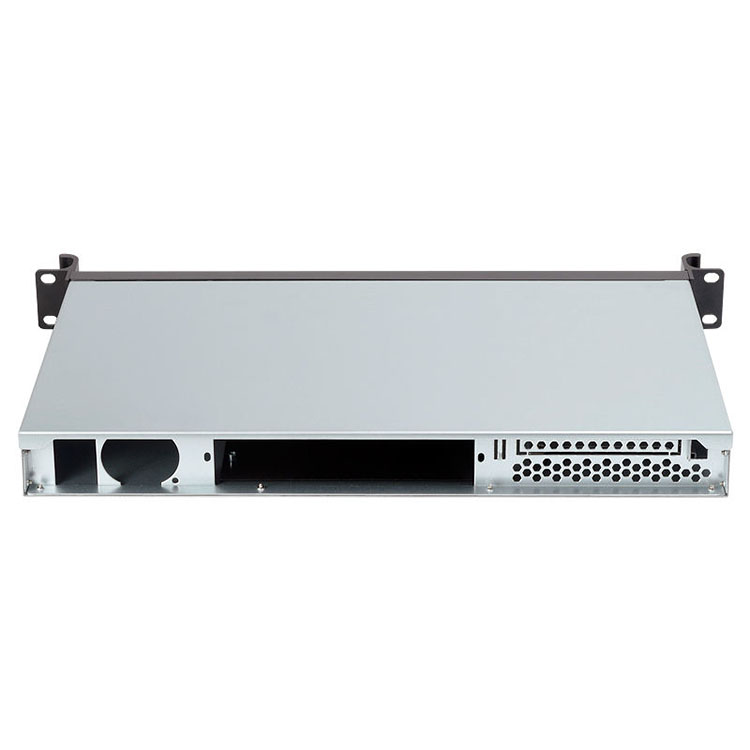
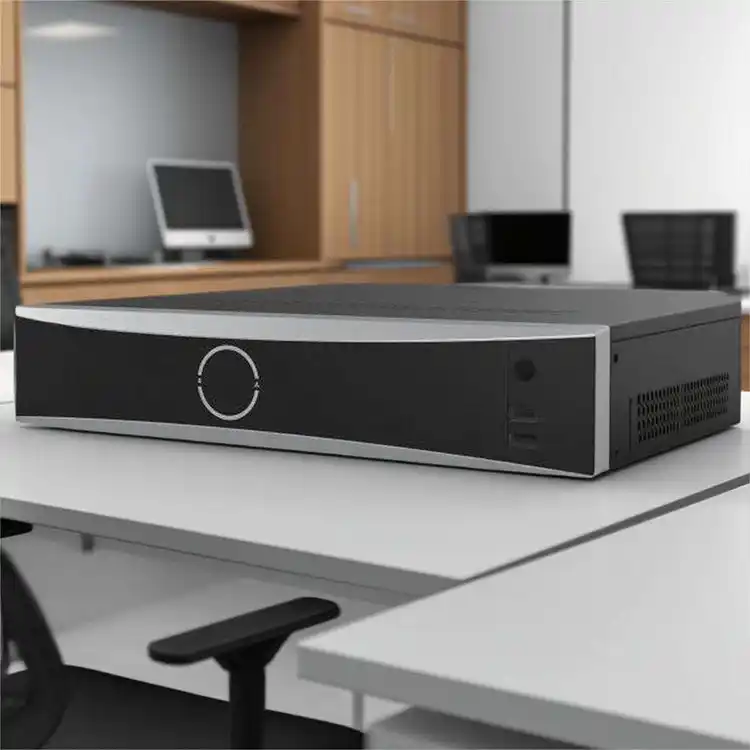
If you sell server hardware, you’ll hit this decision fast: do you rebrand an existing chassis or build a fully custom design?
On paper, both look fine. In the rack, only one feels “right.” And yeah, the rack always tells the truth.
You might be a data center integrator, an AI lab shipping GPU nodes, an MSP rolling out edge boxes, or a brand that wants a clean product line like a server rack pc case series. Different goals, different best choice.
I’ll keep this practical, a bit street-smart, and focused on what actually breaks deals: thermals, service time, lead time, and whether your platform can scale without chaos. I’ll also use examples that match what IStoneCase builds: GPU/server cases, rackmount, wallmount, NAS, ITX, plus rails.
OEM vs ODM chassis
Rebranding existing chassis
Rebranding means you start from a proven chassis platform, then you “skin and tune” it:
- Front bezel / faceplate branding (logo, color, label system)
- Front I/O options (USB, COM, LEDs, locks)
- Fan and filter choices (static pressure, dust handling)
- Bay and backplane options (hot-swap map, tray style)
- Packaging, barcode, serial system for your warehouse flow
You keep the core frame mostly the same. You’re basically saying: “Give me the known-good metal, I’ll add my product layer on top.”
This works great when your differentiation sits in software, support, channel reach, or integration.
Fully custom designs
Fully custom means you control the mechanical spec end-to-end:
- PCIe/GPU spacing and riser layout
- Airflow tunnel and duct geometry
- Cable routing and service loops (so techs don’t swear at you)
- Bay placement, latch feel, hot-swap ergonomics
- Front vs rear access, security, and “rack reality” constraints
This path makes sense when the chassis itself becomes part of performance. Especially for high-density GPU builds where airflow is basically your hidden feature (but don’t call it “hidden hero,” pls).
Time-to-market and NPI workflow
If you need a SKU on the market soon, rebranding is usually the cleanest route. You’re not reinventing the frame, you’re selecting a platform and validating it for your workload.
Custom design pulls in full NPI vibes: DFM, prototype spins, validation rounds, and that one tiny bracket that always needs one more revision. It’s doable, it’s normal, but it’s not “quick.”
A simple rule:
- Rebrand if you need a stable product line now.
- Custom if you’re building a long-life platform and you want deep control.
For fast launches, teams often start from a rack family like IStoneCase’s Rackmount Case or a general Server Case, then customize what buyers notice first (front look, I/O, bay map).
Upfront engineering and tooling risk
I won’t throw cost numbers at you, because in real life it depends on tooling scope, MOQ, metal complexity, and how picky the spec is.
But the risk pattern is consistent:
- Rebranding usually means lower engineering load and fewer unknowns.
- Fully custom means more mechanical work, more validation, more “oops we missed that clearance.”
Also, custom has sneaky failure modes:
- tolerance stack-ups that make panels not line up
- fan bracket resonance (yes it’s a thing)
- cable routes that block airflow (the classic)
- EMI leaks from a “small vent change” that wasn’t small
If your team is lean or you don’t have a strong mechanical lead, rebranding can be the safer bet. Safer doesn’t mean weak. It means you ship.
Differentiation and branding
Here’s what most buyers actually want:
- easy to identify in a rack
- easy to deploy in volume
- easy to service at 2AM
Rebranding can deliver that with good front design, labeling, and consistent SKU rules. That’s why a lot of channel sellers build a tidy server pc case product line from a stable chassis base.
Fully custom gives you deeper differentiation:
- GPU thermals that stay stable under load
- a hot-swap layout that matches your storage story
- tool-less service that cuts swap time (and reduces screw loss… you know)
If you’re pushing high-power compute, don’t treat your computer case server as “just a container.” It’s part of the system.
For GPU-heavy nodes, start by scanning a purpose-built family like GPU Server Case and then decide what truly must change.
Thermals and airflow for GPU server case
Thermals are where “it fits” turns into “it throttles.”
Rebranding works when:
- your airflow is standard front-to-back
- the fan wall matches your load
- cable routing is clean-ish
- your GPUs aren’t packed like sardines
Custom wins when you need:
- direct-to-GPU airflow (not wishful airflow)
- odd PCIe spacing or riser geometry
- extra clearance for thick GPUs and power cables
- better separation between PSU heat and GPU intake
If your node lives in a warm rack, your customer won’t blame ambient temp. They’ll blame you. Then the long email chain begin.
And if your build centers on ATX boards, you’ll care about expansion layout and airflow headroom. That’s where an atx server case discussion becomes very real, very fast. (Also, ATX is still everywhere, don’t let anyone shame you.)
A solid starting point for ATX-focused deployments is IStoneCase’s ATX guidance page: ATX Server Case.
Serviceability, rails, and rack operations
This part decides if your support costs stay sane.
Rebranding usually wins for rack ops because standard platforms already play nicely with:
- common rack depths
- predictable mounting points
- repeatable installation steps
- consistent spares strategy
Custom wins when you need:
- a specific rail depth or latch style
- front-only service (tight rear clearance)
- locking, anti-tamper, or special access control
- a “no-tools” service model that matches your SLA
If you sell to MSPs or data centers, don’t treat rails like an accessory. Treat rails like part of the product. Start here: Chassis Guide Rail.
IP, exclusivity, and supply chain control
Blunt truth:
- Rebranding can limit exclusivity. Similar-looking platforms exist.
- Fully custom gives you more defensible mechanics and a cleaner “this is ours” story.
But exclusivity isn’t only about IP. It’s also about revision control:
- stable BOM
- stable mechanical drawings
- predictable spares for future batches
Enterprise buyers hate surprise revisions. They want boring consistency. Again, boring is profit.
Decision factors table for chassis selection
| Decision factor | Rebranding existing chassis | Fully custom designs |
|---|---|---|
| Time-to-market | Faster launch, easier SKU stability | Slower cycle, deeper validation |
| Engineering load | Lower mechanical effort | Higher mechanical + testing effort |
| Differentiation | Brand, config, packaging, support | Layout, thermals, service model |
| Thermals | Works if workload fits standard airflow | Built for tight thermal headroom |
| Service + rack ops | Predictable rails and installs | Tailored access and security needs |
| IP + exclusivity | Less unique “shape” | More defensible enclosure |
Real-world scenarios
MSP and enterprise rollouts
You’re deploying dozens/hundreds of nodes. Predictability beats clever. Rebrand a stable chassis, tighten labeling, and lock your spares list. Start with Server Case or Rackmount Case.
AI labs and GPU clusters
If you’re doing training, airflow is money. Start from a GPU-optimized platform and customize around the thermal map and service loops. Look at GPU Server Case.
Storage appliances (backup, media, database)
Rebranding works well if your value sits in software + reliability. Start with a known bay layout, validate the hot-swap behavior, then move to semi-custom once orders repeat. See NAS Devices.
Edge installs and tight spaces
Sometimes there’s no rack. There’s just a wall, a closet, and dust. Wallmount chassis can save installs (and reduce angry site visits). See Wallmount Case.
Dev rigs and compact builds
If your buyers are labs, devs, or small teams, compact servers matter. ITX can be a solid lane, not for everything but for specific users it sells nice. See ITX Case.
The “semi-custom” path (usually the smart money move)
Most teams don’t jump from generic to fully custom in one step. A smarter ladder:
- Pick a stable chassis family and rebrand it.
- Ship it, learn from real racks.
- Fix the pain points that actually show up (airflow blockers, I/O placement, bay ergonomics).
- Move into semi-custom (bezel + bay map + fan wall + rails).
- Go fully custom when volume is proven and requirements are locked.
It’s not sexy, but it works. And it keeps you from burning months on metalwork before customers even reorder.