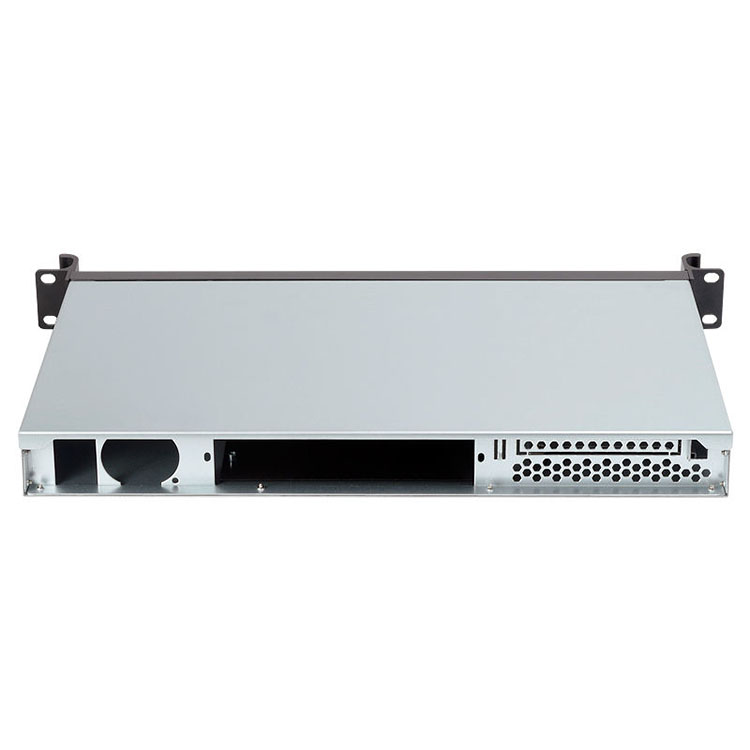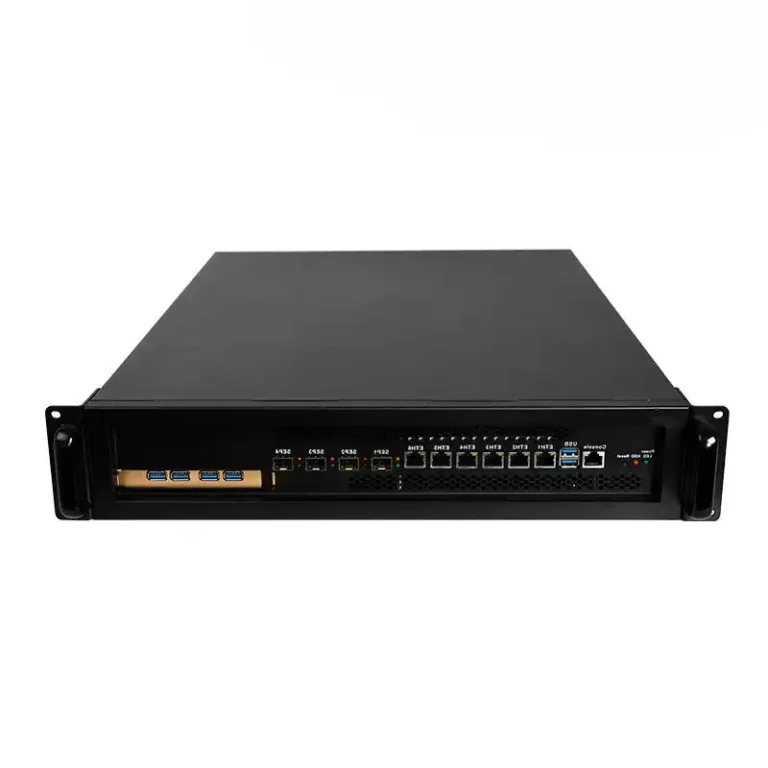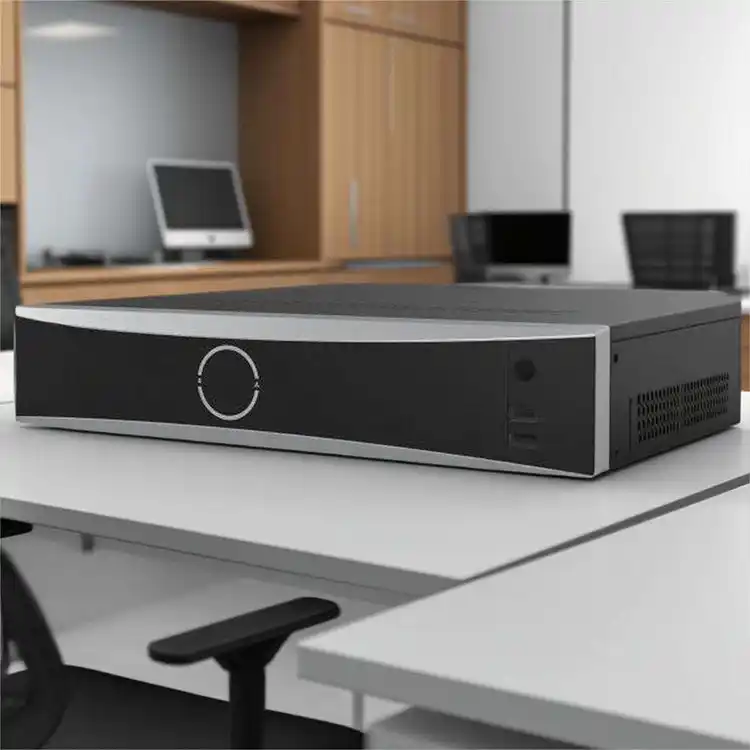
Heat kills drives.
When I hear people argue wall mount vs rack mount NVR like it’s a vibe choice, I know they haven’t priced downtime, evidence disputes, or the moment a “temporary” 8-camera install quietly becomes a 32-camera mess with 24/7 recording and a storage graph shaped like a hockey stick.
Still think the enclosure doesn’t matter?
Here’s the hard truth: the “best” NVR mounting option is the one that makes failure boring. Boring power. Boring cooling. Boring service. Boring access control. You want the recorder to be so uninteresting that it never becomes the story.
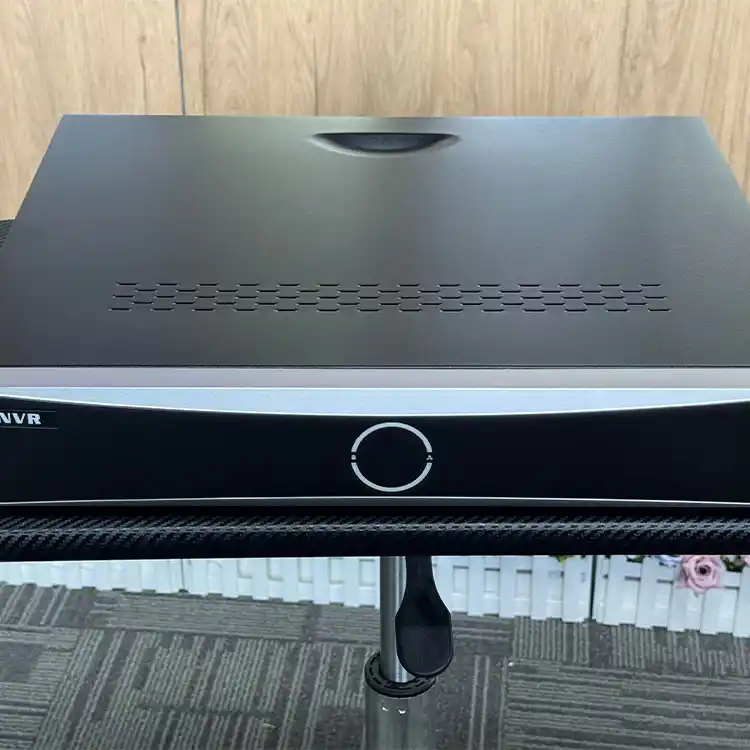
The decision isn’t wall vs rack. It’s closet vs system.
Wallmount NVR enclosure setups win when you need compute near the cameras, in spaces that were never designed to be mini data rooms. Think retail back rooms, guard shacks, school IDF closets, construction trailers, small clinics. That’s the whole logic behind “close to sensors, quick to service” deployments like the ones mapped out in Wallmount case use cases for surveillance / PoE / edge analytics.
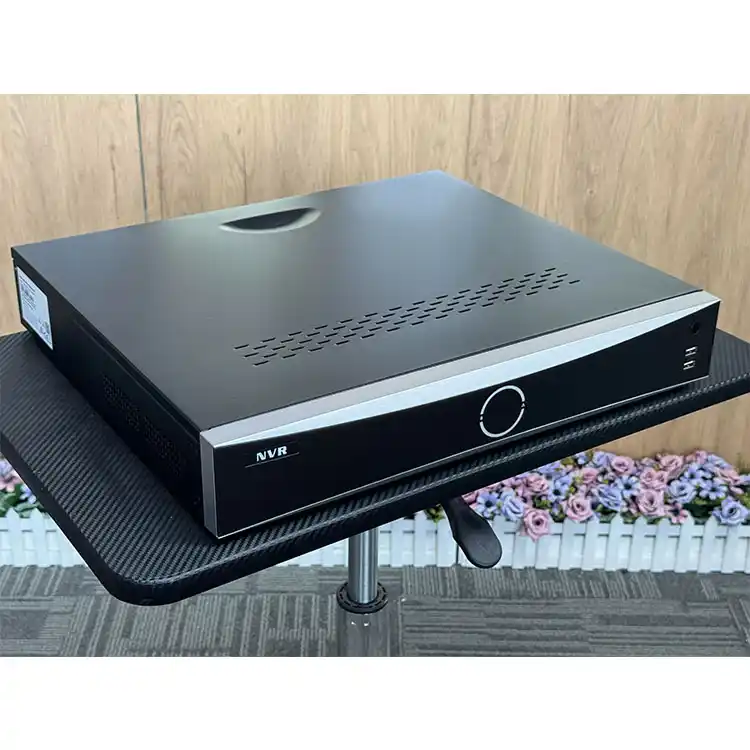
Rackmount NVR wins when you’re done pretending you’re small. When you want standardized 19-inch rack NVR ergonomics, predictable airflow, clean cable runs, UPS integration, and a rack cabinet for security NVR that can be locked, logged, and maintained without balancing a chassis on your knee.
And yes, budget people hate that sentence.
Start with the one number nobody wants to calculate: storage burn rate
So. Do the math.
Example: 16 cameras at 8 Mbps each (common for 4MP/5MP H.265 in the real world when scenes get busy).
8 Mbps ≈ 1 MB/s per camera → 16 cameras ≈ 16 MB/s total.
16 MB/s × 86,400 seconds/day ≈ 1,382,400 MB/day ≈ ~1.4 TB/day.
Thirty days retention? You’re staring at ~42 TB raw before RAID, overhead, spare capacity, and the “we added two more cameras last Friday” surprise.
Now ask yourself: where does ~8–12 spinning disks live happily—on a wall in a warm closet, or in a rackmount NVR chassis built for airflow and drive density?
Cooling and density: rack wins by design, not by marketing
I don’t care how many fans your wall cabinet has if the room itself is a toaster. Rack gear is built around a predictable front-to-back (or at least defined) airflow story, and the ecosystem supports it—blanking panels, rails, PDUs, and cabinets that don’t choke intake.
Even outside security, the broader rack world is trending denser: Uptime Institute’s 2024 survey shows 4–6 kW racks remain most common, with 7–9 kW becoming more common year-over-year. That’s not “NVR-specific,” but it screams one thing: the industry assumes racks will carry heat and survive it. Uptime Institute Global Data Center Survey 2024.
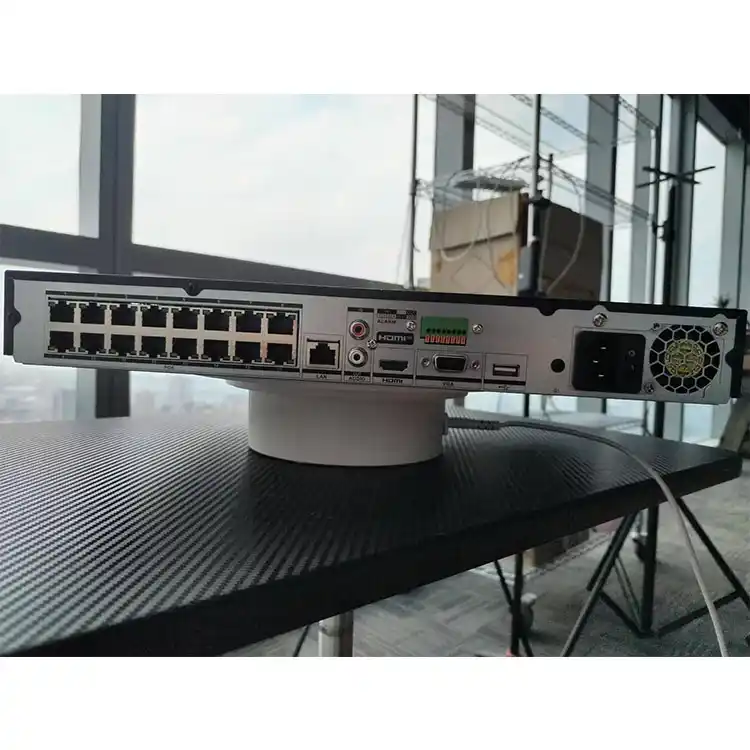
If you’re building a serious recorder (multiple HDDs, maybe a GPU for analytics, dual NICs, redundant PSU), you’re basically building a small server. At that point, a real rack chassis—like a 4U option that can take more bays and bigger fans—stops being “nice” and starts being sane. A good starting reference is the chassis layout on iSTONECASE’s 4U Rackmount Case page.
Security isn’t only cyber. It’s also “can someone touch it?”
Three words: physical access wins.
If an attacker (or a curious employee) can open the box, yank drives, press reset, or pull power, your “video surveillance” is basically a suggestion. And it gets uglier in court.
In August 2024, the Supreme Court of Maryland reinforced that courts look for enough evidence that a reasonable juror could find video is what it claims to be—and discussed authentication through testimony and circumstantial evidence. Translation: if your recorder handling is sloppy, you can invite arguments about integrity, gaps, and handling. Mooney v. State of Maryland (filed Aug. 13, 2024).
Rackmount helps because it naturally pushes you toward controlled access: locked rack, locked room, change control, labeled patching, fewer hands. Wallmount can be secure too—if you treat it like evidence infrastructure, not like a Wi-Fi router.
Cyber risk: your NVR is a computer, and computers get owned
“But it’s just cameras.”
Nope.
The FBI’s IC3 reported 2,825 ransomware complaints in 2023 with adjusted losses over $59.6 million. 2023 IC3 Internet Crime Report.
Security teams reading that don’t ask, “Will it happen?” They ask, “How fast can we recover?”
And surveillance boxes show up in exploited-vulnerability datasets too. CISA’s KEV data includes CVE-2023-47565, labeled an OS command injection vulnerability affecting QNAP VioStor NVR, with the entry dated 2023-12-21 and remediation due 2024-01-11—a nice, blunt reminder that NVRs are not magical appliances; they’re patchable targets.
Mounting choice doesn’t “solve” this. But rackmount environments tend to enforce better hygiene: dedicated VLANs, UPS-backed orderly shutdowns, easier maintenance windows, less chaos cabling.
Procurement and compliance: the U.S. government is telling you what not to buy
If you sell into government-adjacent work, critical infrastructure, or clients who read procurement memos like scripture, you can’t ignore U.S. supply-chain policy.
In July 2024, the FCC Public Safety and Homeland Security Bureau issued a public notice about updates to the “Covered List” under the Secure Networks Act—equipment and services deemed to pose unacceptable national security risk, reproduced in the appendix and hosted by the FCC. That matters because surveillance ecosystems often include exactly the kinds of devices procurement teams scrutinize. FCC Public Notice DA 24-712 (Released July 23, 2024).
My opinion: if compliance is on the table, rackmount is usually the safer operational posture because it pushes you toward documentation, standardization, and fewer “mystery boxes” hidden around the building.
Wallmount is not “wrong.” It’s just unforgiving.
Wallmount can be excellent when you need edge recording and don’t have rack real estate. But you must spec it like it will be abused.
Dust.
Factories and OT spaces chew consumer-grade enclosures and spit out tickets. If you’re anywhere near industrial air, pay attention to practical enclosure ratings (people throw these around, but they bite when ignored): IP54 / NEMA 12 / NEMA 4/4X use-cases are laid out clearly in iSTONECASE’s industrial-grade wallmount server cases for factory and OT networks.
Service workflow.
Wall boxes get installed in corners, above doors, behind shelves. If the tech can’t access drives and fans comfortably, they’ll rush. Rushed work breaks things.
Scale ceiling.
Once you’re planning more than a few drives, you’re drifting toward “server storage,” not “small NVR.” If you’re still undecided, read the framing in How to choose a NAS case for video surveillance projects—it’s basically the same storage physics, whether you call it NAS or NVR.
The table your installer actually needs
| Decision Factor | Wall Mount NVR Enclosure | Rackmount NVR (19-inch rack) |
|---|---|---|
| Best fit | Branch/edge sites, no rack room, short cable runs to camera cluster | MDF/IDF closets, enterprise sites, multi-system deployments |
| Cooling & noise | Depends heavily on the room; closets trap heat; noise can be a problem in occupied spaces | Predictable airflow patterns; bigger fans; better thermal headroom |
| Storage scale | Practical ceiling is lower (space, heat, weight) | Easier to go 8–24 bays with hot-swap and defined airflow |
| Physical security | Must be designed-in (lock, tamper resistance, controlled location) | Usually stronger by default (locked rack + room + access policy) |
| Serviceability | Can be painful if mounted high/tight; drive swaps often awkward | Rails + front access = faster maintenance; less accidental damage |
| Power/UPS integration | Often improvised (small UPS on shelf, messy cabling) | Cleaner UPS/PDU integration; labeled circuits; fewer surprises |
| “Future you” tax | High if you under-spec the cabinet or airflow | Lower if you standardize chassis, rails, and cabinet space |
If you go rackmount, don’t cheap out on the mechanics. Rails turn “maintenance” into a 5-minute job instead of a risky juggle—see the practical options under Chassis guide rail.
FAQs
Is a wall mount NVR enclosure the same thing as a wall-mounted NVR?
A wall mount NVR enclosure is a lockable cabinet or chassis mounted to a wall that holds an NVR (or NVR-class server) plus related gear like a PoE switch, drives, and cabling, while a wall-mounted NVR can also mean a small recorder simply screwed to a surface without a real enclosure, access control, or airflow plan.
What’s the real difference between rackmount NVR and wallmount NVR for evidence reliability?
Rackmount NVR vs wallmount NVR is mainly a chain-of-custody problem: rackmount installs typically live in controlled, logged spaces with standardized cabling and fewer hands, while wallmount installs are often physically reachable and easier to tamper with unless you add locks, policies, and routine integrity checks.
Can I put an NVR and PoE switch in the same wall cabinet?
Yes—an NVR + PoE switch wall cabinet is a common edge pattern that reduces backhaul and keeps recording alive during WAN issues, but it only works long-term if you budget airflow, PoE heat load, dust control, and service clearance, not just “will it fit” geometry.
How do I choose the right 19-inch rack NVR size (1U/2U/4U)?
A 19-inch rack NVR “size” decision is really a density-and-thermals decision: 1U favors shallow builds and fewer drives, 2U is the practical baseline for better airflow and expansion, and 4U is where you go when you want more bays, bigger fans, and less thermal stress.
How do I reduce ransomware and exploit risk for a video surveillance NVR?
Reducing NVR ransomware risk means treating the recorder like a real computer: patch it, isolate it on its own VLAN, block direct internet exposure, enforce strong credentials, log access, and plan recovery, because public reporting shows ransomware volume is real and exploited NVR-class vulnerabilities do get tracked and acted on.
Conclusion
If you want the short version: choose wallmount when you’re building edge nodes in hostile, space-starved rooms—and choose rackmount when you care about scale, service speed, and controlled access more than you care about “saving” a cabinet.
If you’re speccing hardware right now, start with a concrete chassis path: compare a 4U rackmount case for higher-drive builds against the real-world patterns in wallmount surveillance / PoE deployments, and make your choice based on heat, access control, and the storage math—not aesthetics.