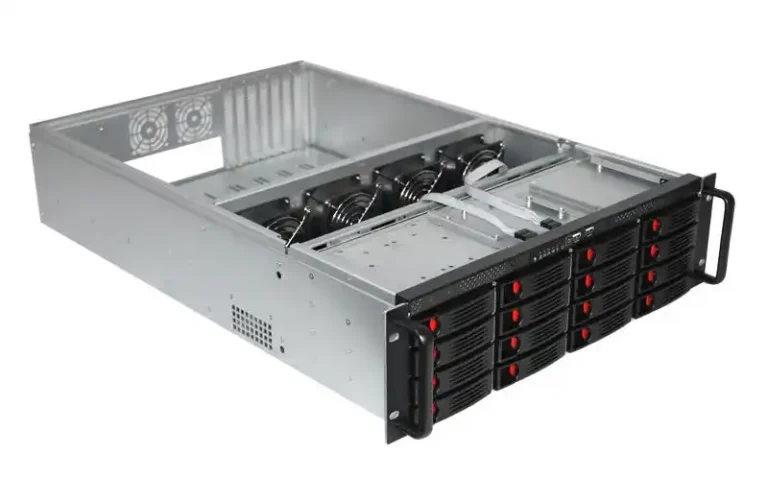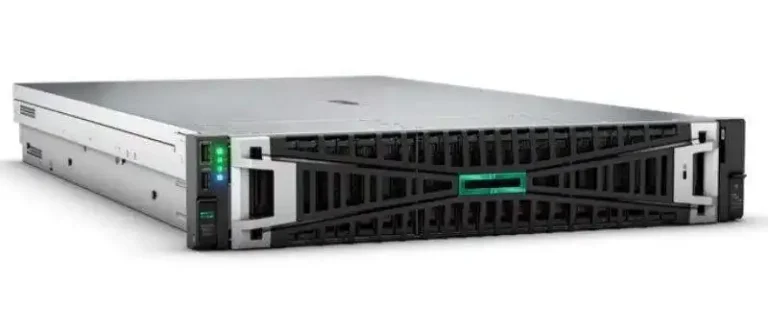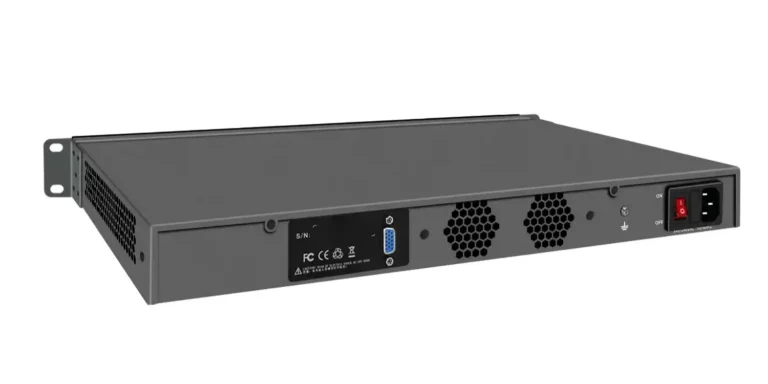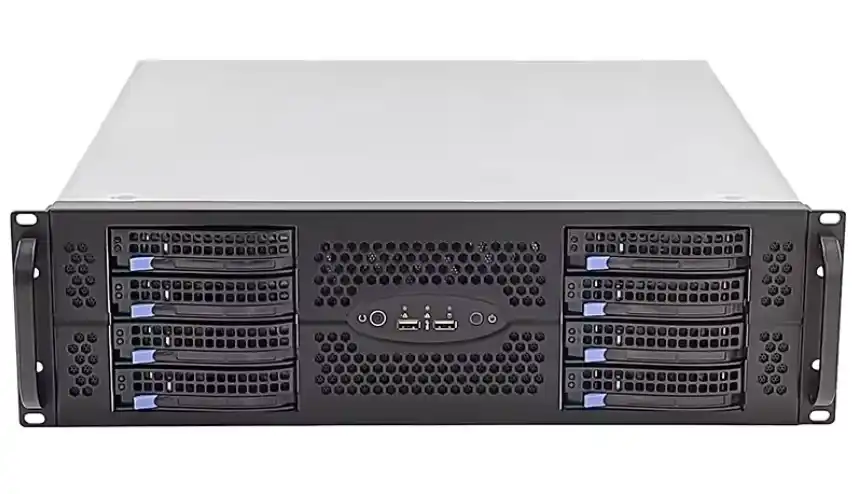
If you’ve ever stocked a “simple” server rack pc case for an OEM customer, you know what happens next. The first PO looks clean. Then the ramp hits. Suddenly you’re juggling rails, fan walls, bezels, caddies, and three slightly different “almost the same” configs. That’s how warehouses fill up with the wrong metal.
You can avoid that mess. Plan stock like an ops person, not like a brochure writer.
Below is a field-style playbook you can use for rackmount, GPU, and storage chassis programs—especially if you build with IStoneCase lines like Rackmount Case, Server Case, and GPU Server Case.
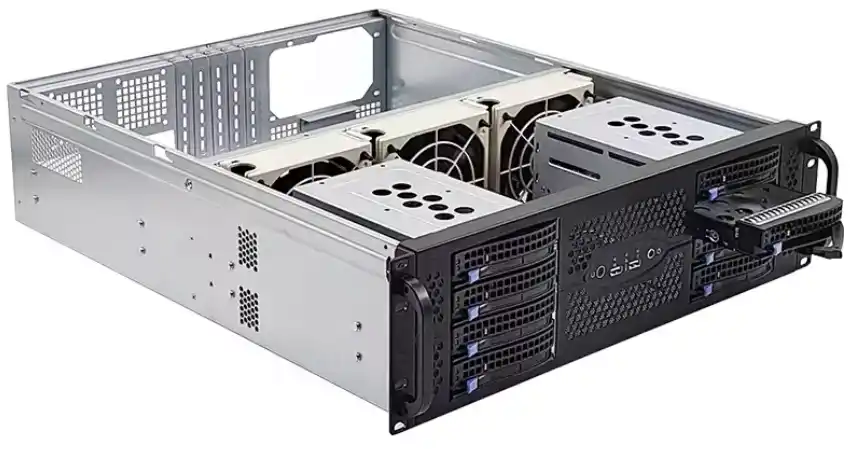
RFQ for OEM/ODM Server Case Requirements
Argument title: RFQ must include “Volume and ramp…buffer plan.”
If your RFQ doesn’t say how fast volume grows and what buffer you expect, you’re asking the supply chain to read your mind. They can’t. You’ll get late surprises, and you’ll pay for them in stock that doesn’t move.
Use a simple RFQ block that forces the buyer to be specific:
| RFQ block | What you ask for (plain English) | What it changes in stock planning |
|---|---|---|
| Form factor | 1U/2U/4U, depth, rack type | base chassis family + rail risk |
| Platform | board size, PCIe layout, PSU style | backplane/bracket choices |
| Thermal envelope | GPU count, airflow direction, fan target | fan tray + shroud strategy |
| Service model | hot-swap? front access? tool-less? | spare kits + field swap speed |
| Volume + ramp + buffer | first PO, ramp curve, safety buffer | what you stock now vs later |
| Branding scope | logo, bezel color, label rules | “late-stage” customization plan |
Real talk: most buyers can describe a server pc case in one sentence. But inventory needs the boring details. Make them write it down.
OEM vs ODM Server Case Planning
Argument title: Stock the base chassis, customize late.
Here’s the trick that saves you from SKU explosion: stock the “common skeleton,” push the “customer flavor” to the end.
Think like this:
- Base metal = your inventory backbone
- Customer-specific bits = your final-mile kit
This works well for projects that start as “computer case server” requests (vague) and later become specific rack rules (not vague at all).
Late-stage customization examples that don’t wreck stock:
- front bezel / face plate
- logo plate / silkscreen / labels
- I/O cutout plate
- rail kit selection
- fan tray option (within a controlled set)
Where you shouldn’t freestyle:
- chassis depth changes
- motherboard tray geometry changes
- structural brackets that alter airflow or cable routing
If you need compact builds (edge nodes, lab benches), keep a separate lane for Wallmount Case and ITX Case so you don’t contaminate your rackmount stock with tiny-one-off parts.
MOQ and Semi-Custom Server Enclosure OEM
Argument title: Manage MOQ with “semi-custom first, full re-engineer later.”
MOQ isn’t a punishment. It’s the factory saying, “If you want new tooling, new process, new QA loops, we can’t do it for five units.”
So treat customization like a ladder:
| Custom layer | What changes | Typical risk | Stock move |
|---|---|---|---|
| Layer 1: Cosmetic | logo, bezel color, label | low | keep blank stock, finish late |
| Layer 2: Modular swaps | rails, fan tray option, caddies | medium | stock modules, kit per PO |
| Layer 3: Mechanical changes | new cutouts, new brackets | high | only stock after pilot sign-off |
| Layer 4: Structural redesign | depth/airflow rebuild | very high | treat as new SKU family |
This is how you keep flexibility without building a graveyard of unused atx server case variations. And yes, buyers love asking for “just one more hole.” That “one hole” can break everything, lol.
Bulk Purchasing Rackmount Server Cases
Argument title: Standardize the fleet, then stock like ops.
Bulk buying only works when you standardize first. Otherwise you’re just buying a bigger pile of confusion.
Ops-style stocking means you align inventory to how racks actually get deployed:
- golden config (the one you want 80% of orders to match)
- approved alternates (two or three options, not twelve)
- swap kits (the stuff that saves a midnight ticket)
Here’s a clean way to model it without cost math:
| Stock bucket | Goal | What goes in it | When you reorder |
|---|---|---|---|
| Core chassis | keep builds moving | base rackmount shells | when lead time threatens ship dates |
| Line-side modules | fast kitting | fan trays, cages, filters | when kitting starts splitting POs |
| Customer finish | late customization | bezels, logo plates, I/O plates | per confirmed PO |
| Field spares | uptime protection | rails, fans, caddies | driven by RMA/MTTR data |
If you want one place to anchor the “core chassis” lane, keep it tied to your main categories: Rackmount Case, Server Case, and storage lines like NAS Devices (for teams mixing compute + storage in the same rollout).
Chassis Guide Rail Stock Planning
Argument title: Rails aren’t accessories, they’re uptime tools.
Rails are one of the easiest places to ruin a rollout. Wrong depth, wrong load rating, wrong mounting style—now your install team is stuck holding a chassis in mid-air like it’s a gym workout.
Plan rails like a real SKU family. Don’t treat them as “optional add-on later.”
Use a simple rail decision table (no drama):
| Environment | What racks look like | Rail policy | Why it helps |
|---|---|---|---|
| Data center | standard depth, repeat installs | standard tool-less rail | fast deployment, fewer mistakes |
| Edge closets | mixed depths, cramped spaces | depth-flex rail option | reduces “doesn’t fit” surprises |
| Lab / dev | frequent swaps | quick-release rail / shelves | faster rebuild cycles |
You can route all rail conversations to Chassis Guide Rail so customers stop guessing what they need.
Spare Parts Availability for Rackmount Chassis
Argument title: Spare parts are “fast kit” inventory, not a side quest.
If your customer runs racks at scale, they don’t want a spare part “someday.” They want it now, because MTTR doesn’t care about your email thread.
Build a “fast kit” list per chassis family:
| Fast kit item | Why it fails in the field | How to stock it |
|---|---|---|
| fan module / fan tray | wear, dust, bearing noise | keep small buffer, rotate stock |
| rail kit | bent rails, wrong depth, install damage | stock by rack depth lanes |
| drive caddies | lost during swaps, latch breaks | stock as consumables |
| front bezel / filter | broken clips, clogged filter | stock per site condition (dusty vs clean) |
| screws / cage nuts | people lose them… always | keep bins, no excuses |
This is the difference between “we ship chassis” and “we support deployments.” Big difference.
Vendor Managed Inventory and Consignment Stock
Argument title: Use VMI/consignment to protect availability without hoarding.
When demand is spiky (new customer onboarding, surprise cluster expansion), you don’t want to overstock everything. But you also can’t miss ship windows.
That’s where VMI/consignment style programs help:
- You keep availability high
- you reduce “panic buying”
- you stop stuffing the warehouse with slow-moving variants
Even a light version works: keep core chassis in your control, keep some modules under supplier-managed replenishment, and trigger pull signals from real POs.
Just keep it simple. If your process gets too clever, it breaks.
Engineering Change Order and Change Control
Argument title: Treat change management like an inventory risk, because it is.
ECOs kill stock. Not because engineers are bad people. But because one revision can make yesterday’s parts useless.
So set hard gates:
- Pilot freeze: lock structure + airflow path
- Ramp freeze: lock brackets, cages, cable routing
- Mass production: only allow changes with a clear cut-in plan
Here’s a small “rev control” table you can run with:
| Part type | Change frequency | Stock risk | Rule |
|---|---|---|---|
| base chassis shell | low | high | freeze early |
| rail kits | medium | medium | stock in lanes |
| bezels / labels | high | low | finish late |
| fan trays | medium | medium | limit options |
| brackets | high (during NPI) | high | no stock until sign-off |
Dont skip this. The warehouse will remember.
Practical Scenarios for Server Rack PC Case Programs
Let’s put this into real situations you’ll recognize:
- AI / HPC cluster: you’ll ship fast, then customers ask for tweaks after they see thermals. Stock the base chassis and keep airflow modules controlled. Tie demand to GPU Server Case families so your platform stays stable.
- Enterprise refresh: they want repeatable builds and clean service. Push them toward a golden config in your server rack pc case lane, then kit rails + spares for the rollout crew.
- Edge installs: racks are weird, dust is real, and hands-on time is limited. Keep fast kits and depth-flex rail options ready.
- Mixed platform labs: they’ll ask for “one chassis that does everything.” It never does. Split lanes: rackmount for racks, compact for bench builds, storage for storage.
And yes, customers will still say “I need a computer case server for our rack.” Smile, then translate it into depth, rails, airflow, and service model. That’s your job.