If you’ve ever rolled out servers to 5, 20, or 200 sites, you already know the enemy: snowflake builds. One site gets a deeper rack, another site has weird power, a third site “borrowed” rails from a different chassis… and suddenly your “simple” expansion turns into a never-ending thread of Slack pings and late-night truck rolls.
Chassis standardization doesn’t fix everything. But it does give you a solid floor: fewer surprises, faster racking-and-stacking, cleaner spares, and less drama when you scale.
Below is a practical playbook (with real deployment scenarios), plus a table you can drop into your internal SOP.
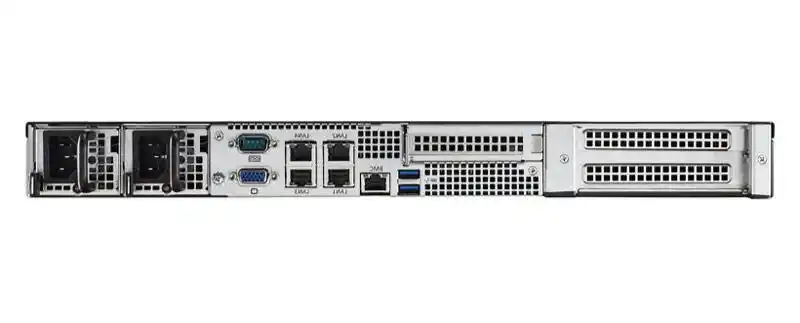
Standardization levers for multi-site deployments
| Lever | What you standardize | What it prevents | Ops win you can actually feel |
|---|---|---|---|
| Chassis family | 1–2 “golden” chassis per workload tier | Random fit issues, mismatched rails, airflow chaos | Faster installs, fewer DOA surprises |
| Rail + depth rules | One rail spec + rack depth range | “It doesn’t fit” day-one failures | Cleaner rack plans, fewer site exceptions |
| Cabling pattern | Port maps, cable lengths, labels | Spaghetti, wrong patching, hard troubleshooting | Quicker turn-up, lower MTTR |
| Power pattern | PSU type, redundancy rules, cord sets | Wrong cords, breaker trips, uneven load | Fewer outages and escalations |
| Thermal envelope | Fan wall plan, intake/exhaust direction | Hot spots, throttling, noisy fixes | Stable performance, calmer facilities teams |
| Config templates | BIOS/BMC profiles, NIC bonding, naming | Human mistakes and drift | Repeatable builds across sites |
| Spares kit | Fans, rails, trays, PSU, latch parts | Long waits, downtime from tiny parts | Less downtime, less panic buying |
| Rollout runbook | Step-by-step build + acceptance checks | “We did it differently last time” | Predictable timelines, cleaner audits |
No hard numbers here on purpose. In the real world, the exact savings depends on your geography, site maturity, and how messy your current fleet is.
Standard configuration and deployment consistency
Faster, more consistent installs with standardized chassis
When every location receives the same chassis family, your techs stop “figuring it out” on site. They just execute. That’s the difference between a smooth rollout and a pile of one-off exceptions.
A simple rule works: one chassis per tier (edge, general compute, GPU). If you can’t do one, do two. More than that and you’re back in snowflake land.
Standardize naming, labeling, and asset inventory
Chassis standardization falls apart if your naming stays messy. Put these in your baseline:
- Hostname rules (site + rack + U + role)
- Serial-to-site mapping (so RMAs don’t turn into detective work)
- Label placement (front + rear, same spot every time)
It’s boring. It also saves you when something breaks at 2am.
Repeatable, predictable rollout beats heroics
Don’t rely on “that one person who knows everything.” Write the runbook like you’re training a brand new crew. Include photos. Include the “gotchas.” Make it so easy that nobody feels clever doing it.
Policies, pools, templates, and service profiles
Use templates and configuration profiles
If you let each site hand-configure firmware, RAID, and NIC settings, drift will happen. It always does.
Instead, treat configuration like code:
- A golden profile per chassis tier
- A change process (even a lightweight one)
- Versioning (so you can roll back when something gets weird)
This is where standard chassis pays off. You can actually reuse the same config patterns without fighting physical differences.
Standard chassis + standard cabling reduces adapters and cables
Multi-site networks love to grow random adapters—different NICs, different optics, different cable lengths “because that’s what we had.”
Pick a cabling pattern and lock it:
- Same port roles (uplink left, management right, whatever you choose)
- Same labeling scheme
- Same cable discipline (length ranges, routing path)
When you standardize the box and the wiring, troubleshooting gets way faster. You stop playing “which port is this?” every time.
Standardization cuts downtime and helps compliance visibility
Audits and incident reviews get ugly when every site looks different. A consistent chassis + consistent build steps gives you:
- Cleaner asset records
- Faster root cause analysis
- Easier patch validation
It also makes your security team less grumpy, which is always nice.
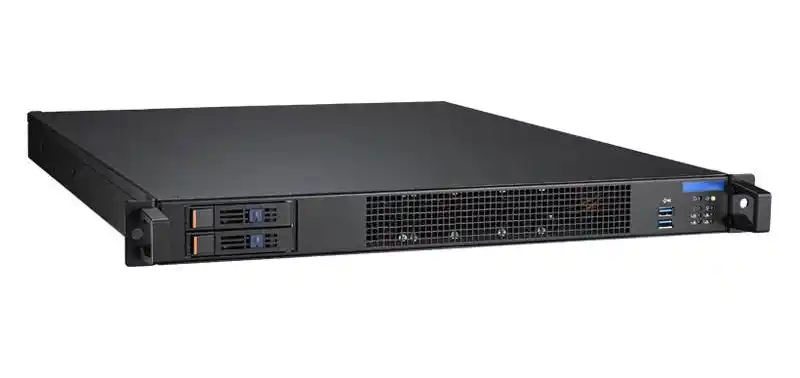
Operations: remote management, spares, and repeatable field work
Inconsistent sites make remote ops expensive
Remote ops gets pricey when hardware varies. Your NOC can’t build muscle memory. Your “hands-and-eyes” contractor needs longer instructions. Your spares shelf turns into a museum.
Standardize, and suddenly remote support becomes a real system, not a guessing game.
Standard + centralized registry + local install kit
Here’s a trick that works well: build a site kit that ships with every deployment wave.
Example kit contents:
- Correct rails + screws
- A small spares bag (fans, latches, trays)
- Label sheets
- A printed 1-page quick guide (yes, paper still helps onsite)
It’s low-tech. It prevents high-cost chaos. Also, dont underestimate how often “missing two screws” delays a whole rack.
Prefabricated, integrated modules speed site build
For edge locations (retail, branch offices, small DC rooms), you sometimes don’t want “build on site.” You want “drop it in, plug it, verify.”
If your org supports it, pre-stage gear into a repeatable module (rack section, micro-rack, or a small enclosure strategy). Then train sites to do only the last 10%: power + uplink + acceptance test.
Flexible standardization and open chassis standards
Standardize without blocking local flexibility
Standardization shouldn’t be a straightjacket. Real sites vary: rack depth, dust, noise rules, power limits, even door width.
So build your standard like a sandwich:
- Core standard: chassis family, rail type, I/O pattern, labeling
- Local options: dust filters, front I/O tweaks, different fan curve, different drive mix
That’s how you stay consistent without being unrealistic.
Open form factors reduce vendor lock-in
Even if you stay with one supplier today, your future self will thank you for keeping specs portable: clear mechanical fit rules, consistent rail geometry, and sane I/O layouts.
You don’t need to chase every new standard. Just avoid designing yourself into a corner.
Modular hardware standards improve interoperability
Think “lego blocks” for compute and storage: when the boundaries stay consistent, you can swap modules with less pain.
In practice, this means you pay attention to:
- Slot alignment and clearances
- Cooling zones
- Service access (front swap, rear service)
Avoid a fragmented spec pool
Once teams start buying “just this one special chassis” for a pet project, the fleet splinters fast. You’ll see it in spares, training, and MTTR.
Make exceptions expensive (in process), not in downtime.
Real-world adoption can show measurable savings
I’m not going to throw random cost numbers at you. But in the field, teams usually see gains in speed, uptime, and support load when they stop treating every site like a custom build. The less drift you have, the less you bleed time.
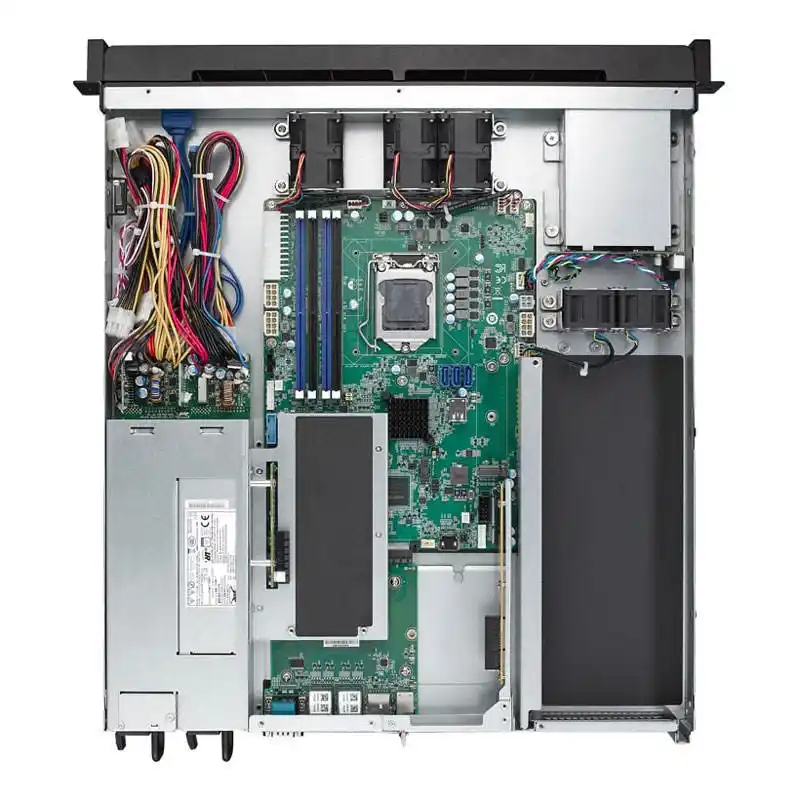
Server chassis choices for real multi-site scenarios
Here’s how I’d map chassis types to common rollouts, in plain talk:
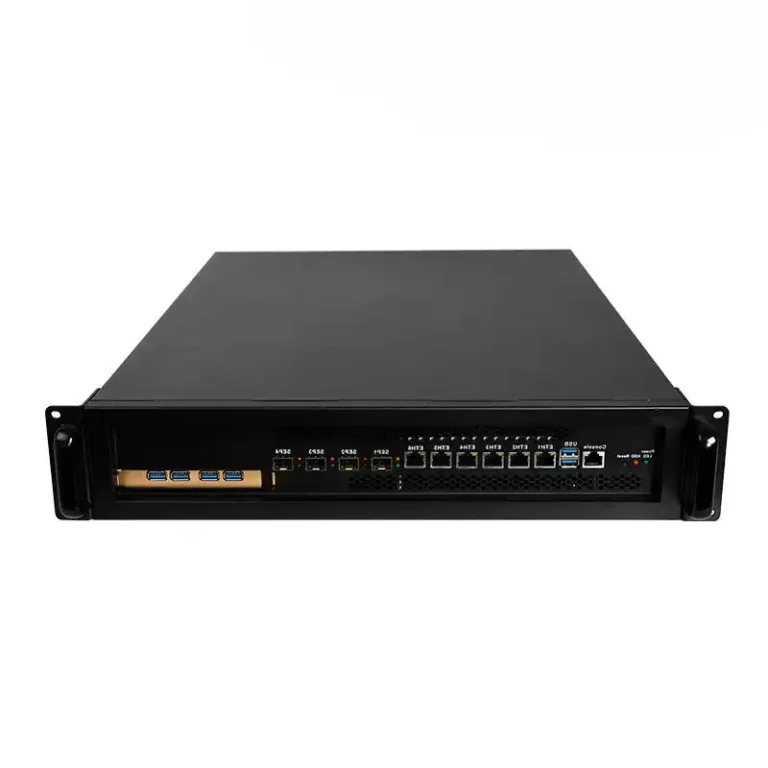
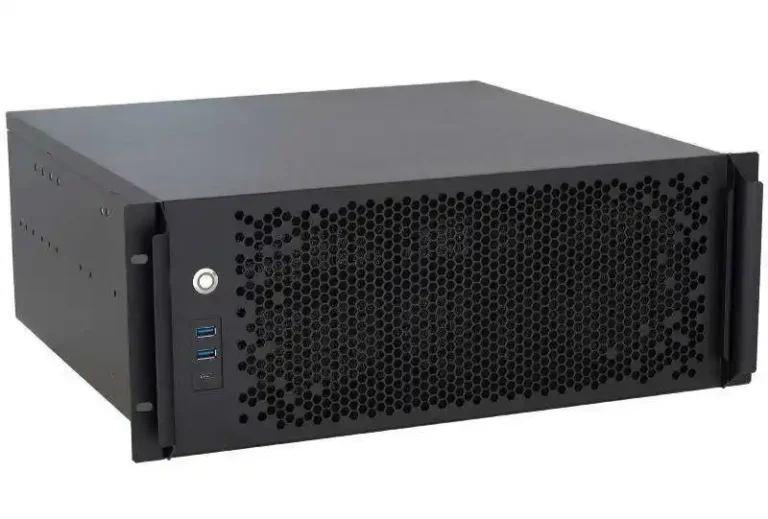
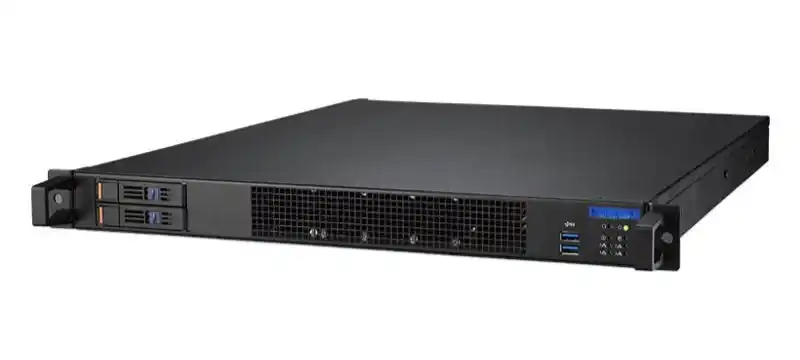
- Data center pods: go with a consistent server rack pc case lineup so every rack looks the same and rails always match.
- MSP / enterprise server rooms: pick a durable server pc case baseline that your techs can service fast.
- Edge closets / factories: a compact computer case server avoids floor clutter and makes maintenance less annoying.
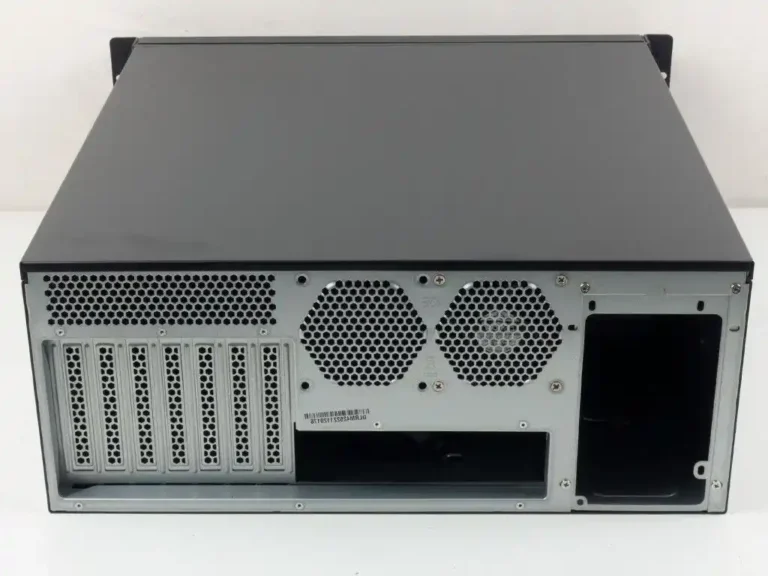
- AI / GPU nodes: standardize the airflow and service access first, then choose an atx server case style chassis that supports your thermal envelope without hacks.
- Storage-heavy sites: use consistent bays and backplane expectations with NAS devices so drive swaps don’t become a bespoke procedure.
- Space-tight builds: keep a small-form option like ITX Case for tiny edge compute, kiosks, or lab tooling.
- Don’t ignore rails: matching chassis guide rail to rack depth saves you from the classic “it almost fits” disaster.
- When you need OEM/ODM: if you’re building a consistent fleet across regions and you want branding, I/O changes, or thermal tuning, start from IStoneCase and lock the BOM early (future-you will be happy).
This is where an OEM/ODM manufacturer helps in a very unsexy way: they keep the platform stable across batches, and they can tweak details (front I/O, mounting, airflow) without turning every order into a custom science project. Thats the whole point.