If you’ve ever tried to drop “normal IT gear” onto a factory floor, you already know how it goes. Dust gets everywhere. Oil mist shows up out of nowhere. Someone yanks a cable like they’re starting a lawn mower. And your “little edge server” turns into a weekly ticket.
That’s why industrial-grade wallmount server cases matter in Factory + OT networks. You’re not building a pretty lab. You’re building something that survives brownfield chaos, keeps MTTR low, and doesn’t make your OT team hate you.
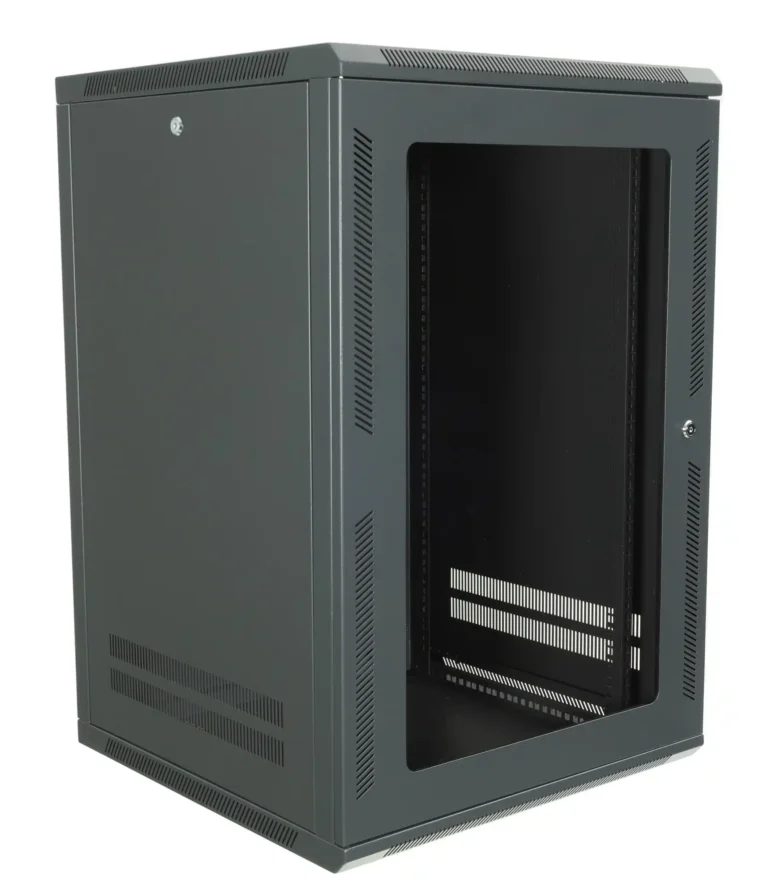
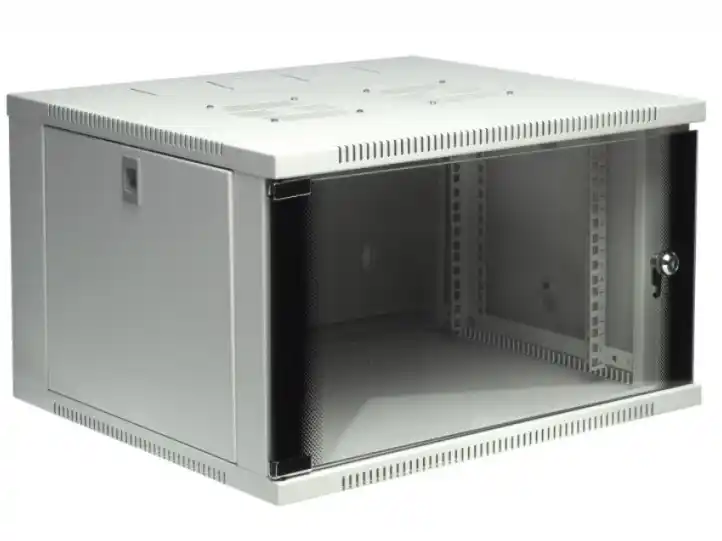
When you need a chassis partner who speaks both “IT” and “plant reality,” that’s where IStoneCase fits. We build GPU/Server Case and storage chassis with OEM/ODM options, plus bulk supply for integrators, resellers, and enterprise roll-outs. Start here if you want to see the lineup: Wallmount Case.
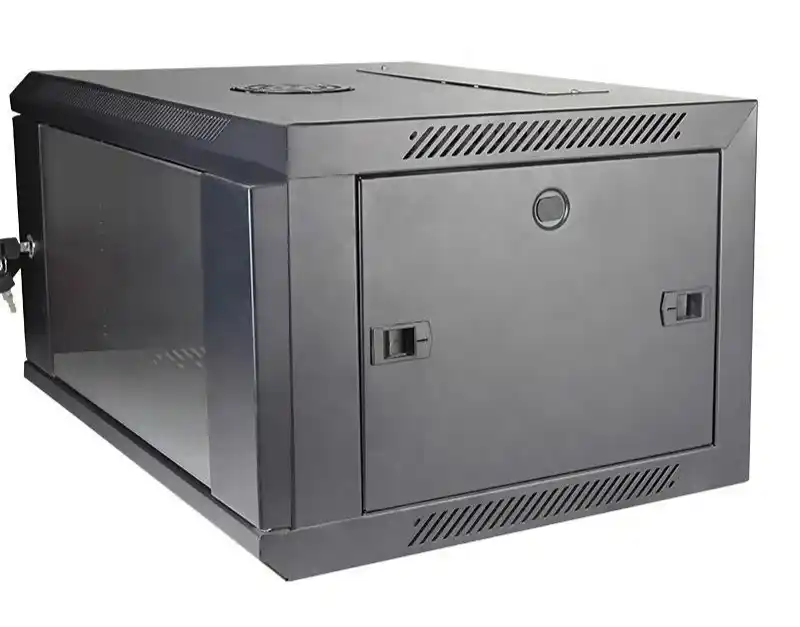
Don’t Run Open Racks on the Factory Floor: Control Dust + Splash
Open frames look cheap and easy. On the factory floor, they’re basically a dust collector with a motherboard inside.
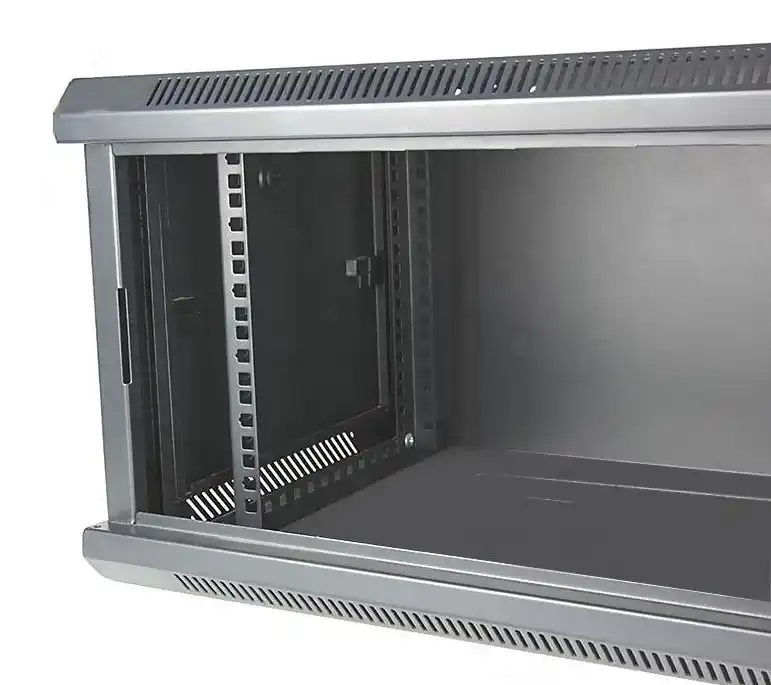
A wallmount chassis gives you three big wins:
- A physical barrier between electronics and airborne junk
- Cleaner airflow you can actually manage (not “fan roulette”)
- Less accidental contact from tools, boots, and wandering hands
Real scenario: a packaging line uses a vision camera + small inference box + an OT gateway. Put that in an open rack and you’ll be cleaning heatsinks like it’s a hobby. Put it in a wallmount enclosure with a dust panel, and you get a setup that runs for months without drama.
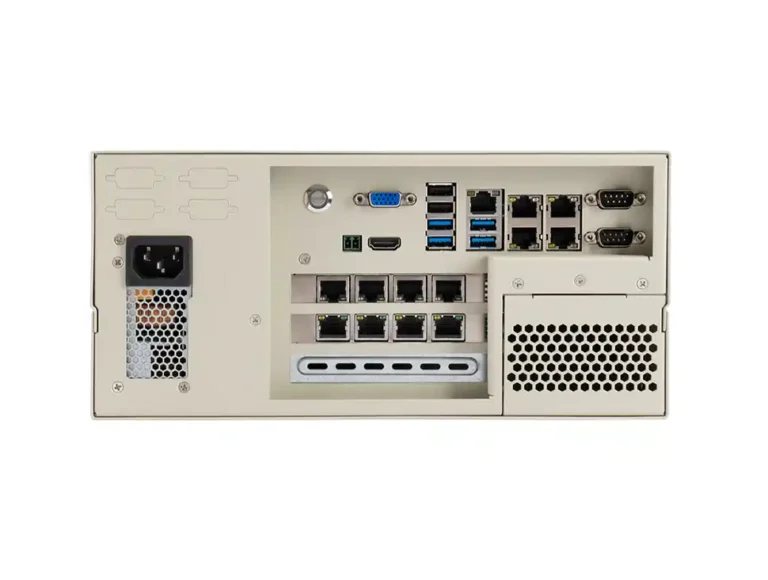
If your build needs expansion cards (extra NICs, serial, fieldbus, capture cards), look at a wallmount chassis designed with multiple full-height slots. For example, some wallmount designs support 7 full-height PCI slots and include dust protection features, so you’re not stuck with a “one-card-only” edge box.
Pick IP54 / NEMA 12 / NEMA 4/4X Like You Mean It
People toss around IP and NEMA like stickers. In OT, those letters decide whether you’re stable or down.
Here’s a practical way to think about it:
- IP54: dust protection (not dust-proof forever), plus splash resistance
- NEMA 12: common “industrial indoor” direction—dust, dirt, dripping non-corrosive liquids
- NEMA 4/4X: washdown / heavy water exposure (4X also targets corrosion resistance)
If you’re doing washdown zones, don’t “hope” a light enclosure survives. Spec the right enclosure requirement up front. If you’re in indoor dusty areas, don’t overbuild either. Just spec smart.
Explain IP54 Numbers, Don’t Just Name-Drop Them
When you write specs for a plant team, you can’t just say “IP54” and walk away. Explain it in plain words so nobody misuses it.
- The first digit (5) points to dust protection level (limited dust ingress, shouldn’t harm operation).
- The second digit (4) points to splash resistance from multiple directions (not immersion, not pressure wash).
That small explanation reduces misalignment fast. Otherwise, someone installs the box next to a wash station and acts surprised later. Been there.
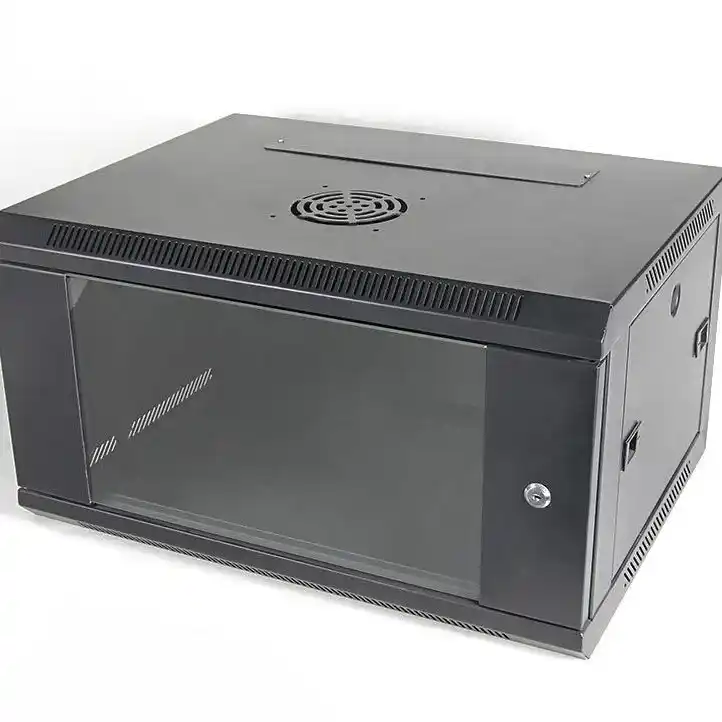
IT/OT Convergence Makes Industrial Enclosures a Must
OT used to be “PLC talks to PLC.” Now you’ve got:
- Edge compute nodes doing inference for QA cameras
- Historians and collectors pulling tags
- Patch panels, gateways, and security appliances living near the line
- Sometimes a small NAS for local buffering before shipping data northbound
That means your “server” is no longer in a clean server room. It’s in a control room corner, an IDF closet, or on a cell wall beside a cabinet. You need an enclosure strategy that matches that reality.
This is where the chassis choice becomes a business decision. A rugged wallmount build reduces emergency visits, reduces random reboots, and keeps your production folks from calling IT at 2 a.m. (They still will, just less.)
Cable Routing: Don’t Build a Spaghetti Trap
OT downtime often starts with something boring: a cable that got pulled, bent, or crushed.
Wallmount builds get messy fast because everything enters from weird angles. So plan for:
- Strain relief (don’t let cable weight hang off ports)
- Power/data separation (reduce noise + confusion during service)
- Clear labeling (because future you will forget)
- Enough bend radius (especially fiber and thick Ethernet)
Quick field tip: if the door can close only when cables are “just right,” your setup is already broken. The next tech will slam it shut and pinch something. It happen.
Wallmount Load and Anchors: Don’t Trust Drywall
Wallmount means… wall. And walls lie.
A fully loaded chassis can get heavy once you add drives, PSUs, cards, and cable bundles. If you anchor into weak material, the whole box becomes a hazard. Hit structure. Use the right anchors. Spread the load.
Also think about the “future weight.” Today it’s two drives. Next month it’s four drives and a heavier NIC. Plants love scope creep. Plan for it.
If you’re mounting anything in a rack nearby, rails matter too. For sliding service and faster swaps, use proper rails rather than “hope and hands.” Here’s the category: Chassis Guide Rail.
Service Access: Swing Frame Saves Your Knuckles
Factory installs rarely give you luxurious clearance. The box ends up:
- behind a door
- next to a pipe
- above a cart path
- or in a corner that only a contortionist enjoys
So service access is not a “nice to have.” It’s uptime.
If you can use a swing frame concept (or any design that improves rear access), you cut service time hard. That reduces mistakes, too. Techs rush when they’re uncomfortable. Rushed work creates more tickets. Simple math, kinda.
Physical Security: Locks Are Cheap Insurance
OT networks often sit in shared spaces. That means physical access is a real threat, not a theory.
At minimum, you want:
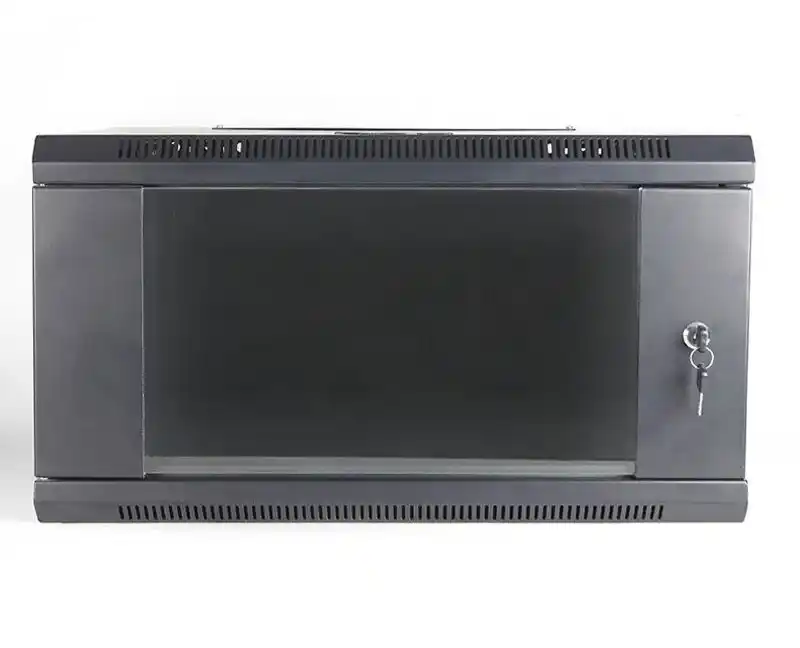
- A lockable door or controlled access panel
- Tamper-evident habits (even a basic seal helps)
- A clear “who can open this” rule
You don’t need to turn your cabinet into a vault. You just need to stop casual access and reduce “oops I unplugged it” moments.
Decision Table: Factory OT Wallmount Chassis Specs
| Factory OT scenario | Main risk | What to spec in the chassis | Why it helps | Argument source |
|---|---|---|---|---|
| Dusty production line (metal/wood/plastic) | Dust clog + heat | Dust panel / filter access, defined airflow path | Keeps fans from choking, lowers random thermal alarms | Field maintenance reality + chassis design practice |
| Light splash / humid indoor area | Corrosion + moisture | Splash-aware sealing concept, protected front I/O | Reduces short events and connector corrosion | IP code definitions + OT install norms |
| Washdown zone | Direct water exposure | Specify NEMA 4/4X requirement (or equivalent) | Prevents “we sprayed it and it died” | NEMA enclosure definitions |
| Tight OT closet / IDF corner | Service pain, cable chaos | Clean cable entry plan, label zones, strain relief | Cuts MTTR, fewer bad pulls | OT troubleshooting experience |
| Multi-NIC / fieldbus gateway | Expansion limits | Enough PCIe slots, stable mounting for cards | Avoids replatforming when you add interfaces | Expansion planning + edge compute needs |
| Mixed IT + OT rollout | Standardization drift | Use a consistent chassis spec across sites | Easier spares, faster swaps | Deployment operations best practice |
Where IStoneCase Fits (Without the Fluff)
If you’re building OT edge nodes, you usually need one of these:
- A compact wallmount box for gateway + collector + light compute
- A rack chassis for heavier compute or storage
- A GPU chassis when inference goes from “tiny” to “real”
You can browse each bucket here:
- Wallmount lineup: Wallmount Case
- Higher-performance wall builds: Wallmount Case 7 Slots
- Rack installs (density and standard airflow): server rack pc case
- Standard server chassis range: server pc case
- General catalog and OEM/ODM direction: computer case server
- When accelerators show up: GPU server case
- If your project lives around ATX ecosystems: atx server case
And yes, atx server case builds can work great for OT edge when you need common parts and faster replacement. Just don’t pretend the environment is clean.