When you build a small ITX batch, heat is the quiet problem that shows up after you ship. One unit boots fine on your bench. Another throttles in a warm office. Then support tickets start rolling in, and your “small batch” turns into a big headache.
That’s why you need a thermal test method that’s boring, repeatable, and a little strict. Not fancy. Just solid.
I’ll keep this practical and shop-floor friendly. I’ll also naturally mention IStoneCase (we do OEM/ODM chassis for server + storage), because if you’re doing batches, you already know the pain: BOM drift, mixed fan lots, last-minute cable changes, and suddenly your temps goes up for no clear reason.
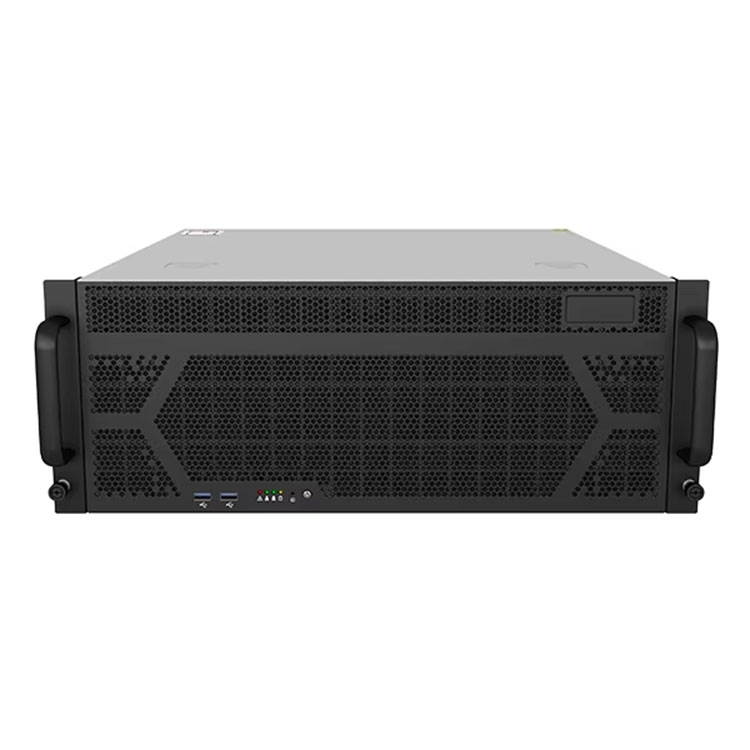
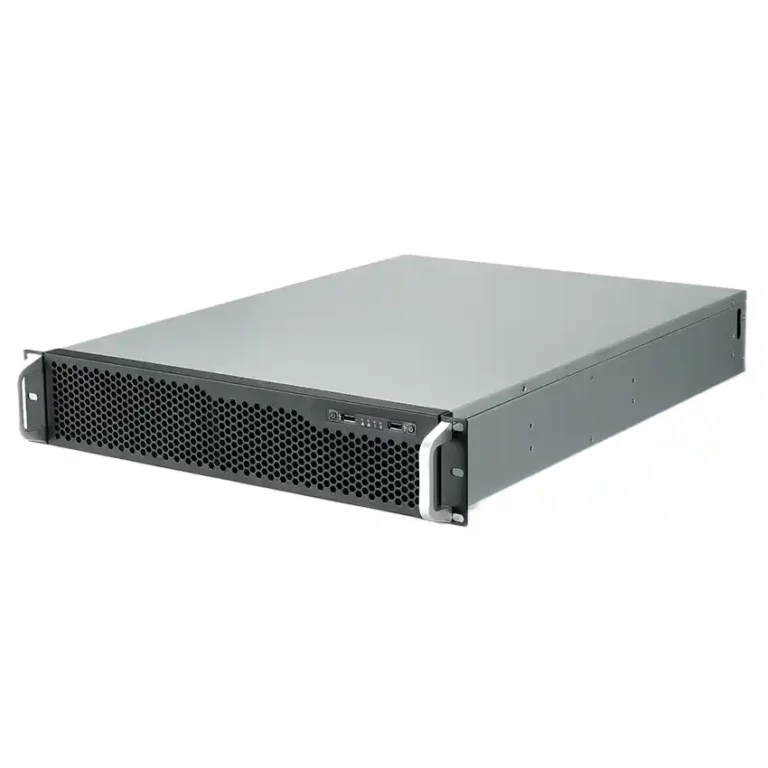
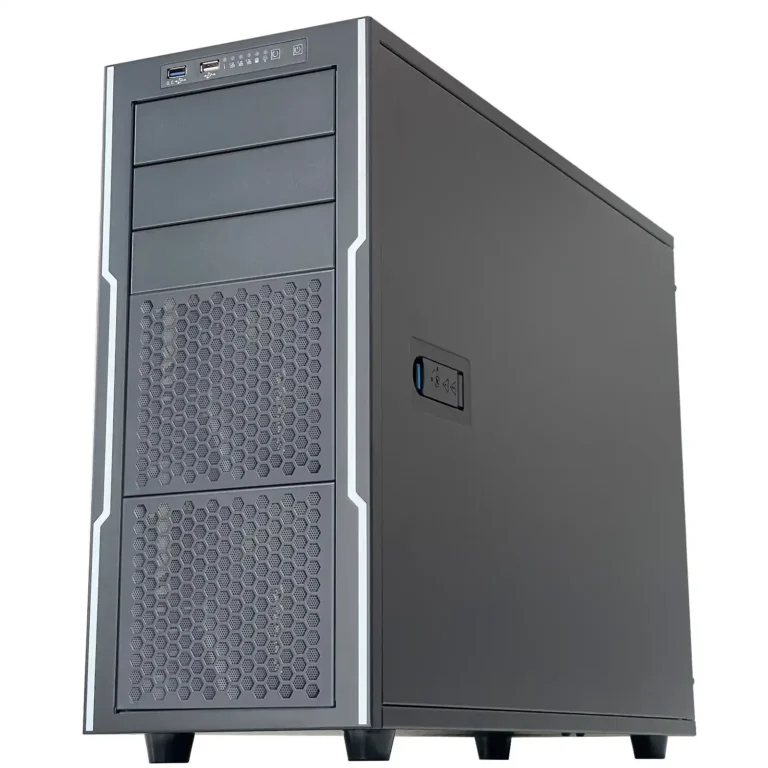
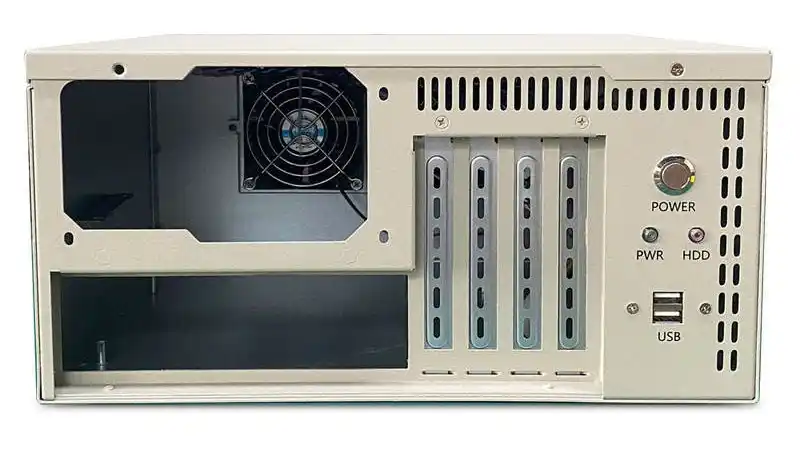
If you’re sourcing cases, here are the product buckets you’ll see a lot in real deployments:
- ITX case
- server pc case
- server rack pc case
- GPU server case
- NAS devices
- Chassis guide rail
- OEM/ODM solutions
- atx server case
And yes, I’ll still say it: even if you’re shipping an ITX box, your customer may install it like a computer case server in a closet rack. So you test it like a server, not like a toy.
35°C Still Air Test Environment
Here’s the argument: if you don’t control the environment, you’re not testing the case. You’re testing the weather.
Method that works in small OEM batches
- Set ambient to 35°C.
- Keep airflow low (still air style). Don’t point a desk fan at it.
- Measure ambient near the intake path, not across the room.
Why it matters
- ITX cases react hard to small changes. A tiny intake restriction (filter, mesh, foam) can shift your whole curve.
- With stable ambient, you can compare rev A vs rev B without lying to yourself.
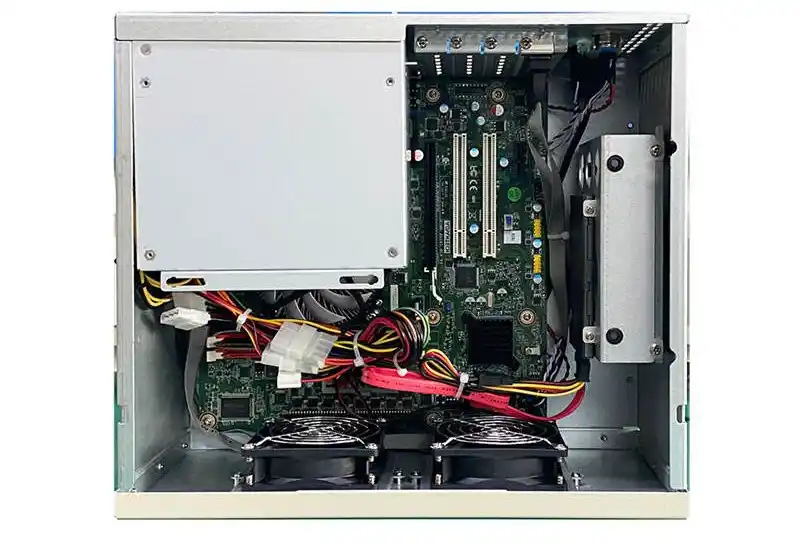
Standardized Reference Platform
Don’t “mix and match” test rigs. That’s how you get pretty graphs that mean nothing.
Lock a reference build
- Same motherboard model, same BIOS version, same CPU cooler, same RAM sticks.
- Same paste method (yes, people mess this up).
- Same fan curve and the same control mode (PWM vs DC).
OEM slang that saves you
- Call it your golden sample build.
- Put a sticker on it. Don’t let anyone “borrow parts real quick”.
CPU Stress Test and Thermal Throttling
A CPU-only load finds airflow issues fast. It also finds weak cooler mounting, bad fan curves, and hot recirculation.
What to record
- CPU temperature peak
- CPU power behavior under load (does it dip)
- Any throttling flags (thermal or power)
Real-world scene
You ship 30 units to an IT service provider. They stack them on a shelf. Front intake gets half-blocked by cables. Your CPU hits throttle, and the customer calls it “unstable”. You call it “user error”. Nobody wins.
Memory Stress Test and 85°C Limit
Memory heat is sneaky in ITX. Tight layouts trap it. VR heat also bleeds into it.
Simple acceptance rule
- Keep memory case temperature below 85°C during memory-focused stress.
Why you should care
- If memory cooks, you see random crashes, weird reboots, silent file corruption vibes. It’s ugly.
Quick tip
If you sell ITX boxes for NAS workloads, memory stability matters more than peak CPU score. Users don’t forgive data issues.
Chassis Temperature Rise Target ≤7°C
This is the most overlooked one. People chase “max CPU temp” and ignore the system delta.
Rule
- Aim for chassis internal temperature rise (ΔT) ≤ 7°C over ambient near the intake path.
How you hit it in ITX
- Prevent recirculation: don’t let exhaust fold back into intake.
- Use simple ducting, even a cheap baffle.
- Don’t place the PSU so it fights the CPU cooler intake.
What you tell your mechanical team
“Stop giving the fan a short-circuit path.” That line fixes alot of designs.
Thermocouple Measurement Best Practices
If your sensor setup is sloppy, your data is fantasy.
Do it like this
- Use thin thermocouple wire (think 36–40 gauge range).
- Put the bead at the hotspot center (close as you can).
- Fix it with a tiny dab of thermal epoxy, not a giant blob.
- Tape/route the wire along the surface first, then lift it. Don’t let the wire become a heat sink.
The hard truth
Thick wire and bad routing can “cool” the point you’re measuring. So your log looks safe, and your customer unit fails in summer. Great.
Infrared Emissivity Calibration
IR cameras are fast. They’re also easy to misuse.
Rule
- Calibrate emissivity for the surface you’re reading.
- If the surface is shiny metal, your IR reading can be way off.
Fast shop trick
Use a small patch of matte tape on the measurement spot for consistent readings. It ain’t perfect, but it’s repeatable.
Heatsink Drill-Hole Method for Hidden Hotspots
Sometimes the hotspot sits under a heatsink. You still need real contact temperature.
Method
- Drill a tiny access hole (<1 mm) in the heatsink above the target point.
- Feed a thin thermocouple through it.
- Bond the bead to the package top.
- Mount heatsink normally.
This looks “extra” until you debug a batch where only 3 units throttle. Then it feels pretty normal.
Thermal Acceptance Criteria Table
Use this table as a batch gate. Keep it simple. Make it pass/fail.
| Item | Target | Load Type | What You Log | Pass Condition |
|---|---|---|---|---|
| Ambient control | 35°C | All | Ambient at intake | Within spec window |
| CPU thermals | No throttle | CPU stress | Peak temp, throttle flags | No thermal throttle |
| Memory thermals | < 85°C | Memory stress | RAM case temp | Below limit |
| Chassis ΔT | ≤ 7°C | Both | Internal vs ambient | Meets ΔT target |
| Measurement quality | Proper attach | All | Sensor method notes | Repeatable setup |
| IR sanity check | Calibrated | Spot checks | Emissivity/tape used | Consistent readings |
Small OEM Batch Test Log Table
This is the table your production + QA team will actually use.
| Unit SN | Case Revision | Fan Curve | Ambient (°C) | CPU Stress Peak (°C) | Throttle (Y/N) | Memory Peak (°C) | Chassis ΔT (°C) | Result |
|---|---|---|---|---|---|---|---|---|
| 001 | A | Default | 35 | 86 | N | 78 | 6 | PASS |
| 002 | A | Default | 35 | 90 | Y | 80 | 8 | FAIL |
| 003 | B | Tuned | 35 | 84 | N | 76 | 6 | PASS |
Notice how this catches the real story fast: Unit 002 didn’t just run “hot”. It broke the ΔT and throttled. That’s actionable.
Practical Deployment Scenarios
ITX edge node in a warm closet
This is common in retail, small offices, and labs. Air is stale. Dust is real. A strict 35°C test saves you.
Mini NAS for SMB backup
If you sell storage builds, test memory + drive area temps seriously. A NAS that “sometimes reboot” will destroy trust.
Mixed fleet with racks and rails
Even ITX sometimes ends up near racks, PDUs, and cable jungles. If you’re also building rack systems, pairing chassis with a Chassis guide rail plan helps field work go smoother. Less shaking, fewer bent ears, fewer angry techs.
When ITX isn’t enough
Sometimes the right move is stepping up to a server rack pc case or an atx server case. More volume buys airflow and service space. That’s not “overkill”. That’s reliability.
Where IStoneCase Fits
If you’re doing small OEM batches, you usually want two things:
- A chassis that holds temps without weird hacks
- A supplier who can keep specs stable across batches
That’s basically the daily work at IStoneCase: ITX case, server pc case, GPU server case, plus NAS devices. And if you need branding, I/O tweaks, metal changes, or batch consistency, that’s what our OEM/ODM solutions are for.