GPU에 막대한 비용을 지출하고도 느리고 시끄럽고 과열된 AI 클러스터를 만들 수 있습니다.
대부분의 경우 문제는 칩이 아닙니다. 상자와 랙이 문제입니다.
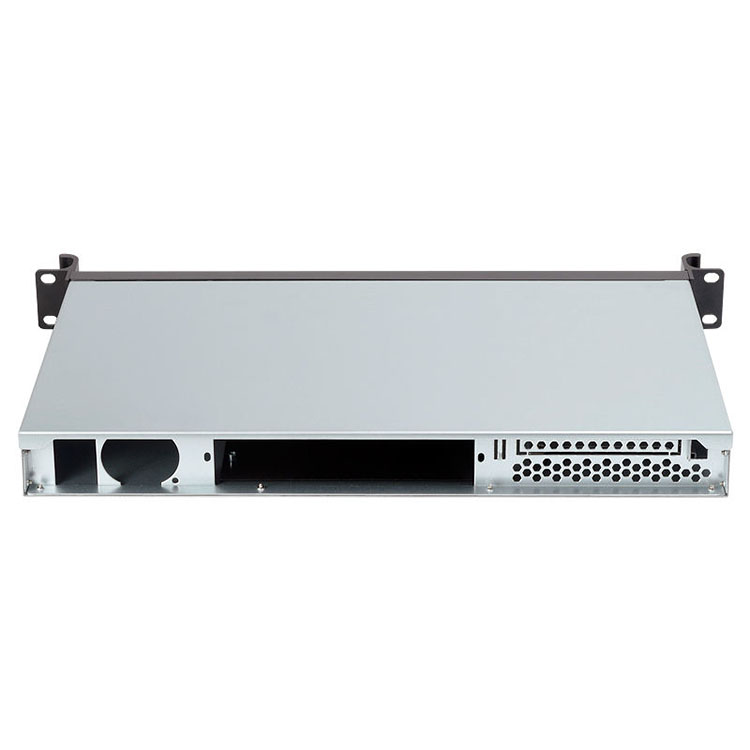
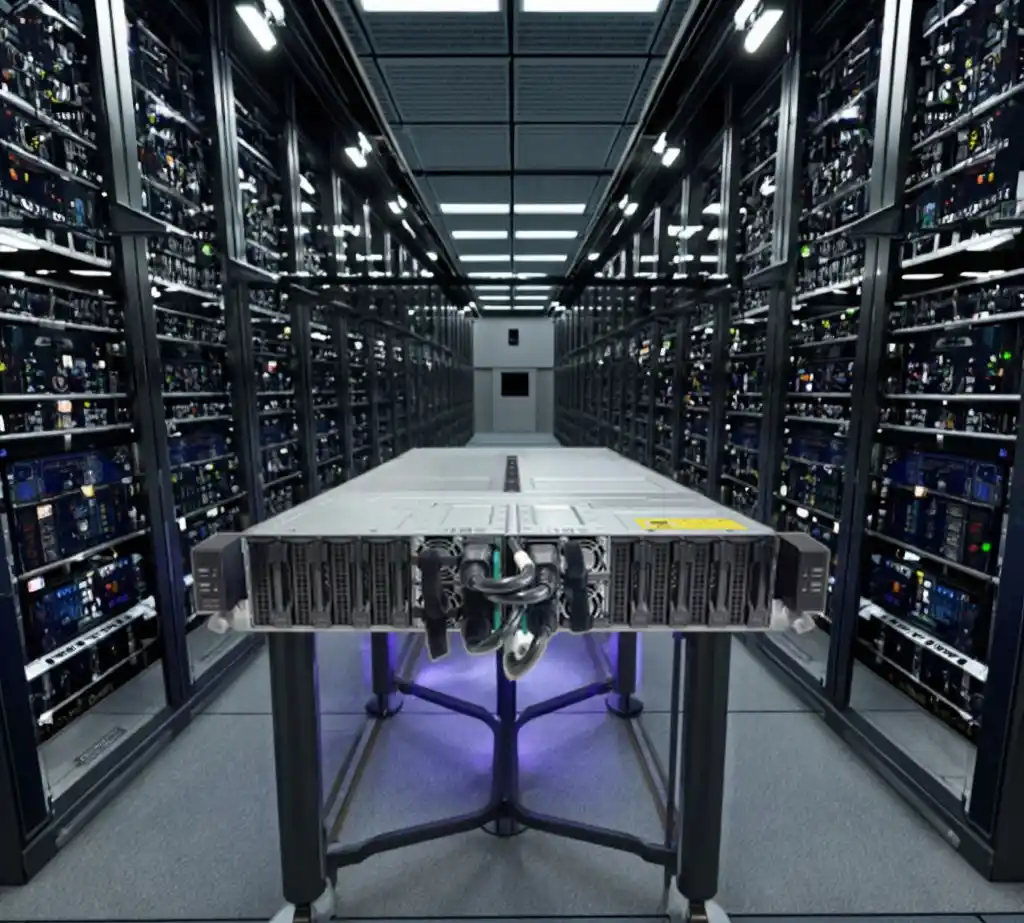
따라서 이 2026 가이드에서는 다음 사항에 대해 설명합니다. 서버 섀시 전략 전용: 올바른 선택 방법 GPU 서버 케이스, 각 랙을 계획하는 방법, 불량 금속에 갇히지 않도록 하는 방법 등을 알아보세요.
실제 데이터센터의 언어를 사용하고, 단순하게 유지하며, 다음과 같은 OEM이 IStoneCase 맞춤 주문이나 대량 주문이 필요한 경우에 적합합니다.
AI 데이터 센터 서버 섀시 전략 및 전력 밀도
카탈로그를 보기 전에 두 개의 번호를 잠그세요:
- 랙당 목표 kW(트레이닝 행은 더 높게, 추론 행은 더 낮게 설정 가능)
- 냉각 방식: 공기만, 공기 + 후면 도어 쿨러 또는 액체
오늘날 AI 트레이닝의 경우 일반적으로 볼 수 있습니다:
- “클래식” 엔터프라이즈 랙: 약 두 자리 수의 낮은 kW
- 새로운 AI 랙: 랙당 훨씬 더 높은 kW
- 단일 GPU: 높은 와트 수, 하나의 섀시에 여러 개가 쌓여 있음
“GPU 8개가 장착된 멋진 4U 박스를 원합니다.”라고 시작하면 나중에 전원과 냉각이 거절하는 벽에 부딪힐 수 있습니다.
더 나은 방법:
- 예를 들어 디자인 범위를 설정합니다:
- 트레이닝 행: 액체 또는 하이브리드 냉각 방식의 고출력 랙
- 추론 행: 최적화된 공랭식 미드 파워 랙
- 그 봉투에서 어떤 종류의 서버 랙 PC 케이스 랙이 처리할 수 있는 공기 흐름.
- 그런 다음 GPU 레이아웃, PSU 사양 및 레일 유형을 선택합니다.
DC 운영팀의 간단한 규칙입니다:
랙 성능이 높아질수록 섀시 설계의 자유도는 낮아집니다.
바로 이 지점에서 다음과 같은 공급업체가 IStoneCase 가 도움이 됩니다. 사용자 지정 서버 PC 케이스 데이터 센터를 임의의 섀시를 중심으로 구축하는 대신 전력 및 냉각 환경을 중심으로 구축합니다.
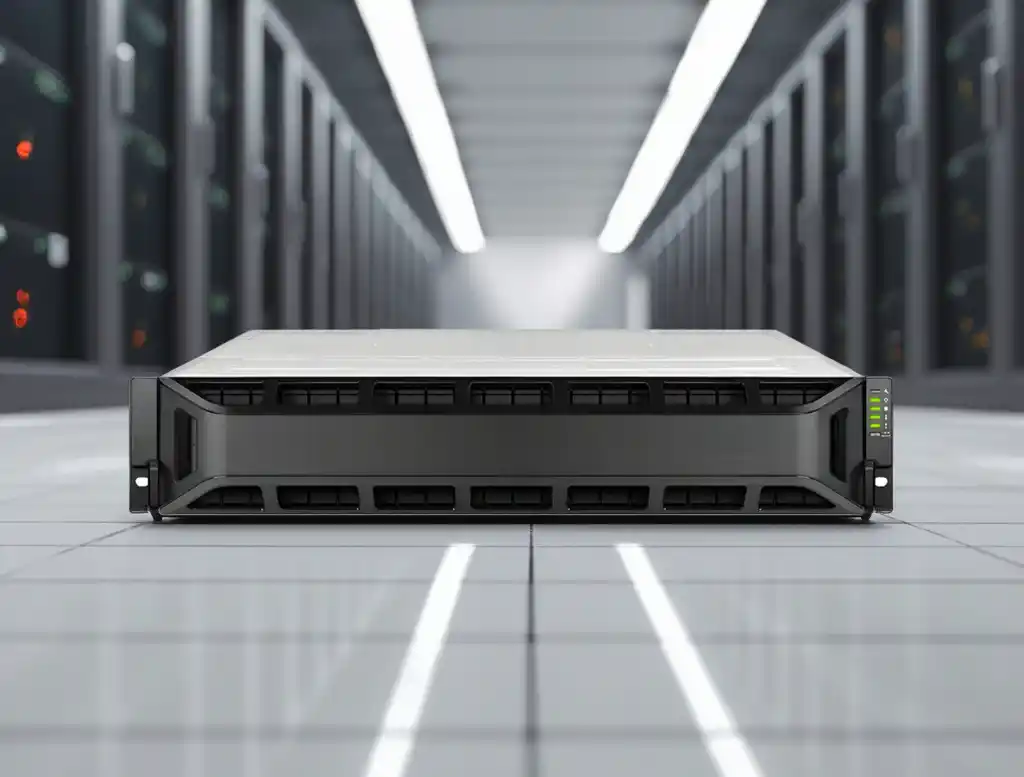
AI 트레이닝을 위한 GPU 서버 케이스 및 서버 랙 PC 케이스 선택 방법
AI 랙용 랙마운트 서버 PC 케이스 레이아웃
AI 트레이닝 랙의 경우 일반적으로 다음 중 하나를 선택합니다:
- 표준 랙마운트 케이스 - 2U / 3U / 4U GPU 박스
- 트레이 또는 썰매 스타일 - 더 많은 “랙 스케일 시스템” 스타일
랙 마운트 경로
- 19인치 랙을 사용하며 기존 서버와 쉽게 혼합할 수 있습니다.
- 이미 PDU, 레일 및 운영 플레이북을 보유하고 있는 경우 유용합니다.
- IStoneCase와 매우 잘 어울립니다. 랙마운트 케이스 그리고 GPU 서버 케이스 라인, 플러스 섀시 가이드 레일 원활한 랙 및 스태킹을 위한
트레이/썰매 경로
- 전체 랙이 하나의 큰 장치처럼 작동합니다.
- 매우 밀집된 트레이닝 클러스터 및 알고리즘 센터에 적합
- 전원 버스 바 및 리퀴드 헤더에 대한 보다 선행적인 설계 필요
AI 랙을 배치할 때는 “랙당 몇 개의 박스를 배치해야 하나요?”라고 묻지 마세요. 물어보세요:
- 랙당 GPU 노드 수 없이 디레이팅
- 랙 상단 스위치 배치 위치
- 성장을 위해 얼마나 많은 U-공간을 확보하고 있는지와 “아, 이거 잊어버렸네” 장비
다음은 사용할 수 있는 간단한 계획표입니다.
| 랙 유형 | 주요 목표 | 일반적인 섀시 선택 | 참고 |
|---|---|---|---|
| 트레이닝 랙 | 최대 GPU 밀도 및 처리량 | 2U/4U 서버 랙 PC 케이스 또는 트레이 스타일 GPU 섀시 | 종종 액체, 높은 공기 흐름, 엄격한 케이블 라우팅을 지원합니다. |
| 추론 랙 | 안정적인 지연 시간, 우수한 효율성 | 혼합 서버 PC 케이스, 일부 GPU, 일부 CPU 전용 | 랙당 전력을 제어하는 경우 공랭식 냉각도 괜찮습니다. |
| 스토리지 랙 | GPU에 데이터 공급 | 하이 베이 NAS 장치 및 스토리지 섀시 | 전면 접근 및 케이블 관리가 용이해야 합니다. |
| 유틸리티 랙 | 개발 도구, 모니터링, 점프 호스트 | ITX 케이스, 더 작음 컴퓨터 케이스 서버 | 전력은 낮지만 여전히 깨끗한 공기 흐름이 필요합니다. |
IStoneCase에서 주문하면 이 네 가지 랙 유형을 유지하면서도 동일한 레일, 동일한 래치, 유사한 베젤 등 공유 기계 부품을 사용할 수 있습니다. 따라서 DC 기술자의 작업이 더 쉬워집니다.
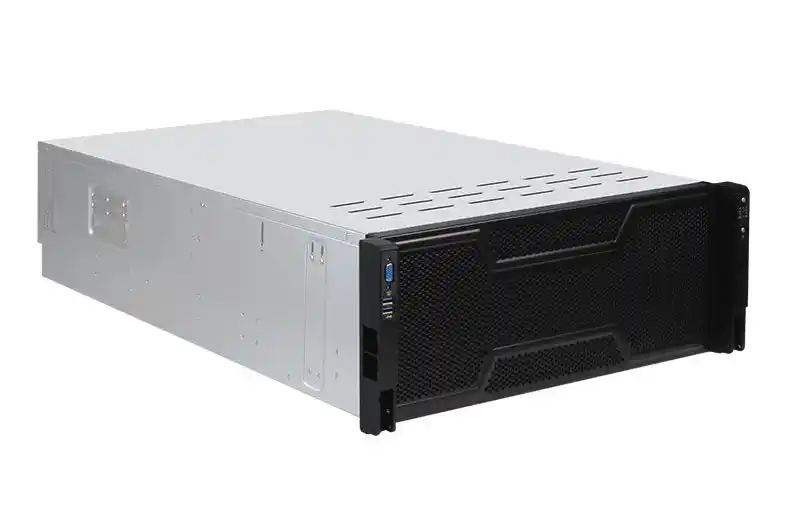
AI 데이터 센터의 액체 냉각 서버 PC 케이스 및 공기 흐름 설계
랙 전력을 높은 범위로 올리면 공기만 사용하는 냉각 방식이 어려움을 겪기 시작합니다. 팬이 비명을 지르고, 더운 통로가 미쳐 날뛰며, 열 헤드 룸을 잃게 됩니다. 따라서 꽤 일찍 결정해야 합니다:
- 공기 전용(우수한 밀폐성)
- 하이브리드 공기 + 후면 도어 열교환기
- 다이렉트 투 칩 액체 냉각
- 침수 또는 섀시 레벨 침수
귀하의 서버 PC 케이스 는 해당 호출과 일치해야 합니다.
For 에어 전용 랙:
- 앞뒤로 깨끗한 공기 흐름
- 케이블로 막힌 이상한 측면 흡입구 없음
- 노드가 온라인 상태를 유지하는 동안 팬을 쉽게 교체할 수 있습니다.
For 액체 준비 랙:
- 매니폴드 및 빠른 분리 피팅을 위한 섀시 내부 공간 확보
- PCIe 슬롯이나 메모리를 찌그러뜨리지 않는 튜브
- 명확한 배수 경로 및 누수 방지 구역
For 몰입형 랙:
- 더 튼튼한 프레임, 밀폐형 패널
- 움직이는 부품이 적고 내부에 팬이 전혀 없을 수도 있습니다.
- 추가 무게에도 견디는 손잡이와 레일
이것은 OEM/ODM과 같은 맞춤형 금속 작업의 종류입니다. IStoneCase 빛납니다. 직접 구멍을 뚫는 대신 미리 계획된 파이프 브래킷과 강화된 바닥이 있는 GPU 섀시를 지정하고도 정상 작동을 유지합니다. 섀시 가이드 레일 서비스를 제공합니다.
공랭 및 액체 냉각을 위한 컴퓨터 케이스 서버 옵션
| 냉각 스타일 | 섀시 유형 | 일반적인 사용 | IStoneCase 제품 힌트 |
|---|---|---|---|
| 항공 전용 | 컴팩트 컴퓨터 케이스 서버 또는 2U 랙 마운트 | 연구소, 개발 클러스터, 소규모 기업 | 표준 서버 케이스, ITX 케이스 |
| 하이브리드 에어 + 리어 도어 | 2U/4U GPU 랙마운트 | 엔터프라이즈 DC에서 “AI 행” 업그레이드” | 사용자 지정 GPU 서버 케이스 더 강력한 팬 벽으로 |
| 다이렉트 투 칩 액체 | 특수 제작된 GPU 박스 | 대규모 AI 트레이닝 포드 | OEM 액체 지원 서버 랙 PC 케이스 |
| 몰입 친화적 | 밀폐된 인클로저 | 극도의 밀집도 또는 시끄러운 이웃 문제 | 입구가 제한된 특수 하우징 |
모든 열에 한 가지 스타일만 달릴 필요는 없습니다. 많은 2026 빌드는 훈련용 열에는 리퀴드를, 나머지 열에는 에어와 리어 도어를 달았습니다.
표준화된 ATX 서버 케이스 및 컴퓨터 케이스 서버 플랫폼
장기적으로 운영되는 데이터 센터의 대표적인 문제점은 “섀시 동물원”팀마다 구매하는 제품이 다릅니다. 몇 년이 지나면 너무 많은 레일 키트, 베젤 모양, 팬 유형 및 예비 부품을 관리하게 됩니다. 비용 수치를 대놓고 말하지 않더라도 TCO에 매우 좋지 않습니다.
더 스마트한 계획:
- 1-2번 선택 핵심 섀시 제품군
- 컴퓨팅, 스토리지, 일부 개발 장비 등 대부분의 역할에 사용하세요.
- 금속이 아닌 구성(CPU, RAM, 드라이브)을 변경하세요.
예를 들어
- 하나의 고밀도 GPU ATX 서버 케이스 또는 교육용 4U 랙 마운트 디자인
- 미드 레인지 1개 서버 케이스 추론, 마이크로 서비스 및 라이트 분석을 위한 플랫폼
- 컴팩트 ITX 케이스 엣지, 실험실 및 테스트 장비용 라인
- 공유 벽걸이 케이스 작은 방과 원격 캐비닛을 위한 디자인
IStoneCase는 OEM/ODM을 실행하므로 정렬할 수 있습니다:
- 동일한 전면 핸들 디자인
- 동일한 PSU 제품군
- 다양한 높이에서 동일한 레일 시스템 사용
즉, 운영팀은 10개의 서로 다른 서버 구성을 사용하면서도 하나의 크고 일관된 플랫폼에서 작업하는 것처럼 느낄 수 있습니다. 교육이 줄어들고, 모의 훈련 중에 “아, 이 상자가 이상하네”라고 생각하는 순간이 줄어듭니다.
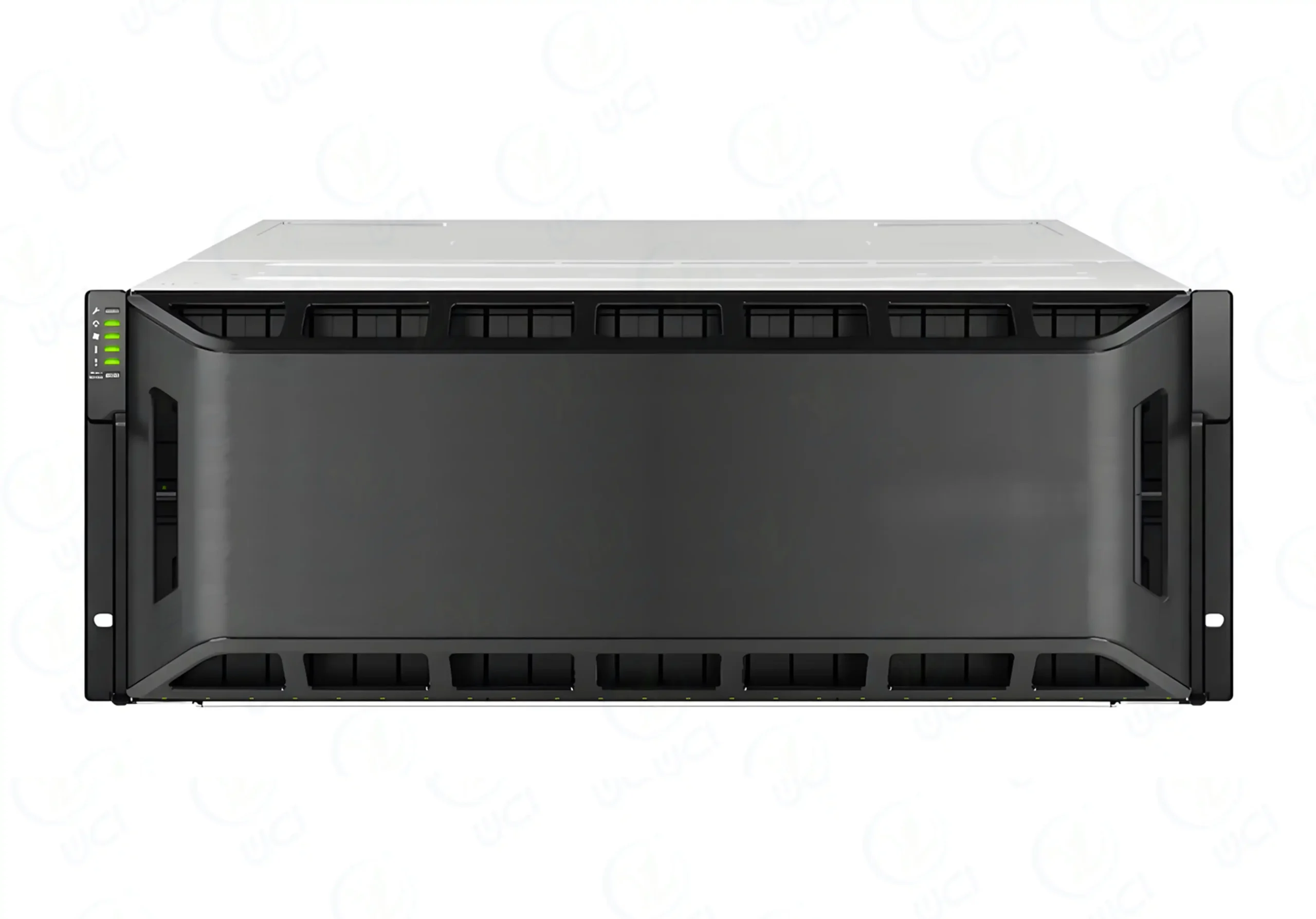
AI 데이터 센터를 위한 트레이닝 대 추론 서버 섀시 계획
모든 워크로드에 동일한 금속이 필요한 것은 아닙니다. 한 가지 섀시 유형을 모든 작업에 적용하려고 하면 전력을 낭비하거나 가동 중단의 위험이 있습니다.
트레이닝 랙
- 무거운 멀티 GPU 작업 실행
- 고속 스파인 및 리프 스위치 옆에서 살기
- 빠른 스토리지 및 NAS 클러스터에 연결되는 경우가 많습니다.
- 액체 지원 또는 매우 강한 공기 흐름의 GPU 섀시 필요
추론 및 비즈니스 랙
- GPU 및 CPU 노드, 일부 스토리지, 일부 앱 서버 혼합
- 냉기 통로 관리가 잘 되어 공랭식 냉방이 가능한 경우가 많습니다.
- 중간 깊이 사용 서버 PC 케이스 및 NAS 박스
엣지 및 실험실
- 소규모 회의실, 공유 오피스 공간 또는 연구실
- 전력은 낮지만 시끄러운 이웃과 이상한 공기 흐름
- 여기 ITX 케이스 또는 작은 컴퓨터 케이스 서버 거대한 랙보다 더 잘 작동합니다.
2026년에 실행 가능한 하나의 패턴입니다:
- IStoneCase의 고밀도 GPU 섀시를 갖춘 1-2열 “AI 코어”
- “데이터 및 서비스” 행 몇 개와 함께 NAS 장치, 데이터베이스 서버 및 API 노드
- 흩어져 있는 벽걸이 케이스 또는 지사 사이트의 ITX 박스를 사용하여 로컬 팀이 데이터에 가까운 곳에서 전처리 또는 캐시 로직을 실행할 수 있습니다.
이렇게 하면 섀시 전략이 하드웨어 위시리스트뿐 아니라 실제 비즈니스 사용 현황을 반영할 수 있습니다.
2026년 AI 데이터 센터 구축을 위한 서버 섀시 전략 체크리스트
마지막으로, 공급업체 및 팀과 논의할 때 랙 레이아웃 옆에 보관할 수 있는 간단한 체크리스트가 있습니다:
- 전원 및 냉각 우선
- 트레이닝, 추론, 스토리지를 위한 랙당 kW 정의
- 어떤 행이 공기, 하이브리드 또는 액체인지 결정합니다.
- 폼 팩터 및 레일
- 표준 2U/4U 대 트레이 스타일 선택
- 하나의 레일 시스템을 잠급니다(예: IStoneCase 섀시 가이드 레일, 를 사용하여
- 표준 섀시 제품군
- 메인 선택 GPU 서버 케이스 AI 교육용
- 중간 범위 선택 서버 케이스 또는 ATX 서버 케이스 덜 까다로운 워크로드용
- 컴팩트하게 유지 ITX 케이스 또는 벽걸이 케이스 엣지 및 특수 요구 사항을 위한 제품군
- 케이블 및 네트워크 건전성
- 고속 케이블과 현실적인 굴곡 반경을 위해 섀시에 공간을 확보하세요.
- 나중에 링크를 더 추가할 때 전면 또는 후면 I/O가 공기 흐름을 막지 않는지 확인하세요.
- 성장과 새로 고침
- 선택한 케이스가 차세대 GPU와 더 많은 드라이브를 장착할 수 있는지 확인하세요.
- 다음과 같은 OEM/ODM 파트너 확인 IStoneCase 전면 패널, 브래킷 또는 팬 월을 전면 재설계하지 않고도 조정할 수 있습니다.
이러한 계획을 따르는 경우 새 AI 데이터 센터는 첫 번째 모델만 부팅할 수 있습니다.
더 많은 랙, 더 많은 GPU, 그리고 워크로드를 최우선 순위로 생각하는 더 많은 팀을 추가해도 서비스를 유지할 수 있습니다. 그리고 여러분의 메탈, 여러분의 서버 랙 PC 케이스 와 친구들이 뒤에서 묵묵히 무거운 짐을 들어줄 것입니다.