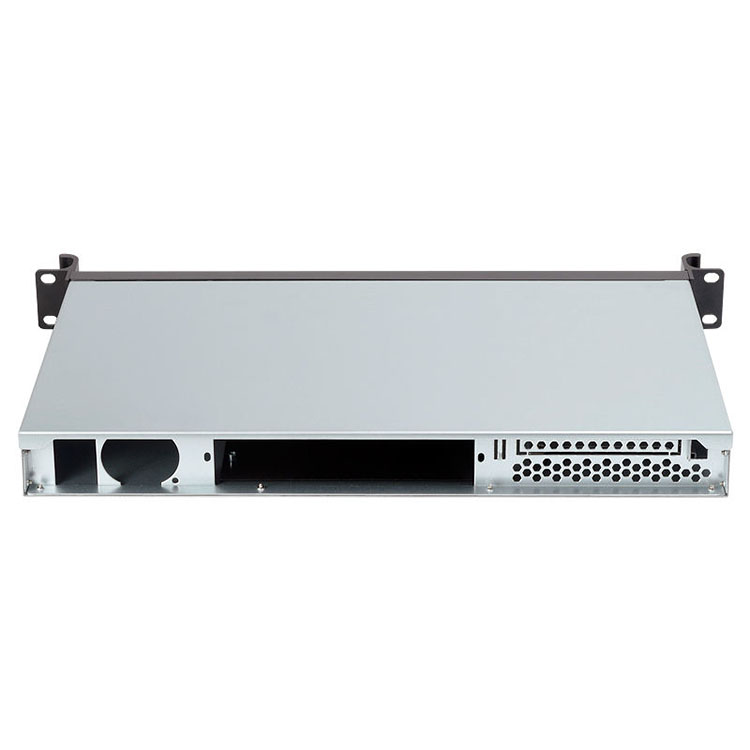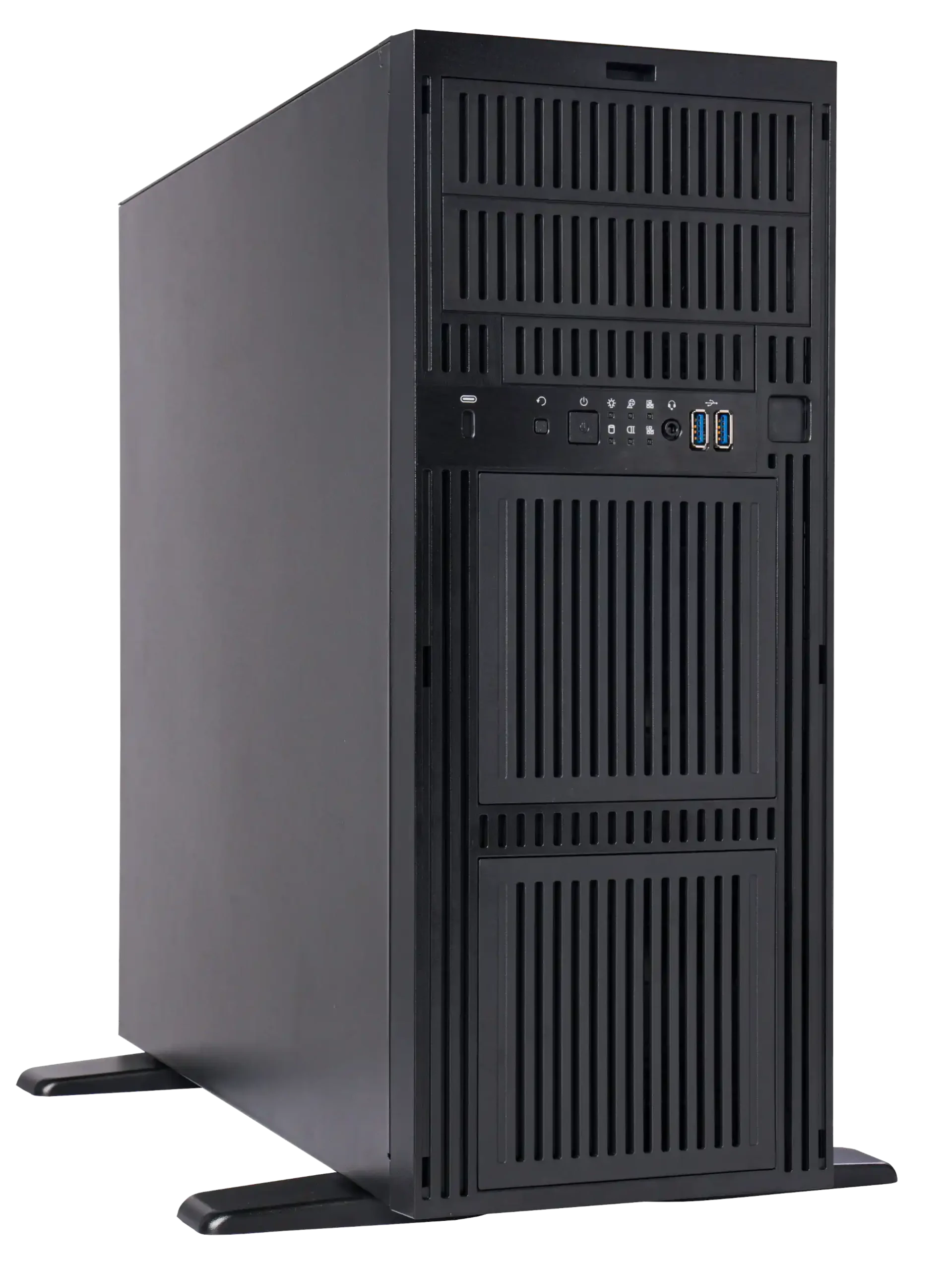
If you’ve ever watched a heavy 4U box hanging half-way out of a rack and wobbling, you know rails are not a small accessory. They decide if your server rack pc case feels solid, or feels like a jump scare every time someone does maintenance.
Below we’ll walk through how load rating really works, what can go wrong, and how to design something that DC ops team actually trust – with some real cases from IStoneCase.
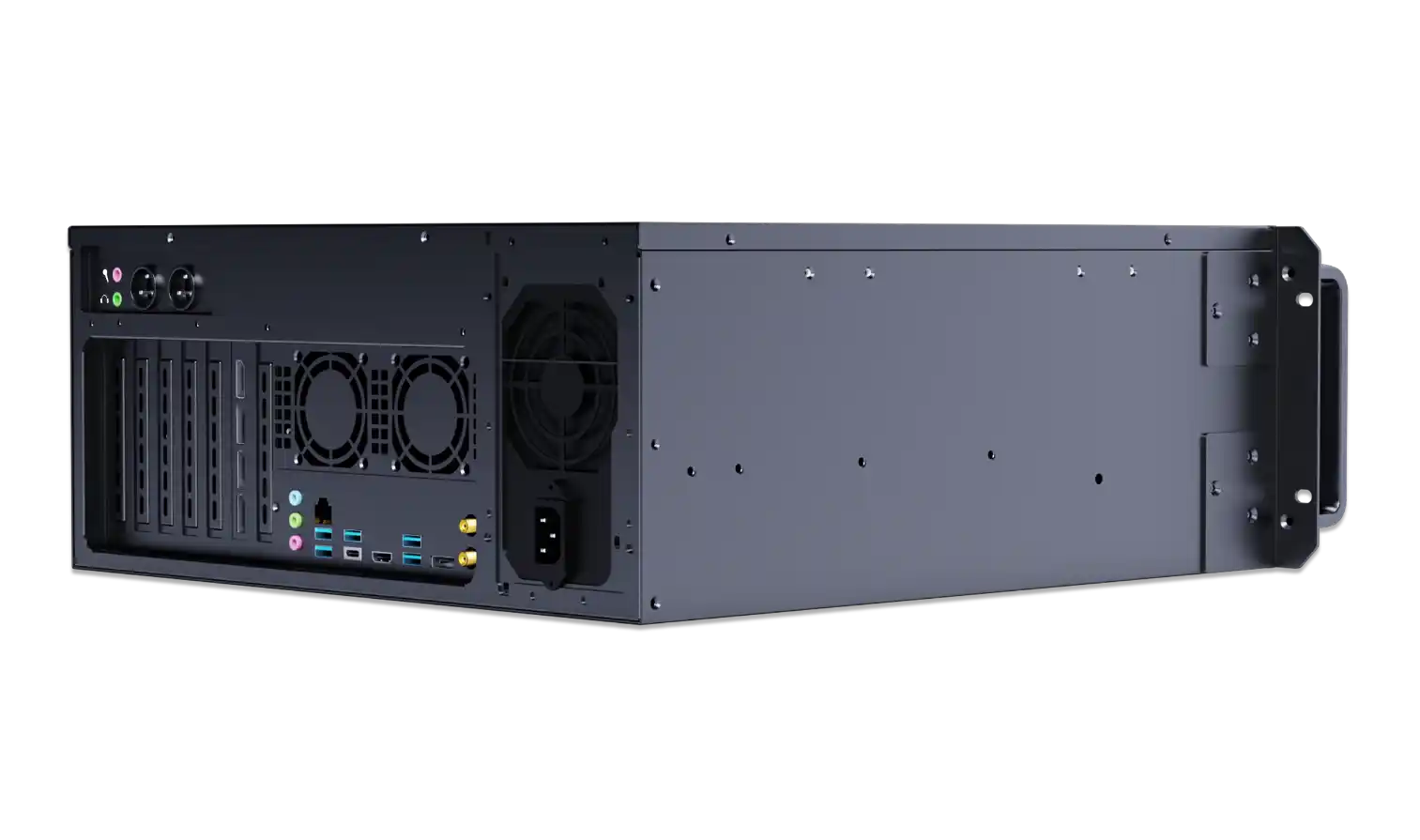
Static and Dynamic Load Rating for Server Chassis Rails
Static Load Rating for Server PC Case in Rack
Static load is the easy part: it’s how much weight the rails can hold while everything sits still.
When you park a server pc case in the rack and don’t touch it, you’re in static mode. Even light-duty rails look fine here. But static rating alone doesn’t tell you if:
- the rack will stay stable when you pull the chassis out
- the slide members will stay straight over years of use
- the ball bearings won’t grind themselves to death
So if a spec sheet only shouts a big static number and stays quiet on anything else, that’s already a small red flag.
Dynamic Load and Full-Extension Safety
Real life is dynamic. Techs pull the computer case server out, lean on it a bit, bump the rail while swapping a GPU, sometimes even ride the rail with one knee (yes, that happens).
Dynamic load rating tells you how much weight the rail can take while moving, especially at full extension. That moment is brutal:
- the chassis weight shifts far in front of the uprights
- any mis-alignment in rail install gets magnified
- vibration and small shocks hit the bearings
Good practice:
- treat dynamic load as the real limit
- keep actual server weight under that number, with margin
- match deep chassis with rails that are rated for full extension, not just “can slide if you’re gentle”
This is why IStoneCase offers different chassis guide rail models for 1U/2U vs 4U and deeper gear, instead of a one-size-fits-nothing kit.
Per-Pair Load Rating and Mounting Method for Chassis Guide Rail
Per-Pair Load in a Server Rack PC Case
Another easy place to get tricked is the tiny text “per pair”.
Most rail specs rate one left + one right rail together. If the sheet says “70 kg per pair”, that doesn’t mean 70 kg on each side. The real per-side strengh is half of that.
When you plan a rack that mixes NAS, GPU and storage gear, you need to add up:
- chassis weight (with drives, PSUs, GPU, cables – not just the bare shell)
- rail rating per pair
- rack static and dynamic rating
If any of the three is too low, the whole stack becomes the weak link.
Mounting Method and Rail Strength
Rails aren’t magic. Mount them wrong and all the pretty numbers go away. Common issues:
- only one end fixed properly
- rails twisted because the rear posts are not square
- using flat mounting where the design expects upright side mounting
This kind of thing may still “work” on day one, but under repeated use you’ll see:
- the server doesn’t slide smooth any more
- one side sticks, the other jumps
- the whole atx server case droops in the front like it’s tired
So when you pick rails for an IStoneCase rackmount case or server case, plan the mounting style at the same time, not afterward.
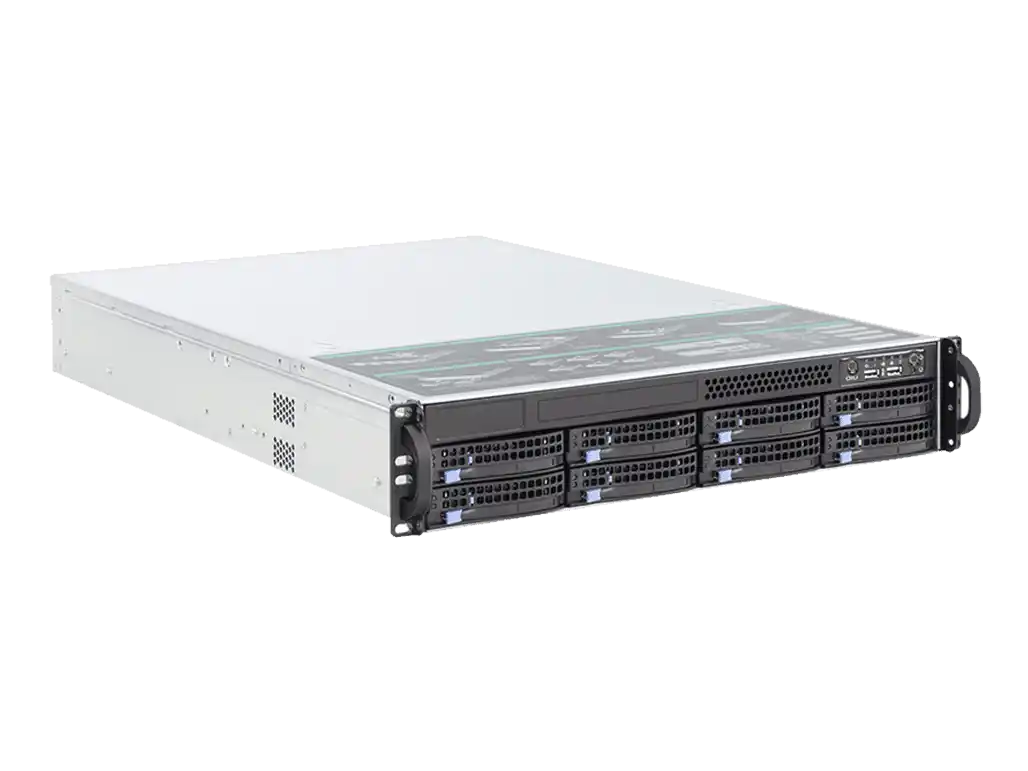
Weight Distribution and Rack Tipping Risk for Computer Case Server
Rack Layout Best Practice for ATX Server Case
Load rating is not only about the rails. It’s also about where you put each chassis. A safe layout usually follows some simple rules:
- heavy 3U / 4U or GPU nodes go in the bottom third of the rack
- mid-weight systems in the middle
- small 1U boxes, switches, edge nodes near the top
Why? When you pull out a big computer case server on full rails, you’re dragging the center of gravity forward. If the rack is already top-heavy, it wants to tip.
Data-center folks call this “the oh-no moment”. You dont want that.
For mixed deployments with GPU server case, NAS devices, and general compute, this simple stacking rule cuts a lot of risk with zero extra hardware.
Eccentric Load and One-Side Pull
Another silent killer is eccentric load.
Think about:
- only one PSU populated in a dual-PSU bay
- 8 drives in the left cage, none on the right
- one huge GPU pulling the weight to one side
The rails now see uneven force. Over time this makes one side wear faster, and the chassis starts to sit crooked. During a fast pull, this can jam or even slip.
When you design a custom server pc case with IStoneCase’s OEM/ODM team, you can talk about:
- symmetric drive bay layout
- PSU placement
- optional rear rails or support brackets
Small tweaks here make life easier later for the O&M guys.
Installation and Operation Safety for Server Chassis Rails
Safe Racking and Stacking Process
Even the best hardware can’t fix bad procedure. A few low-tech rules help a lot:
- always secure the rack to floor or wall before loading
- level the cabinet, then install rails, not the other way around
- load from bottom to top, never top-down
- don’t pull two heavy chassis out at the same time on one rack
In bigger rooms, teams often track MTTR and “truck roll” counts. A stable rail and rack setup doesn’t just avoid accidents; it also shortens maintenance time because techs don’t fight the hardware.
Operational Use: Pull, Service, Return
For daily operation:
- use both hands when pulling and pushing a chassis
- support the front when you feel extra flex
- check rail screws and cage nuts during regular PM rounds
This sounds obvious, but in a tight cold aisle with alarms beeping, people forget. That’s why many integrators prefer rails and chassis that are clearly labeled and easy to align, like the matched combos of ITX case, compact wallmount case and their rail kits from IStoneCase. Less guesswork, fewer weird installs.
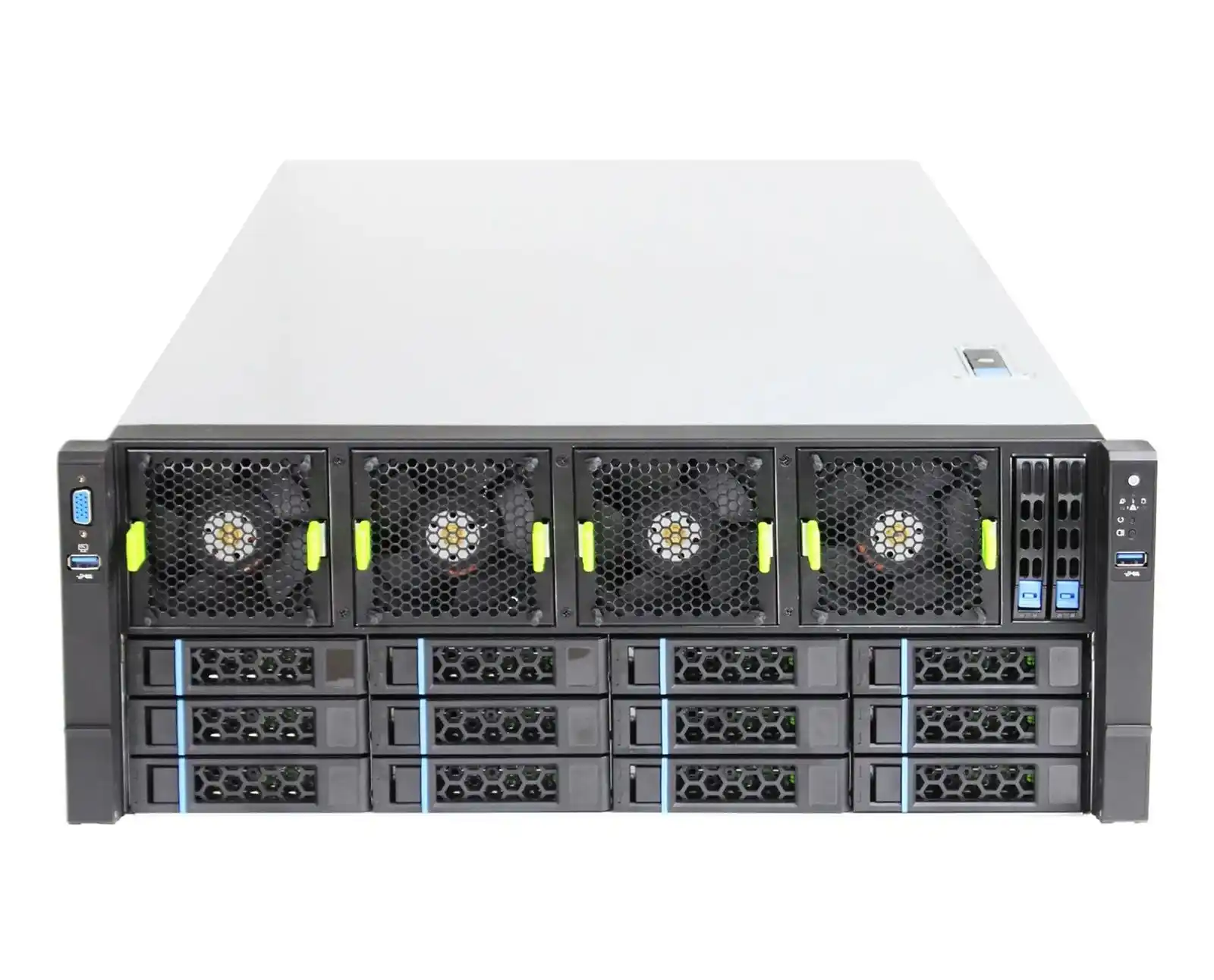
Summary Table of Load Rating and Safety Recommendations
You can use the table below as a quick checklist when you pick rails for a new rack or refresh project.
| Topic | What to Check | Simple Rule of Thumb | Why It Matters |
|---|---|---|---|
| Static vs dynamic load | Look for both ratings on the rail spec | Size your chassis weight under the dynamic rating, not the static one | Real life is moving, not parked |
| “Per pair” rating | Confirm the number is for left + right together | Treat “X kg per pair” as total for one chassis | Avoid thinking each side can hold X kg |
| Safety margin | Compare total loaded weight vs rail and rack ratings | Stay well under the nameplate, don’t run rails at 100% | Gives room for shocks, upgrades, mistakes |
| Mounting method | Check mounting orientation and depth | Match rails to rack depth; keep posts square; avoid weird flat mount unless rated | Wrong mounting kills the spec |
| Rack layout | Position heavy gear low, light gear high | Bottom third: heavy 3U/4U, middle: mixed, top: 1U, switches | Reduces tipping risk when rails are extended |
| Eccentric load | Watch drive and PSU layout | Distribute drives and PSUs left/right where you can | Keeps wear even and movement smooth |
| Operation | Define a simple pull-and-service procedure | One heavy chassis at a time, two-hand pull, check fixings during PM | Keeps MTTR low and fingers safe |
How IStoneCase Helps with Server Chassis Rails and Server Cases
Many teams don’t just buy a single rail kit. They want a platform:
- same look and feel across racks
- predictable slide behavior
- one vendor who understands their DC language and pain points
That’s basically what IStoneCase – The World’s Leading GPU/Server Case and Storage Chassis OEM/ODM Solution Manufacturer – is trying to solve.
From high-density GPU server case to standard server case, from compact ITX case to bulk storage and NAS devices, and then down to the chassis guide rail level, everything is designed to work together for:
- data centers and algorithm centers
- big enterprises and SMBs
- IT service providers, database teams, research labs, and even hardcore devs running racks at home
You get the OEM/ODM flexibility for custom front panels, drive layouts, GPU airflow and so on, but you also get rails and mechanics that are already thought through for load rating and safety. You don’t need to re-invent that in house.
So next time you plan a rack with a mix of server rack pc case, computer case server, and atx server case units, don’t just ask “will it fit 42U”. Ask:
- what’s my real dynamic load on each pair of rails?
- where is my center of gravity when everything is pulled out?
- do I have matched rails and chassis from a vendor that actually tests this stuff together?
If the answer is “yes, sorted”, your rack will feel boring in the best way: no drama, no wobble, just quiet uptime. And that’s exactly what most ops teams really want.