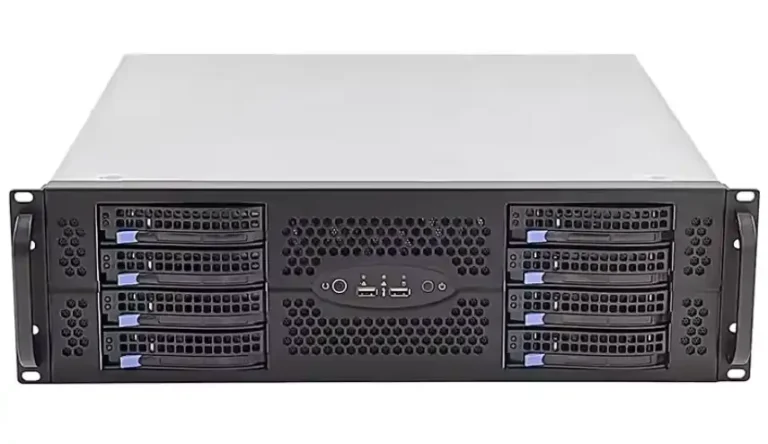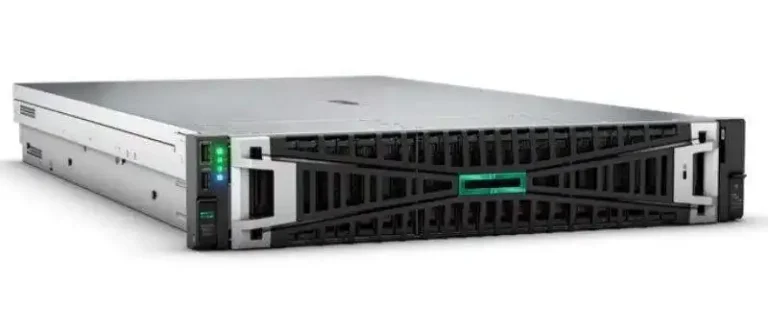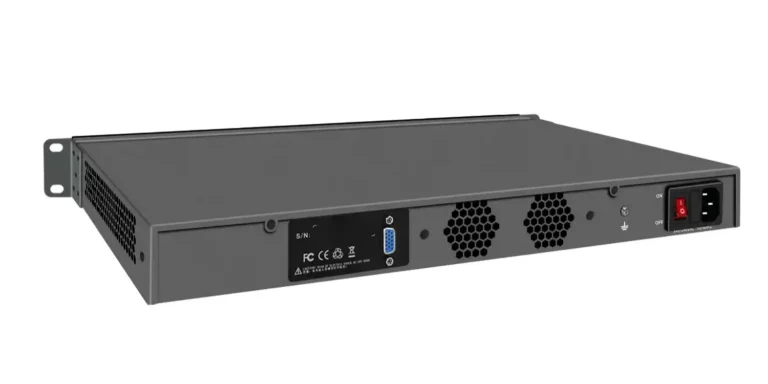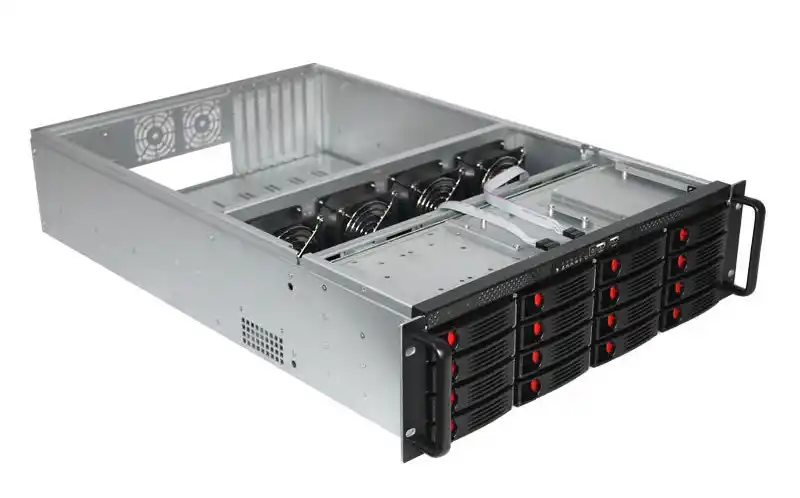
If you’ve ever tried to hang a deep server off a legacy 2-post rack, you already know the vibe: it works… right up until you need to slide it out, swap a drive, or touch the cabling. Then the whole thing starts feeling like it’s doing parkour.
This article breaks down the practical ways teams move from 2-post to 4-post-friendly installs—without turning your server room into a weekend-long outage. I’ll also weave in real hardware choices from IStoneCase (rack chassis + rails + OEM/ODM), because the case and the rail plan usually make or break the migration.
Quick links (all internal):
- Rackmount Case
- GPU Server Case
- Server Case
- Chassis Guide Rail
- Wallmount Case
- NAS Case
- ITX Case
- OEM/ODM services
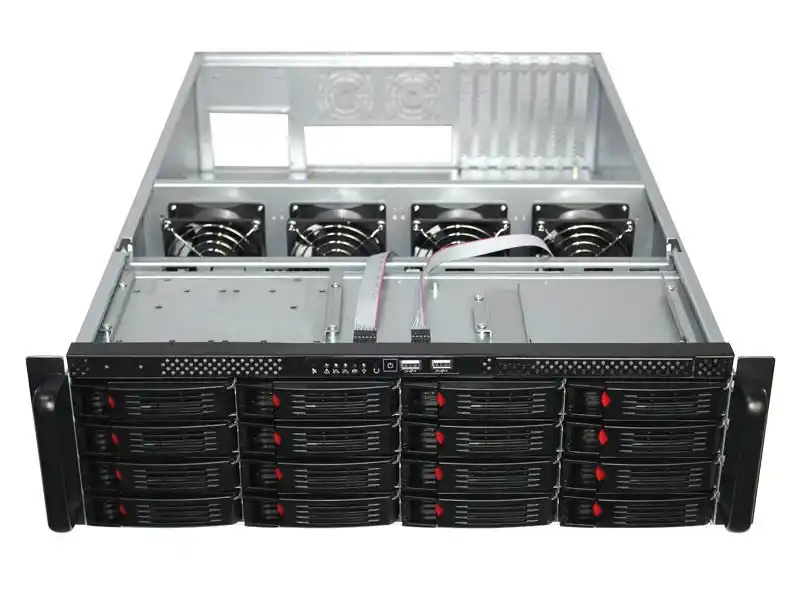
1) 2-post racks fit light gear, but they struggle with deep/heavy servers
A 2-post rack is fine for shallow network stuff. Patch panels, light switches, maybe a small UPS. But modern servers? They’re longer, heavier, and way more “service-me” than old school gear.
When you mount a deep chassis only on the front posts, you create an overhang. That overhang becomes a lever when you pull the unit out. And yeah, that’s where wobble, bent ears, and sad techs happen.
2-post rack wiring closet scenario
You’ve got a cramped closet with a telco rack and spaghetti cabling. Now you want a computer case server for a local app, NVR, or a small DB. The first time you open the lid or tug on power, you’ll notice flex. You dont want flex.
Pain signals you’ll see fast
- the chassis “droops” when partially pulled
- rails don’t fit, or they fit “kinda” but feel unsafe
- cable bundles pull the box sideways (bend radius goes bye-bye)
2) Cost explains why “legacy 2-post” exists, but it also creates the migration pain
Most 2-post racks exist because someone needed a simple, affordable frame for comms gear. That choice made sense back then.
But now you’re probably asking the rack to support:
- deeper chassis depth
- heavier storage backplanes and hot-swap bays
- service routines that assume slide-out maintenance (MTTR is the boss)
So the rack isn’t “bad.” Your workload changed. The rack just didn’t get the memo.
2-post rack lab and dev room scenario
Labs love 2-post racks because they’re quick to cable and easy to move. Then somebody adds GPU compute, more drives, or an atx server case build. Suddenly the rack becomes the weakest link, not the CPU.
3) 4-post racks win on stability and load distribution, so they’re the default for servers
A 4-post setup supports the chassis at the front and the rear. That matters for real-world service: sliding, swapping, and keeping your cable plant from turning into a yank-fest.
This is why most modern racks and cabinets are built around 4-post assumptions. If you’re deploying a server rack pc case in a production environment, 4-post mounting plus proper rails is just the “normal” way.
4-post rack data center row scenario
In a DC, ops teams want repeatable installs: same depth, same rails, same labeling, same airflow. You don’t want one weird node that needs custom brackets and prayers. A consistent 4-post standard reduces “surprise work” and makes rollouts smoother.
4-post rack AI and GPU server scenario
GPU builds add weight, airflow requirements, and cable complexity. A GPU Server Case with the right rail plan keeps the node serviceable without unplugging half the rack. That’s a big deal when your training jobs are running hot and everyone’s watching utilization charts.
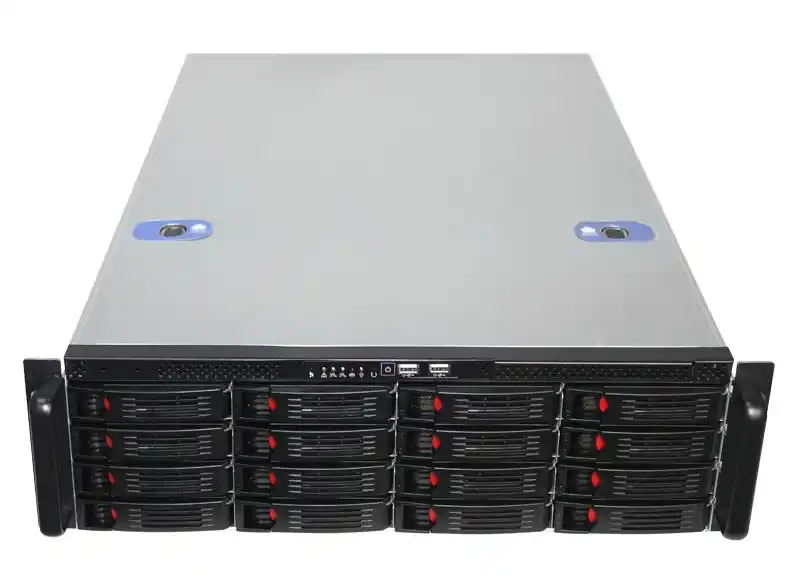
4) If you keep the 2-post rack, you can “add the missing posts” instead of replacing everything
Sometimes you can’t replace the rack. Maybe the room is leased. Maybe the rack is bolted in a way nobody wants to touch. Or maybe downtime is political.
In that situation, a common move is to convert the mounting environment: add support so the chassis behaves like it’s living in a 4-post world. Think “upgrade the frame,” not “replace the whole room.”
2-post to 4-post conversion scenario for mixed racks
You keep the 2-post rack for network gear, then create a supported section for server chassis. This works well when you’re gradually modernizing and you need both worlds to coexist for a while.
Tip: Plan your depth. Rail compatibility depends on cabinet depth range, not just rack U height.
5) Conversion kits aren’t just for mounting. People also use them to reduce tip risk and add wall bracing
This part is less exciting, but it saves disasters.
Even if a 2-post rack can hold a server at rest, service events create dynamic loads: pulling, leaning, sliding, bumping. That’s when racks tip or twist. If your rack isn’t anchored, you’re basically betting uptime on gravity behaving.
Wall bracing and anti-tip scenario for edge sites
Branch offices and industrial rooms get vibrations, foot traffic, and “accidental kicks.” Bracing and anti-tip thinking matters a lot more there than in a pristine DC.
Field rules people forget
- treat service pulls as “dynamic load,” not static
- keep heavy nodes lower in the rack
- don’t let cable bundles become structural elements (they will, if you let them)
6) Rails matter more than the chassis. Some server rails simply won’t do 2-post
Here’s the truth: you can buy a great chassis and still lose the install if the rails don’t match your rack reality.
If you’re building a server pc case that needs frequent maintenance, rails decide whether techs can do a clean slide-out service or whether they have to yank the whole unit onto a cart. That difference shows up in downtime and in mood.
IStoneCase’s rail lineup also calls out a practical point: rails get rated by load per pair, and the usable depth range matters (800–1200mm is common for many cabinets). If your rack depth is off, nothing feels right.
Chassis guide rail selection checklist
Use this before you buy anything:
- U height: 1U/2U/4U chassis height must match rail type
- Depth: confirm your cabinet depth range supports the rail span
- Service style: tool-free vs fixed install, how often you pull nodes
- Expansion + cabling: space for PCIe, cable routing, and airflow lanes
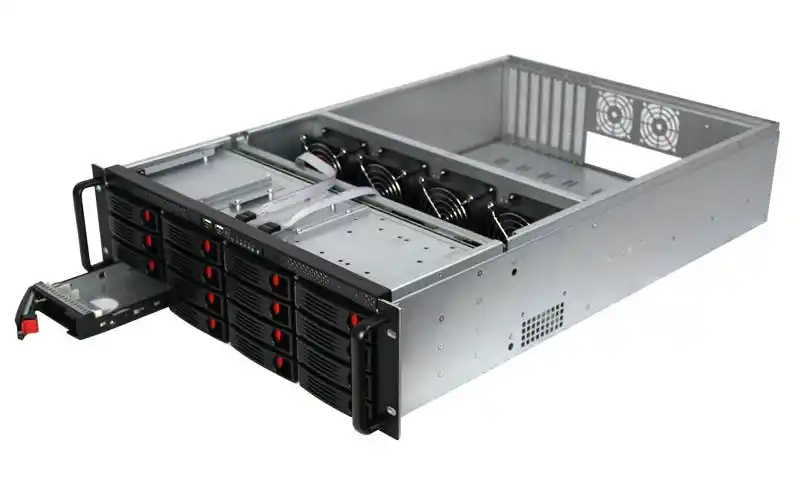
Evidence table: arguments, proof points, and sources (no external links)
| Argument title (above) | What you can safely claim in plain English | Proof / data you can quote | Source type |
|---|---|---|---|
| 2-post racks fit light gear… | Deep servers create overhang and instability on front-only mounts | Practical install behavior: overhang + service pulls increase risk | Field practice + rack engineering basics |
| Cost explains legacy 2-post… | Legacy racks were chosen for simplicity and lighter workloads | Modern servers are deeper, heavier, more service-driven | Ops reality + deployment patterns |
| 4-post racks win… | 4-post distributes load front-to-back and supports rail installs | Standard rack/cabinet workflows assume rails | Industry standard practice |
| Add the missing posts… | You can adapt without full rip/replace | Conversion approach supports deeper chassis | Installation strategy |
| Bracing reduces tip risk… | Anchoring matters because service is dynamic | Dynamic load is where accidents happen | Field safety practice |
| Rails matter more… | Wrong rails = slow service and messy installs | Rail depth + load rating and chassis height must match | IStoneCase rail specs |
Rail spec table you can use in your project doc (from IStoneCase product/category info)
| IStoneCase rail option | Chassis height | Load rating (per pair) | Cabinet depth fit | Where it fits best |
|---|---|---|---|---|
| L-shaped guide rail (category-level spec) | 1U–4U | up to 100 kg | 800–1200 mm | heavier nodes, stable long chassis |
| Tool-free rail Model 600-0040 | 1U–2U | up to 38 kg | 800–1000 mm | compact installs, quick swaps |
| 4U tool-free guide rail | 4U | up to 70 kg | 800–1200 mm | 4U chassis, predictable slide-out |
Practical migration paths (pick one, don’t overthink it)
- Standardize on 4-post for all new compute
Best for DCs and algorithm centers. Pair a Rackmount Case or Server Case with rails that match your cabinet depth. Cleanest long-term. - Hybrid: keep 2-post for network, convert a section for servers
Best when you can’t rebuild the room. Works well for staged upgrades. - If rack space is messy: go wallmount or compact
For some edge spots, a Wallmount Case or even an ITX Case is the “stop fighting the closet” answer. For storage-heavy edge, a NAS Case can be more stable than forcing a deep chassis into a shaky rack.
Where IStoneCase fits in (without the salesy noise)
If you’re migrating racks, you usually need three things that play nice together: the chassis, the rails, and the deployment style (bulk rollout vs one-off). IStoneCase covers the full stack—rackmount chassis, GPU-focused cases, and Chassis Guide Rail options—plus OEM/ODM services if you’re standardizing a platform for wholesale or multi-site installs.
That matters because your “one weird rack” becomes ten weird racks real quick.