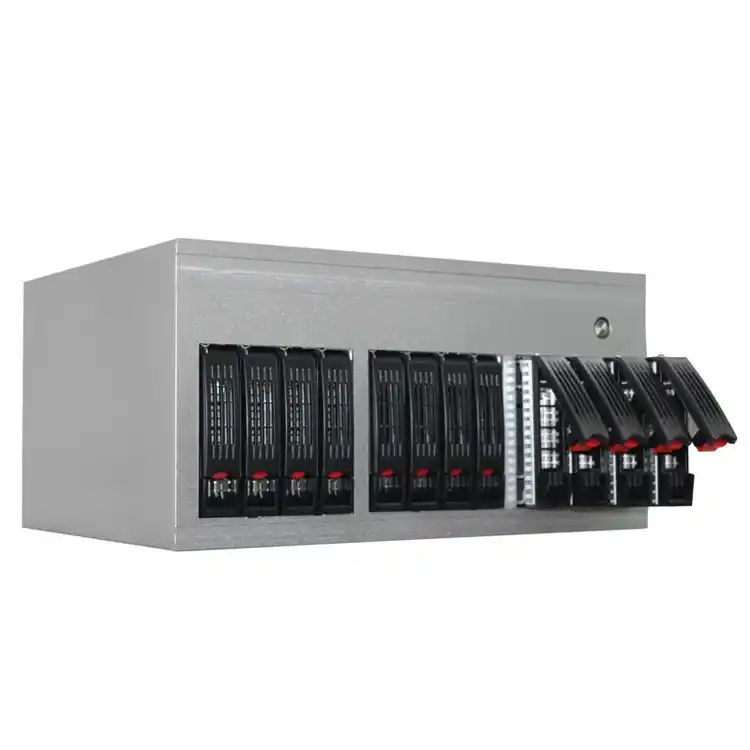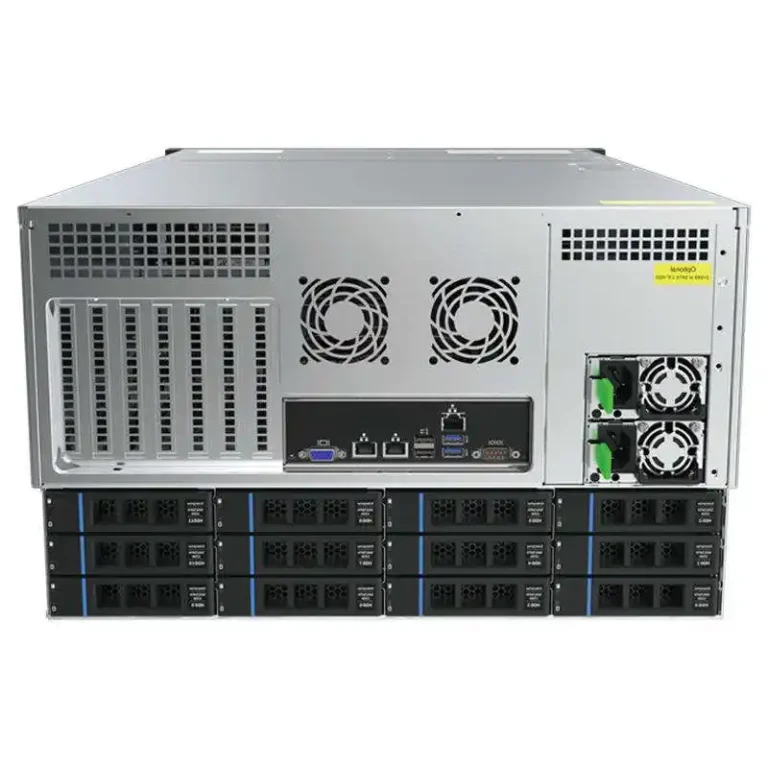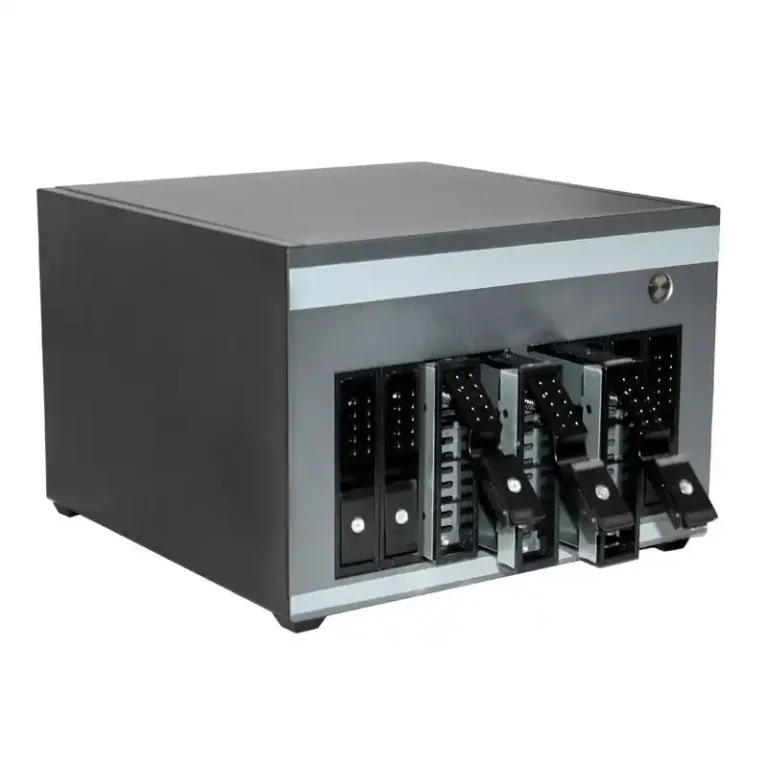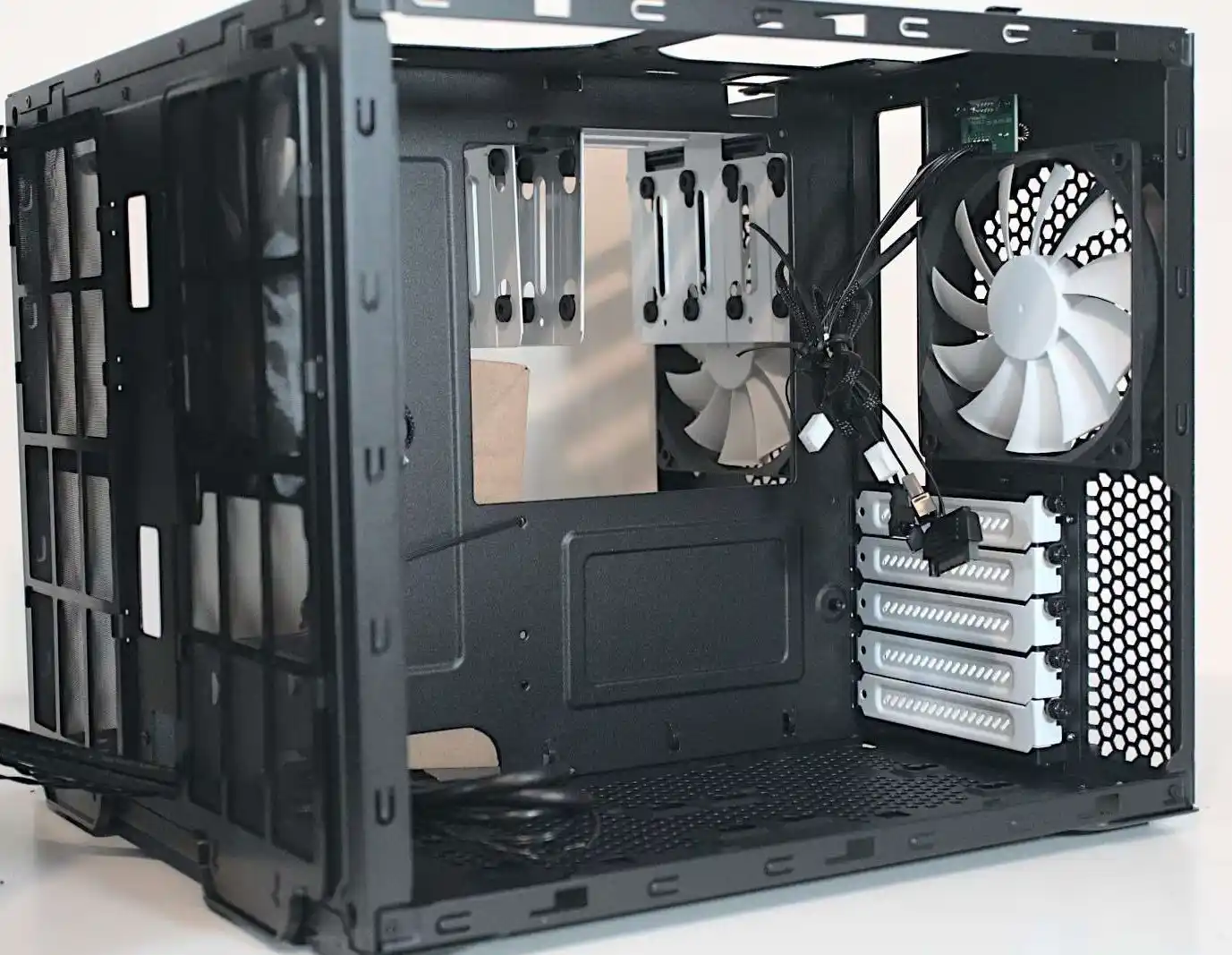
Packing a NAS with 8, 12, 24 hard drives looks cool on paper.
In real life, if you don’t handle heat right, it turns into a slow-motion outage.
This piece walks you through how to keep those high-density HDD arrays safe, using real-world scenarios, simple rules of thumb, and some hardware tips where IStoneCase gear fits in naturally.
Why NAS Case Cooling Matters for High-Density HDD Arrays
Let’s start with a quick picture.
You roll a brand-new 12-bay NAS into a small office.
You fill every slot with big SATA HDDs. You slide the box into a tight server rack pc case space. You close the door because the fans are “too noisy”.
Two weeks later:
- Drives sit in the mid-40s °C all day.
- One disk drops from the RAID, then another during rebuild.
- Backups start to crawl, users scream, your weekend is gone.
Nothing “mystical” happened. You just built a tiny sauna for your disks.
High-density means:
- Less space between drives.
- More watts in the same volume.
- Less room for air to actually move.
So NAS case cooling stops being “nice to have”. It becomes basic risk control for your whole storage stack.
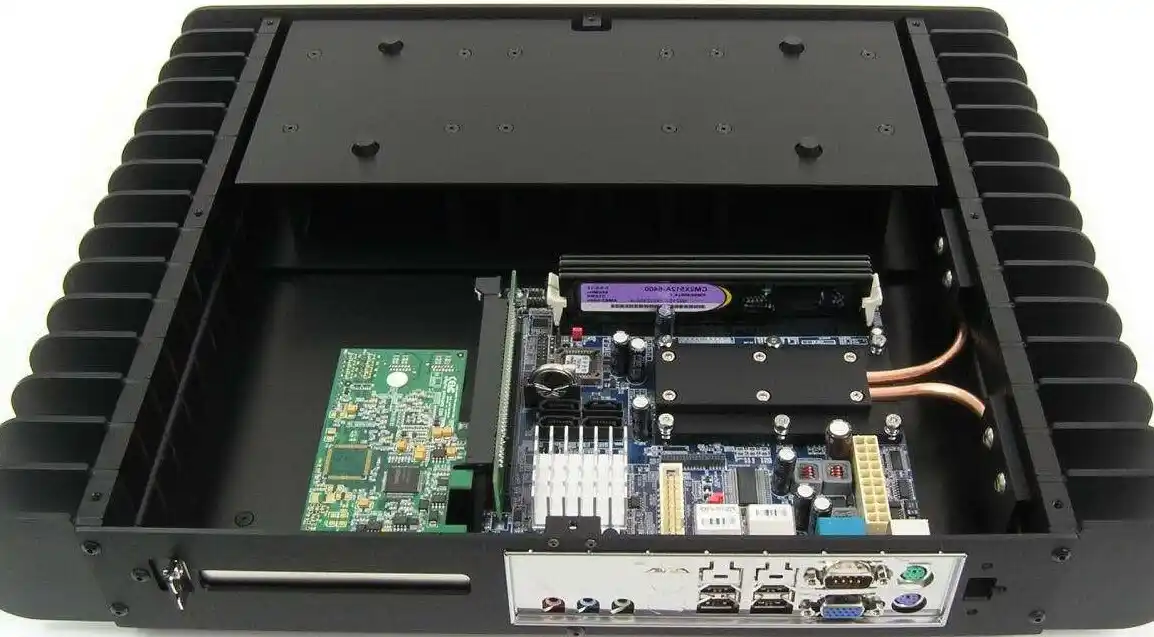
Safe Temperature Targets for NAS HDDs
You don’t need a physics degree here. You just need sensible ranges.
Typical HDD Temperature Ranges in a NAS Enclosure
Use something like this as your mental dashboard:
| Drive state | Recommended temp (°C) | What it means for you |
|---|---|---|
| Idle / light workload | 28–35 | Very healthy, plenty of margin |
| Normal sustained load | 35–42 | Still fine, good for 24/7 operation |
| Heavy I/O or rebuild | 42–45 | Watch it, OK for short periods |
| Always above this line | >45 | Time to fix airflow or room temp |
| Hitting this repeatedly | ≥50 | You’re stressing the array, long-term risk goes up |
You dont need to panic when a disk touches 45°C during a scrub.
You should worry when it sits there all day, every day, especially in a packed chassis.
Set your NAS S.M.A.R.T. alerts around those bands. Let the system shout at you before the disks scream.
Airflow Basics in a NAS or Server Rack PC Case
Good cooling is mostly about airflow, not magic fans.
Think of air as water:
- It wants to take the easiest path.
- It hates sharp corners and random obstacles.
- If you don’t force it through the drive cage, it just goes around.
Front-to-Back Airflow in a Computer Case Server
Most NAS boxes and rackmount gear follow the same pattern:
- Cold air in at the front, straight across the HDDs.
- Hot air out at the back, near the I/O and PSU.
When you use a computer case server or a general server pc case as a NAS chassis, you want to copy this idea:
- Intake fans aligned with drive bays, not with empty metal.
- Exhaust fans at the rear / top pulling hot air out.
- Cables tied down, not blocking the drive cage like cable spaghetti.
If air can see the back of each disk, the temperature will usually behave.
If air “sees” only a mess of cables and solid panels, you get hot spots.
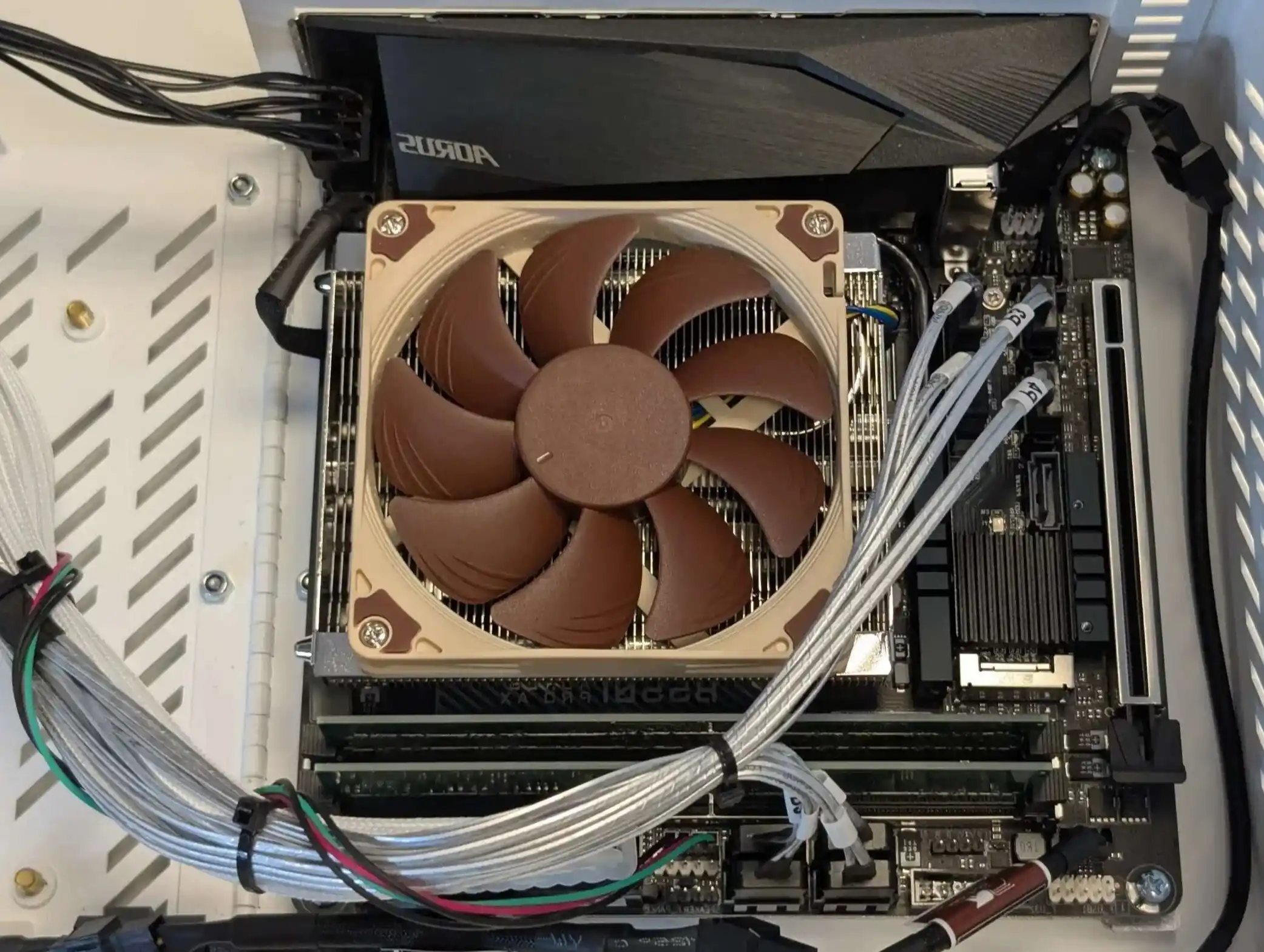
Common Cooling Pain Points in High-Density HDD Arrays
Let’s hit the pain points you’ll see again and again.
Packed Drive Bays and Weak Static Pressure
In high-density NAS builds, the drive cage is basically a wall of metal and plastic. Airflow needs static pressure to punch through.
Typical problems:
- Cheap low-pressure fans that move air in open bench tests but die when they meet a full disk cage.
- No shroud or ducting, so air leaks around the sides instead of through the drives.
- Drives with almost zero gap between them, so heat has nowhere to escape.
Quick fixes:
- Use fans rated for static pressure, not just high CFM.
- Block useless gaps with foam or simple plates, so air has only one route: through the HDD stack.
- Avoid mixing 5400 and 7200 RPM HDDs randomly; hotter ones can cook neighbors.
It’s not fancy. But this “push air through, not around” idea saves arrays every day.
Closed Cabinets, Warm Rooms, and Dust
You can have a perfect NAS chassis and still cook it if the environment is wrong.
Real-world things that hurt:
- NAS mounted inside a closed wooden cabinet.
- Gear sitting in a server room that’s basically a big closet with no real cold aisle.
- Filters never cleaned, so fans run but flow is choked.
Simple checks:
- Measure drive temps with cabinet door open vs closed for one full workday.
If you see +3–5°C with the door shut, that space is too tight. - Feel the air at the rear exhaust. If it’s almost room temperature, you’re fine. If it feels like a hair dryer, not fine.
- Clean filters on a schedule, not “when I remember”. Dust is silent insulation.
Practical Cooling Tactics With the Right Server PC Case
At some point you hit the limit of duct tape and extra fans. The chassis itself needs to help you.
IStoneCase builds hardware exactly in this space: NAS devices, GPU server case, rackmount case, wallmount case, ITX case, plus things like chassis guide rail for clean deployment. So cooling is not a side note here, it sits right in the design.
Choose a NAS or ATX Server Case That Pushes Air Through Drives
When you pick a NAS chassis or an atx server case for storage, look for:
- Drive cages directly in front of intake fans.
- Clear front-to-back airflow path, no weird 90-degree turns.
- Room for high-static-pressure fans in front of the HDDs.
- Enough depth to keep PSU and GPU (if any) from stealing all the cold air.
On the IStoneCase side, a lot of our server rack pc case and server pc case designs focus on:
- Perforated front panels aligned with drive bays.
- Fan walls or fan brackets placed right behind the disks.
- Options for different fan layouts (120 / 140 mm) so you can tune for noise vs airflow.
These things sound small, but in dense builds they decide if you sit at 38°C or 48°C under load.
You can also use internal links like:
- server rack pc case for high-density racks.
- server pc case when you repurpose a general server chassis for NAS roles.
- computer case server builds when you mix compute and storage in the same box.
- atx server case when you need standard ATX boards plus big drive cages in one chassis.
All of them need one core thing: sensible airflow across every HDD.
Plan for Monitoring, Alerts, and Future Growth
Cooling isn’t a one-time checkbox. It’s an ongoing loop.
Do this at minimum:
- Enable S.M.A.R.T. temp monitoring on every HDD.
- Set warning alerts around low-40s °C, critical a bit higher.
- Log temps over time so you can see “we added 4 disks and everything went up 5°C”.
When you design with IStoneCase gear or similar:
- Leave one or two empty bays for future disks. Filling 100% of slots on day one usually ends bad.
- Keep at least one spare fan slot free. That way when you add more disks or heavier workload, you can bump cooling without redesigning the whole stack.
This stuff sounds boring, but it protects SLA, uptime, and your own sleep.
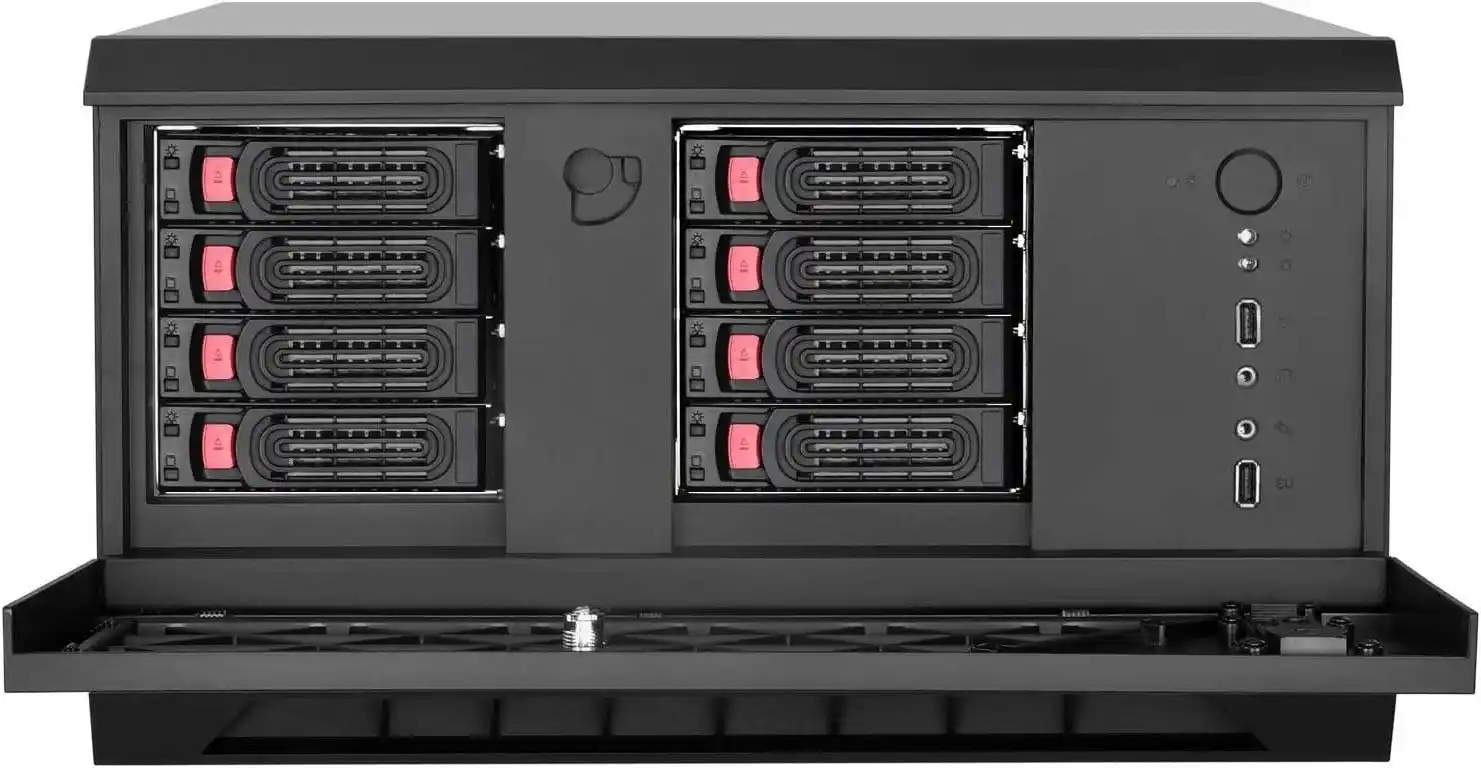
Real-World Use Cases: From Lab Rigs to Data Center Racks
Different buyers care about different things, but heat hits everyone.
- Data centers / algorithm centers care about rack density, hot-aisle / cold-aisle layouts, and predictable thermals. A well-designed IStoneCase rackmount case drops into that world without fighting the airflow plan.
- Mid-size enterprises and IT service providers need gear that fits mixed racks: backup NAS, app servers, maybe a GPU server case for AI workloads. Consistent chassis design makes cabling and cooling a lot easier.
- Tech enthusiasts and devs often run multi-purpose home labs. A compact ITX case with smart ventilation can still host a serious NAS stack if the airflow design is right.
In all of these deployments, bad cooling shows up as:
- Random disk errors during rebuilds.
- Throttled performance when drives or controllers get hot.
- Shortened HDD life, more RMA, more midnight paging.
Good cooling, plus a solid computer case server or NAS chassis, quietly removes a big chunk of that risk. You don’t see it in a spec sheet. You feel it in how boring your storage becomes. Boring is good.
Where IStoneCase Fits Into Your Storage Hardware Roadmap
IStoneCase positions itself as “The World’s Leading GPU/Server Case and Storage Chassis OEM/ODM Solution Manufacturer”, but there’s a very practical angle for you:
- You can spec a NAS device or server rack pc case that already thinks about dense HDD cooling.
- You can ask for OEM/ODM tweaks: different fan brackets, more venting near the drive cage, better cable routing, even different bay layouts.
- You can roll out the same chassis to many sites, so your cooling playbook is repeatable instead of hand-tuned each time.
You’re not just buying metal. You’re buying fewer fire drills, fewer “why did the raid crash” meetings, and more predictable storage behavior.
Get the airflow right, pick a NAS or atx server case that respects high-density HDD cooling, and your disks will likely stay in that safe 30–40°C window most of the time.
Do that and your big array will just sit there, doing its job, not begging for attention every hot afternoon.