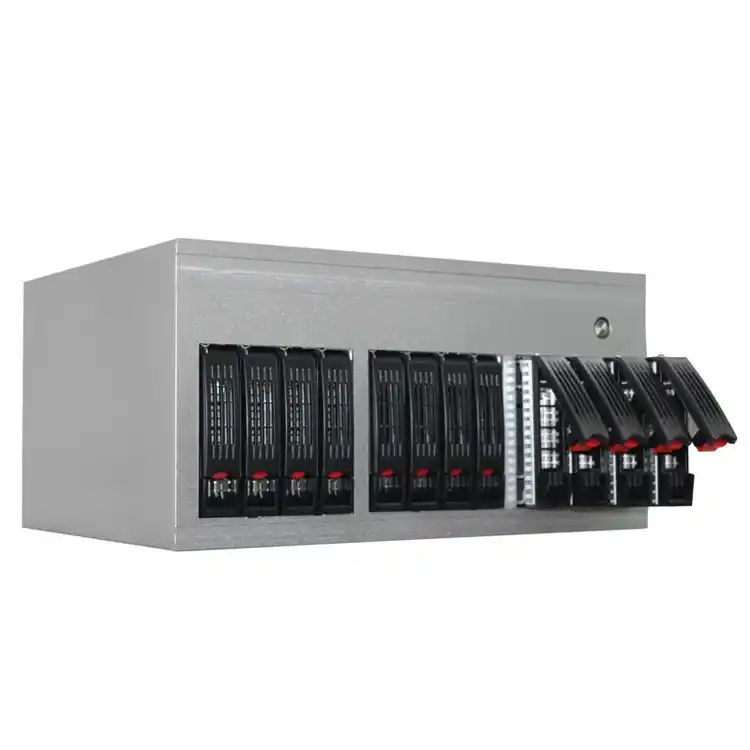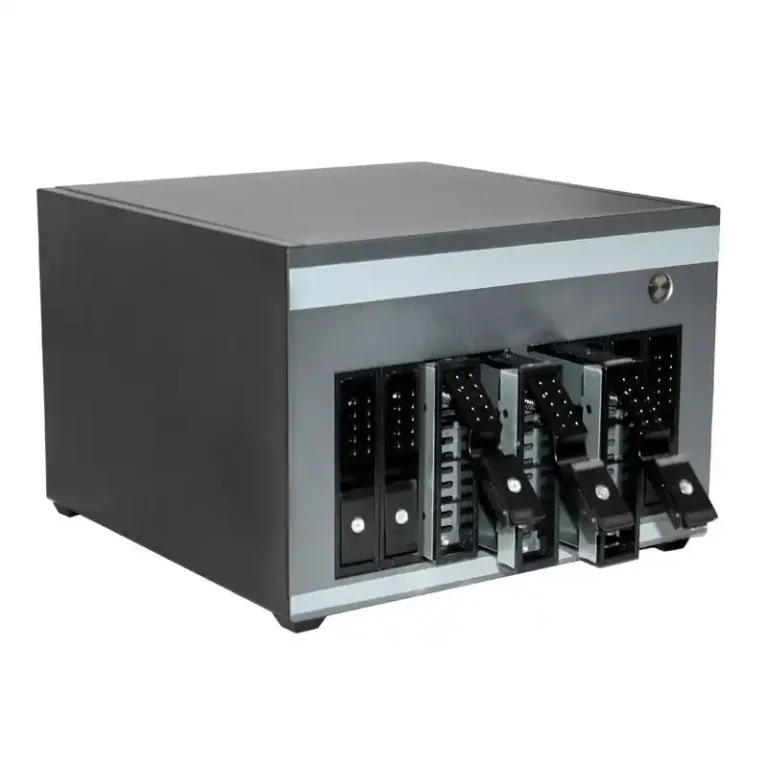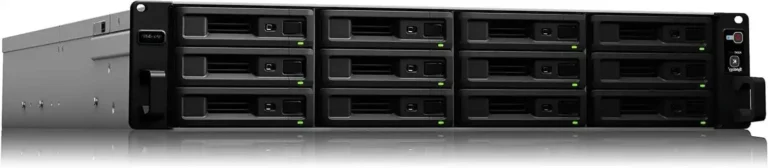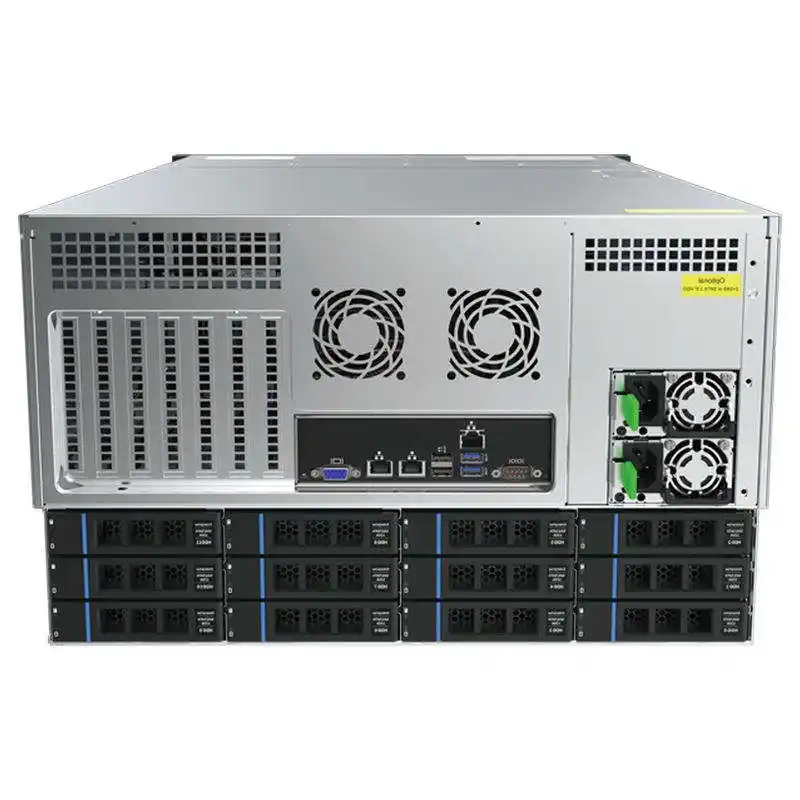
If you’ve ever stuffed 8, 12, or 16 hard drives into one box, you know the sound. It starts as a low hum, then turns into a buzz, and next thing you know your desk feels like it’s lightly vibrating. People blame the drives. Sometimes they’re right. Most of the time, the real villain is the vibration path: drive → tray → chassis → shelf/rack → your room.
My take: you don’t “silence” a high-capacity NAS, you manage it. You cut the vibration transfer, then you tame airflow so fans don’t scream. Do those two things, and even a packed storage chassis can sound “normal” in an office, lab, or server closet.
Below are the core claims and the practical fixes. I’ll keep it real-world, not textbook.
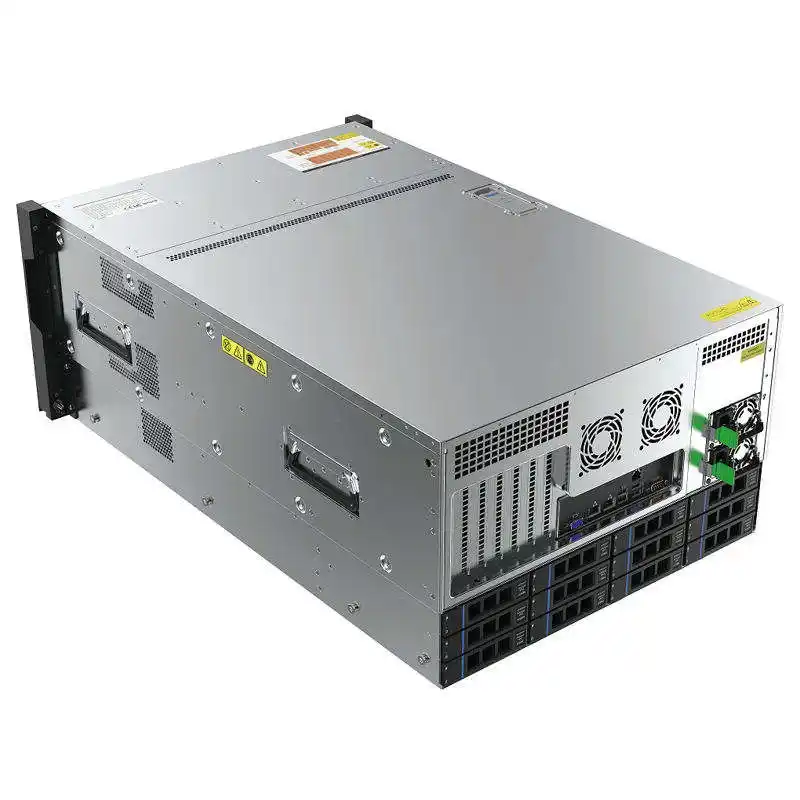
Key Arguments and Evidence Map
| Argument heading (use as section titles) | What you do in practice | Why it works (plain English) | Source type (for credibility) |
|---|---|---|---|
| Give Hard Drives a Cushion (Drive Vibration Isolation) | Add soft contact points (foam/Velcro/rubber), tighten trays, stop micro-rattle | You block vibration before it hits the chassis | Field build notes + common NAS mod practice |
| Decouple the Chassis From the Shelf/Rack (Resonance Control) | Use damping feet/pads, avoid “drum” shelves, isolate from rack rails when possible | The shelf amplifies vibration like a speaker panel | Lab/IT room troubleshooting pattern |
| Choose Vibration-Damped Drive Trays and a Rigid Frame | Prefer trays with rubber grommets, thicker metal, less flex | Rigid + damped = less resonance | Case design specs + mechanical design basics |
| Use Sound-Damped Panels Carefully (Airflow vs Noise) | Add damping material, but keep airflow path clean | Damping helps, overheating makes fans loud | Thermal + acoustic trade-off best practice |
| Fix Loose Points First (Trays, Screws, Panels) | Tighten, re-seat, add anti-rattle strips | One loose panel can ruin everything | Technician checklist reality |
| Plan for Rotational Vibration (RV) in Multi-Bay Setups | Use RV-aware drives for dense bays, reduce coupling | Drives can “shake each other” in clusters | Drive vendor design guidance (general) |
| Vibration Can Hit Performance, Not Just Comfort | Reduce vibration during rebuild/RAID scrub | Less vibration = fewer retries, steadier I/O | Ops experience + performance engineering principle |
| RPM Choice Matters (5400 vs 7200) | Mix drives by role, don’t overkill the quiet zone | Faster spindles usually add more vibration | Basic spindle physics |
| Fan Noise Is a Control Problem (PWM Curves + Airflow) | Larger fans, lower RPM, clean filters, sane fan curve | Small RPM drops can cut perceived noise a lot | Cooling practice in racks/HPC |
| Placement Is a “Free Upgrade” | Don’t trap heat, avoid echo corners, pick stable surfaces | Bad placement forces higher fan speed | Facilities/IT room common sense |
Give Hard Drives a Cushion (Drive Vibration Isolation)
Hard drives don’t just make airborne noise. They also shake—especially during seek. In high-bay NAS builds, that shake spreads and stacks up.
What works in the real world:
- Add a thin soft layer where the drive meets the tray (rubber strip, thin foam, even soft Velcro).
- Make the drive fit snug, not “floating.” Loose-fit trays love to rattle.
- Watch for “click-buzz” patterns. That’s usually tray chatter, not fan noise.
Quick math that helps you debug:
Spindle frequency ≈ RPM / 60.
So 7200 RPM ≈ 120 Hz, and 5400 RPM ≈ 90 Hz. If you feel a steady low vibration, it often lines up with that range.
| Drive RPM | Approx. fundamental vibration frequency | What it feels like |
|---|---|---|
| 5400 | ~90 Hz | softer hum |
| 7200 | ~120 Hz | sharper buzz |
Decouple the Chassis From the Shelf/Rack (Resonance Control)
Here’s the thing people miss: your NAS might be “okay,” but your shelf is basically a drum skin.
Do this before you buy new parts:
- Put the chassis on damping feet or a dense foam pad.
- Avoid hollow IKEA-style shelves (they resonate like crazy).
- In racks, check if the rails transmit vibration into the frame. Sometimes a slightly “softer” interface helps.
If you run a server rack pc case in a shared office, this step saves friendships. Seriously.
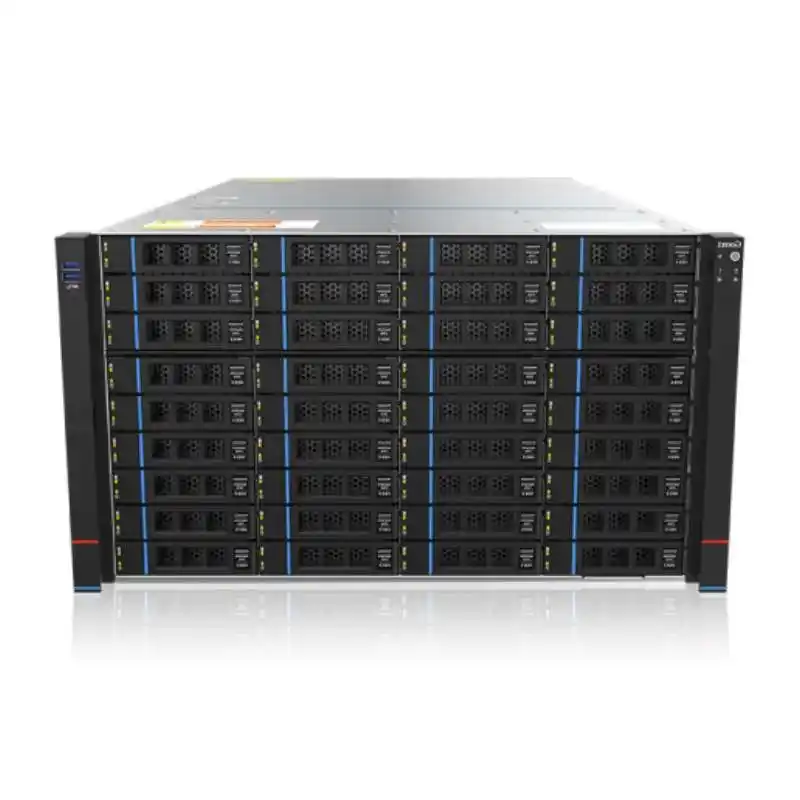
Choose Vibration-Damped Drive Trays and a Rigid Frame
A high-capacity chassis needs two traits that don’t sound sexy but matter a lot:
- Rigid structure (less flex, fewer resonance modes)
- Damped mounting (rubber grommets, isolation points, tight tolerances)
Thin metal + long panels + many drives = the perfect recipe for resonance. A good computer case server build feels “solid” when you tap it. A bad one rings.
This is where OEM/ODM makes sense. If you’re building for a customer rollout (SMB, IT service provider, or a small cluster), you can spec the tray damping, panel thickness, and even the drive cage geometry instead of guessing.
That’s also why folks talk to IStoneCase when they need repeatable builds. Their whole pitch is OEM/ODM storage and server enclosures at scale, not one-off tinkering.
Use Sound-Damped Panels Carefully (Airflow vs Noise)
Sound-damped panels help. But if you choke airflow, fans ramp, and your “quiet” case turns into a mini leaf blower.
A sane approach:
- Damping material on large panels is fine.
- Keep intakes clear. Don’t block the fan wall with cables.
- Clean filters. Dust forces higher fan speed, and that’s where noise jumps fast.
If you’re shopping an atx server case for a warm room, don’t treat damping like a blanket you throw over the problem. Heat always wins.
Fix Loose Points First (Trays, Screws, Panels)
This one feels too simple, yet it fixes a ton of “mystery noise” tickets.
Check:
- Drive trays fully seated
- Side panels tight
- Front bezel clips not half-locked
- Backplane screws snug
- Fan screws not stripped
A single loose panel can resonate and make the whole chassis sound “broken,” even when it ain’t.
Plan for Rotational Vibration (RV) in Multi-Bay Setups
In dense drive cages, one drive’s vibration can couple into the next. That’s how you get the classic “it got louder when I filled the last bay” problem.
If you run big arrays for backup, surveillance storage, or a dev lab, consider drives designed for multi-bay environments (often marketed with RV handling). It’s not marketing fluff 100% of the time. It’s a real issue in packed cages.
Vibration Can Hit Performance, Not Just Comfort
Noise is annoying. Performance dips are expensive (time, ops pain, angry Slack messages).
During RAID rebuilds or heavy scrubs, vibration can contribute to extra retries. That won’t always show up as a clean error, it just feels like “why is this rebuild taking forever??”
So yeah, you’re not only chasing quiet. You’re chasing stability.
RPM Choice Matters (5400 vs 7200)
A lot of buyers default to faster spindles everywhere. That’s not always smart.
Try this mindset:
- Use quieter, cooler drives where you care about acoustics (office NAS, dev corner).
- Use faster drives where performance matters and the chassis lives in a rack room.
Mixing drive roles is normal in the field: “capacity tier” vs “hot data.” It’s not fancy, it’s just practical.
Fan Noise Is a Control Problem (PWM Curves + Airflow)
Fan noise is usually the easiest thing to fix once vibration is under control.
Common wins:
- Bigger fans at lower RPM (when the enclosure allows it)
- A smoother PWM curve (avoid rapid ramp up/down)
- Better cable routing (don’t choke intake)
- Pressure-optimized fans if you use dense filters
If you’re building a server pc case for AI storage next to GPU nodes, you already know airflow is life. Still, you can tune it so it doesn’t sound like a jet.
Placement Is a “Free Upgrade”
Don’t put a NAS in a sealed cabinet and expect quiet. It’ll heat soak, then fans go full send.
Better placement:
- Stable surface
- Some breathing room around intake/exhaust
- Not jammed into a corner that reflects sound back at you
This is the fastest “fix” with zero parts.
Where IStoneCase Fits (When You’re Done Hacking and Need a Real Build)
If you’re building for yourself, mods and pads are fine. If you’re building for clients, wholesalers, or a small fleet in a data room, you need consistency.
That’s where an OEM/ODM shop helps you lock in the right structure: tray damping, airflow path, rack rails, panel rigidity, even how the drive cage loads vibration into the frame.
If you’re sourcing in volume, these pages are a good starting point (internal links only):