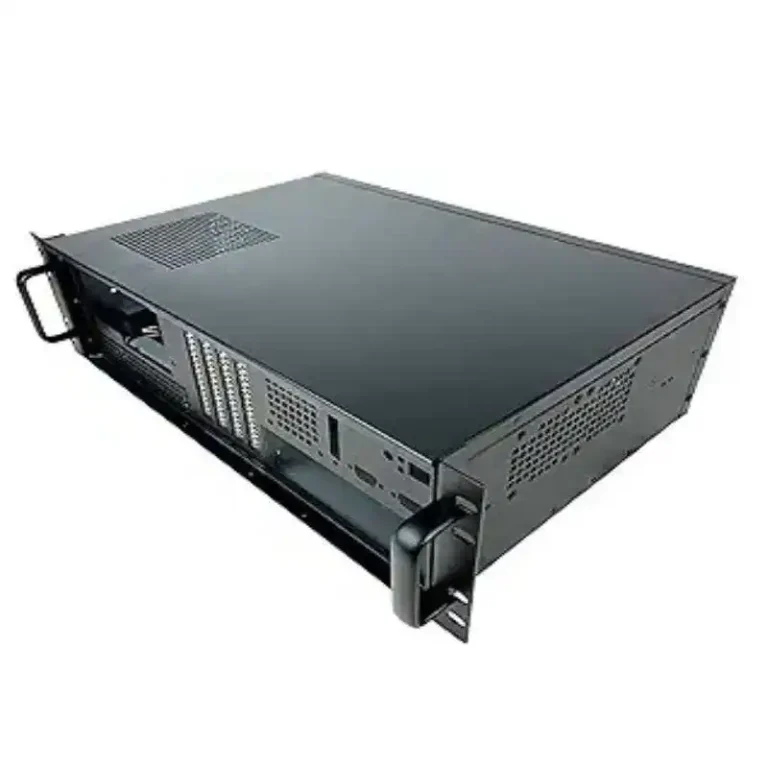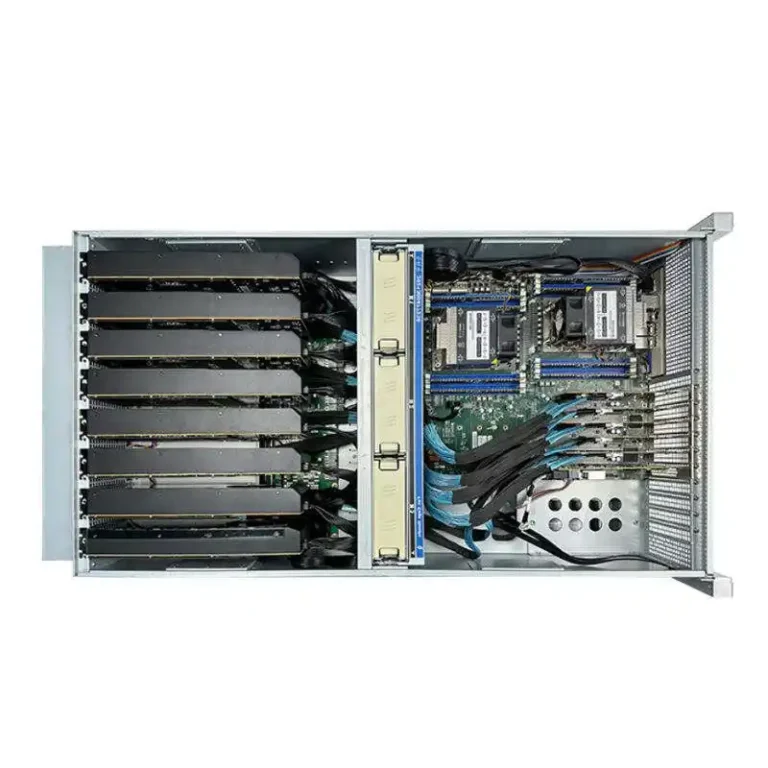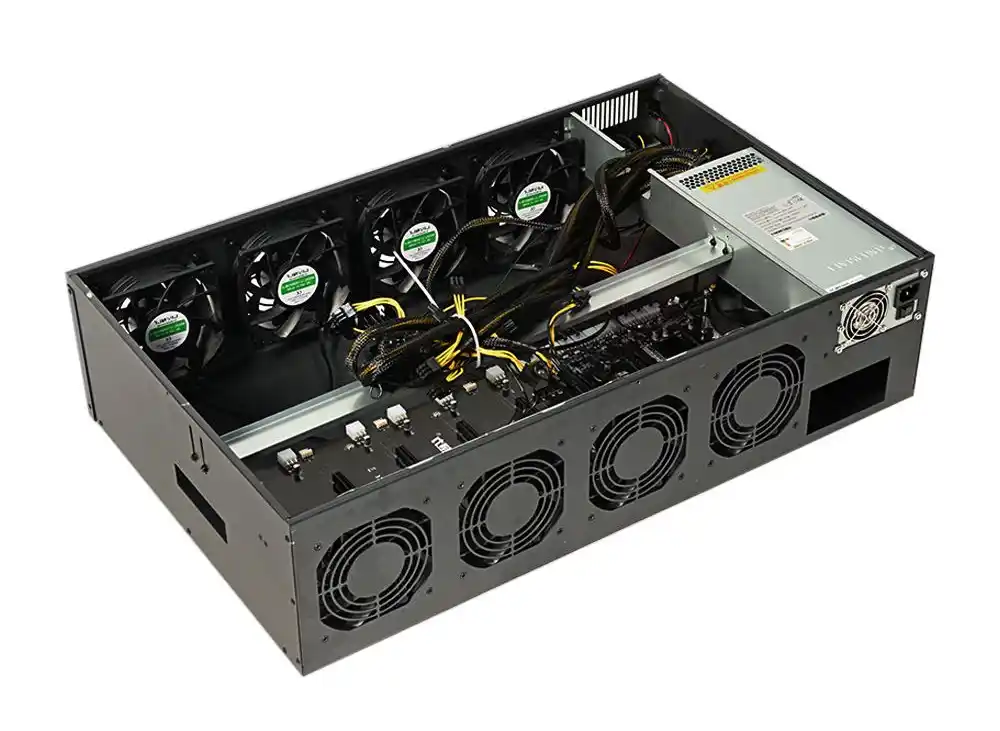
If you’ve ever parked a GPU box next to a desk, you know the vibe: one minute it’s quiet, next minute it sounds like a blow dryer doing cardio. Here’s my take: noise control isn’t a “put foam on it” trick. It’s airflow physics, fan control, and smart chassis choices, all working together.
If you’re speccing for office or lab, start from the chassis. A good GPU server case gives you clean front-to-back flow, low backpressure, and serviceable layout. And if you need repeatable builds, OEM/ODM tweaks, or bulk runs, that’s literally what IStoneCase – The World’s Leading GPU/Server Case and Storage Chassis OEM/ODM Solution Manufacturer is built around.
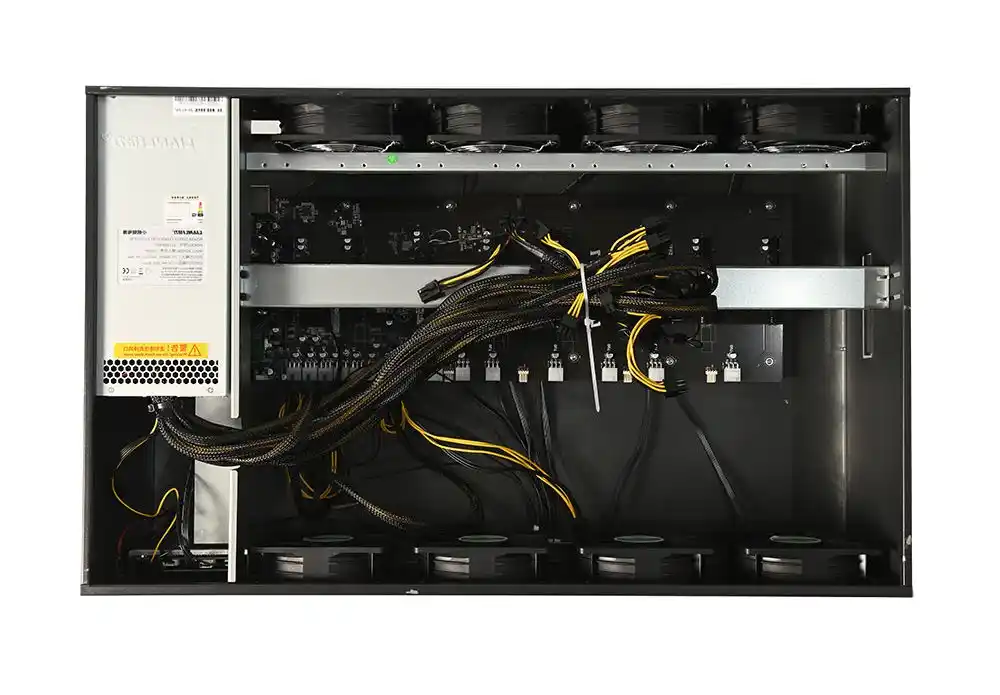
Quick “what to change” table (so you don’t guess)
| Lever (what you touch) | What it usually fixes | Typical downside | Where it shines |
|---|---|---|---|
| Bigger chassis height (4U/5U/6U+) | Lower fan RPM, less whine | Uses more rack space | Office racks, lab pods, edge rooms |
| Cleaner airflow path (front-to-back) | Stops fans from panic-spinning | Needs cable discipline | Any GPU node, any rack |
| Fan PWM curve tuning | Drops idle noise, smooths spikes | Needs testing | Mixed workloads, dev + training |
| Acoustic isolation (enclosure/rack strategy) | Keeps sound away from people | Heat must still escape | Open offices, shared labs |
| Vibration control (drives + panels) | Cuts low “hum” and rattles | Adds small parts | Storage-heavy nodes, NAS rigs |
| Power caps (CPU/GPU policies) | Reduces peak fan scream | Trades performance headroom | Demos, daytime office hours |
1) GPU servers are loud, and noise stacks fast
GPU nodes don’t “get a little louder.” They jump. And when you scale from one box to a row, the sound stacks up fast. In office or lab, that’s the difference between “annoying” and “nobody can think.”
What helps most is planning like a grown-up: assume you’ll add more nodes later. Put the loud stuff in a corner rack, a closet, or a separate bay if you can. If you can’t, you’ll need better chassis airflow and calmer fan behavior, not vibes.
2) Fix airflow restriction first, then the sound drops
Here’s the dirty secret: a lot of “noise issues” are just airflow choking. You block intake with cables, you put the rack too close to a wall, you create hot recirculation. Fans see heat and backpressure, then they go full send.
If you’re building a server rack pc case setup, treat it like a wind tunnel:
- Keep intake clear. No cable spaghetti in the fan wall.
- Leave real clearance behind the rack for exhaust.
- Don’t let hot air loop back into the front.
Do this and you often “get quiet” without buying anything new. Kinda boring, but it works.
3) Taller cases are usually quieter
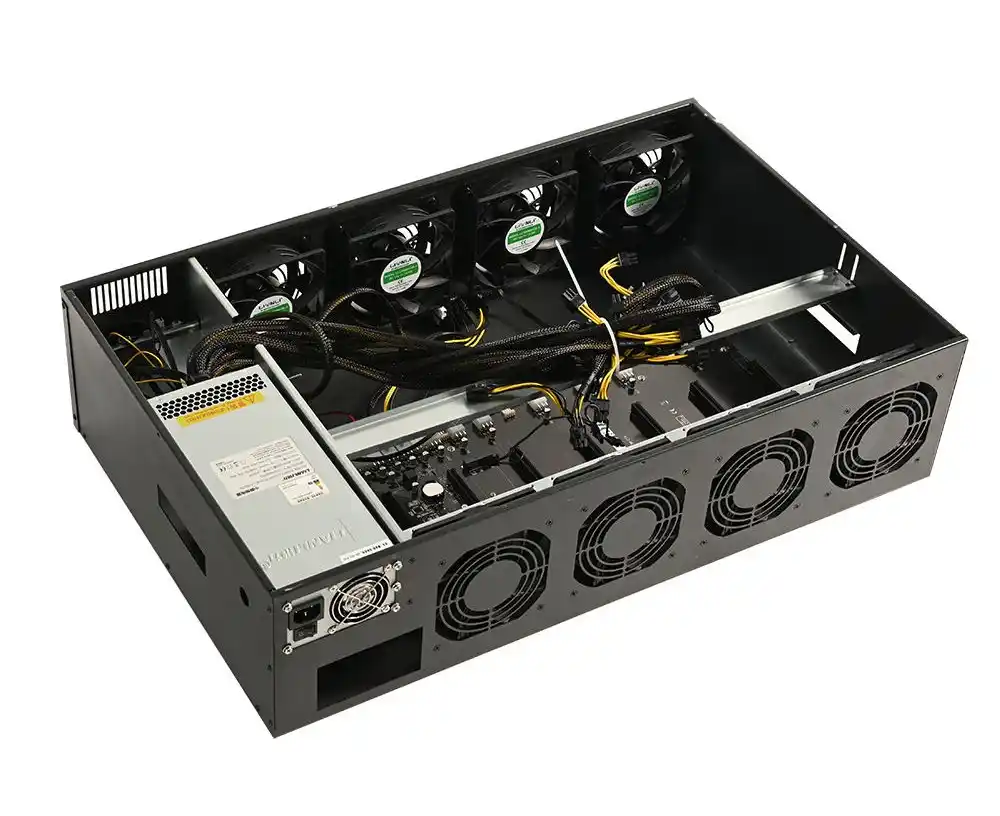
If you want less noise, stop forcing everything into tiny height. A taller chassis can run bigger fans at lower RPM, which means less turbulence and less high-pitch whine.
This is why office/lab teams often prefer 4U–6U for GPU nodes. A compact 1U/2U can be great for density, but it’s way more likely to live in turbine mode.
If you’re comparing layouts, check out a 4U GPU server case or 6U GPU server case style chassis and look for: straight airflow channel, room for proper fans, and sane cable paths.
4) Fan PWM curves matter more than you think
Office and lab loads are spiky: compile, test, idle, then boom—training run. If your fan curve is too reactive, you’ll hear constant ramping. That’s the most annoying kind of sound because it never settles.
A calmer curve (with some hysteresis) keeps fans from yo-yo’ing. You want “steady whoosh,” not “WEEEE… WEEE… WEE.”
If you’re building at scale (MSP, IT team, integrator), you also want repeatable behavior. That’s where OEM/ODM chassis choices and thermal profiles start paying off, because you stop hand-fixing every build.
5) Stabilize room temp, and the noise follows
This feels too simple, but it’s real: stable room temp gives you stable fan speed. When the room swings hot/cold, fans chase it. And dust makes it worse because filters clog, airflow drops, RPM climbs.
Lab tip: make “filter checks” part of the routine, like labeling samples. You don’t want the first clue to be “why is it screaming today?”
6) Acoustic racks can cut noise, but don’t cook the server
Isolation works. Put the loud box inside an enclosure strategy, and people get their brains back. But you can’t treat a GPU node like it’s a pillow. If you trap heat, fans will just run even harder, and then you’ve built a loud oven.
So if you go enclosure-style, match it with strong ventilation. Think: controlled intake, controlled exhaust, no dead zones.
7) Seals and damping help, sometimes more than fancy mods
Small leaks add up. Rattly doors, loose panels, random gaps—those are all sound paths. Tighten the mechanical fit, add sensible damping where it won’t block airflow, and you can knock down the harsh edge.
This is where a well-built chassis matters. Cheap sheet metal sings. Better construction stays quiet. Simple.
8) Power caps can buy quieter days, but you pay in headroom
If you need “quiet mode” for demos, daytime office hours, or a shared lab, a power cap is a legit tool. Less heat → less fan → less noise.
Just don’t lie to yourself: you’re trading peak performance. That’s fine when the goal is sanity, not leaderboard scores. Set policies for day vs night runs, and you’ll keep everyone happy(ish).
9) Small rooms and closets can work, but you need rules
A lot of teams run GPU servers in “not-a-datacenter” spaces: lab corner, network closet, under-stairs rack, you name it. It can work. But you need basic ops rules:
- Schedule heavy training when fewer humans are nearby.
- Monitor temps remotely (BMC/out-of-band), so you don’t keep opening the rack to “check.”
- Treat airflow like a safety thing, not a comfort thing.
And if you’re shipping systems to customers, you want a chassis plan that survives bad rooms. That’s where server pc case design choices stop being “nice” and start being risk control.
10) Don’t forget structure-borne noise: drives and vibration hum
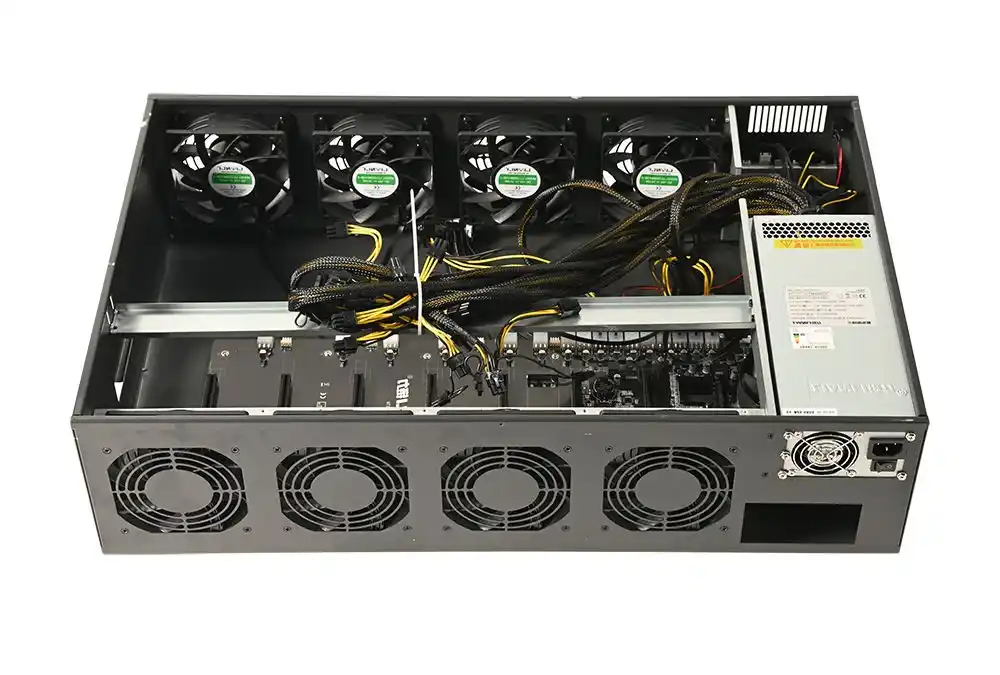
Not all noise is fan roar. Some of it is the low “brrrrr” that comes from vibration—hard drives, loose brackets, rails that chatter. You’ll notice this more in storage-heavy builds, NAS nodes, or anything with lots of spinning disks.
If storage is part of the stack, spec the right chassis and mounts. For example, a NAS devices build benefits from stable trays and less rattle. Same idea for compact edge boxes too, like an ITX case where every vibration is basically amplified.
Also, use good rails. A wobbly install turns the rack into a drum. Chassis guide rail choices sound boring, but they save a lot of “why is it buzzing” tickets.
Where atx server case and “computer case server” fit in (real talk)
If you’re doing lab compute that looks more like workstation-to-rack (ATX boards, mixed cards, lots of I/O), an atx server case layout can be a sweet spot: decent airflow, easier cable runs, and less “sardine can” pressure.
And if your team is building a practical, own-the-hardware stack, this computer case server angle matters because your chassis becomes part of uptime. Not just metal, not just vibes.