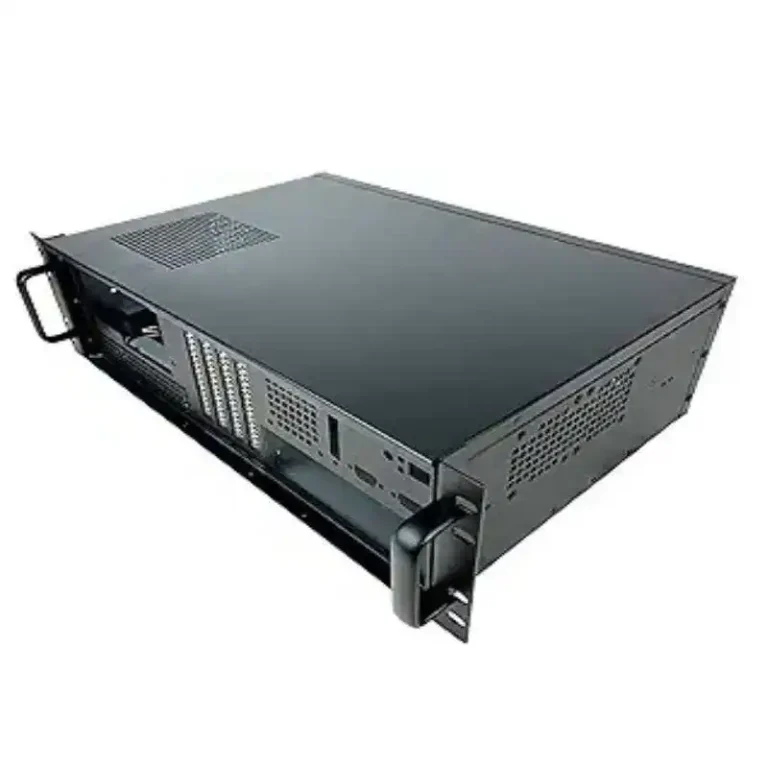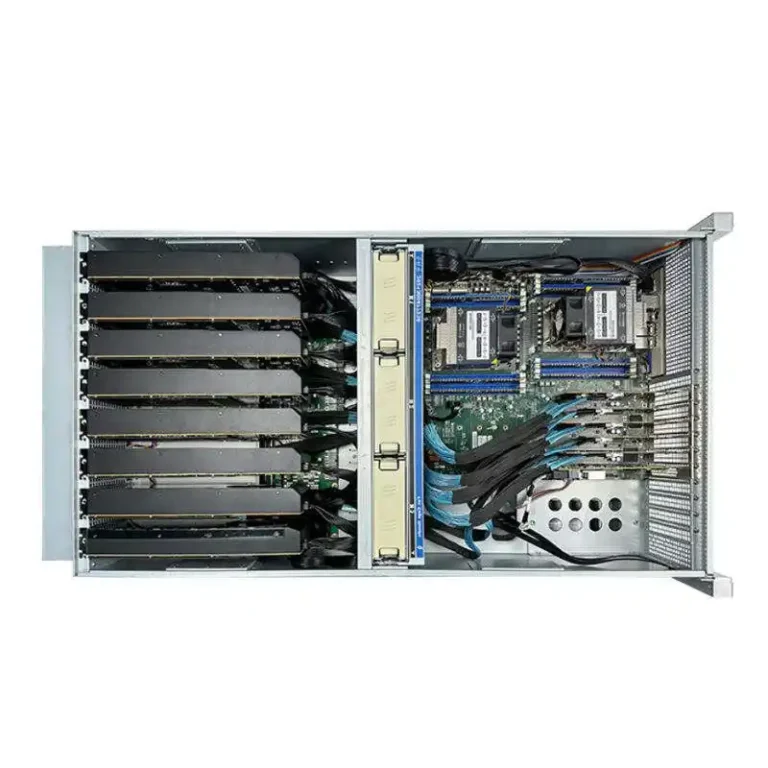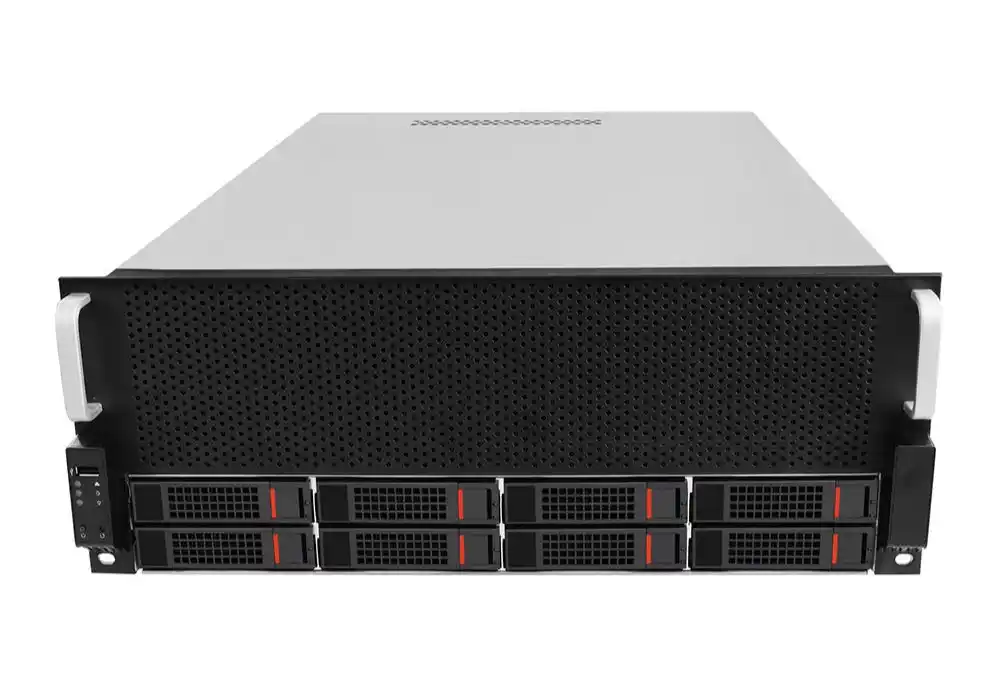
If you’ve ever racked an 8-GPU box at midnight, you already know the truth: the GPU isn’t the hard part. The hard part is the case behaving like a grown-up when heat, cables, and power all start yelling at the same time.
System integrators live in the messy middle. You’ve got customer pressure, datacenter limits, and a vendor list that changes every quarter. So let’s make this simple: below is a checklist you can use for RFQs, design reviews, and factory sign-offs. It’s written for real work, not marketing slides.
Also, yes, we’ll naturally mention IStoneCase because if you’re sourcing GPU server cases, rackmount, wallmount, NAS devices, ITX, or rails in bulk, you probably want a partner who can do OEM/ODM without turning your timeline into chaos.
Keyword quick links for your RFQ (internal pages)
- server rack pc case
- server pc case
- computer case server
- atx server case
- GPU Server Case
- Wallmount Case
- NAS Case
- Chassis Guide Rail
The checklist at a glance (what to validate, when, and who signs)
| Checklist area (what can break) | What you ask / verify | Best checkpoint | Risk if you skip | Sign-off owner |
|---|---|---|---|---|
| Workload → topology | Training vs inference, PCIe lanes, NVLink needs, GPU count target | RFQ + concept | High | SI architect |
| Mechanical fit | CAD stack-up, riser alignment, GPU retention, cable paths | EVT | High | SI + OEM ME |
| Airflow design | Front-to-back flow, baffles, fan wall, filter plan | EVT + DVT | High | Thermal owner |
| Multi-GPU density | Slot spacing, intake blockage, service clearance | EVT | High | SI lead |
| Power + redundancy | PSU bay layout, hot-swap access, cable “hygiene” | DVT | High | Power owner |
| Serviceability | FRU plan, rails, tool access, field swap time | DVT | Medium/High | Ops lead |
| NPI stage gates | EVT/DVT/PVT exit criteria, ECO rules, BOM freeze | RFQ + ongoing | High | Program mgr |
| QC + process | Incoming checks, tolerance control, burn-in flow | PVT | Medium/High | Supplier quality |
| Cross-vendor compatibility | Board thickness, connector heights, mixed GPU SKUs | EVT + DVT | Medium/High | SI architect |
| Compliance + docs | Labels, manuals, packing, test records, traceability | PVT | Medium | Compliance owner |
Keep this table in your project room. It saves you from “we’ll fix it in rev B” vibes.
Start from the workload, not the sheet metal (workload sizing, PCIe topology)
Don’t start with “4U or 6U?” Start with what the box will do.
- If the customer runs LLM training, they’ll slam GPUs at high duty cycle. That’s constant heat, constant power draw, constant fan pressure.
- If they run inference, they may care more about noise, filters, and fast swaps.
- If it’s a mixed cluster, you need a case that stays stable even when the job mix changes. That’s where people get burned.
Practical tip: In your RFQ, write the worst day workload, not the average day. Average day makes nice slides. Worst day keeps uptime.
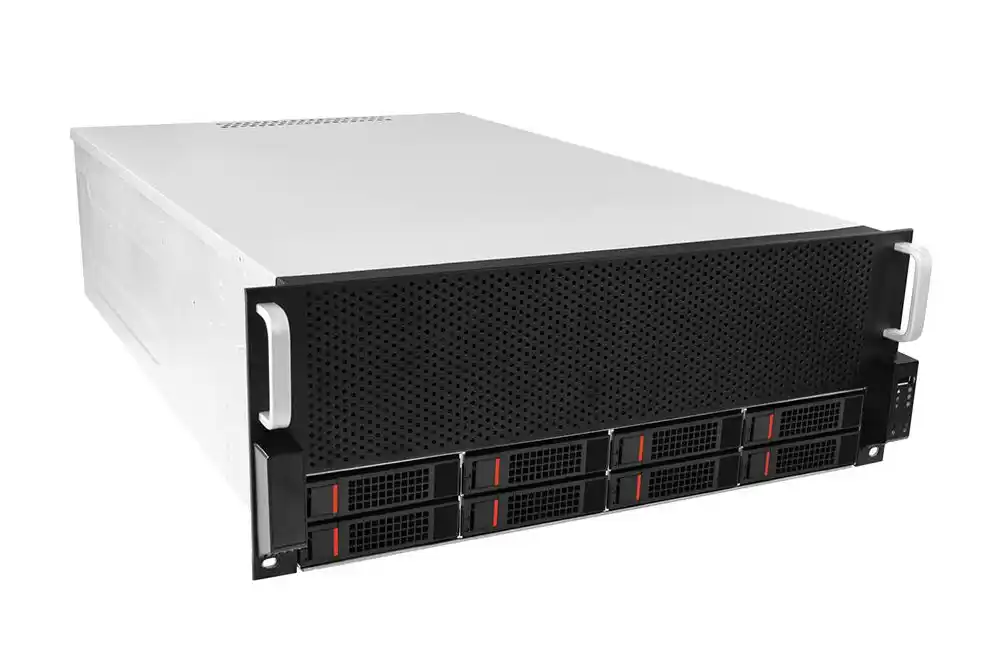
“Fits” doesn’t mean “runs stable” (mechanical stack-up, cable routing)
I’ve seen this a lot: everything “fits” on paper, then the system throttles because the GPU intakes are half blocked by cable spaghetti. Nobody’s happy.
What to watch:
- Riser card alignment: tiny shifts become big pain when you ship batches.
- Cable routing lanes: plan them like highways, not like “we’ll zip-tie later”.
- GPU retention and anti-sag: shipping vibration is real, even if your lab is calm.
If you want fewer RMAs, treat cable routing like part of the design, not an afterthought. Sounds boring, saves weekend.
Cooling is the first priority (front-to-back airflow, baffles, fan wall)
For a GPU chassis, cooling isn’t “add more fans.” Cooling is a system.
A good layout usually does this:
- pulls cold air in clean from the front,
- keeps a straight wind tunnel through GPU zone,
- pushes exhaust out the rear without recirculation.
If you’re building a server rack pc case, you also need it to behave inside a real rack: doors, blanking panels, hot aisle/cold aisle, and whatever weird airflow the datacenter already has.
Real scenario: You deploy in a shared rack where someone else’s gear dumps heat sideways. Your case must still hold thermal margin. If it can’t, you’ll chase “random” crashes for months.
Multi-GPU means heat + power + space together (slot spacing, service clearance)
Multi-GPU design is like balancing three plates at once:
- Heat density: GPUs make hot zones fast.
- Power delivery: you need clean routing and safe connectors.
- Space + access: techs still need to pull a card without breaking knuckles.
If you’re targeting high density, go in with honest expectations. A tighter design can work, but only if the case has:
- a proper fan wall (high static pressure),
- baffles that stop air from taking shortcuts,
- enough access room for swaps.
This is where a vendor who’s used to GPU builds helps a lot. With IStoneCase, you can start from existing GPU server case platforms, then customize around your board, your GPUs, your rail depth, and your service style. Less reinventing wheel, more shipping.
Redundant power supplies change the whole layout (PSU bays, hot-swap access)
Redundant PSU isn’t “just add one more brick.” It changes:
- airflow paths,
- cable bundle size,
- module bays,
- how fast you can swap parts in the field.
Ask these questions:
- Can a tech hot-swap PSU without pulling the whole chassis?
- Do PSU cables cross the airflow tunnel?
- Does the PSU area create a hot pocket that feeds back into GPU intakes?
If the answers feel hand-wavy, you’ve found future downtime.
Write serviceability into acceptance (FRU, guide rails, MTTR)
If you’re a system integrator, you don’t just ship. You support. That means serviceability is money.
Must-have items:
- FRU map: what can be swapped in the field, and how.
- Chassis guide rails matched to depth and load.
- Tool access that works in a cramped rack, not just on a clean bench.
A lot of buyers ignore rails until install day, then everything turns into a comedy. Don’t do that. Specify rails early. Test them with the fully loaded chassis. Heavy box changes everything.
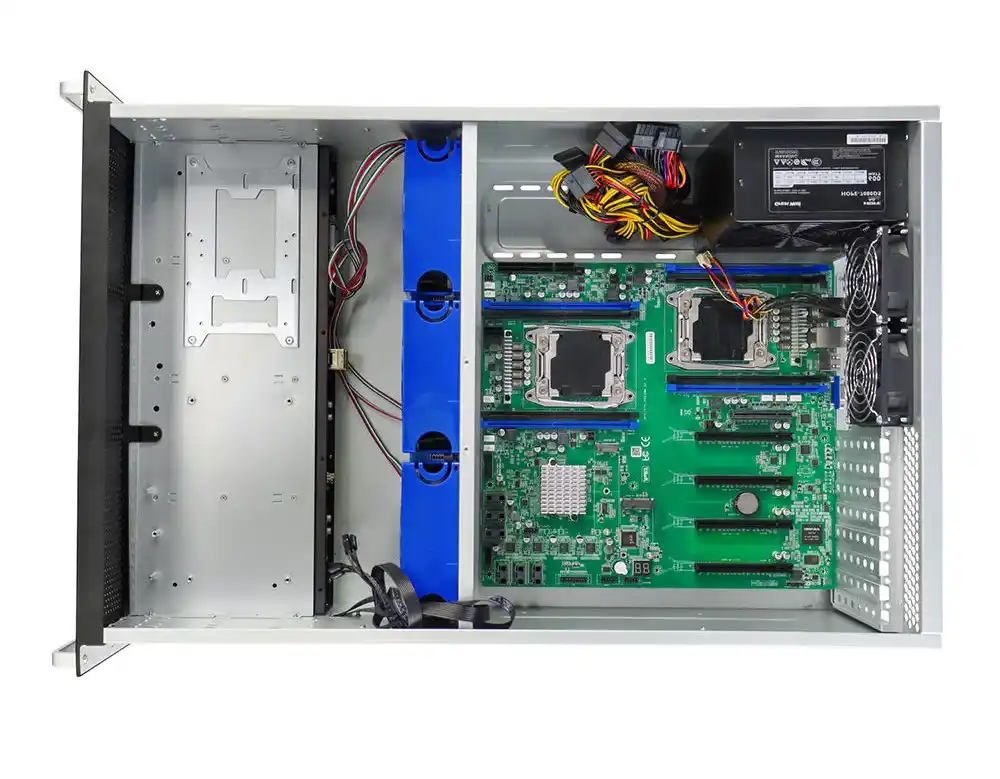
Run NPI with EVT / DVT / PVT stage gates (BOM freeze, ECO control)
If your OEM/ODM process is “send CAD, wait, pray,” you’re gonna suffer.
Use stage gates:
- EVT: prove the concept. Catch mechanical/airflow issues early.
- DVT: validate full build. Push thermals, power, and service tasks.
- PVT: prove manufacturing repeatability. Lock your BOM. Control ECOs.
This is where integrators win or lose time. When you lock an atx server case layout too late, every ECO becomes a domino line. Keep a change control rulebook. Make it boring. Boring is good.
Make supply chain and QC a process (tolerances, incoming inspection)
You can design the perfect chassis, then lose it in production if QC is weak.
Put these on your supplier checklist:
- incoming material checks (thickness, finish, consistency),
- key dimension measurement records,
- controlled assembly steps,
- traceability for batches.
This isn’t “extra paperwork.” It’s how you avoid 200 units with a slightly off PCI bracket that ruins build time. Ask me how I know… actually don’t, it’s painful.
Cross-vendor compatibility is a real trap (connector height, board thickness)
Integrators often want one chassis to support:
- multiple motherboard vendors,
- different GPU lengths,
- different connector heights,
- maybe future revisions.
That’s doable, but only if you plan for it:
- adjustable mounting points,
- tolerance slack where it matters,
- modular brackets instead of fixed holes everywhere.
Otherwise you end up doing “field mods,” which is code for “we’re in trouble.”
Customization isn’t just cosmetics (compliance, packaging, documentation)
OEM/ODM success means the whole package ships clean:
- labels and part numbers that match your system,
- manuals that don’t confuse techs,
- packaging that survives logistics,
- test records that support acceptance.
If you sell to data centers, they’ll ask for clean docs and repeatable builds. If you serve SMBs, they’ll ask for quick setup and simple support. Either way, make documentation part of the build, not a last-minute Word file.