Most “random” rack issues aren’t random. A loose latch, a half-seated connector, a GPU that slowly creeps in its slot—vibration and shock can push all of that over the edge.
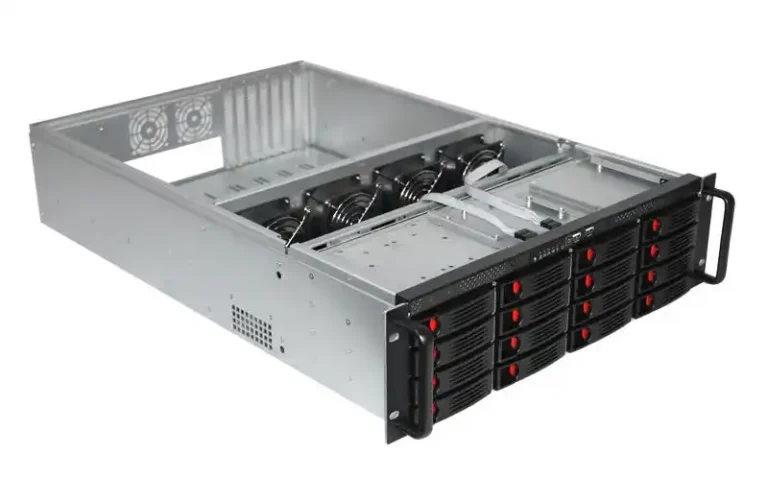
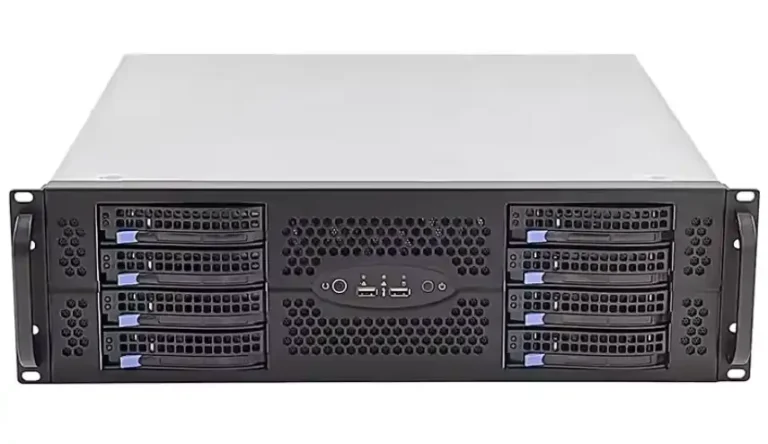
So if you’re buying a server rack pc case (or any server pc case, computer case server, even an atx server case build), don’t treat vibration like background noise. Spec it.
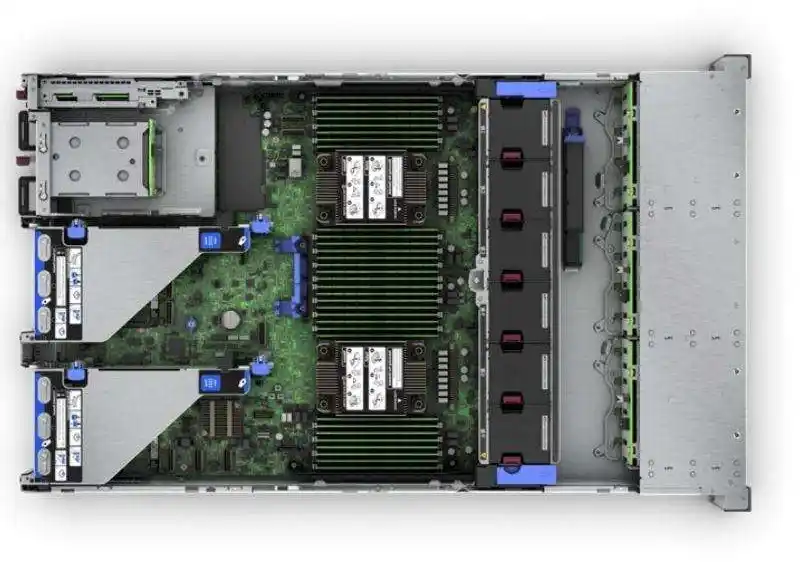
Set limits by the weakest device in the rack
A modern rack is a mixed bag: storage nodes, GPU boxes, and network gear all in one cabinet. The mistake is assuming one tolerance fits all.
The weakest device sets the limit.
If your HDD-heavy storage node can’t take the same shake as the rest, your whole rack spec has to follow the storage node. Otherwise you’ll get flaky disks, surprise rebuilds, and “why is p99 awful today?” tickets.
Keep it simple:
- Identify the most vibration-sensitive parts (HDDs, risers, long GPUs).
- Use that as the rack’s max envelope.
- Write it into the RFQ so suppliers don’t hand-wave it.
Write the spec in g RMS, g peak, mils, and shock pulse width
“Anti-vibration” is vague. Numbers aren’t.
Use these fields so a factory (and a lab) can actually test your case:
| Field | Meaning | Typical symptom it prevents |
|---|---|---|
| g RMS | steady vibration level (over a band) | fan resonance, cabinet hum |
| g peak | instant vibration spikes | latch chatter, rail buzz |
| mils | low-frequency displacement | slow sway that loosens parts |
| Shock (g @ ms) | hit strength + duration | shipping bumps, dock drops |
One rule: always state the frequency band, direction, and duration. If you don’t, two quotes can “match” and still behave totally different.
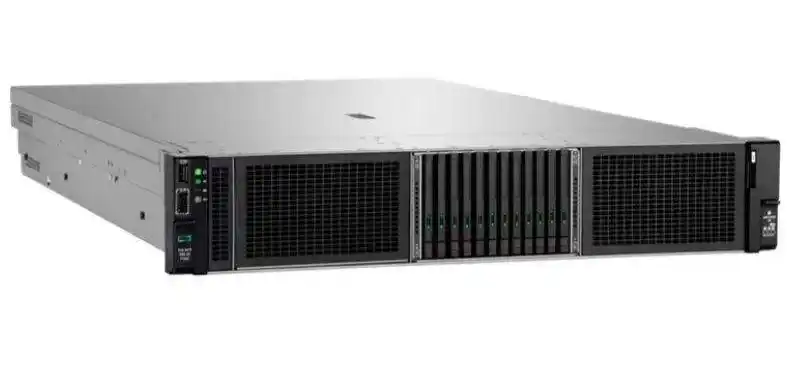
Don’t trust your hands: measure vibration before you buy isolation
Racks can feel shaky because of airflow, resonance, or even cable slap. Your hands lie. Sensors don’t.
Do a short measurement pass before you throw money at isolation:
- Measure at rack posts and on the chassis (front + rear).
- Log normal load and worst-case events (boot storms, fan max).
- Compare to the weakest-device limit you picked earlier.
Sometimes you learn you don’t need isolation at all. You just need better rails, tighter retention, or cleaner cable routing.
Isolation can change I/O performance, not just survival
Isolation mounts can protect hardware. They can also change behavior, especially in storage-heavy boxes.
You might see:
- more latency spread on random I/O
- different resonance that makes a chassis “hum”
- small shifts that change HDD behavior over time
So test isolation like performance: repeat runs and watch variance, not one shiny benchmark. If it gets messy, a stiffer chassis + better retention can beat fancy mounts.
Transport is a different beast: shock pallets and qualified shipping
A server can run fine in the rack, then arrive DOA after shipping. Been there.
Shipping adds liftgate drops, pallet jack hits, and long-haul vibration for hours. Treat transport as its own spec:
- Are you shipping chassis only, or a loaded rack?
- If it’s a loaded rack, require shock protection and internal bracing.
- Add a post-ship checklist (drive seating, GPU retention, rail locks).
If you don’t define this, you’ll debug ghosts later.
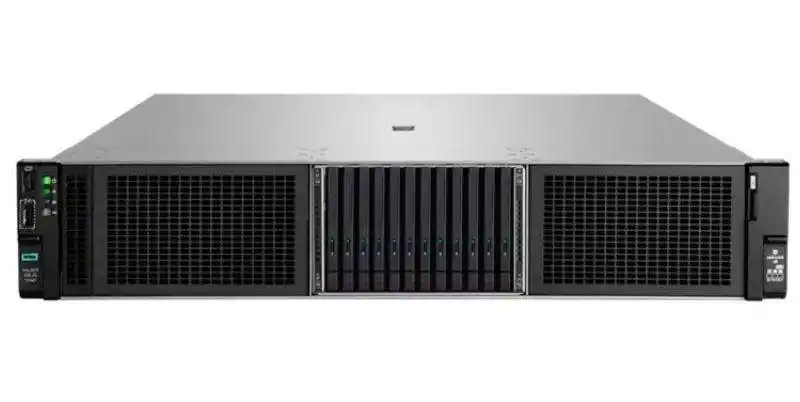
Dynamic environments need test plans, not just static load
Static load ratings are table stakes. Edge and mobile installs aren’t static.
Factory cabinets, trucks, ships, and roadside enclosures stack up micro-shocks all day. Over time, that’s what walks fasteners out and backs connectors out.
Your acceptance criteria should be blunt:
- no latch release
- no connector back-out
- no card creep
- no functional errors after test
It sounds strict. It saves you downtime.
Talk like an engineer: mount points, load window, and rails
This is where designs stop rattling.
| Design detail | Pain it avoids | What to ask for |
|---|---|---|
| Positive latching | drive sled rattle | full-lock latches, no half-seat |
| Card retention | GPU sag, slot stress | real rear hold-down + stiffness |
| Rail fit + lock | rail chatter | depth-matched rails with locks |
| Backplane support | connector fatigue | solid standoffs, less flex |
Rails deserve respect. They’re the handshake between rack and chassis. If you want stable sliding and less chatter, spec real rails and load. Start here: Chassis Guide Rail.
Rackmount Case, GPU Server Case, and OEM/ODM fit for vibration and shock
Different builds break in different ways, so pick the chassis lane that matches your risk:
- Data center racks: choose a sturdy Rackmount Case or wider Server Case range, then tune rails and retention.
- AI/HPC: heavy cards need a real GPU Server Case so you don’t fight sag, riser stress, and hot spots.
- Edge + storage: for tight spaces use a Wallmount Case; for HDD-heavy builds use a NAS Case; for tiny nodes use an ITX Case (just be honest about limits).
If you’re buying in bulk, or you need extra bracing, custom bay counts, cutouts, or branding, lock it early with Server Case OEM/ODM. It reduces rework, and it reduces “this batch rattles” surprises.