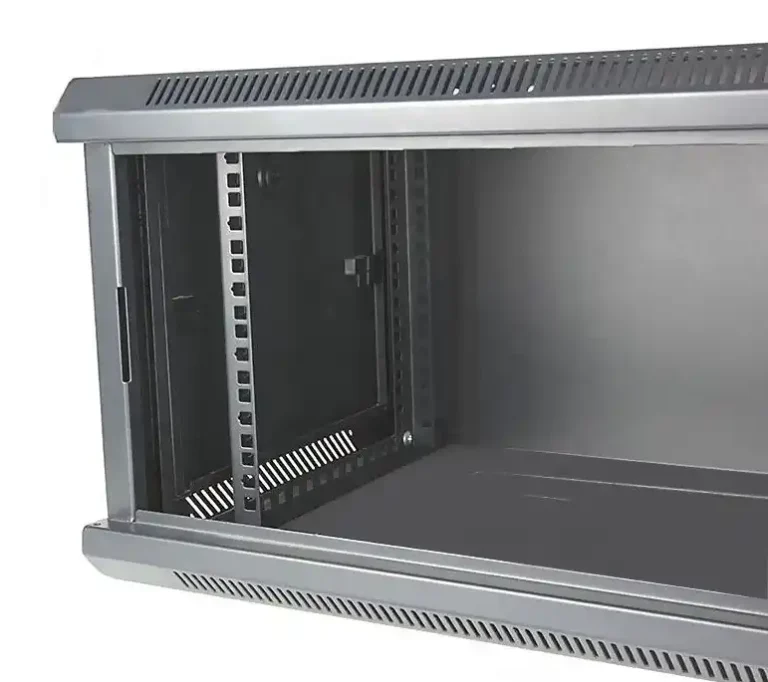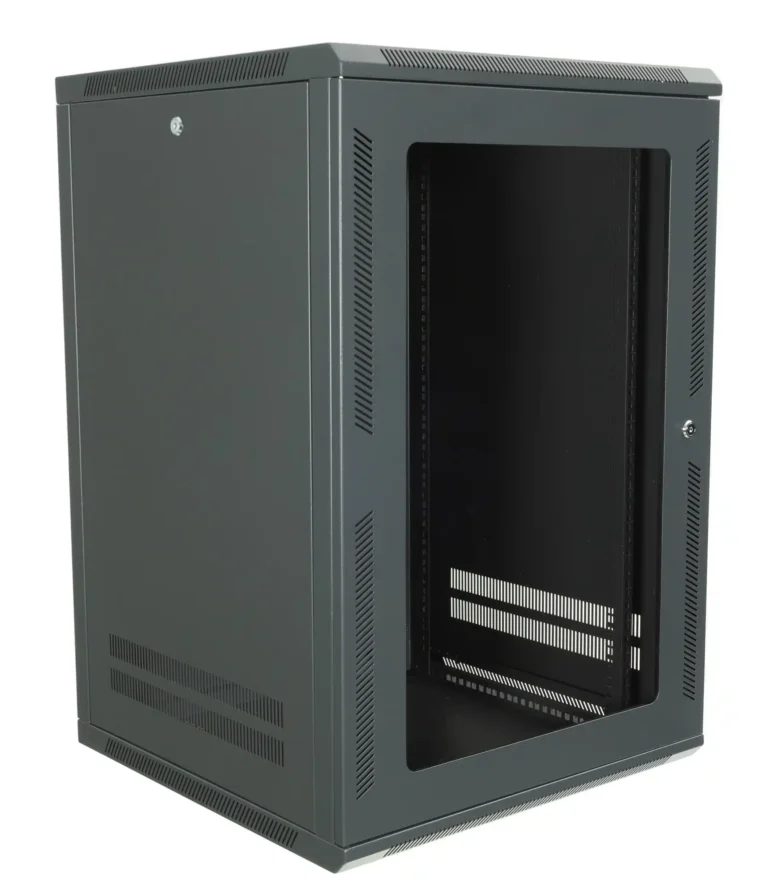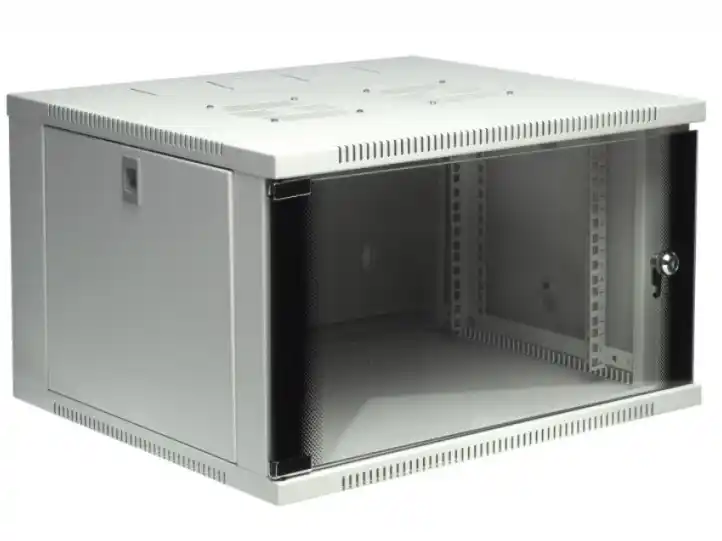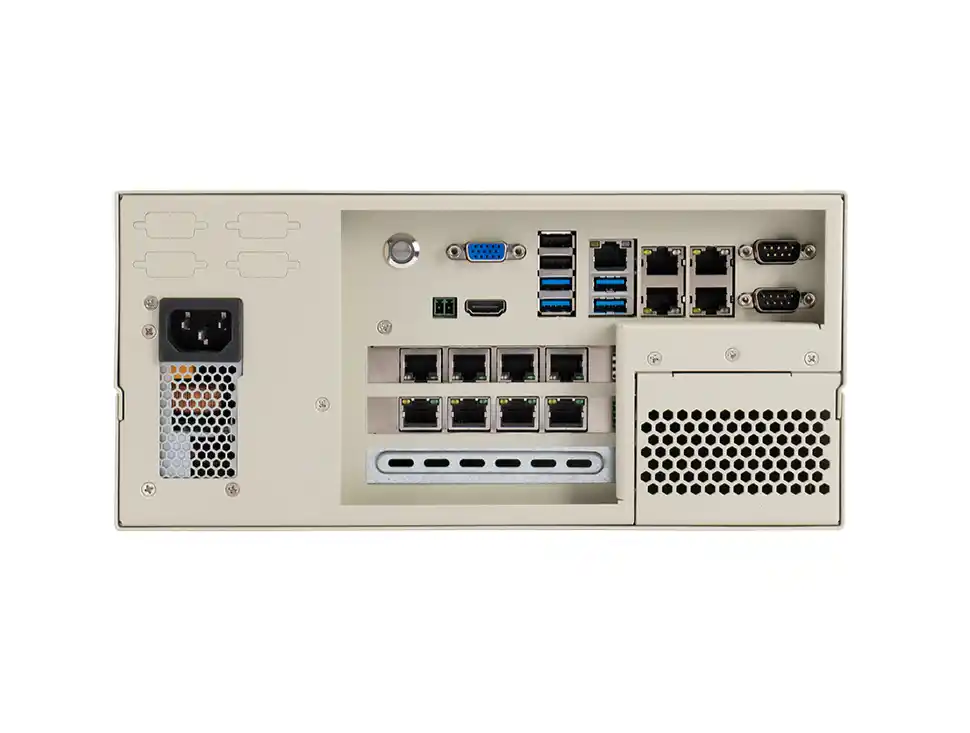
If you’ve ever shoved a box into an IDF closet and prayed nobody touches it… yeah, you already get it. A wallmount case isn’t “just a box.” It’s the difference between a clean service visit and a nasty truck roll because someone bumped a cable, slammed a door, or “borrowed” a key.
And this isn’t only for tiny installs. Even teams building a server rack pc case, a server pc case, a computer case server, or an atx server case still run into the same ops truth: serviceability + access control + visibility + identification = fewer headaches.
At IStoneCase (OEM/ODM, bulk/wholesale friendly), we see customers make the same mistake: they spec CPU, drives, and fans like pros, then pick doors/locks/windows/colors like it’s a mood board. Don’t do that. Pick them like an ops person who hates downtime (because you do).
If you’re starting from scratch, check the Wallmount Case lineup first. If your deployment is storage-heavy, your “case” might actually be a NAS Case. Same logic, same pain points.
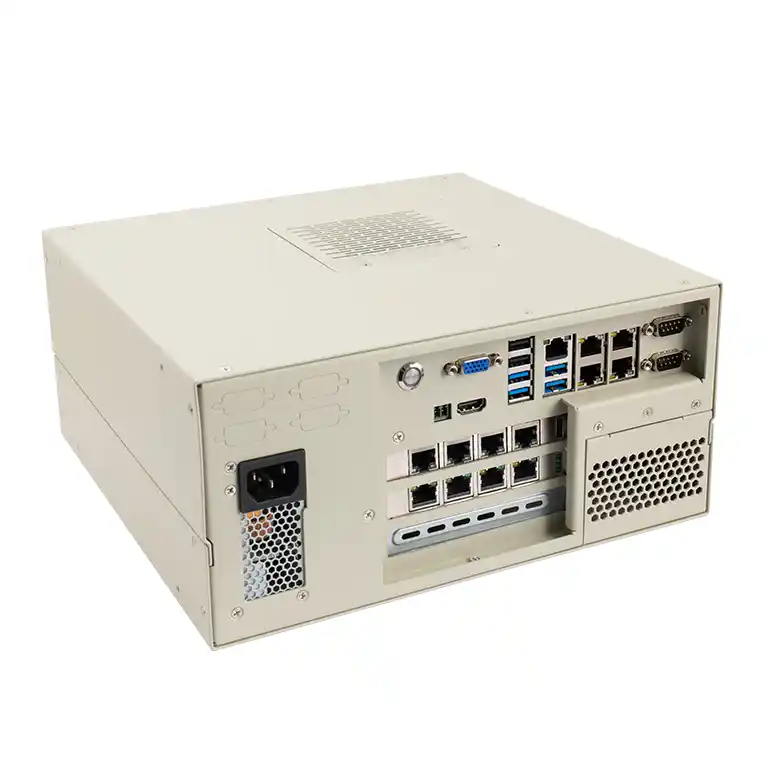
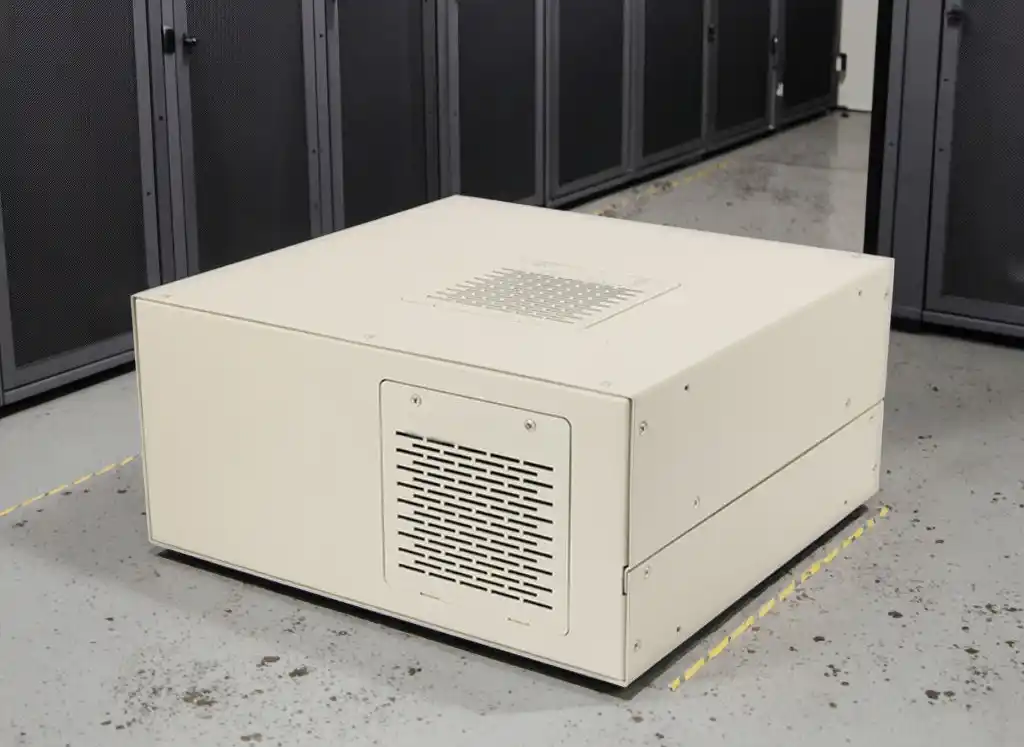
Wallmount Case Doors
Frequent Maintenance: Door Design Drives MTTR
Here’s the argument: the door decides how fast you can touch the gear.
- If your tech opens it weekly (patching, swapping NICs, cleaning filters), a door that swings clean and stays out of the way cuts your MTTR.
- If your tech opens it “only when it’s broken,” then sure, a tighter, more rigid door can be fine.
Real-world use:
- Retail edge closet: you’re kneeling beside a mop bucket. You need a door that opens wide and doesn’t fight you.
- Small office server corner: door clearance matters. If it hits a wall, a desk, or a ladder, your service visit turns into yoga.
Service Access: Don’t Ignore Hinge Geometry
Hinges sound boring. They’re not. Hinge geometry is why you can route cables without snapping a connector.
What to consider:
- Opening angle: Can the door open far enough to work, not just “peek”?
- Reversible swing: If the case sits near a corner, you’ll want a left/right option.
- Door stability: A floppy door becomes a cable killer.
Dust and Airflow: Doors Affect Cooling, Not Just Looks
A door isn’t only a “front cover.” It changes the airflow path. If your plan is front-to-back cooling, but the front door chokes intake, you’ll cook the box slowly. It’s like wearing a mask while sprinting.
Ops slang: if the intake is starving, fans ramp, noise jumps, temps creep, and your NOC gets alerts at 2 a.m. Not fun.
Wallmount Case Locks
Physical Security: Locks Stop Casual Tampering
Let’s be blunt: most “attacks” in edge sites aren’t James Bond. It’s a curious hand, a cleaning crew, or the “IT guy’s friend” who wants to press buttons.
A lock does three things:
- stops casual access
- protects ports and power
- sets a clear boundary (“hands off”)
Key Management: Locks Can Increase or Reduce Admin Work
This is where people mess up.
- Keyed locks: simple, familiar, but keys multiply fast. Lose one and you’re re-keying or replacing.
- Combo locks: good when multiple staff need access and nobody wants to track keys. It can reduce the “where’s the key?” chaos.
- Keyed-alike strategy (OEM/ODM option): same key across a batch. Great for rollout consistency, risky if you don’t manage who has it.
Use-case examples:
- School lab / hospital hallway: combo access can reduce drama. People rotate shifts, keys get lost.
- Factory floor cabinet: key lock might be safer if you must restrict access hard.
Compliance and Audit: Locks Support “Policy”
If your customer talks about “audit,” “compliance,” or “chain of custody,” they’re telling you: give me control and traceability. Locks are the simplest physical layer of that story.
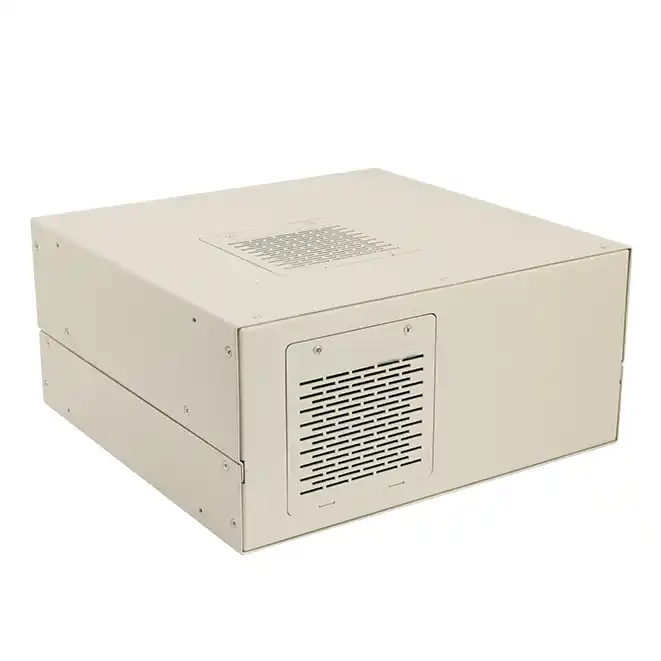
Wallmount Case Windows
Visibility: Windows Reduce “Open Door” Events
A window sounds small, but it’s a huge ops win: you can confirm status without opening the case.
That means:
- fewer accidental cable bumps
- less dust entering the chassis
- fewer “oops I unplugged it” moments
Where it shines:
- Camera/NVR racks in public areas
- Branch office edge nodes
- Algorithm demo rooms where people like to stare at LEDs like it’s a campfire
Tamper Resistance: Windows Must Survive Real Life
If you add a window, don’t make it the weakest point. In the field, things get bumped. Cart wheels happen. People lean on stuff. It’s not a clean lab.
Look for:
- impact-resistant panels
- proper mounting (no rattling, no flex)
- clean edges so you don’t create a crack starter
Tradeoff: Window vs Shielding and Ruggedness
A window gives visibility, but it can reduce ruggedness if done wrong. So pick it only if you actually need to see inside. Otherwise, skip it and spend that effort on airflow, dust control, or better cable routing.
Wallmount Case Colors
Identification: Color Helps Humans Move Faster
Color isn’t just “pretty.” It’s speed and clarity.
- Different colors can separate prod vs test, customer A vs customer B, or network vs storage.
- In a mixed environment, color reduces mistakes. People grab the right unit faster. Less pointing, less arguing.
Ops speak: fewer “fat-finger moments” and fewer wrong-box reboots. Everybody wins.
Durability: Finish Impacts Long-Term Wear
A good finish resists scratches, fingerprints, and corrosion better. If your wallmount case sits in a busy corridor, it’ll take hits. Cheap finishes look tired fast.
Also, if you care about brand consistency, you’ll care about finish consistency. That’s where OEM/ODM spec control matters.
Lead Time and Batch Consistency: Stock Colors vs Custom Colors
Here’s the practical take: standard colors are usually easier to keep consistent across lots. Custom colors can look awesome, but you’ll want proper spec control so batch-to-batch doesn’t drift. If you’re deploying to many sites, consistency matters more than you think.
Customization Decision Matrix for Doors, Locks, Windows, and Colors
| Option Area | Choice | Best For | Watch Outs | Ops Value (High/Med/Low) |
|---|---|---|---|---|
| Doors | Wide-swing / reversible | frequent service, tight spaces | clearance planning still matters | High |
| Doors | Rigid sealed front | public areas, dusty corridors | intake can get choked if design is off | Med–High |
| Locks | Key lock | strict access control | keys get lost, re-key pain | Med–High |
| Locks | Combo lock | shared access teams | someone will forget the code, yep | High |
| Windows | Status window | quick checks, “no-touch” monitoring | don’t make it fragile | High |
| Windows | No window | max rugged, simple builds | you’ll open it more often | Med |
| Colors | Standard finish | fast rollout, consistent batches | less “brand pop” | High |
| Colors | Custom color | branding, site grouping | batch consistency needs control | Med–High |
How IStoneCase Fits in When You Need OEM/ODM, Not Just a Box
If you’re ordering one unit, you can “wing it.” If you’re shipping 50/500/5000 to data centers, SMBs, IT service providers, or research labs, you need repeatable specs.
That’s where IStoneCase usually gets pulled in:
- OEM/ODM customization: door swing direction, lock style, window option, finish spec, front panel cutouts, I/O layout
- Bulk wholesale: consistent batches for rollouts
- Broader chassis roadmap: wallmount for edge, rackmount for core (Rackmount Case), storage builds (NAS Case), GPU nodes for AI/HPC (4U GPU Server Case)
- And if you’re rack side, don’t forget rails. A chassis that’s hard to mount is just pain with extra steps (Chassis Guide Rail).