If you’re running a couple tower servers today, you’re not “doing it wrong.” Towers can be quiet, easy to live with, and fast to deploy when you just need compute now.
But tower life has a pattern. It starts neat. Then the third box shows up. Cables turn into spaghetti. Someone labels a NIC with a sticky note. And suddenly you’re doing IT archaeology every time you need to swap a drive.
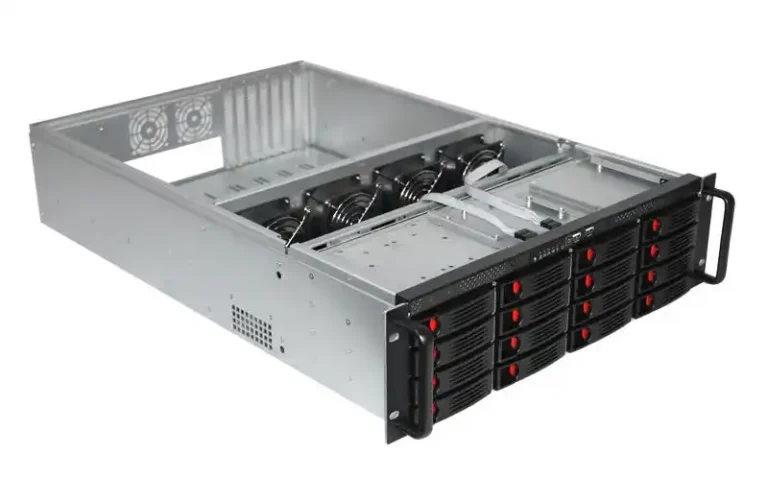
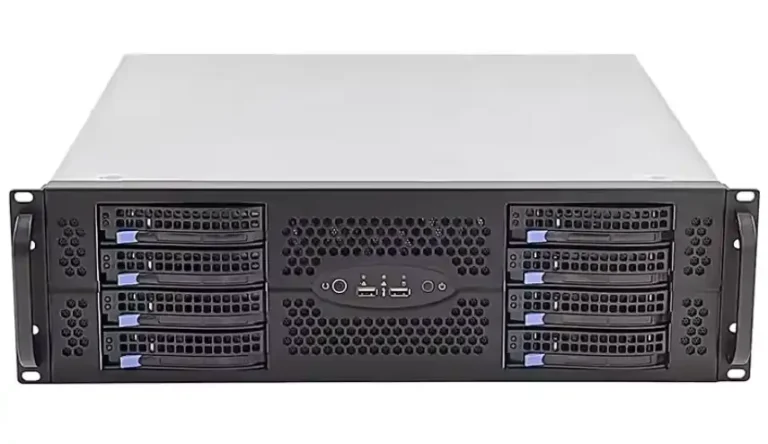
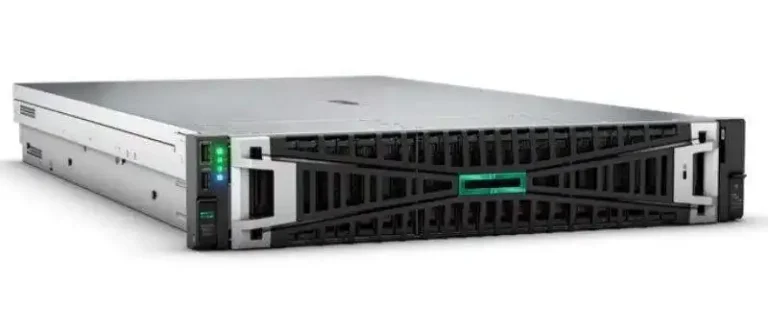
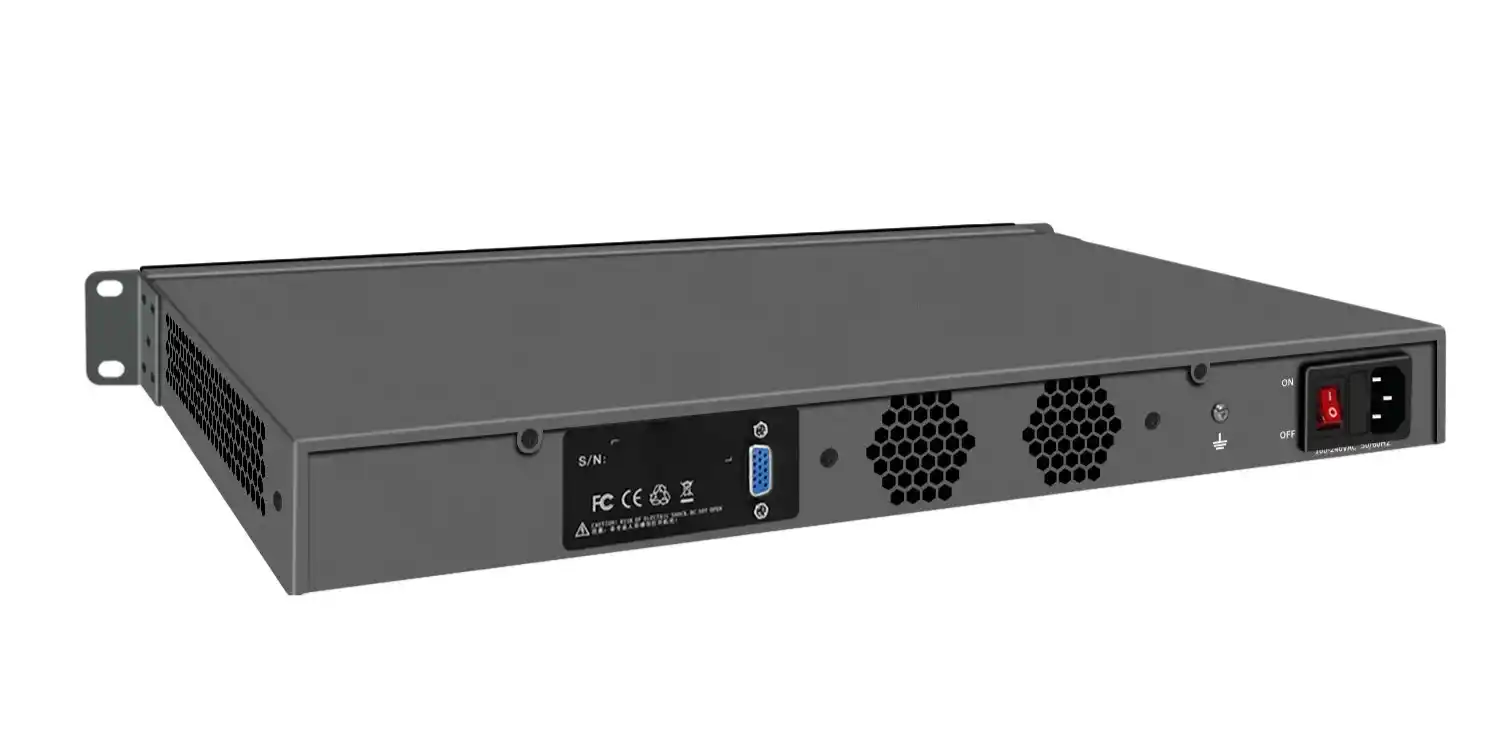
So when does it actually make sense to move from towers to a rackmount setup? Here’s the practical answer, with real ops signals you can check in your own room—and how to pick the right server rack pc case for what you’re building.
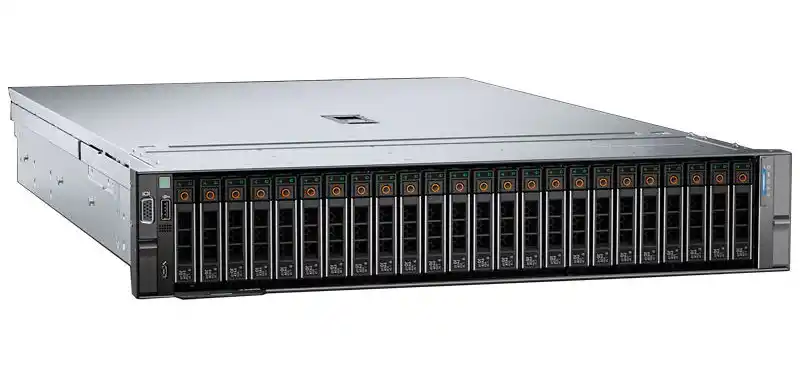
Scaling from 1–2 servers to a small fleet
A tower is fine when you’re in “one box does it all” mode. The moment you’re managing a fleet (even a tiny one), rackmount starts paying you back in time and sanity.
You’ll feel the switch is due when:
- You’re adding nodes for backups, VMs, containers, or a second GPU box.
- You keep moving towers around just to reach ports.
- Your “server area” starts eating office space.
If this sounds like you, you’re already thinking like a rack shop. At that point, a dedicated rackmount case setup lines up better with how you’re operating.
Cable management and service time
Here’s the unpopular truth: most “downtime” isn’t a dead CPU. It’s humans losing time.
In tower land, cables drape behind desks, loop around power strips, and disappear into the floor like a magic trick. In rack land, you can actually build a repeatable layout: patch panel, ToR switch, labeled runs, clean power.
What improves with rackmount:
- Faster swaps (drives, NICs, HBAs, fans)
- Cleaner front-to-back access
- Less “which box is this?” confusion
If you want a straight server-focused chassis path (not just “a PC case”), browse a server pc case lineup and spec around your board, storage bays, and airflow.
Density and U-space planning
Towers waste space in a very expensive way: not money on a spreadsheet, but square footage and reachability. You can’t stack them safely, and you can’t scale them cleanly.
Rackmount lets you think in U-space (and that’s real data you can plan with):
- How many nodes fit today
- How many you’ll add next quarter
- Where your heavy gear lives (UPS, storage, GPU)
If you’re doing AI training, inference, render, or anything that lives on high PCIe count, don’t fight physics. Go purpose-built with a GPU server case instead of forcing a tower to act like a mini datacenter. Towers can do it, sure. They just do it… loudly, hot, and messy.
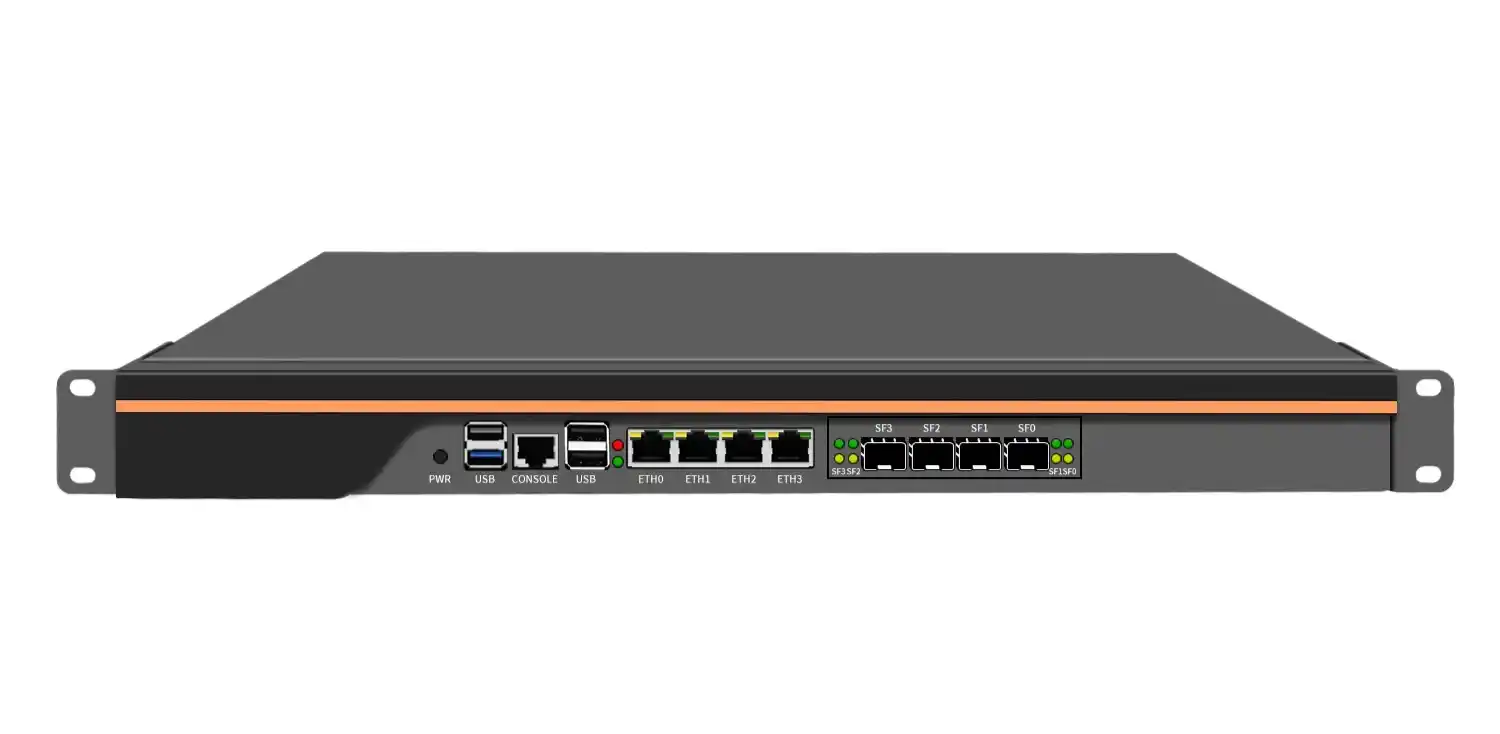
Airflow and cooling for high-load workloads
Towers often feel “cooler” because they’re bigger and breathe from more directions. Rackmount is more disciplined: front-to-back airflow, predictable fan paths, and better hot aisle / cold aisle behavior if you set it up right.
Move to rackmount when:
- Your GPUs or NVMe are throttling under load
- Your room feels like a sauna after lunch
- You’re adding storage backplanes, more PCIe cards, or dual PSUs
This is also where the right computer case server design matters. A random consumer chassis won’t give you the airflow pattern you want. A server chassis usually will.
If you’re building around standard boards, call it what it is: an atx server case (or E-ATX/EE-ATX depending on your platform). That keyword isn’t just SEO—your motherboard fitment and slot geometry lives there.
Noise and office reality
Let’s be real: a rackmount server can scream. Especially compact 1U gear. Towers usually stay calmer in an office because they run larger, slower fans and don’t need jet-engine pressure.
So rackmount makes sense when:
- You can move gear into an IT room, closet, or cage
- You can manage airflow (even basic intake/exhaust discipline)
- You’re ready to treat it like infrastructure, not furniture
If you can’t move out of the office, consider a hybrid: keep a quiet tower/NAS near users, rack the stuff that runs hot or needs frequent hands-on.
Hybrid server rooms and rack rails
A lot of teams don’t switch overnight. They go hybrid:
- Some towers keep doing their job
- New deployments go rackmount
- Storage moves first, compute later
In that phase, rails aren’t “accessories.” Rails are uptime tools. When you can slide a chassis out, service gets faster and safer. Less dropping gear, less unplugging the wrong thing, less swearing.
If you’re building a rack the right way, you’ll want chassis guide rail options that match your cabinet depth and chassis style.
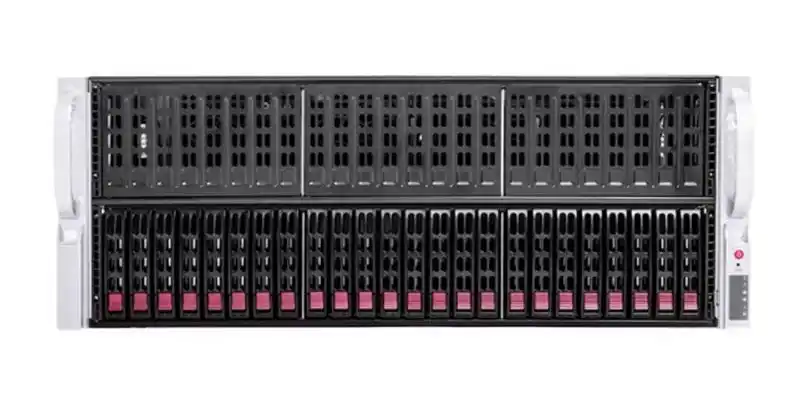
A practical decision table you can actually use
| Ops signal you can see | What it usually means | Recommended direction | “Source” you can trust |
|---|---|---|---|
| 3+ servers, cables everywhere | You’re managing a fleet now | Move to rackmount layout | Real-world maintenance time |
| You’re swapping parts monthly | MTTR is hurting you | Rackmount for faster service | Hands-on workflow reality |
| You’re adding GPUs / high PCIe | Heat + density pressure | GPU-focused rack chassis | Hardware constraints (PCIe + airflow) |
| Office noise complaints | Environment isn’t ready | Stay tower or isolate rack | Human factors, not specs |
| You need predictable expansion | You’re planning scale | Standardize in rack units | Capacity planning basics |
| Mixed gear in one room | You’re going hybrid | Rack + rails + labels | Rack discipline reduces mistakes |
No magic. Just signals. If you check 2–3 boxes, you’re probly ready.
Where IStoneCase fits (without the salesy vibe)
If you’re moving from tower to rackmount, you usually don’t need “a case.” You need a chassis plan:
- board fit (ATX / E-ATX / server boards)
- storage layout (hot-swap vs internal)
- PCIe spacing for GPUs
- rails that won’t make techs hate you
- OEM/ODM tweaks when you’re buying in volume
That’s why teams that buy for data centers, AI labs, MSPs, and integrators often lean toward a manufacturer that can do both standard SKUs and custom builds. IStoneCase positions itself exactly there: GPU/server case + storage chassis + OEM/ODM, and it’s built for bulk and repeatable deployments.
If you’re mapping your next build-out, these pages help you spec fast:
- server rack pc case: Rackmount Case
- server pc case / computer case server: Server Case
- AI / HPC layouts: GPU Server Case
- storage-first setups: NAS Case
- edge / tight spaces: Wallmount Case
- compact builds: ITX Case
- sliding service life: Chassis Guide Rail
- customization path: OEM/ODM Services