Not every project need a full rack cabinet.
Sometimes you just want a solid box on the wall that keeps the cables calm and doesn’t steal half of the room.
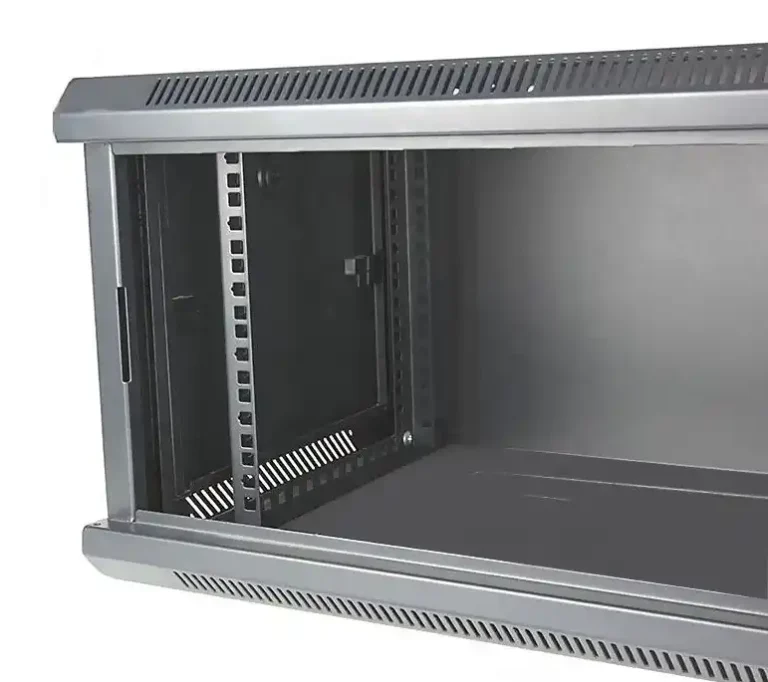
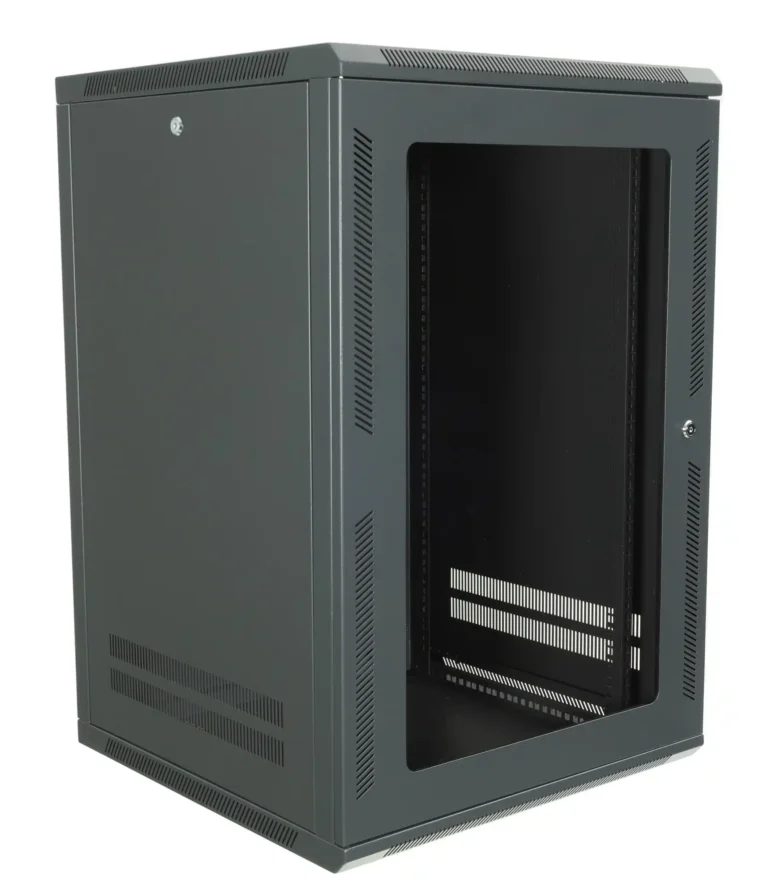
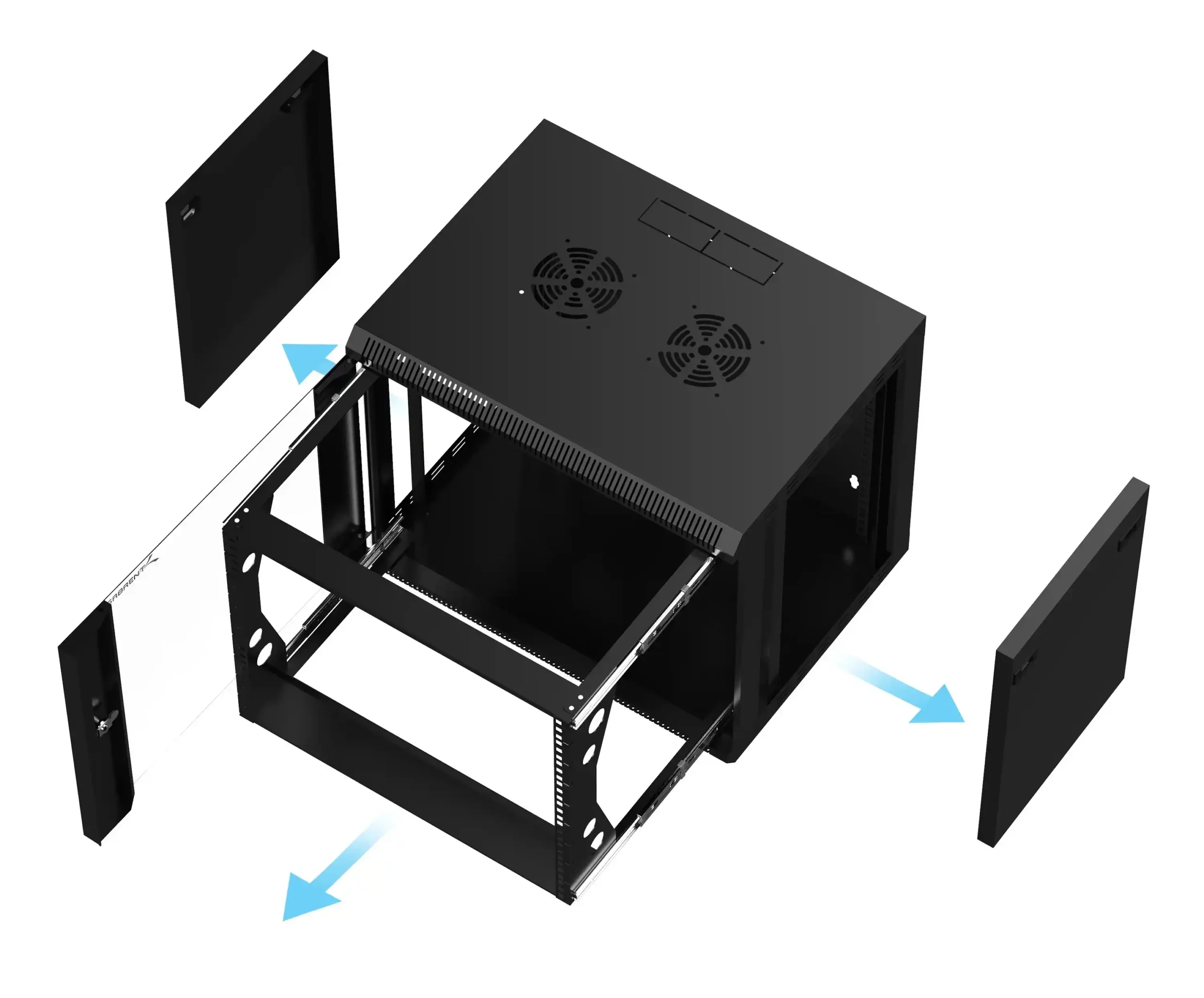
That’s where a wallmount server case fits better than a classic rack cabinet.
In this article we’ll talk about when wallmount makes sense, when you still need a rack cabinet, and how you can mix both using IStoneCase hardware for OEM/ODM, bulk orders, and long-term rollouts.
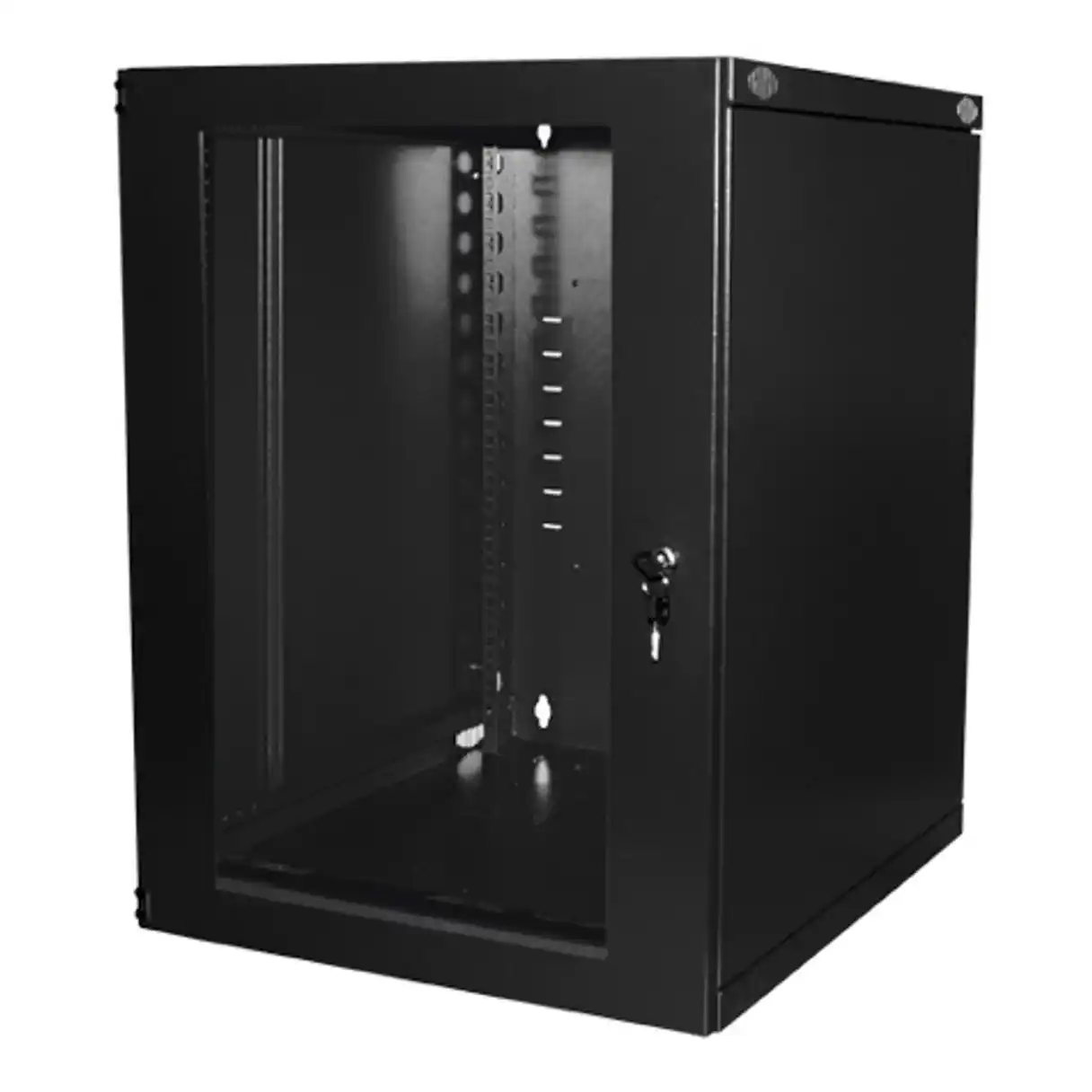
Wallmount server case vs rack cabinet: key decision factors
Before jumping into use cases, it helps to look at the big picture.
Think of this as a quick checklist for your next server rack pc case order.
Comparison table: wallmount server case vs rack cabinet
| Factor | Go wallmount server case when… | Go rack cabinet when… |
|---|---|---|
| Space | No real server room, only a small closet, corridor IDF, or back office. Floor space is tight. | You have a proper server room or data center with planned rows and cold / hot aisles. |
| Device count | Only a few units: 1–2 server pc case, some switches, NVR, maybe one NAS. | You run many servers, storage trays, PDUs, KVMs and want 20–40+ U filled over time. |
| Weight & depth | Gear is not too heavy, depth is moderate, more “branch kit” than “mini DC”. | You use deep, heavy computer case server chassis, big UPS, dense storage. |
| Heat & power | Power draw is small to mid, simple airflow is enough. | You have high-density compute, GPU nodes, strict thermal policy. |
| Growth plan | Site will stay small, maybe one more box later but not a whole row. | Hardware footprint grows every year; you know more nodes will land there. |
| Security & access | Basic lock is fine, office access already controlled. You want fast hands-on access. | You need stronger physical security, stricter zoning and access logs. |
| Cable management | Cable count is medium, a few patch panels and a couple of uplinks. | You have lots of copper and fiber, structured cabling trays, cross-connects. |
If most answers in your head are left column, wallmount server case is probably the right call.
If your notes live in the right column, go for a rack cabinet with proper rackmount case chassis.
Wallmount server case use cases in small office and branch network
Wallmount server case for small office server rack pc case and NAS
Picture a 20–50 people company:
- one atx server case running AD, file share and print
- a firewall appliance
- one or two 24-port switches
- a compact NAS or computer case server for backup
Putting a full rack cabinet in that office feels a little too much.
A wallmount server case gives you:
- gear off the floor
- better protection from vacuums and wandering feet
- short patch runs to desks or floor boxes
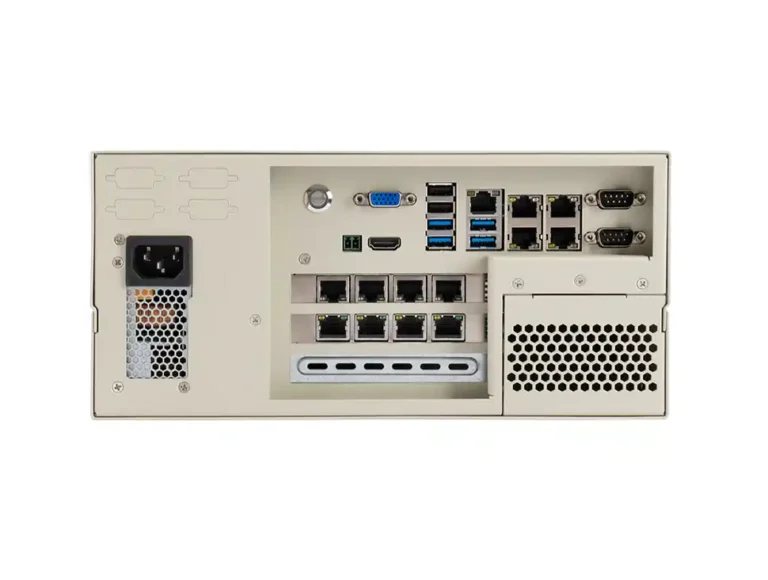
Here you can drop in a compact server case from IStoneCase and mount it together with the switches and patch panels inside a wallmount case. The whole bundle becomes one small “edge node” on the wall instead of a noisy tower under someone’s desk.
Most SMB and branch users care more about “does it stay up and can I reach it fast” than fancy DC layouts. Wallmount fits that mindset.
Wallmount server case for CCTV, NVR and computer case server near the field
Security teams love wallmount too.
CCTV and NVR setups often need:
- an NVR or video server pc case
- PoE switch stack feeding all cameras
- maybe a dedicated NAS for archive
These devices want to live near the cameras, not at the other end of the building. A wallmount case in a guard room or small utility space:
- keeps camera cable runs shorter
- helps with PoE power budget and voltage drop
- hides the “video brain” behind a lockable door
You can pair an IStoneCase NAS device with a shallow server rack pc case inside the same enclosure. Techs can open one door, see all links and drives, and fix issues faster. MTTR goes down, stress goes down too.
Wallmount server case for dev lab and GPU server pc case testing
Dev teams and research labs often build “side racks”:
- staging for new releases
- microservice labs
- AI / ML proof-of-concept installs
These labs don’t always sit in a strict data center. Sometimes they literally live in a corner of the office or in a small room next to the team.
For this kind of work you might use:
- a GPU-ready server pc case
- one more atx server case for storage or CI
- a couple of top-of-rack style switches
Mounting them in a wallmount chassis keeps the lab tidy while still easy to reach. When the GPU load grows serious, you can move the same style of build into a 4U or 6U GPU server case inside a rack cabinet. Same vendor, same feel, fewer surprises.
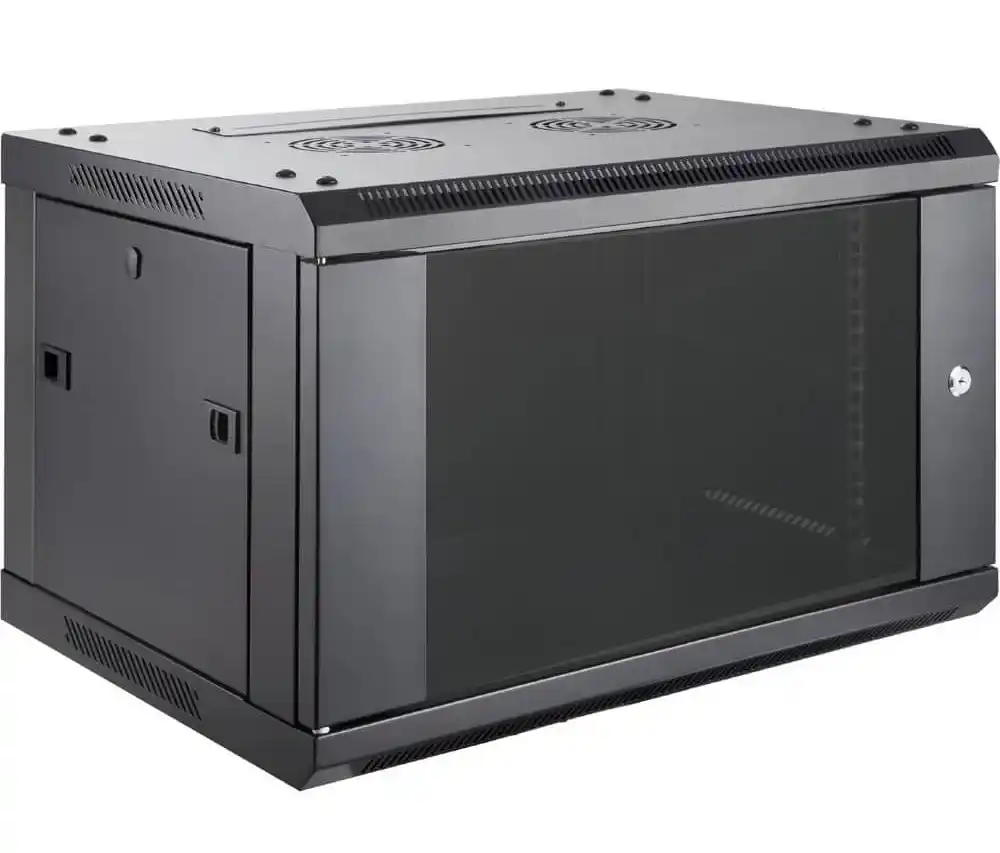
When a rack cabinet and rackmount case still makes more sense
Wallmount is great, but it’s not magic. Some workloads really need a proper cabinet.
Rack cabinet for dense server rack pc case and atx server case farms
You should stay with a rack cabinet when:
- you run many server rack pc case units across several RUs
- you plan heavy GPU or AI training nodes
- you manage SAN or big NAS arrays with lots of drives
- you design around cold / hot aisle and strict airflow paths
Here you want classic rackmount case hardware. IStoneCase offers a wide range of rackmount case and server case designs so you can build:
- 1U–4U web or database tiers
- high-density storage nodes
- hybrid CPU + GPU nodes for AI and analytics
In these setups, the rack cabinet gives you:
- better weight handling for full chassis stacks
- more room for vertical cable organizers and PDUs
- easier integration with row-level cooling and power
Trying to hang that much hardware on a wall is not a good idea, honestly. The anchors will hate you.
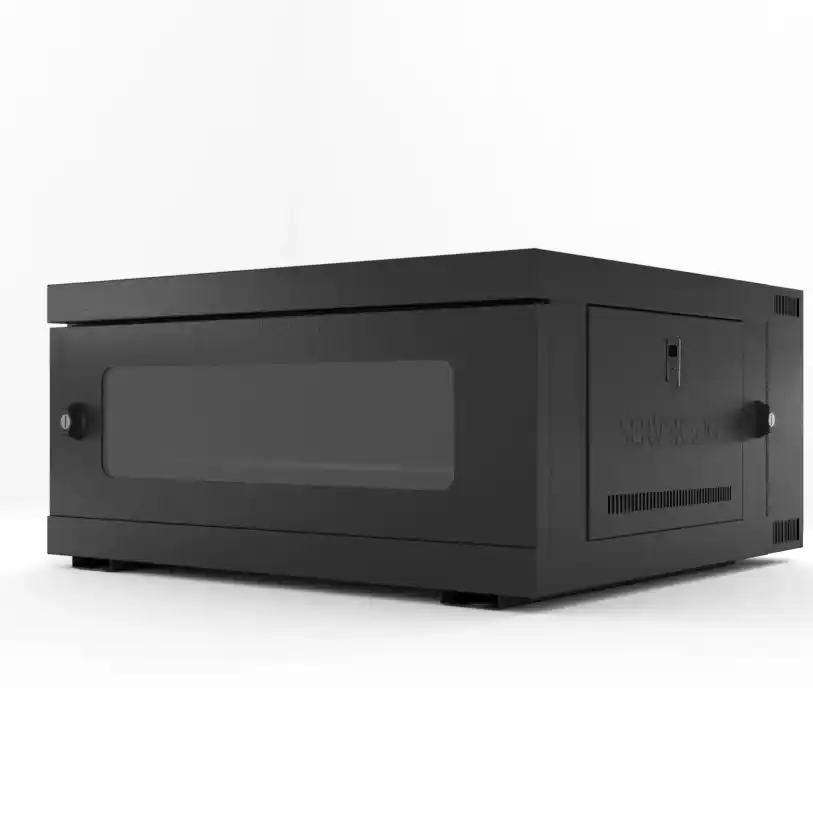
How IStoneCase supports OEM/ODM buyers choosing wallmount or rack cabinet
For distributors, MSPs, and system integrators, the real pain point isn’t just “this one project.”
You want a repeatable hardware platform you can deploy again and again, with clear spare-parts and RMA paths.
IStoneCase focuses exactly on that:
- Full family of cases – GPU server case, standard server case, wallmount case, rackmount case, NAS and ITX case.
- OEM/ODM – front panel branding, layout tweaks, airflow and fan wall changes, different backplanes and I/O options.
- Chassis guide rail choices – so your team can standardize the mounting story and not fight each site with new hardware.
Because the same vendor covers wallmount and rackmount, you can:
- use wallmount server case for branches and edge nodes
- use rack cabinets with the same style cases in the core DC
- ship one common BOM to different types of site
That means less “weird one-off box in this city,” less stock noise, and easier training for your field engineers. Some grammar maybe not perfect here, but you get the idea fast.
Quick checklist: is wallmount server case right for this deployment?
Before you lock the design, run through this short list:
- Floor space is small and shared with office or store use.
- Total gear is just a few server pc case units, switches and maybe one NAS.
- Power and heat are moderate; no massive GPU cluster planned here.
- Local staff need fast access without crawling behind deep racks.
- You’re okay keeping branch sites on wallmount and core on racks, but want the same IStoneCase ecosystem behind both.
If most answers are “yes,” then a wallmount server case from IStoneCase is usually the simple, clean move.
If you keep saying “we’re growing fast, lots of servers, heavy AI,” then go straight to rack cabinets plus GPU and rackmount cases, and design it like a real data center from day one.