Overview
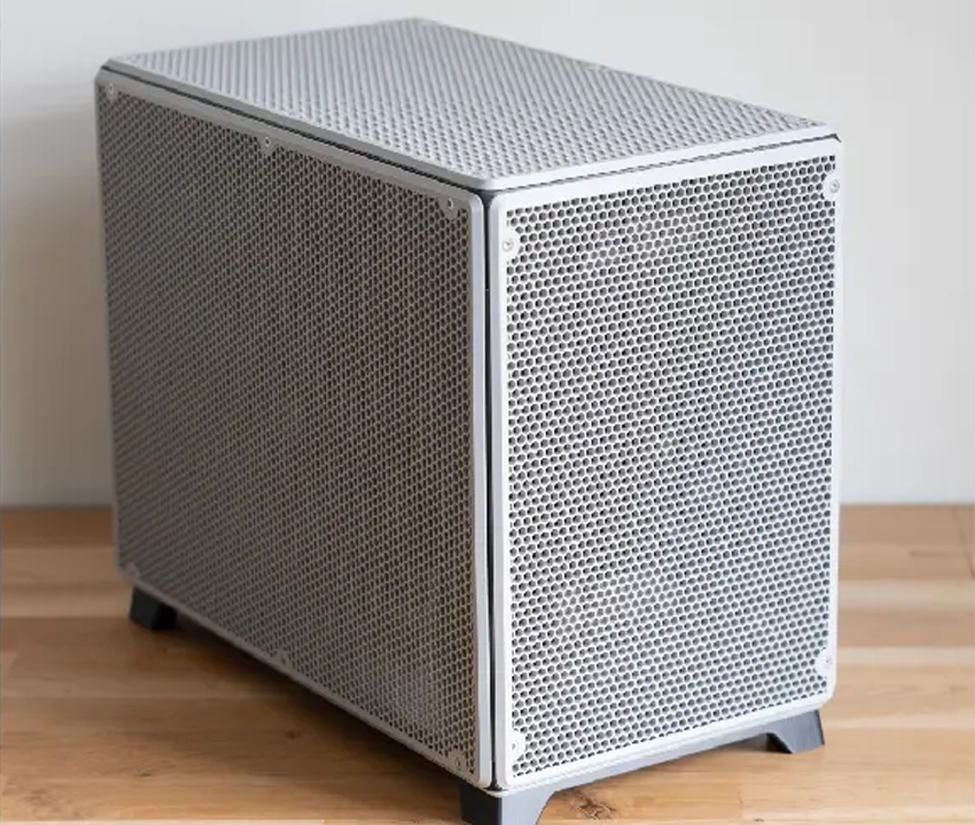
- fit compute close to the workload (edge rooms, kiosks, lab benches).
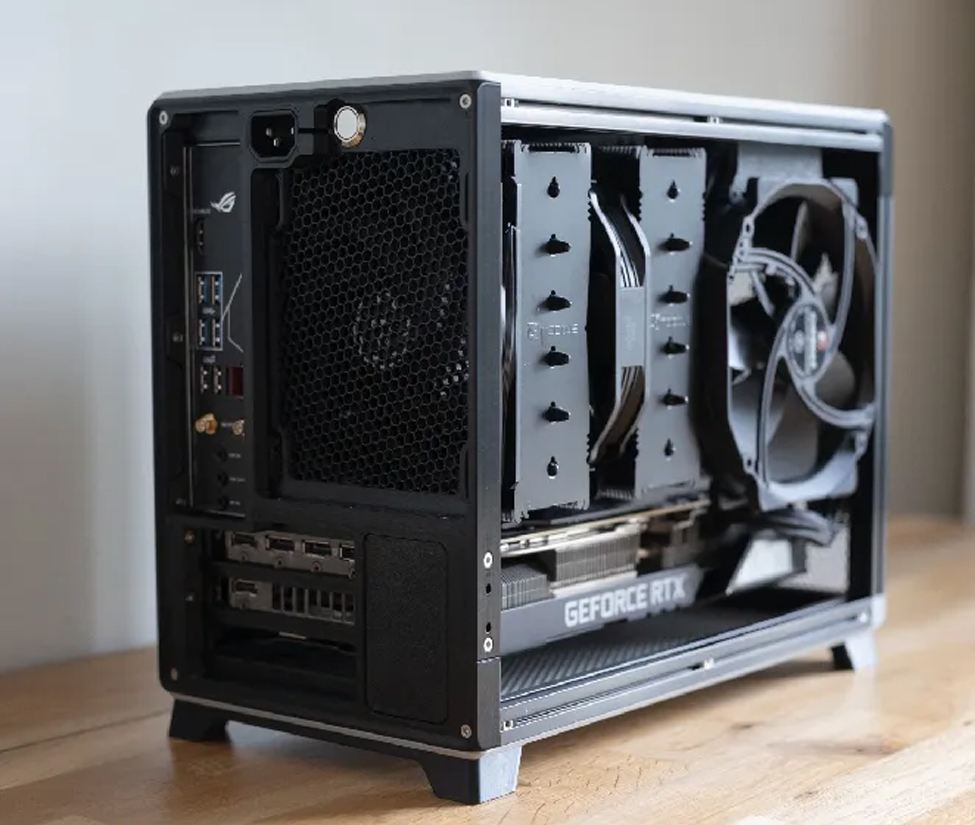
- small volume needs correct fan selection and clear airflow paths.
- pick PCIe (riser/low-profile) and I/O up front.
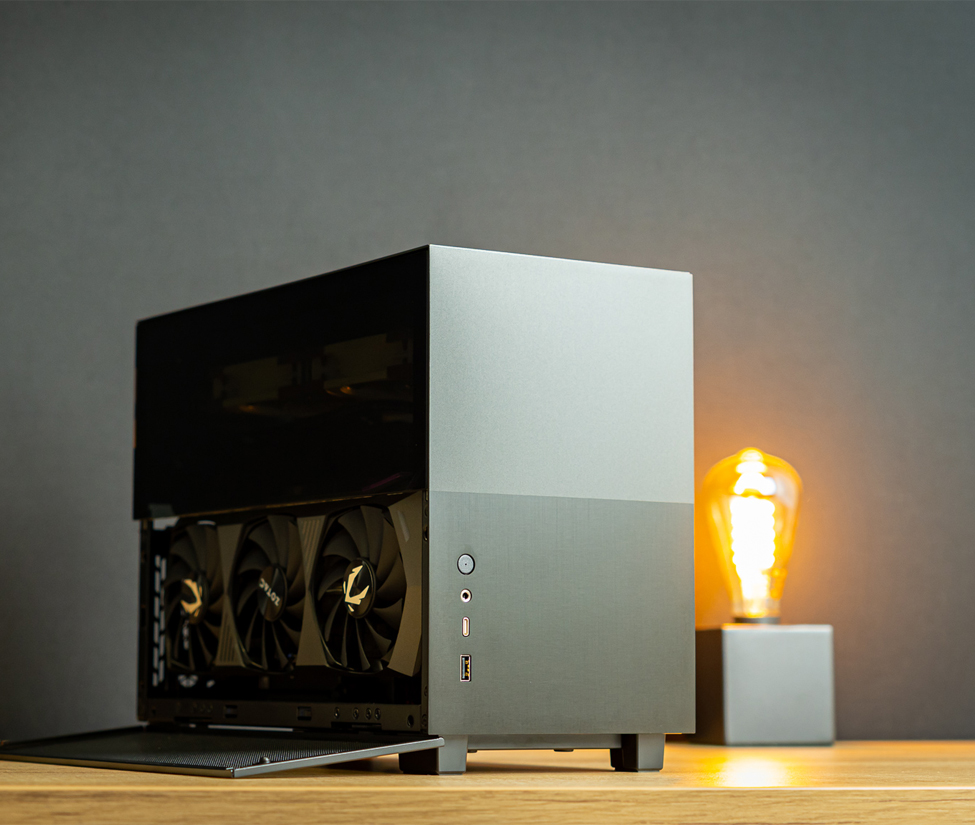
- tool-less panels, fast access to fan/filters, simple cable routing.
Applications / Use Cases
Edge AI Inference (Retail / Branch / On-Prem Rooms)
Pain points
- Limited space; no full rack or cabinet.
- Mixed ambient conditions and dust.
- Need reliable compute close to the data.
Requirements
- Compact ITX chassis with stable airflow.
- PCIe support for a low-profile accelerator/NIC (as required).
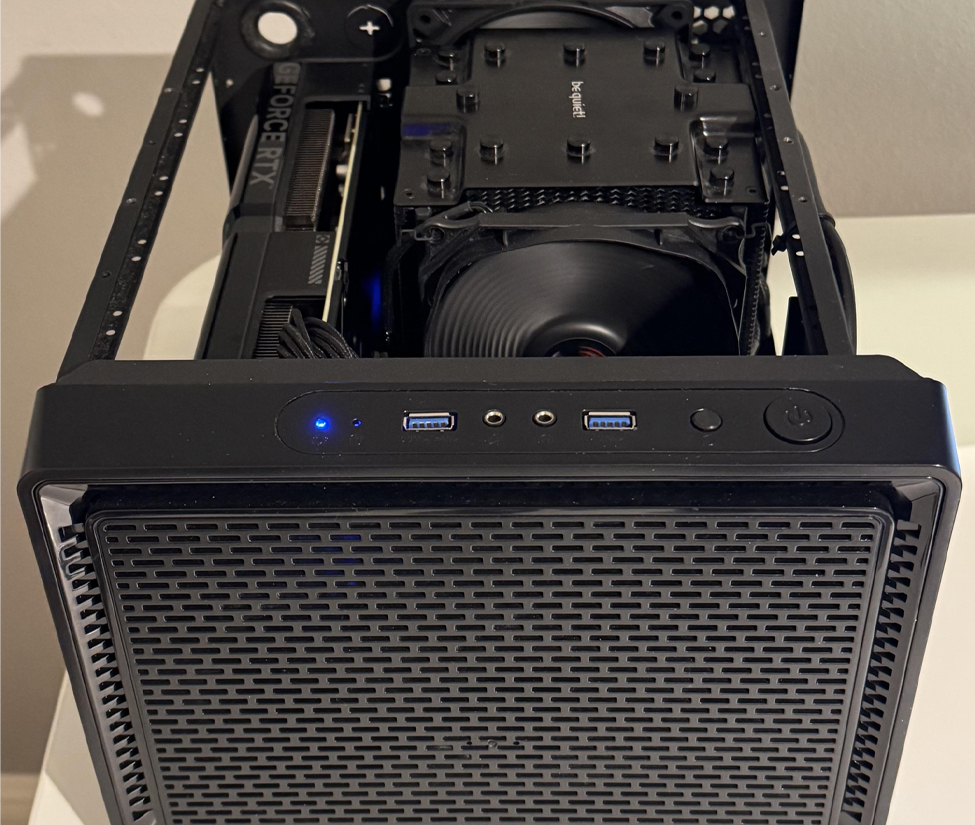
- Front I/O access and clear indicators.
Key metrics
- Chassis depth and mounting clearance.
- Fan size and airflow path integrity.
- PCIe clearance (LP/FH or riser constraints).
Recommended configuration
- Mini-ITX case with short depth and optimized intake/exhaust.
- Optional dust filter for edge rooms.
- Plan for NIC/accelerator thermals (slot position matters).
Network Appliance (Firewall / SD-WAN / Edge Router)
Pain points
- Port density and cable management in small spaces.
- Needs reliable cooling with quiet operation.
- Long-term uptime and easy service access.
Requirements
- Front/rear I/O aligned for network cabling.
- PCIe for multi-port NICs (LP or riser options).
- Secure enclosure and simple maintenance.
Key metrics
- PCIe slot and bracket type (LP/FH).
- Depth + rear bend radius for cables.
- Fan strategy for always-on load.
Recommended configuration
- ITX case with front-access filters and steady airflow.
- PCIe layout validated for multi-port NIC clearance.
- PSU sized for NIC + CPU + fan headroom.
Industrial Control & Machine Vision (Factory / Warehouse)
Pain points
- Dust, vibration, and higher inlet temperatures.
- Limited cabinet space near production lines.
- Needs reliable I/O and stable operation.
Requirements
- Rigid enclosure with secure mounting.
- Filtered airflow and easy-clean access.
- Space for I/O cards or capture cards (as needed).
Key metrics
- Filter service accessibility.
- Thermal margin for 24/7 duty.
- Clearance for expansion (riser/LP cards).
Recommended configuration
- ITX chassis with dust filtration and stable airflow.
- Short-depth design for industrial cabinets.
- Consider industrial chassis families for harsher environments.
Digital Signage & Kiosk PCs (Retail / Transportation)
Pain points
- Hidden installations with limited airflow.
- Noise constraints in public-facing areas.
- Needs reliable mounting and cable management.
Requirements
- Compact chassis depth and clean cable routing.
- Stable cooling at low noise (fan sizing matters).
- Accessible ports for service and swap.
Key metrics
- Depth and mounting compatibility (VESA/wall/inside kiosk).
- Fan placement and intake path.
- Front I/O and indicator visibility.
Recommended configuration
- ITX case optimized for slim installs and easy service access.
- Optional dust filters depending on environment.
- Plan for graphics needs if driving high-res displays.
Compact NAS / Home Lab / Remote Test Kits
Pain points
- Small footprint but still needs storage and I/O.
- Heat and noise in home/office environments.
- Frequent upgrades and component swaps.
Requirements
- Drive bay planning (2.5"/3.5" mix as required).
- Quiet cooling with maintainable airflow.
- Simple service access and cable routing.
Key metrics
- Drive bay count and mount method.
- PSU type (Flex/ATX/SFX if applicable) and wattage headroom.
- PCIe options for NIC/HBA (LP/riser constraints).
Recommended configuration
- ITX case with balanced bays and airflow for small storage builds.
- Consider NAS case families for higher bay density.
- Pre-assembly services for repeat builds.
Selection Checklist
| Cooling | Fan size/quantity, CPU cooler clearance, hot zones (VRM/NIC/drive), noise targets. |
|---|---|
| Airflow | Intake/exhaust path, dust filter access, cable obstruction control, kiosk/cabinet clearance. |
| PCIe | LP/FH clearance, riser support, slot placement, card length/height limits, thermal impact. |
| Power | PSU form factor (Flex/ATX/SFX if applicable), wattage headroom, connector planning. |
| Drive bays | 3.5″/2.5″ count, SSD cache options, vibration considerations for HDDs. |
| Motherboard | Mini-ITX support, I/O alignment, internal headers, cooler height constraints. |
| Depth | Overall depth, rear cable bend radius, mounting clearance in cabinets/kiosks. |
| Rails | Usually N/A for ITX; consider wall/kiosk brackets, VESA mounts, or short-depth rack trays if needed. |
| Maintenance | Tool-less panels, fan/filter access, quick swap workflow, clear labeling for service. |
FAQ
What is an ITX case?
An ITX case is a compact chassis designed to fit Mini-ITX motherboards. It’s commonly used for space-constrained edge, embedded, and compact workstation/storage builds.
Can an ITX case support PCIe expansion cards?
Yes—depending on the chassis design. Many ITX cases support low-profile cards or use risers to accommodate specific PCIe layouts. Always verify card height/length and airflow impact.
What PSU types are common for ITX cases?
Common options include Flex PSU and compact ATX/SFX-style PSUs (depending on chassis). Choose based on required wattage, connectors, and available internal space.
How do I plan cooling in a compact ITX enclosure?
Confirm CPU cooler height clearance, fan size/placement, and a clean intake/exhaust path. For dusty environments, prioritize filter access and easy cleaning.
How many drives can an ITX case hold?
It varies by model. Many ITX cases support a small number of 2.5" SSDs and/or 3.5" HDDs. For higher bay density, consider NAS chassis categories.
When should I choose ITX vs rackmount or wallmount cases?
Choose ITX for compact, local deployments and kiosks. Choose rackmount for standardized rack deployment and higher expansion. Choose wallmount when you need wall installation and easy front access.
What details should I send for an ITX case recommendation?
Share motherboard, CPU cooler height, PCIe cards (LP/riser needs), drive count, PSU preference, depth/mounting constraints, and ambient conditions.
Do you offer OEM/ODM customization for ITX cases?
Yes. Customization can include I/O cutouts, bracket/mounting changes, drive bay layout adjustments, branding, and assembly services.