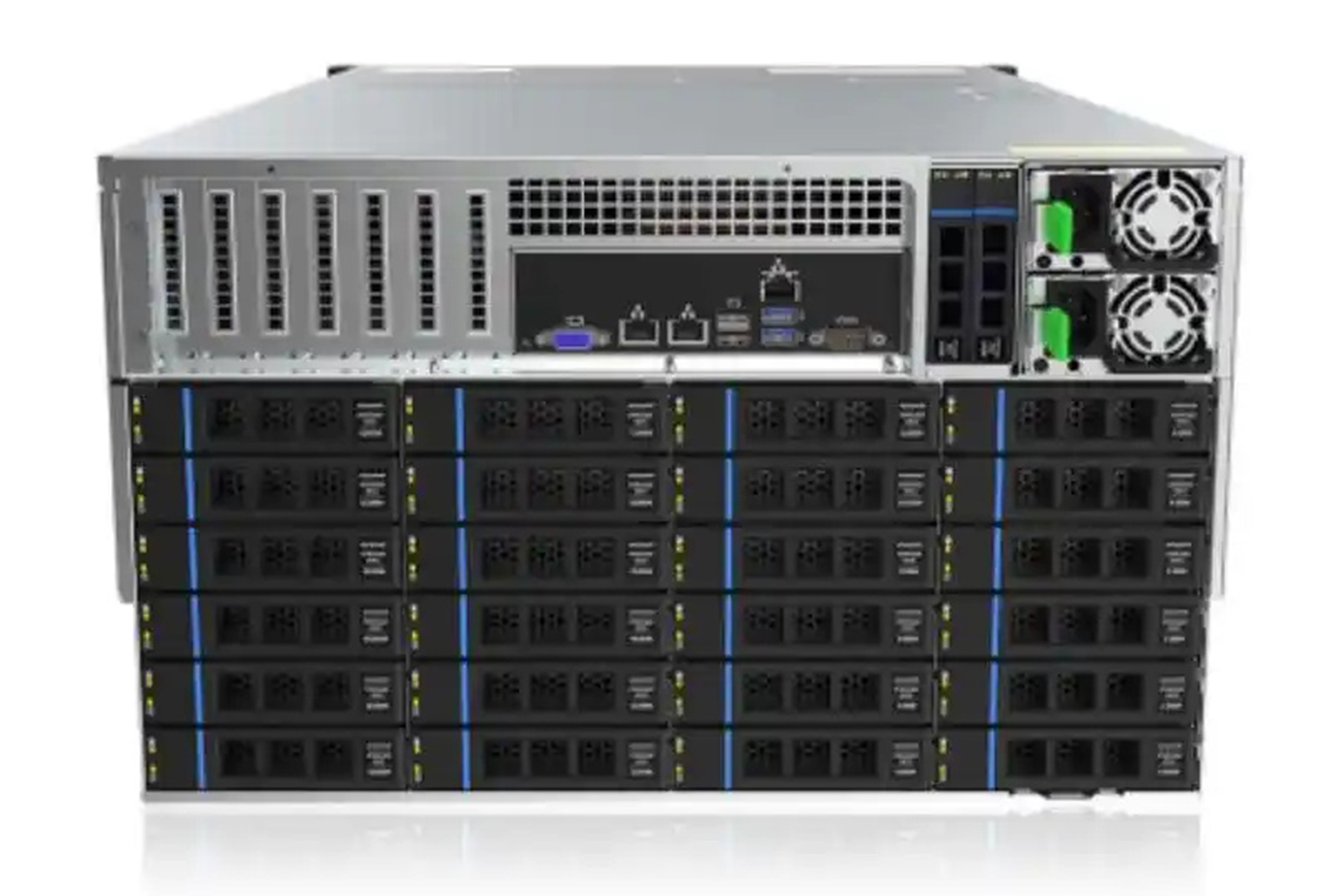
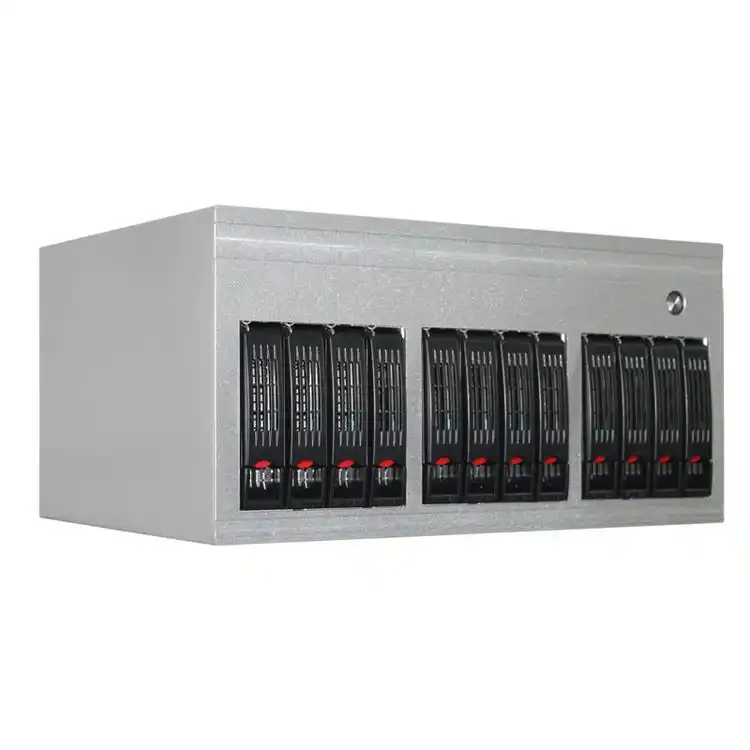
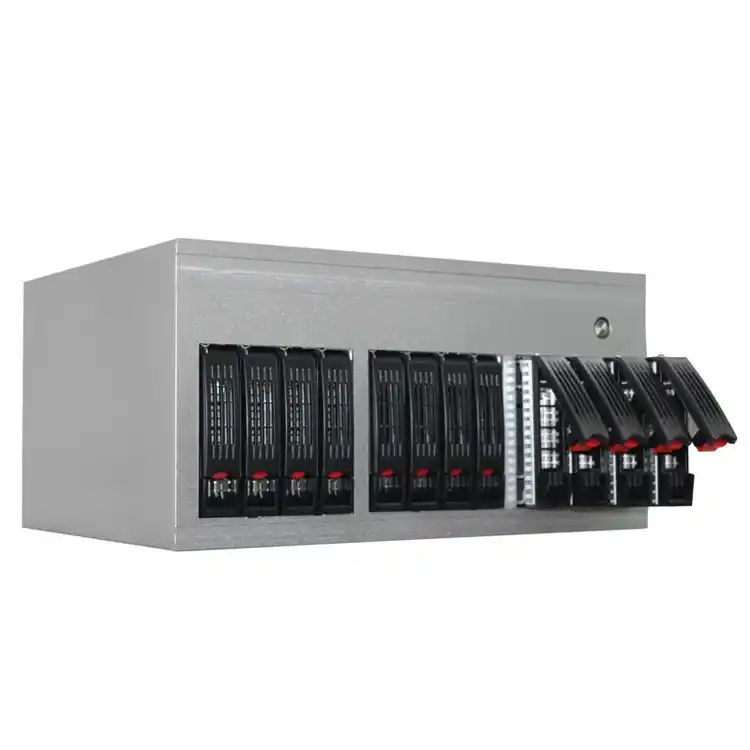
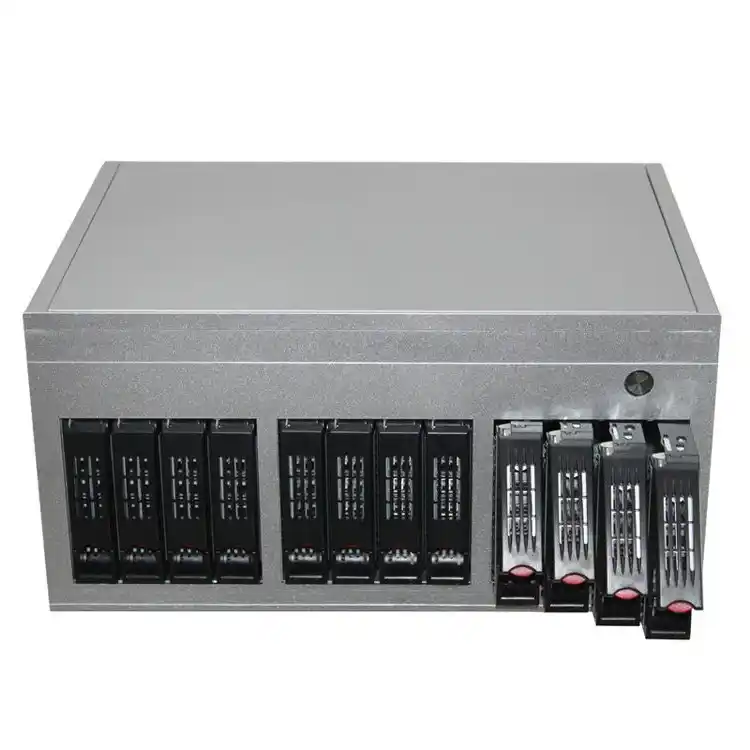
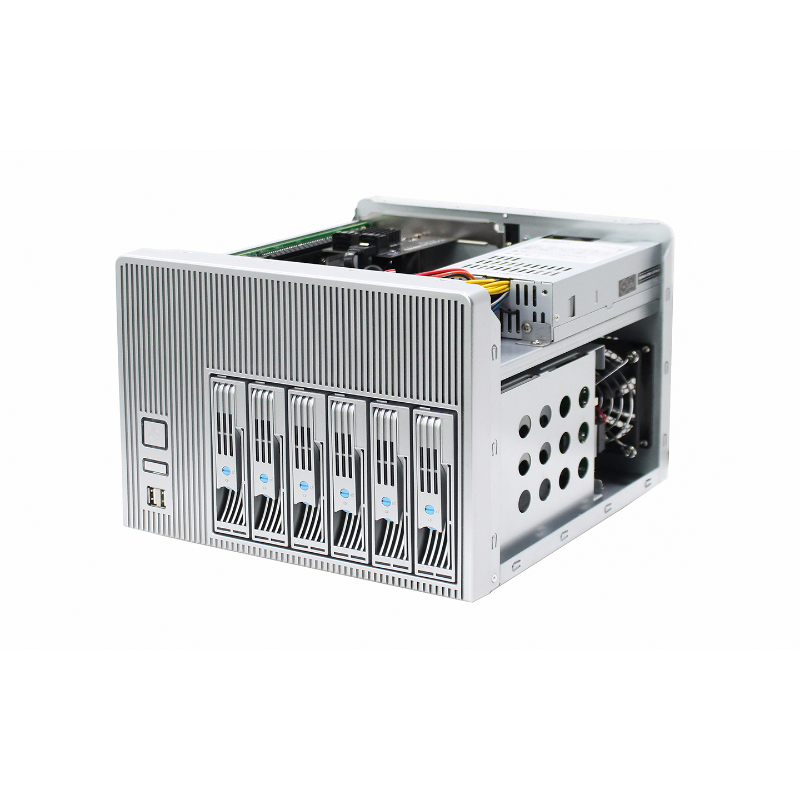
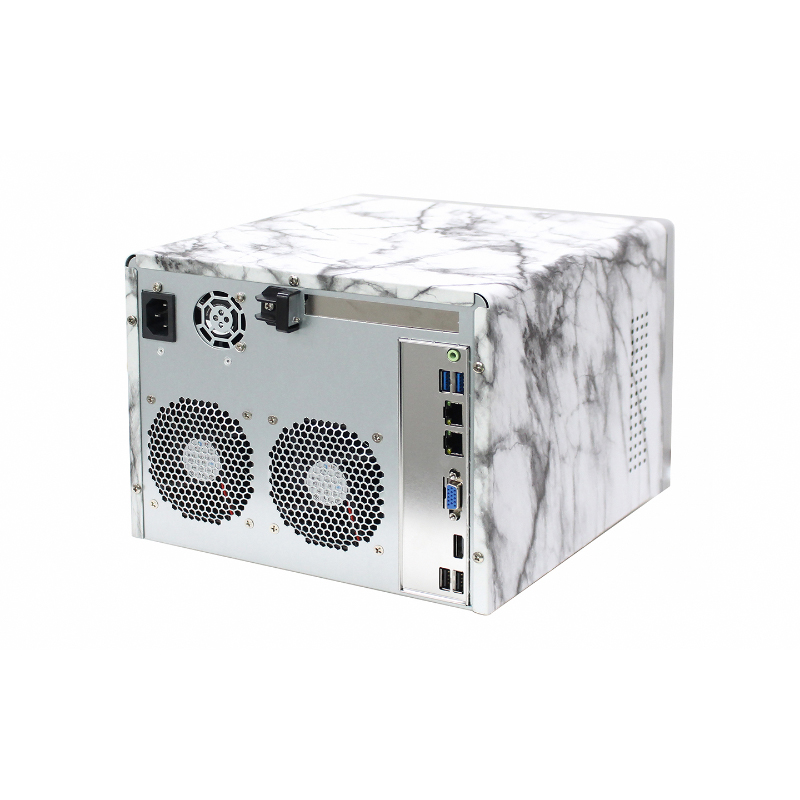
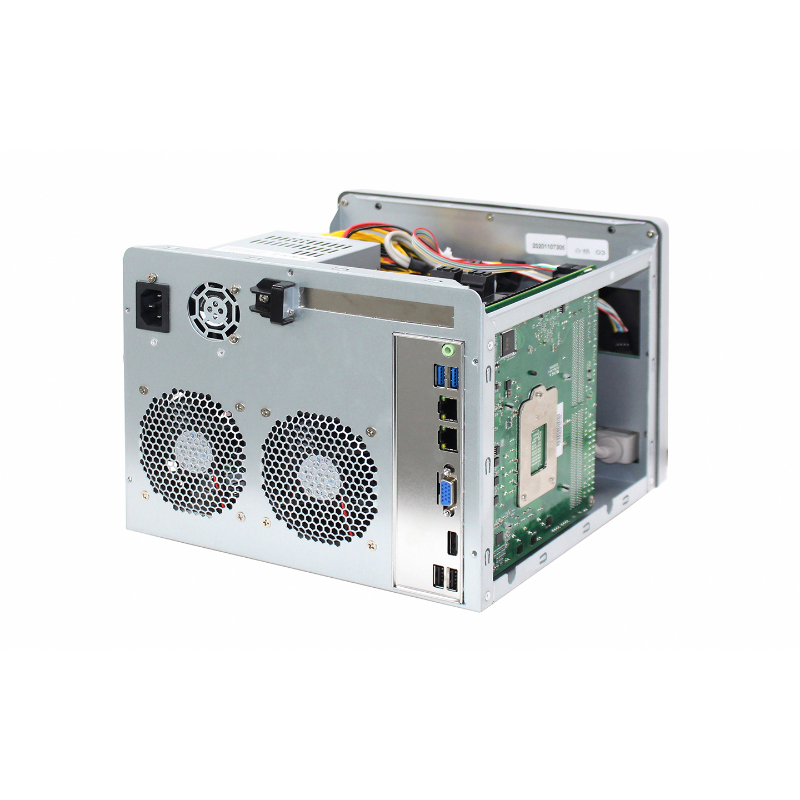
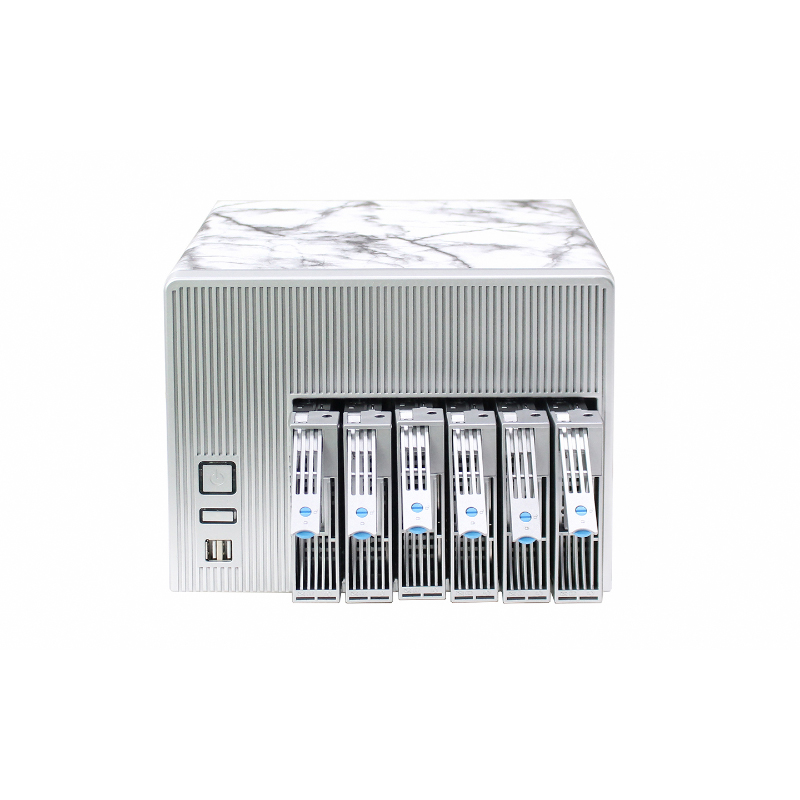
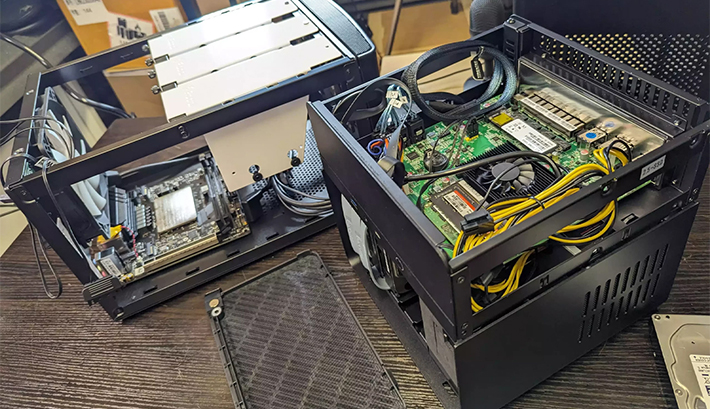
NAS Case Applications

HomeNAS Case → Applications

NAS Case Applications

Choose a NAS case by workload first: bay density, drive-zone airflow, service workflow, and expansion for NIC/HBA/RAID. Use these to map your scenario to a chassis configuration—then request a recommendation.

4–12+ baysHot-swap optionsSATA / SAS planningHBA / RAID ready

Overview

  • pick the right bay count now to avoid forced migrations later.
  • sustained writes + rebuilds need airflow you can maintain.
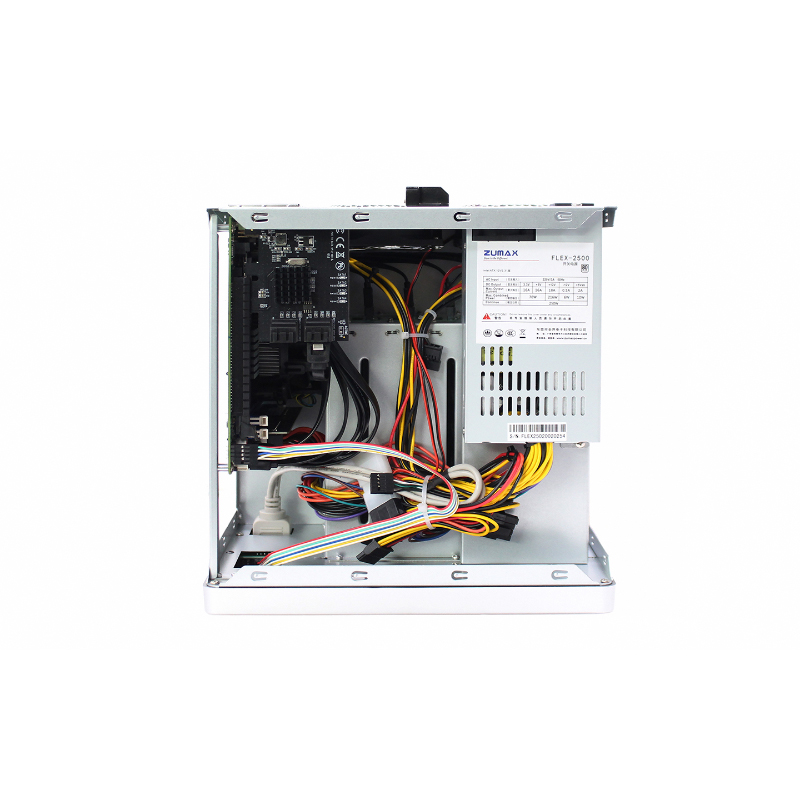
  • NIC/HBA/RAID cards require slot clearance and clean routing.
  • faster swaps reduce MTTR and support load.
SMB NASBackup / ArchiveSurveillanceMedia StorageAI Datasets

Applications / Use Cases

SMB File Sharing & Team Collaboration

Pain points

  • Capacity grows fast with mixed departments.
  • Downtime during upgrades disrupts teams.
  • Noise/heat becomes an office issue.

Requirements

  • Front access for easy drive swaps.
  • Stable airflow with easy cleaning.
  • Room for NIC upgrades if needed.

Key metrics

  • Bay count & hot-swap design.
  • Fan size and drive-zone airflow.
  • PCIe slots for NIC/HBA.

Recommended configuration

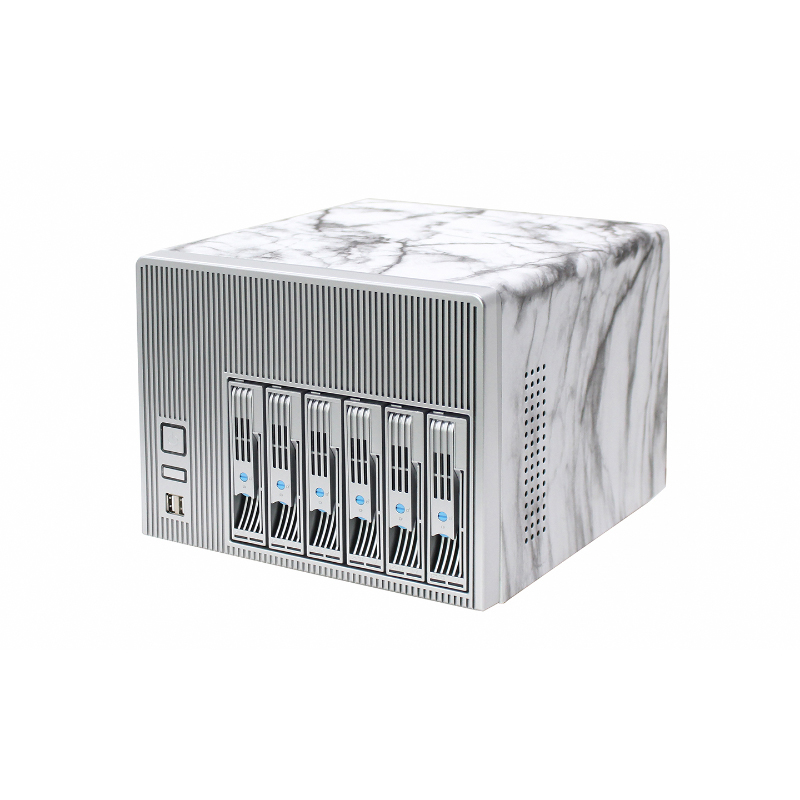
  • 4–6 bay NAS case for entry/SMB builds.
  • Plan for 10GbE-ready expansion.
  • Clean cabling paths to keep airflow open.

Backup, Archive & Disaster Recovery Repositories

Pain points

  • Rebuild/scrub windows raise drive temps.
  • High bay count means heavier chassis.
  • Service time affects recovery targets.

Requirements

  • Higher bay density for retention plans.
  • Strong drive cooling at sustained writes.
  • Rail support for safe maintenance.

Key metrics

  • Bay density vs depth constraints.
  • PSU headroom for drive spin-up.
  • Controller-ready PCIe layout.

Recommended configuration

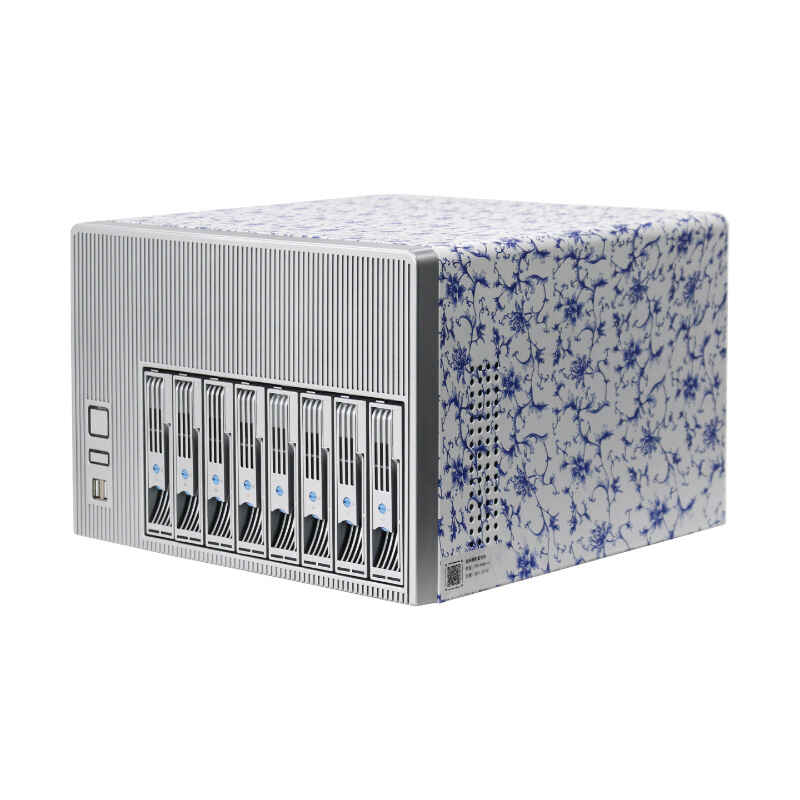
  • 8–12 bay NAS case for retention storage.
  • Consider redundant PSU for always-on repos.
  • Rails matched to cabinet depth and weight.

Media & Post-Production Storage (High Throughput)

Pain points

  • Many editors need consistent performance.
  • Large files stress network and storage.
  • Cache tiers complicate chassis planning.

Requirements

  • PCIe slots for high-speed NICs.
  • Bay layout for HDD capacity + SSD cache.
  • Stable cooling under sustained load.

Key metrics

  • PCIe clearance for NIC/HBA.
  • 2.5" support for cache (if used).
  • Front access for quick service.

Recommended configuration

  • 8–12 bays with room for NIC upgrades.
  • Clear airflow over drive and PCIe zones.
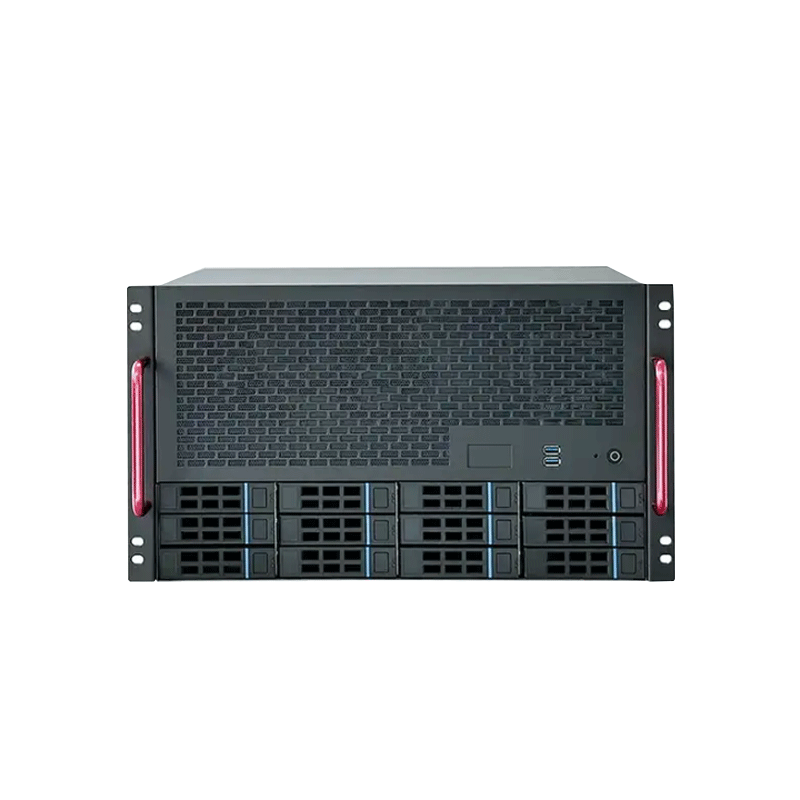
  • Rackmount chassis if your studio uses racks.

Video Surveillance Storage (NVR / VMS Retention)

Pain points

  • 24/7 writes and high retention demand.
  • Drive failures require fast swaps.
  • Heat and vibration impact reliability.

Requirements

  • Bay count aligned to bitrate & days.
  • Drive-zone cooling you can maintain.
  • Expansion for NIC/HBA as needed.

Key metrics

  • Hot-swap workflow and indicators.
  • Airflow across front drive row(s).
  • PSU reliability for 24/7 duty.

Recommended configuration

  • 9–12 bays for longer retention plans.
  • Front service access + strong fans.
  • Consider redundant power for critical sites.

AI Dataset Storage & Edge Data Collection

Pain points

  • Datasets grow and versions multiply.
  • Ingest bursts stress storage and airflow.
  • Edge sites need simple service workflows.

Requirements

  • Capacity-first bays with expansion headroom.
  • PCIe slots for NIC/HBA upgrades.
  • Deployment-friendly depth and rails.

Key metrics

  • Bay density vs rack depth limits.
  • Thermal margin for continuous ingest.
  • Service access for drives and fans.

Recommended configuration

  • 8–12 bays for dataset staging and replication.
  • Pair with GPU chassis when compute is in the same rack.
  • Wallmount options for space-limited edge rooms.

Selection Checklist

CoolingDrive-zone airflow, fan size/quantity, thermal margin during rebuild/scrub, easy service access.
AirflowFront-to-back path integrity, baffles for drive rows, cable obstruction control, optional dust filters.
PCIeSlots for HBA/RAID/NIC, card clearance, airflow impact of add-in cards.
PowerPSU form factor, redundancy needs, headroom for drive spin-up, connector planning.
Drive bays3.5″/2.5″ count, hot-swap vs fixed, backplane/cabling strategy (SATA/SAS).
MotherboardSupported sizes (ATX/mATX/Mini-ITX), CPU cooler clearance, storage cable routing.
DepthRack/cabinet fit, rear cable bend radius, service clearance for swaps.
RailsRail compatibility, load rating for high-bay builds, cabinet depth range.
MaintenanceTool-less access, fan replacement, clear fault indicators, simple swap workflow.

FAQ

What is a NAS case?

A NAS case is a storage-focused chassis built around drive bays, drive cooling, and service workflow—often supporting hot-swap bays and expansion for NIC/HBA/RAID cards.

How do I choose the right bay count?

Start from usable capacity needs, protection overhead (RAID/EC), and growth. Add headroom so you can expand without a full chassis replacement.

Hot-swap vs fixed bays: which is better?

Hot-swap is best for uptime and frequent drive replacement. Fixed bays can work for smaller systems where planned downtime is acceptable.

Do I need a backplane?

A backplane can simplify cabling and speed maintenance. Choose the interface (SATA/SAS, direct-attach or expander) based on your controller strategy and target performance.

What PCIe expansion is common for NAS builds?

Common expansions include HBAs/RAID cards and higher-speed NICs (10/25GbE). Confirm slot count, clearance, and airflow impact.

What cooling details matter most in high-bay NAS cases?

Stable airflow across the drive zone, easy filter/fan service, and enough thermal margin for sustained writes and rebuild operations.

When should I specify redundant PSUs?

Use redundant power when the NAS is critical to operations (backup repositories, surveillance retention, enterprise file shares). Size PSUs with headroom for drives and add-in cards.

What details should I send for a chassis recommendation?

Share bay count and drive type, storage interface needs, HBA/RAID plan, network speed, motherboard size, rack depth limits, and ambient temperature.

Complete Product Portfolio

From GPU server cases to NAS cases, we provide a wide range of products for all your computing needs.

Tailored Solutions

We offer OEM/ODM services to create custom server cases and storage solutions based on your unique requirements.

Comprehensive Support

Our dedicated team ensures smooth delivery, installation, and ongoing support for all products.