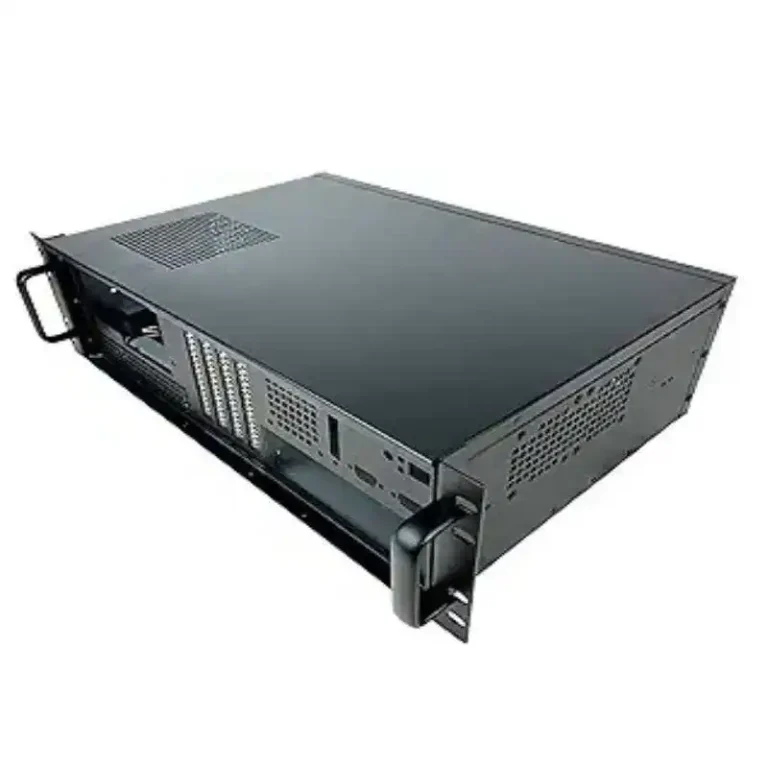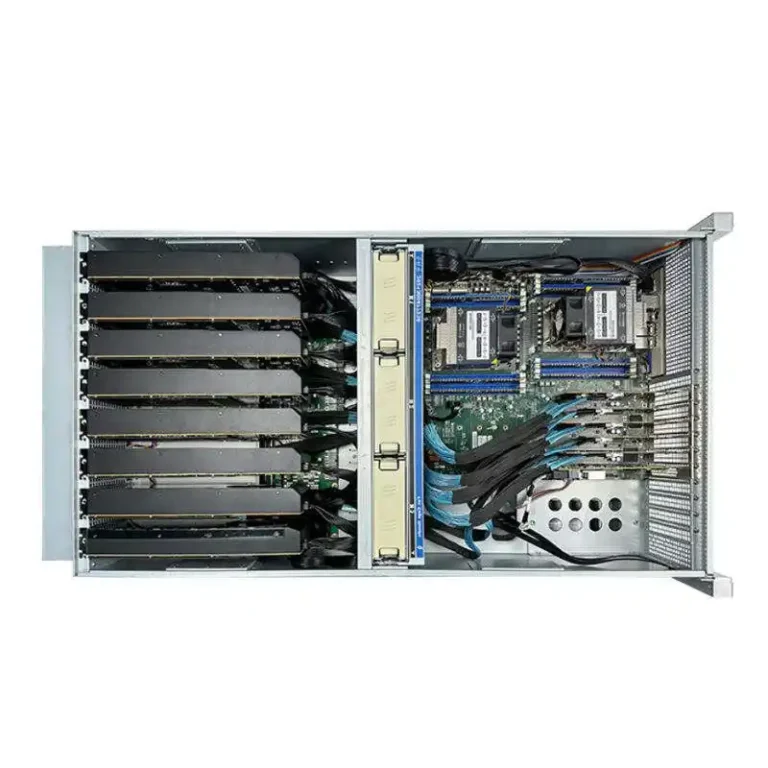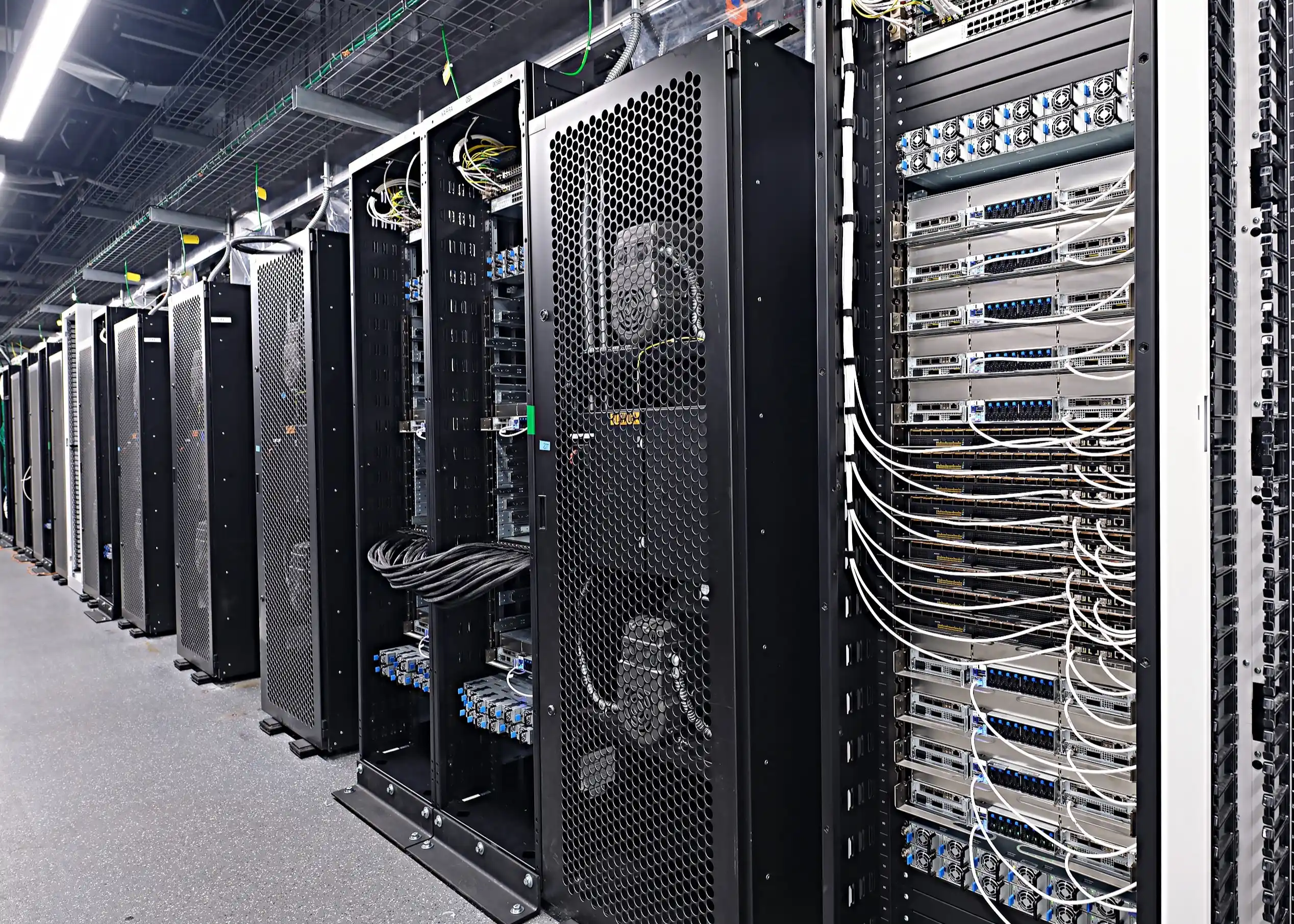
IStoneCase — OEM/ODM for performance, durability, and custom at scale.
GPU-Optimized Server Case: Airflow, Liquid Cooling, and Power Delivery
AI training and modern HPC chew through watts and throw off serious heat. Old boxes gasp. Fans scream. Racks cap out too soon. A GPU-optimized server case fixes the root issues: steady airflow, smart liquid cooling paths, and clean power delivery that doesn’t choke under load. You need a chassis that pushes high static pressure where GPUs sit, routes cold plates with quick-disconnects, and lands power with busbars so cabling doesn’t look like spaghetti.
Quick reality: if your GPUs throttle, you’re burning money. No one wants a “fast” cluster that idles at 60%.
What’s Different Under the Hood
- Airflow wall + ducting: force air across GPU heat sinks, not around them. Think high CFM and tight delta-T.
- Cold-plate ready: manifolds, leak-detect, trays that catch drips.
- Blind-mate power: busbars/ORV3 style so nodes slide in, no cable wrestling.
- Drive layout for air: EDSFF E3.S bays at the front, low blockage, NVMe speeds, less turbulence.
- Serviceability: hot-swap fan trays, tool-less rails, color-coded paths. It ain’t fancy, it’s just faster to fix.
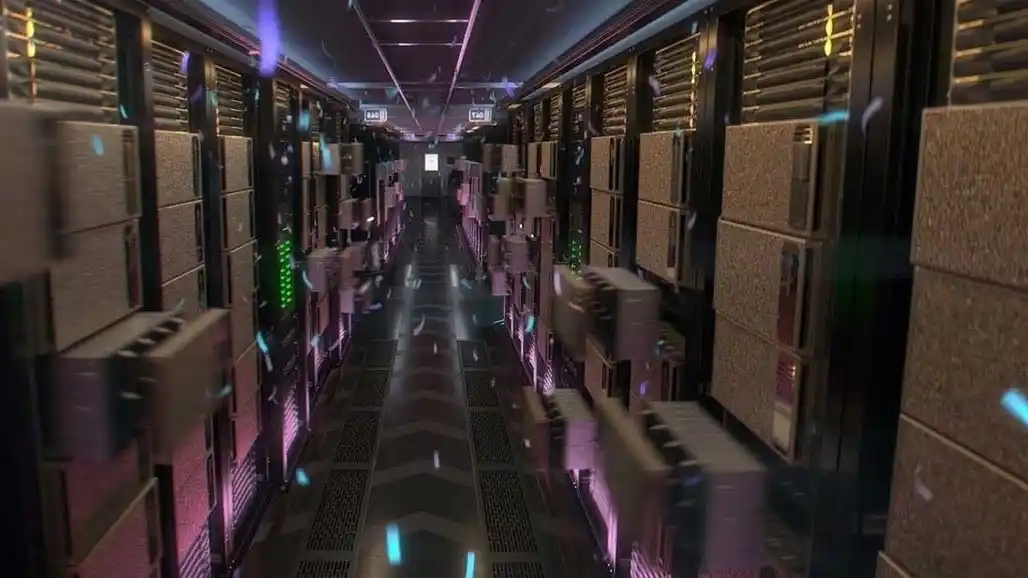
NVIDIA HGX/MGX Compatibility and EDSFF E3.S Front Bays
If your stack uses HGX/MGX or similar GPU baseboards, the case must align with module height, mounting points, and side-to-side flow. Pair that with E3.S (EDSFF) front bays and you free the intake path while keeping ultra-fast NVMe right where you need it. Less air blockage = quieter fans and more headroom before throttling. Simple.
ORV3 Rack Power and Blind-Mate Busbars
High-density GPU nodes draw peaks that older PDUs hate. ORV3-style racks with 48V busbars clean up cabling, reduce drop, and make swap-outs easy. Slide a node in, it clicks on power, job done. Your crew stops living inside the rack with zip ties.
Hot Aisle/Cold Aisle and Airflow Containment
GPUs don’t love mixing hot exhaust with cool intake. A GPU-ready case works with hot aisle/cold aisle layouts and supports airflow containment (baffles, blanks, proper gaskets). You won’t fix a bad room with a good case, but you’ll make a good room run like a champ.
Use Cases: AI Training, Inference, VDI, HPC, and Video Transcoding
- AI training: long runs, steady clocks, tight thermal margin.
- Inference at scale: lots of nodes, low jitter, fast service.
- VDI/Graphics: steady GPU boost under user spikes.
- HPC: mixed CPU/GPU loads, bursty memory traffic.
- Video transcoding: high sustained throughput, fewer thermal hiccups.
Table: Why Upgrade the Case (Feature → Pain → Outcome)
| Feature in a GPU-Optimized Case | Pain It Solves | Outcome You’ll Notice |
|---|---|---|
| High-pressure fan wall + ducting | Hot spots around SXM/PCIe GPUs; fan howl | Lower GPU temps, quieter nodes, stable boost |
| Cold-plate ready (manifolds, QD, leak-detect) | Air alone can’t keep up; messy retrofit kits | Higher density, safer liquid loops, simpler service |
| Blind-mate busbar power (ORV3) | Cable clutter, voltage drop, slow swaps | Faster maintenance, cleaner power path |
| EDSFF E3.S front bays | Intake blocked by 2.5″ walls and backplanes | Better intake flow, cooler drives, NVMe speed |
| Tool-less rails & hot-swap trays | Long MTTR, too many screws | Shorter downtime, less finger cuts (for real) |
| Front-to-rear sealed path | Recirculation in mixed aisles | Predictable delta-T, easier capacity planning |
| N+1 fan/pump design | Any single failure = throttle | Graceful degradation, fewer 3am calls |

Table: Cooling Choice — Air, Liquid, or Hybrid
| Scenario | Best Fit | Notes |
|---|---|---|
| Moderate GPU power, strict noise | Air | Use high-pressure fans, baffles, good filters |
| High density in limited rack space | Liquid | Cold plates, manifolds, quick-disconnects, drip trays |
| Mixed fleet, phased rollout | Hybrid | Air today, liquid loop ready tomorrow (don’t re-buy the case) |
| Edge rooms with weak HVAC | Liquid | Air won’t hold under summer peaks |
| Frequent node swaps | Air/Hybrid | Keep blind-mate power and rails for speed |
IStoneCase OEM/ODM: Custom GPU Server Case and Rackmount Case
You may need a short-depth chassis for edge, or a 10U beast for eight GPUs and NVLink fabrics. Maybe you want rail kits that don’t bend when someone leans (we’ve all seen it). IStoneCase builds OEM/ODM cases to match your power and thermal plan: front plenum size, fan spec, manifold layout, even the little things like service loops and tie-downs.
- Server lines: GPU Server Case, Server Case, Rackmount Case, Wallmount Case, NAS Devices, ITX Case, Chassis Guide Rail.
- Custom: branding, front panels, airflow plates, sleds, rails, oddball depths. If you need it, we’ll fab it.
We build for data centers, algorithm hubs, enterprises big and small, IT service firms, builders, researchers, and power users who dont want compromise.
SEO-Friendly Keywords (Naturally Woven In)
Looking for a server rack pc case that can handle modern GPUs? Or a compact server pc case with front-to-rear flow? Need a flexible computer case server for mixed CPU/GPU loads? We also produce an atx server case variant when your build calls for ATX or E-ATX boards in a standardized footprint.
Real-World Checklist: What to Look For in a Computer Case Server
Airflow and Thermal Keywords
- High static-pressure fan wall, shrouds, and sealed front-to-rear flow.
- Baffle plates that block recirculation; blanking panels for empty slots.
- EDSFF E3.S front bays to reduce intake resistance.
Liquid-Ready Keywords
- Cold-plate manifolds, quick-disconnects, drip trays, leak-detect wiring.
- Service valves and N+1 pump options.
- CDU-friendly hose routing and anchor points.
Power and Mechanical Keywords
- Blind-mate busbar or ORV3 compatibility.
- Tool-less rails, k-locking front doors, lift handles that actually hold.
- N+1 fans, thermals under full load, sensor mapping that matches your DCIM.
Business Value: What Changes When the Case Is Right
- Stability: clocks hold, jobs finish on time, less retry.
- Density: more GPUs per rack without cooking the top U.
- Service speed: swaps in minutes, not long downtimes.
- Noise and power sanity: fans run where they should, not at 100% all day.
- Procurement clarity: standard SKUs for rails, fans, manifolds, no mystery parts.
And yes, this rolls up to TCO without crunching numbers here. Less throttle, less re-work, fewer “please come to the server room” messages at 2 a.m. It’s kinda boring, but boring is good when you manage clusters.
How to Start with IStoneCase (OEM/ODM)
- Specify the load: GPUs (SXM/PCIe), CPUs, NICs, target boost.
- Pick the cooling path: Air now, liquid later? Go hybrid-ready.
- Define the rack: ORV3? Busbar height? Rail type?
- Lock service rules: hot-swap, front I/O, field-replaceable pumps.
- Add storage: E3.S count, boot device plan, secure erase needs.
- Brand + security: bezels, locks, labels, asset tags.
We’ll help translate that into a bill of materials and a chassis that fits your site. No fluff, just a GPU server case that performs and lasts.
TL;DR (But You Shouldn’t Skip)
Data centers upgrade to GPU-optimized server cases because airflow, liquid readiness, and power delivery make or break GPU performance. Cases with high-pressure fans, E3.S fronts, blind-mate power, and liquid-ready manifolds hit the sweet spot: faster jobs, more density, less drama. If you’re planning a refresh, start with the case, not the stickers on the GPUs.
Need help choosing between a server rack pc case and a compact atx server case? Check our lines: GPU Server Case, Server Case, Rackmount Case, NAS Devices, and Chassis Guide Rail — all built for real-world loads and bulk orders.