Wallmount Industrial Chassis for Flexible Industrial Computer Builds

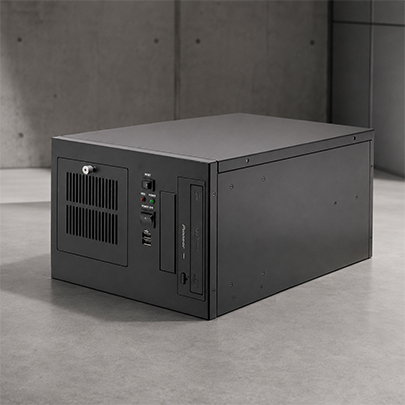
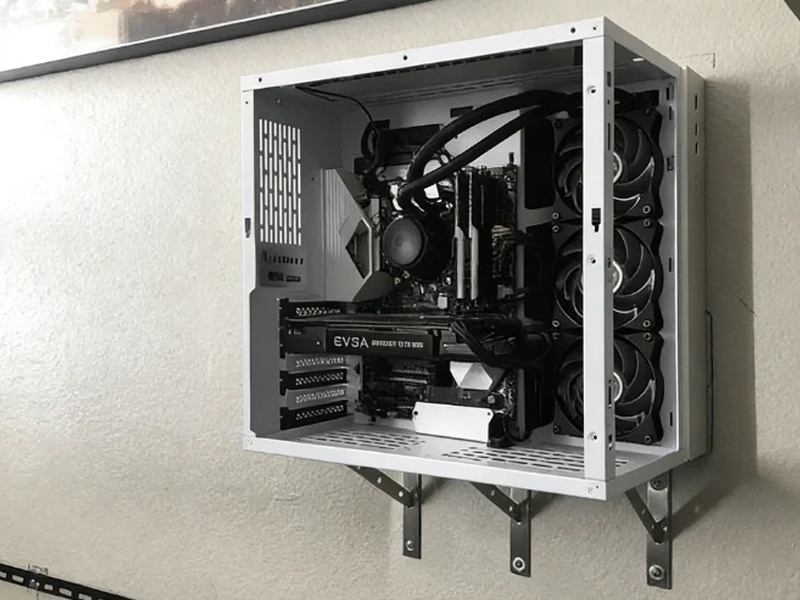
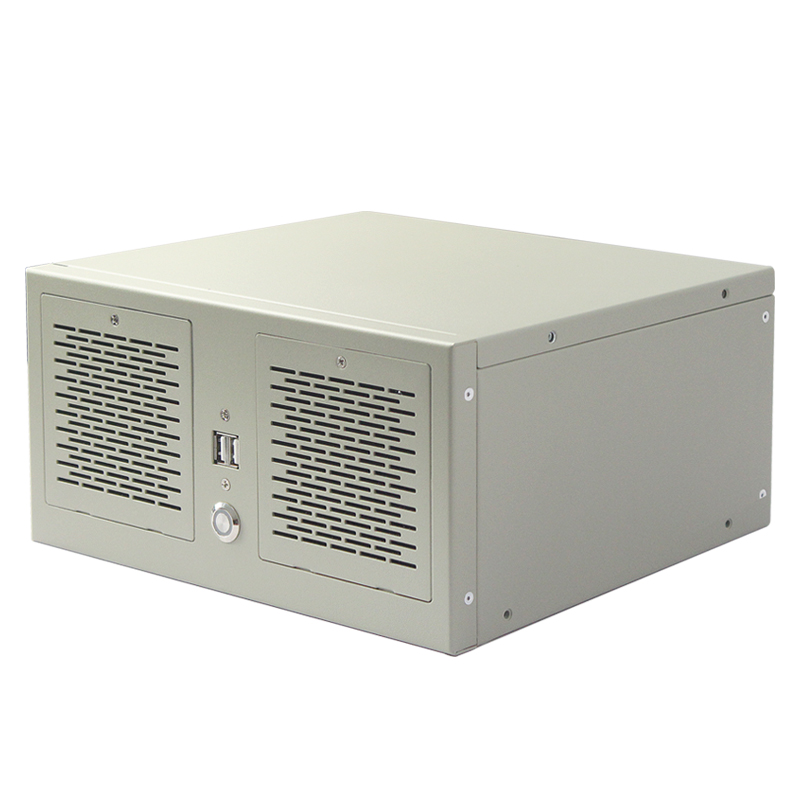
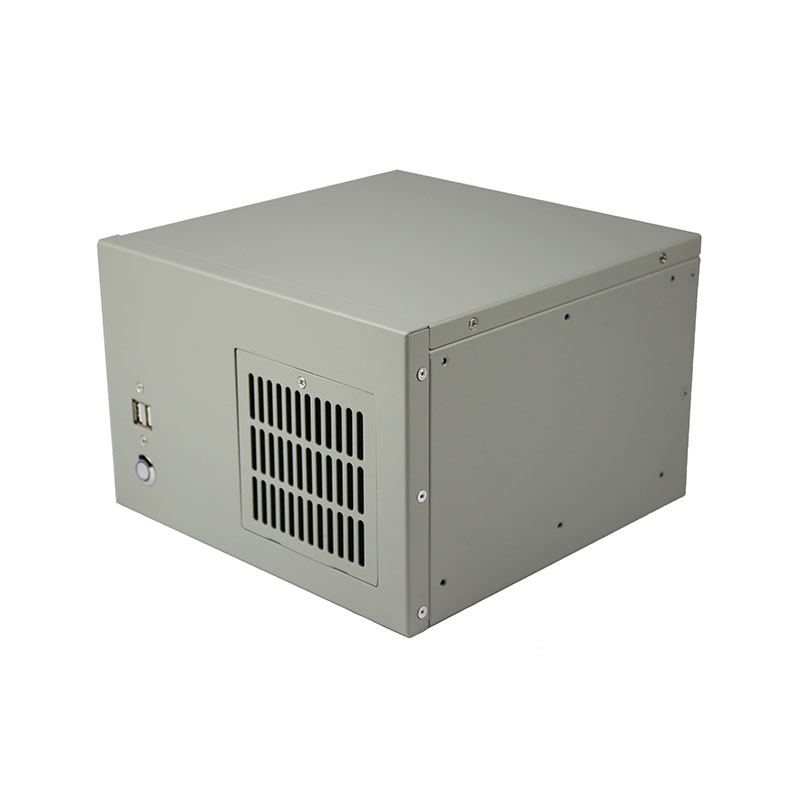
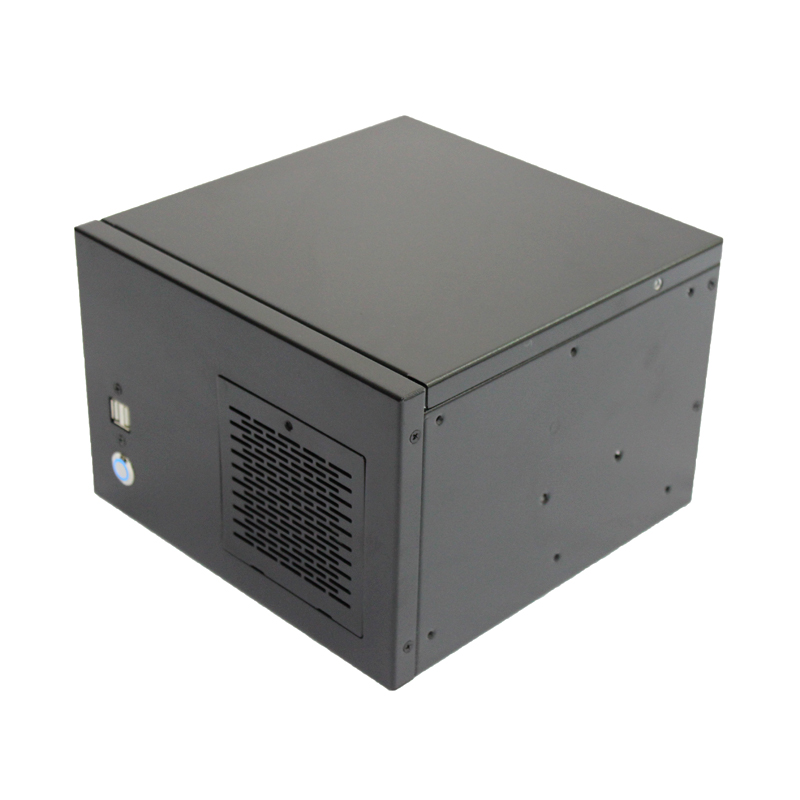
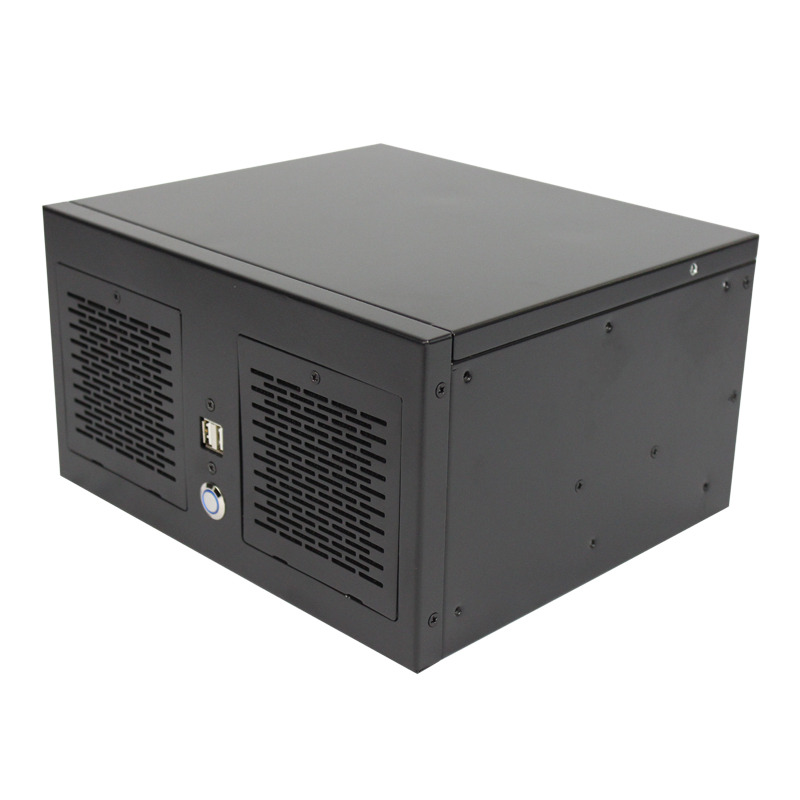
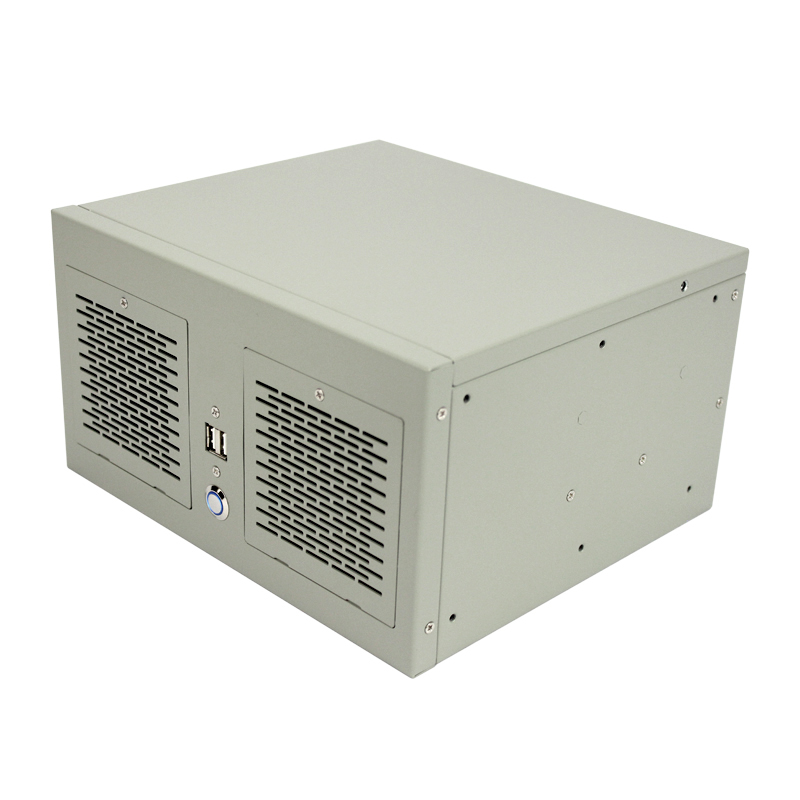
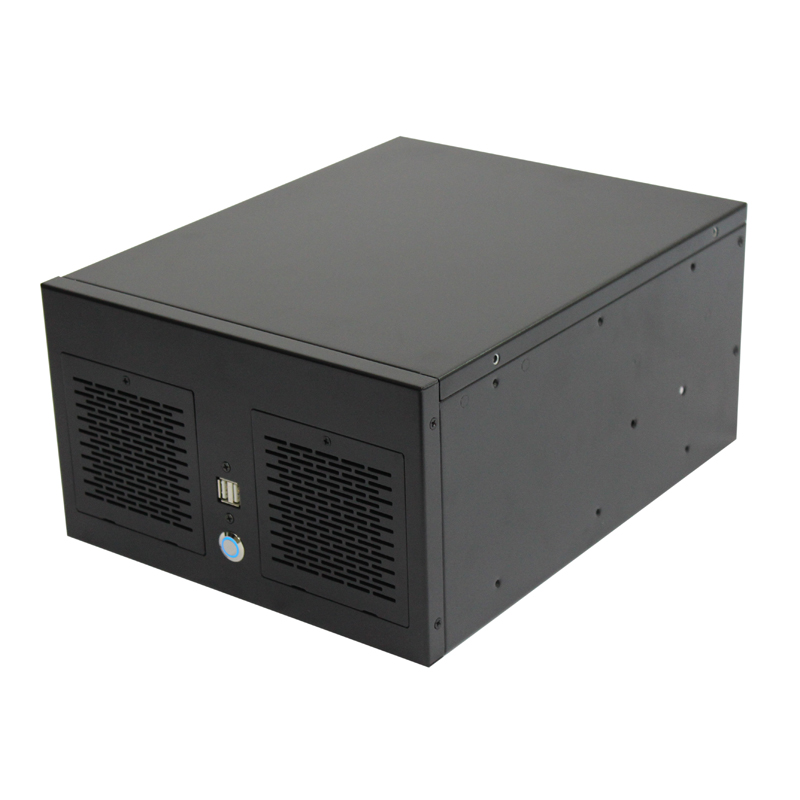
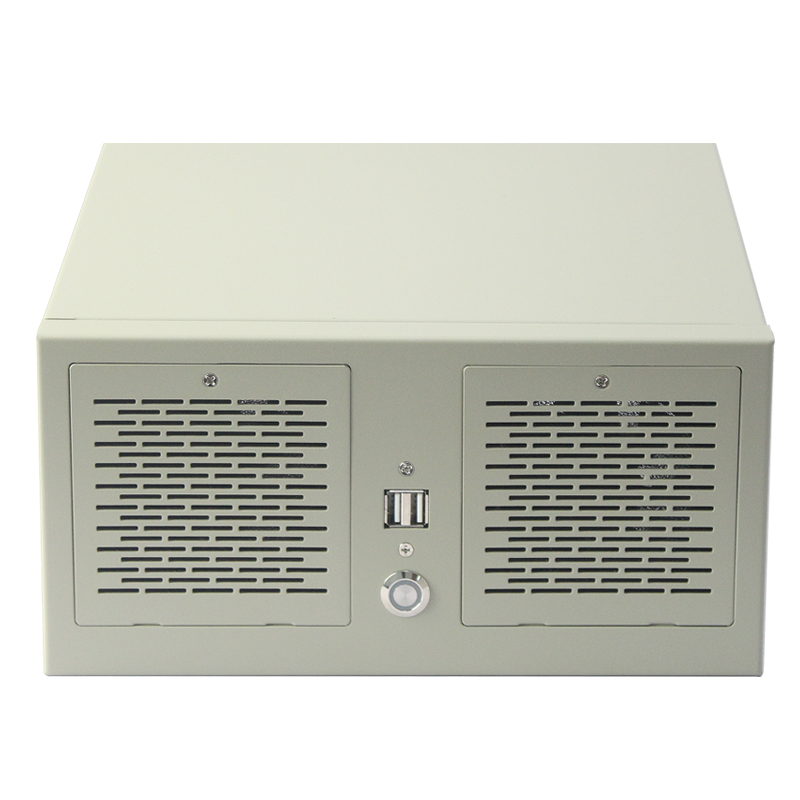
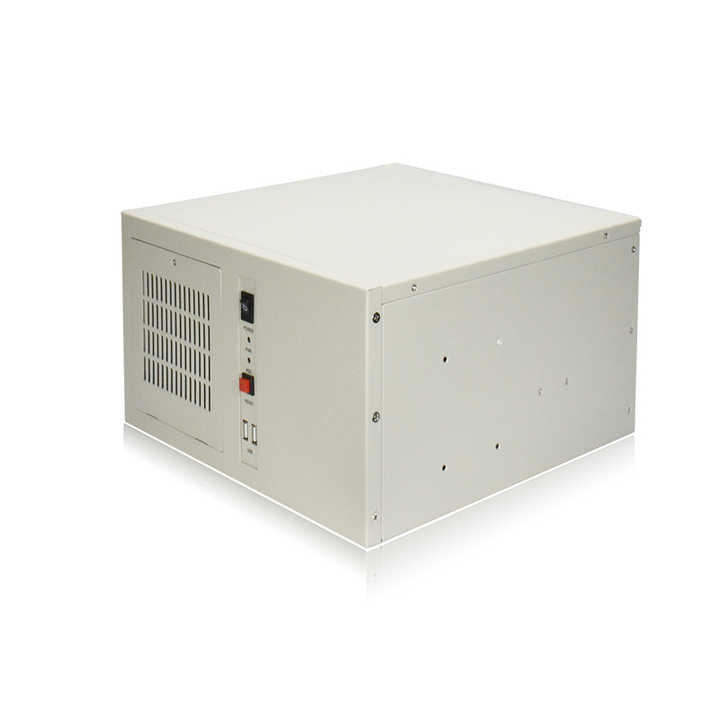
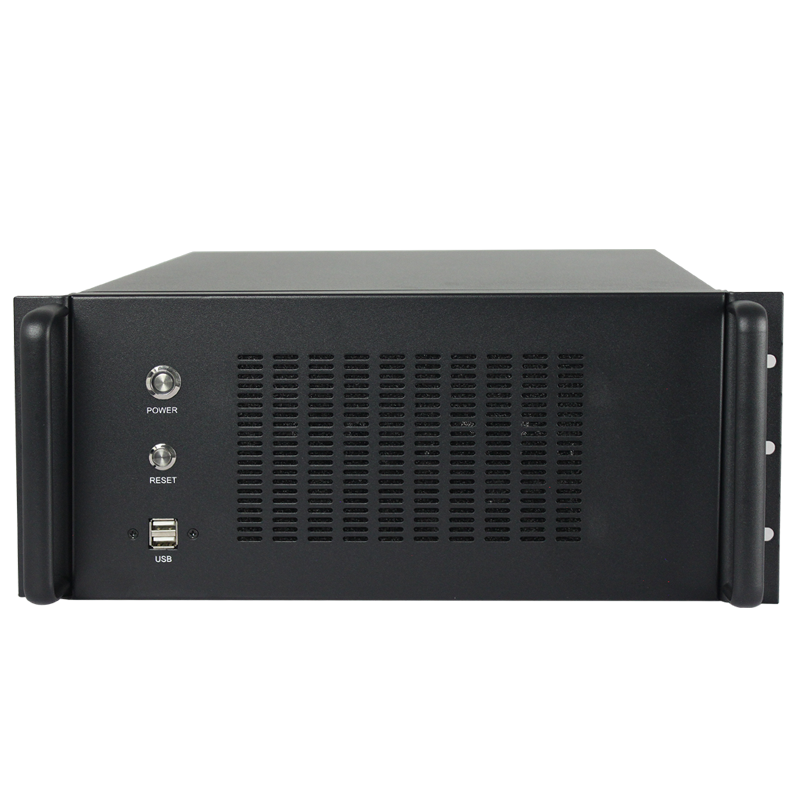
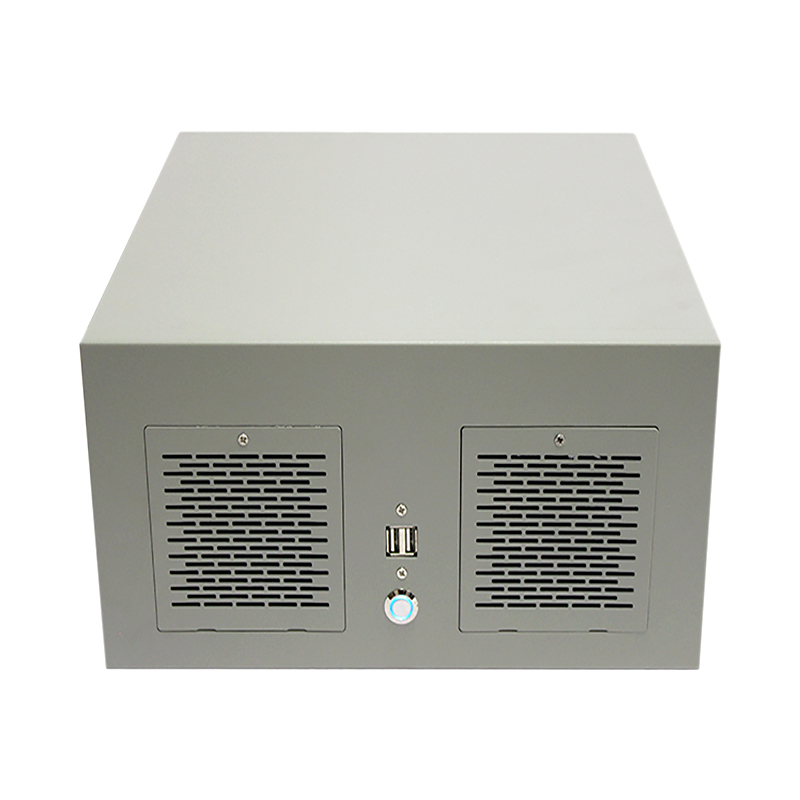
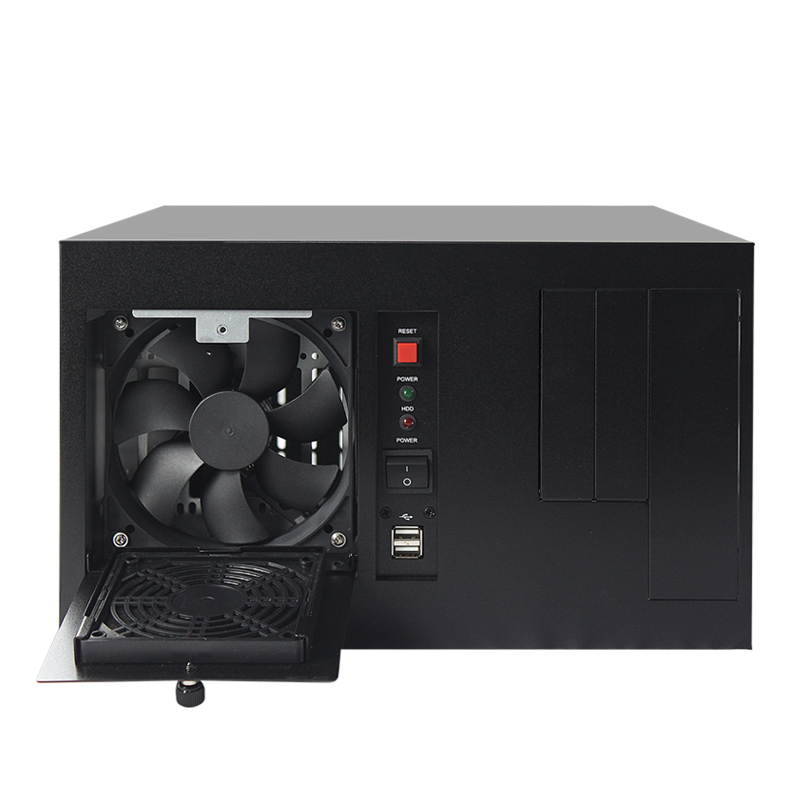
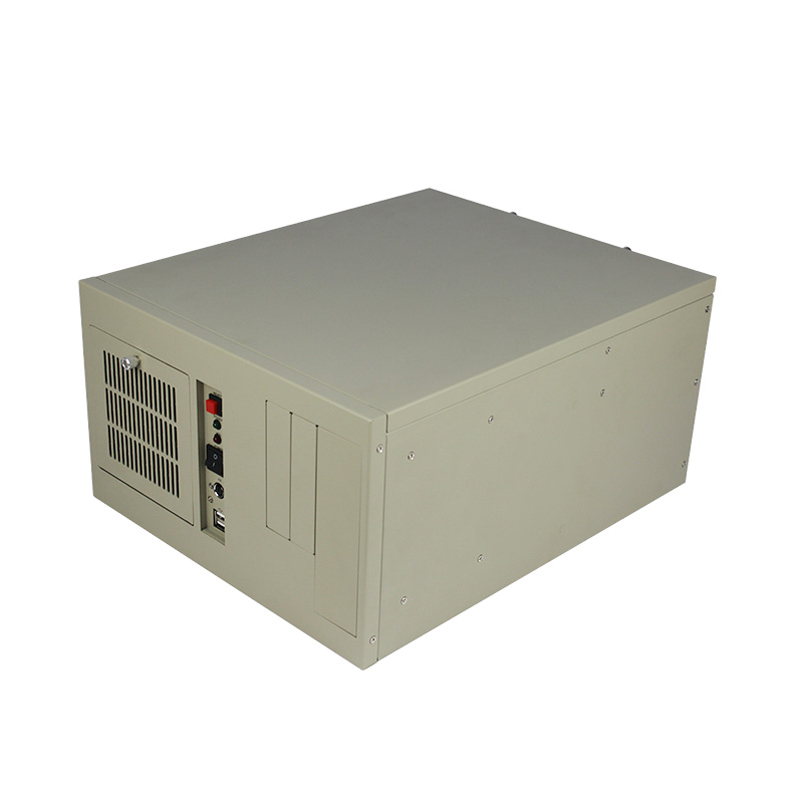
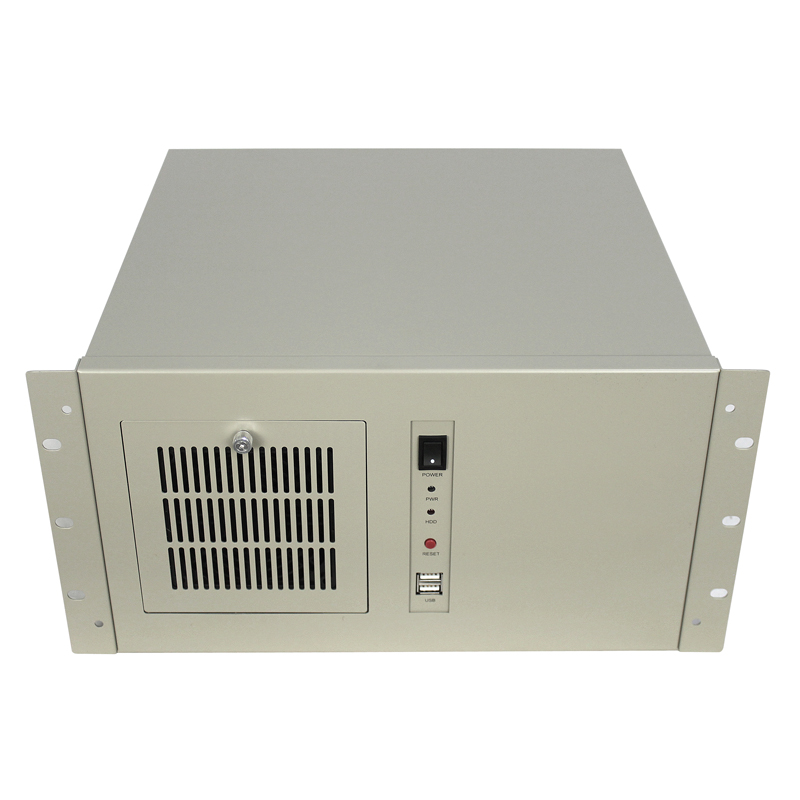
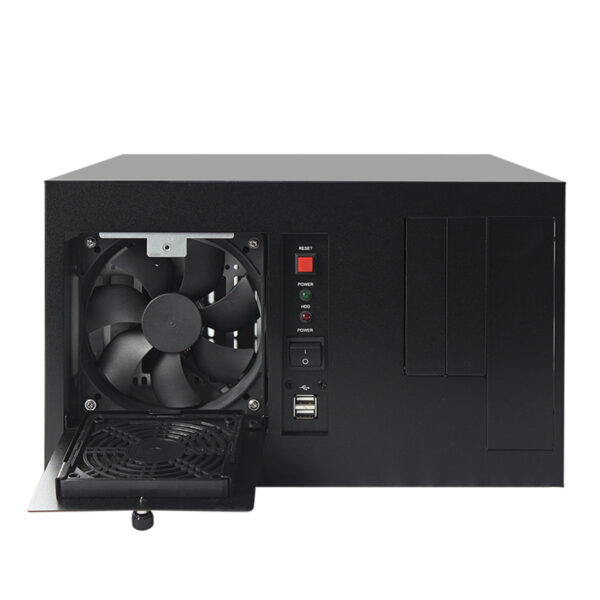
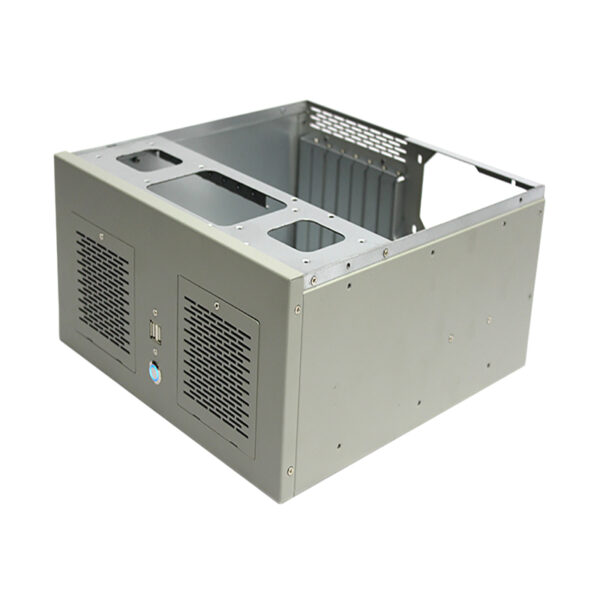
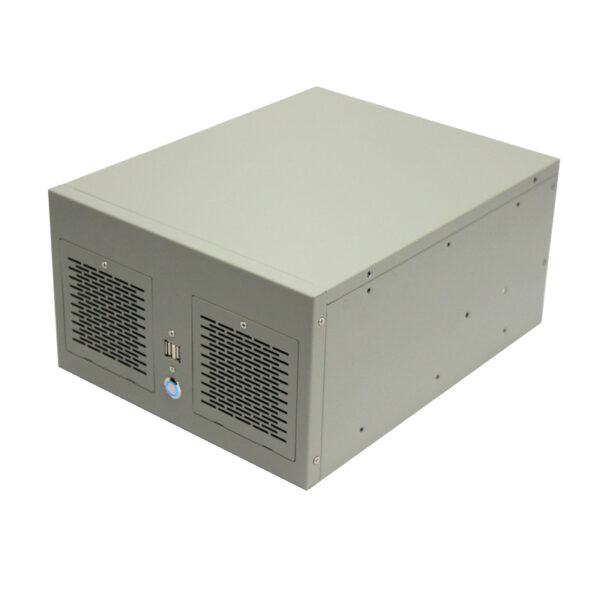
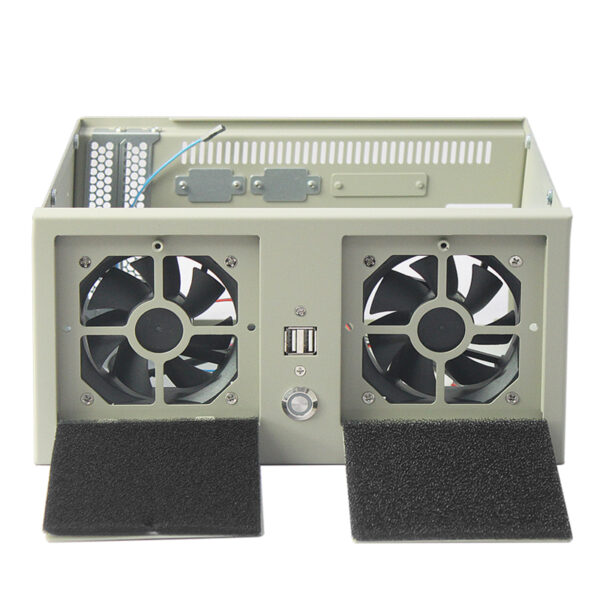
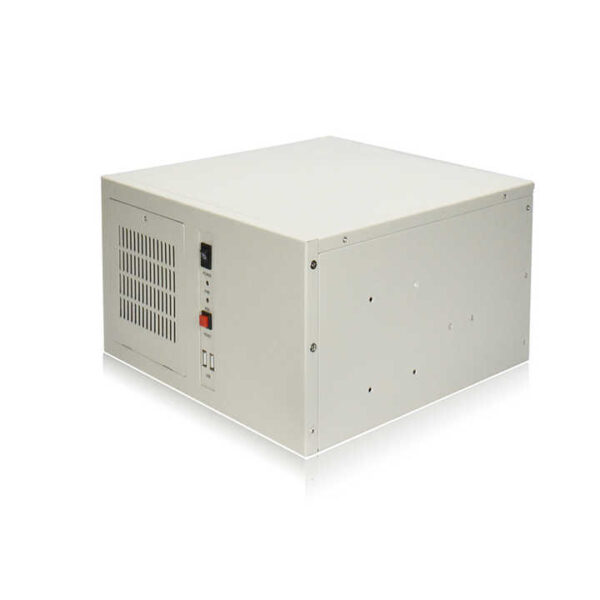
A wallmount industrial chassis is a protective enclosure that installs computing hardware on a wall, machine or work surface instead of using rack space. It serves engineers, technical integrators, equipment manufacturers, automation companies, and industrial buyers who need reliable hardware packaging near machines, controls, sensors, or test equipment.
What Is a Wallmount Chassis?

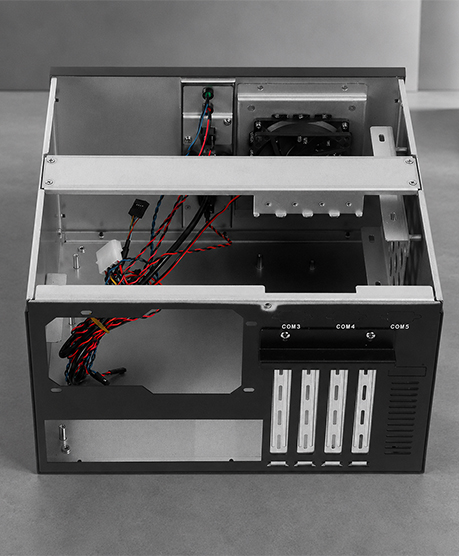
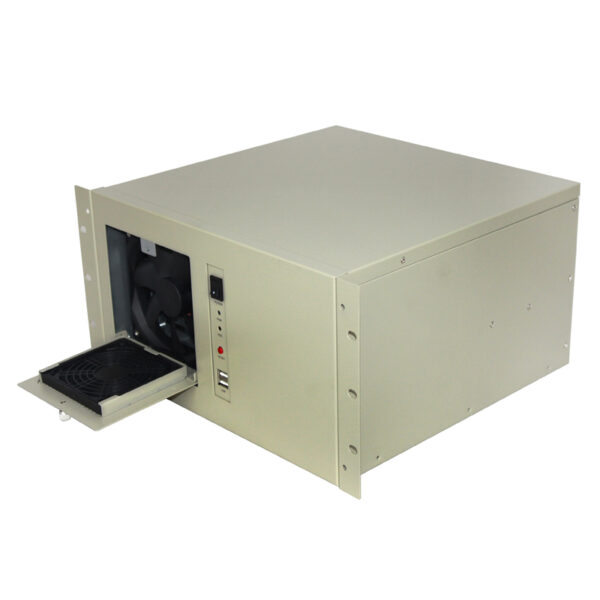
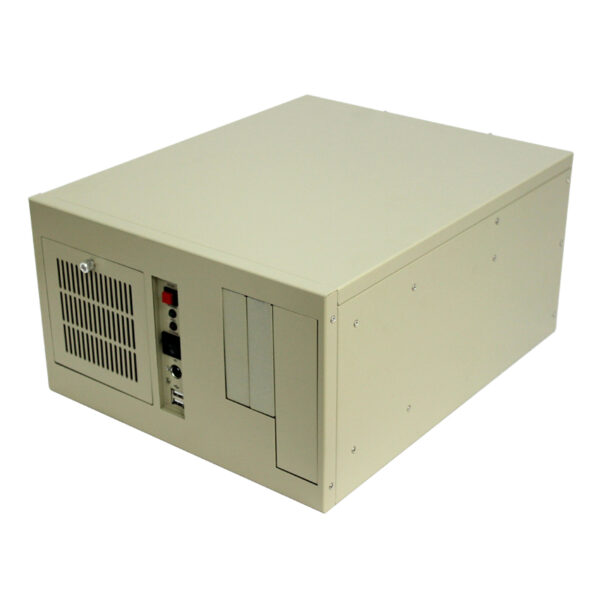
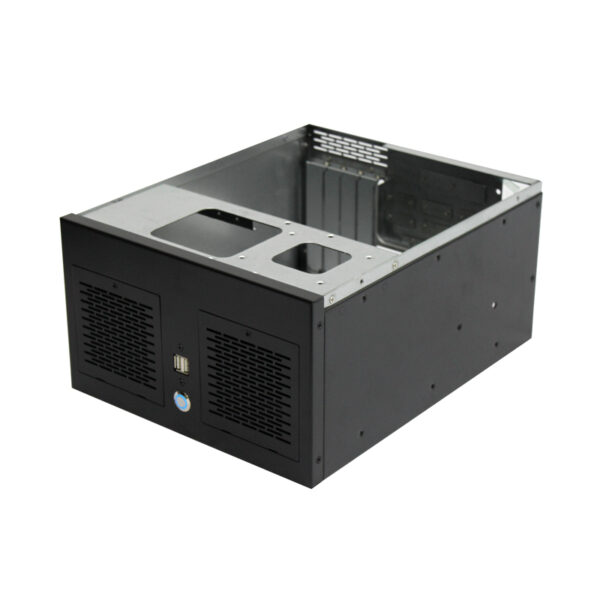
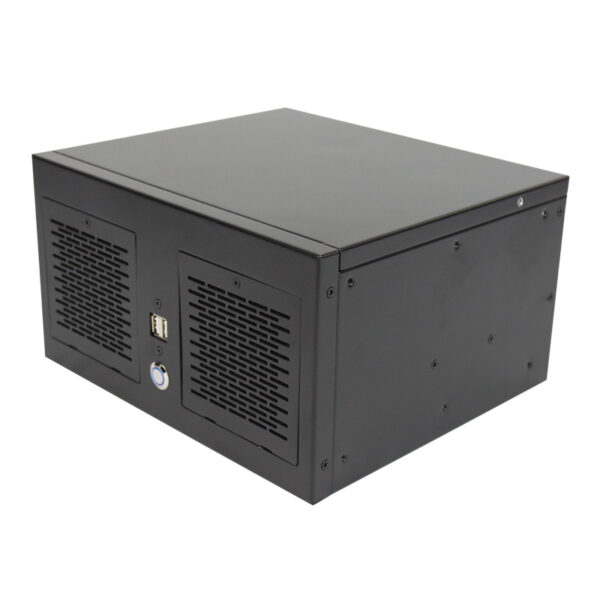
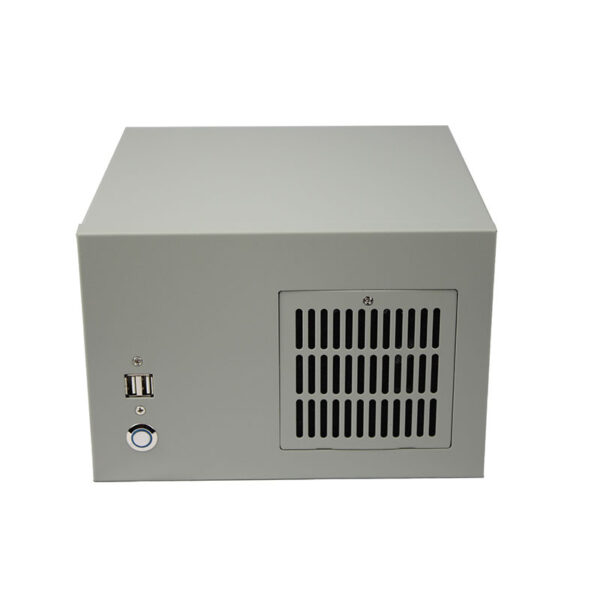
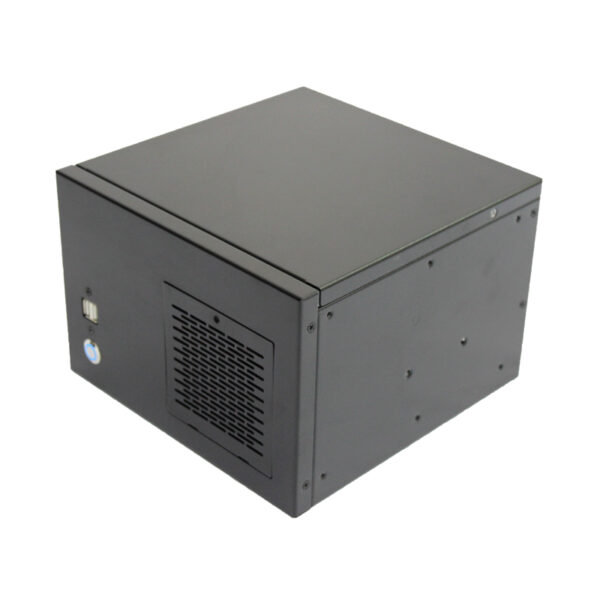
This metal enclosure secures processing, storage, add-in cards, cooling components, and cabling in an accessible vertical or horizontal installation. It can reduce cabinet demand while keeping field-service access close to the equipment for nearby maintenance.

Wallmount Chassis 03
Wallmount Chassis

Two architectures are common: motherboard chassis with I/O, or SBC chassis on a passive backplane.

What Is a Wallmount Chassis

Wallmount Case Category Related Product Data Sheets

Choose by deployment environment first, then verify motherboard size, power supplies, drive bays, expansion, cooling, rack depth, and cable routing. Build quality and serviceability matter because server infrastructure must stay protected and accessible.

Product Image Model Product Link Type Dimensions (W×D×H mm) Supported Motherboard (mm/in) Drive Bays Optical Drive Power Supply Fans Expansion Slots Front Panel Material & Thickness Customizable
Compact Rackmount Chassis Wallmount Case ISC-WMS34TW-M Rackmount (2 slots) 263 × 232 × 130 Micro-ATX 245 × 245 (9.6 × 9.6") 1 × 3.5" HDD; 1 × 2.5" HDD None ATX PSU 2 × 80 × 25 mm 2 × PCI-E; 4 × COM USB port SGCC steel, 1.2 mm Yes
Dust-Filtered Wallmount Chassis Wallmount Case ISC-WMS31W-M Wallmount (2 slots) 230 × 230 × 155 Mini-ITX 170 × 170 (7 × 7") Up to 2 × 2.5" HDD or 1 × 3.5" HDD None 1U FLEX PSU 1 × 80 × 25 mm 2 × full-height 2 × USB 2.0; Power switch/LED; Removable dust-filter panel Zinc-plated steel, 1.2 mm Yes
Steel Wallmount Server Chassis Wallmount Case ISC-WMS31B-M Wallmount (2 slots) 230 × 230 × 155 Mini-ITX 170 × 170 (7 × 7") Up to 2 × 2.5" HDD or 1 × 3.5" HDD None 1U FLEX PSU 1 × 80 × 25 mm 2 × full-height 2 × USB 2.0; Power switch/LED; Removable dust-filter panel Zinc-plated steel, 1.2 mm Yes
Steel Wallmount Server Case Wallmount Case ISC-WMS33B-M Wallmount (4 slots) 263 × 230 × 145 190 × 245 (8.5 × 9.6") Up to 2 × 2.5" HDD or 1 × 3.5" HDD None 1U FLEX PSU 4 × full-height; 6 × COM 2 × USB 2.0; Power & HDD LEDs Zinc-plated steel, 1.2 mm Yes
4-Slot Steel Wallmount Chassis Wallmount Case ISC-WMS33W-M Wallmount (4 slots) 263 × 230 × 145 190 × 245 (8.5 × 9.6") Up to 2 × 2.5" HDD or 1 × 3.5" HDD None 1U FLEX PSU 4 × full-height; 6 × COM 2 × USB 2.0; Power & HDD LEDs Zinc-plated steel, 1.2 mm Yes
4-Slot Wallmount Chassis Wallmount Case ISC-WMS34B-M Wallmount (4 slots) 260 × 330 × 155 Micro-ATX 245 × 245 (9.6 × 9.6") 1 × 2.5" HDD or 1 × 3.5" HDD None 1U FLEX PSU 2 × 80 × 25 mm 4 × full-height 2 × USB 2.0; Power LED; Removable dust-filter panel Zinc-plated steel, 1.2 mm Yes
4-Slot Wallmount Server Chassis Wallmount Case 4 Slots Model ISC WMS34W M Wallmount (4 slots) 263 × 232 × 130 245 × 200 (9.6 × 8.2") 1 × 3.5" HDD; 1 × 2.5" HDD None ATX PSU 2 × 80 × 25 mm 4 × PCI-E; 4 × COM USB port Steel Yes
4-Slot Wallmount Server Chassis Wallmount Case ISC-WMS34W-M Wallmount (4 slots) 260 × 330 × 155 Micro-ATX 245 × 245 (9.6 × 9.6") 1 × 2.5" HDD or 1 × 3.5" HDD None 1U FLEX PSU 2 × 80 × 25 mm 4 × full-height 2 × USB 2.0; Power LED; Removable dust-filter panel Zinc-plated steel, 1.2 mm Yes
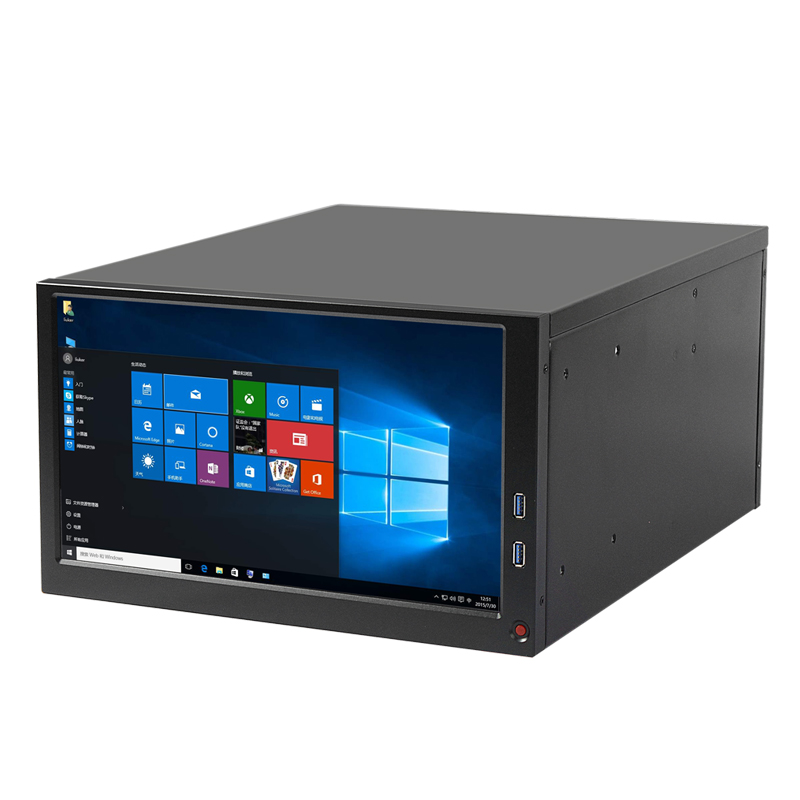
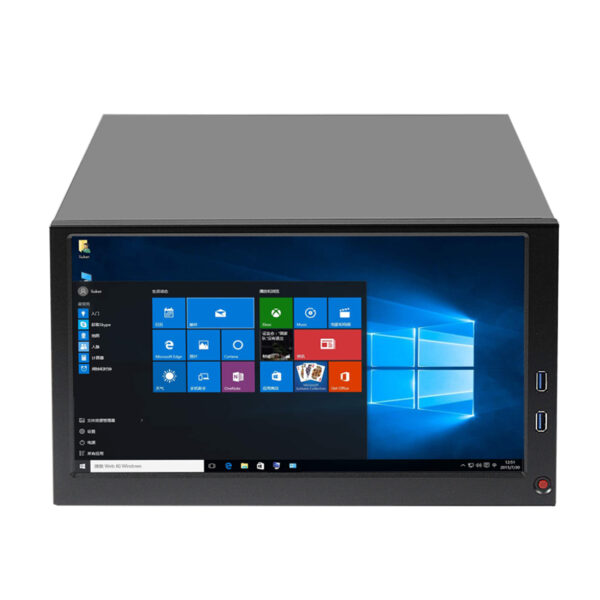
6-Slot Wallmount Chassis Wallmount Case ISC-WMS38CB-M Wallmount (6 slots) 330 × 410 × 200 ATX 305 × 245 (12 × 9.6") 1 × 3.5" HDD; 2 × 2.5" HDD None ATX PSU 1 × 120 × 25 mm 6 × PCI-E; 5 × COM; 1 × VGA 13.3" LCD; 2 × USB 3.0 Yes
Steel Wallmount Server Case Wallmount Case ISC-WM7CX330-L Wallmount (7 slots) 330 × 330 × 174 ATX 305 × 244 (12 × 9.6"); Micro-ATX 245 × 245 (9.6 × 9.6"); Mini-ITX 170 × 170 (6.7 × 6.7") 1 × 3.5" HDD; 1 × 2.5" HDD/SSD None Standard ATX PSU 1 × 120 × 25 mm 7 × full-height PCIe Power switch; Reset switch; Network LED; Fault LED; 2 × USB 2.0 ports SGCC steel, 1.2 mm Yes
7-Slot Wallmount Server Chassis Wallmount Case ISC-WMS37B-M Wallmount (7 slots) 330 × 330 × 160 ATX 305 × 245 (12 × 9.6") 2 × 3.5" + 1 × 2.5" HDD or 1 × 3.5" + 2 × 2.5" HDD None ATX PSU 2 × 80 × 25 mm 7 × PCI-E 2 × USB 2.0; Power & Reset switches SGCC steel, 1.2 mm Yes
7-Slot Steel Wallmount Chassis Wallmount Case ISC-WMS37W-M Wallmount (7 slots) 320 × 330 × 195 ATX 305 × 245 (12 × 9.6") Up to 2 × 2.5" HDD or 1 × 3.5" HDD None 1U FLEX PSU 2 × 80 × 25 mm 7 × full-height 2 × USB 2.0; Power LED; Removable dust-filter panel Zinc-plated steel, 1.2 mm Yes
Steel Wallmount Server Chassis Wallmount Case ISC-WMS38B-M Wallmount (7 slots) 330 × 406 × 196.5 ATX 305 × 345 (12 × 13") 1 × 3.5" HDD 1 × CD-ROM; 2 × floppy ATX PSU 1 × 120 × 25 mm 1 × I/O + 7 × full-height 2 × USB 2.0; Power; Reset; Power & HDD LEDs; PS/2 port Zinc-plated steel, 1.2 mm Yes
7-Slot Steel Wallmount Chassis Wallmount Case ISC-WMS38W-M Wallmount (7 slots) 330 × 406 × 196.5 ATX 305 × 345 (12 × 13") 1 × 3.5" HDD 1 × CD-ROM; 2 × floppy ATX PSU 1 × 120 × 25 mm 1 × I/O + 7 × full-height 2 × USB 2.0; Power; Reset; Power & HDD LEDs; PS/2 port Zinc-plated steel, 1.2 mm Yes
7-Slot Wallmount Case Wallmount Case ISC-WMS39W-M Wallmount (7 slots) 383 × 330 × 190 ATX 305 × 245 (12 × 9.6") 1 × 3.5" HDD None ATX PSU 1 × 120 × 25 mm 1 × I/O + 7 × full-height 2 × USB 2.0; Power; Reset; Power & HDD LEDs; PS/2 port Zinc-plated steel, 1.2 mm Yes

How Do Motherboard and Backplane Choices Shape the Chassis?

Compatibility depends on mounting points, rear I/O alignment, connector locations, slot geometry, and component clearances. A case advertised for ATX motherboards may accept smaller formats, but an SBC build needs the correct PICMG backplane and matching CPU-card interface.

Which Chassis Product Formats Are Available?

What Chassis Expansion, Bay, Cooling, and Power Details Matter?

Formats range from Mini-ITX enclosures to larger shoebox-style platforms for microATX, ATX, or PICMG configurations. Choose according to card count, storage, service clearance, mounting orientation, installation envelope, future upgrades, service intervals, and replacement planning.

Expansion capacity involves more than opening count. Confirm card length, height, thickness, electrical interface, connector position, and airflow obstruction. Storage planning should distinguish front-accessible drive bays from an internal 3.5 position and account for any 5.25 device.

The design trade-off is direct: more cards and storage demand airflow, power, and service clearance.

How Should Buyers Select a Chassis for the System?

Start with the computing platform, then work outward to cards, storage, thermals, power, and installation. This sequence reduces late-stage problems with slot spacing, cable routing, airflow, maintenance clearance, and wall access during assembly and servicing.

Wall Mount Chassis FAQ and Configuration Support

Will my motherboard fit?

Fit depends on form factor, mounting holes, rear I/O, cooler height, power connectors, and installed cards. Send the manufacturer and model number for confirmation rather than relying only on an ATX or microATX label.

Usable capacity depends on openings, electrical interfaces, card thickness, card length, cooling clearance, and adjacent connectors. Share the complete card list so interference and airflow issues can be reviewed before quotation.

Choose storage by capacity, media type, front access, cabling, and maintenance. Confirm whether the build needs a 3.5 HDD position, 2.5 SSD mount, or 5.25 device because bay arrangements differ.

Ready to Configure the Right Wallmount Industrial Chassis?

Share your motherboard or backplane model, expansion-slot count, card dimensions, storage needs, cooling demand, power requirements, mounting orientation, and available installation space. HF Technology can review component fit, airflow, cable access, and service clearance to help identify a suitable wallmount chassis configuration.